
截图
介绍
Usage
This datapack allows you to duplicate items.
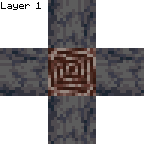
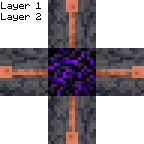
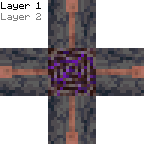
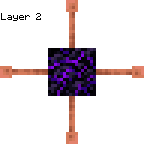
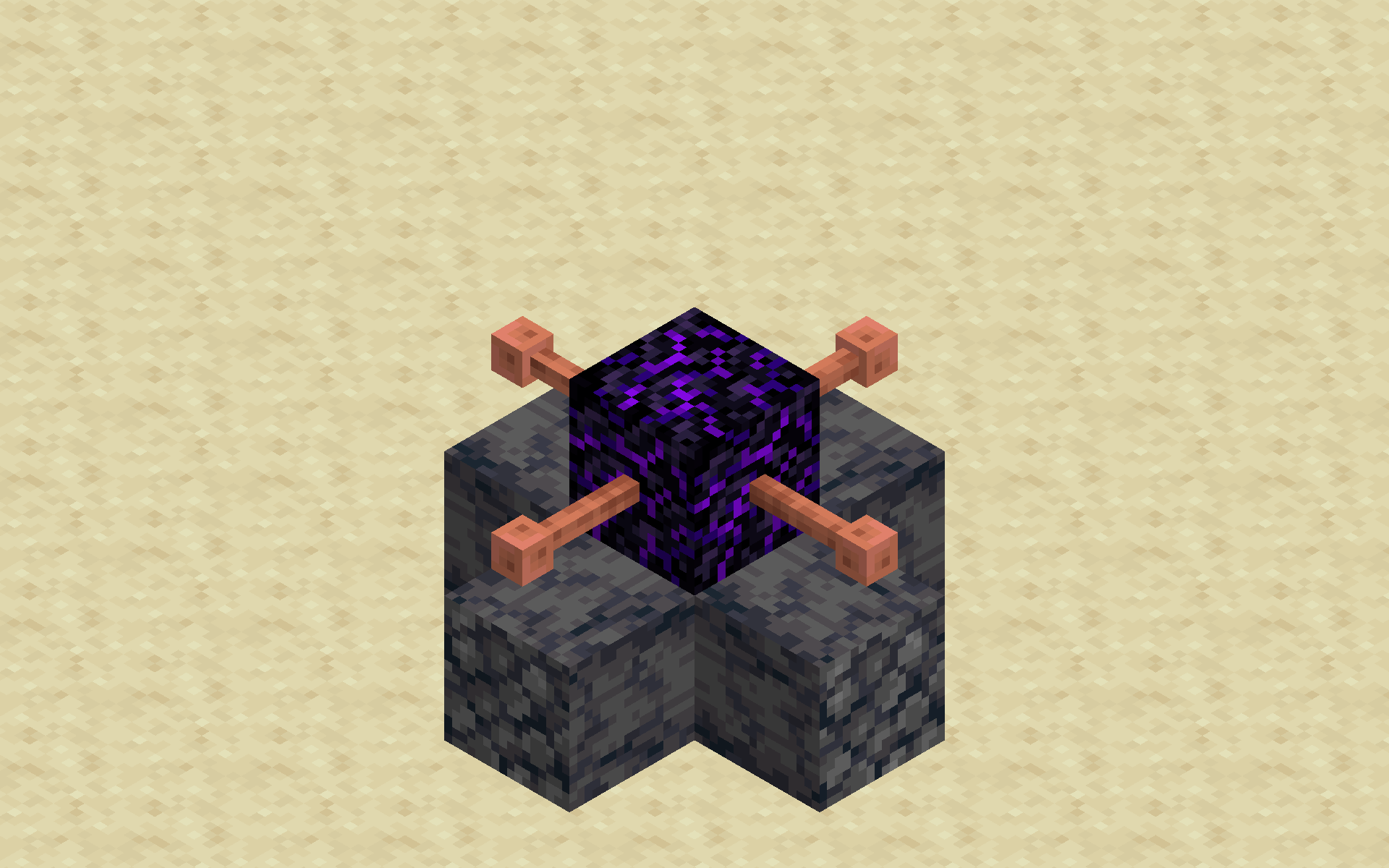
To duplicate items, first build a structure with 1 ancient debris, 4 basalt, 1 crying obsidian and 4 lightning rods:

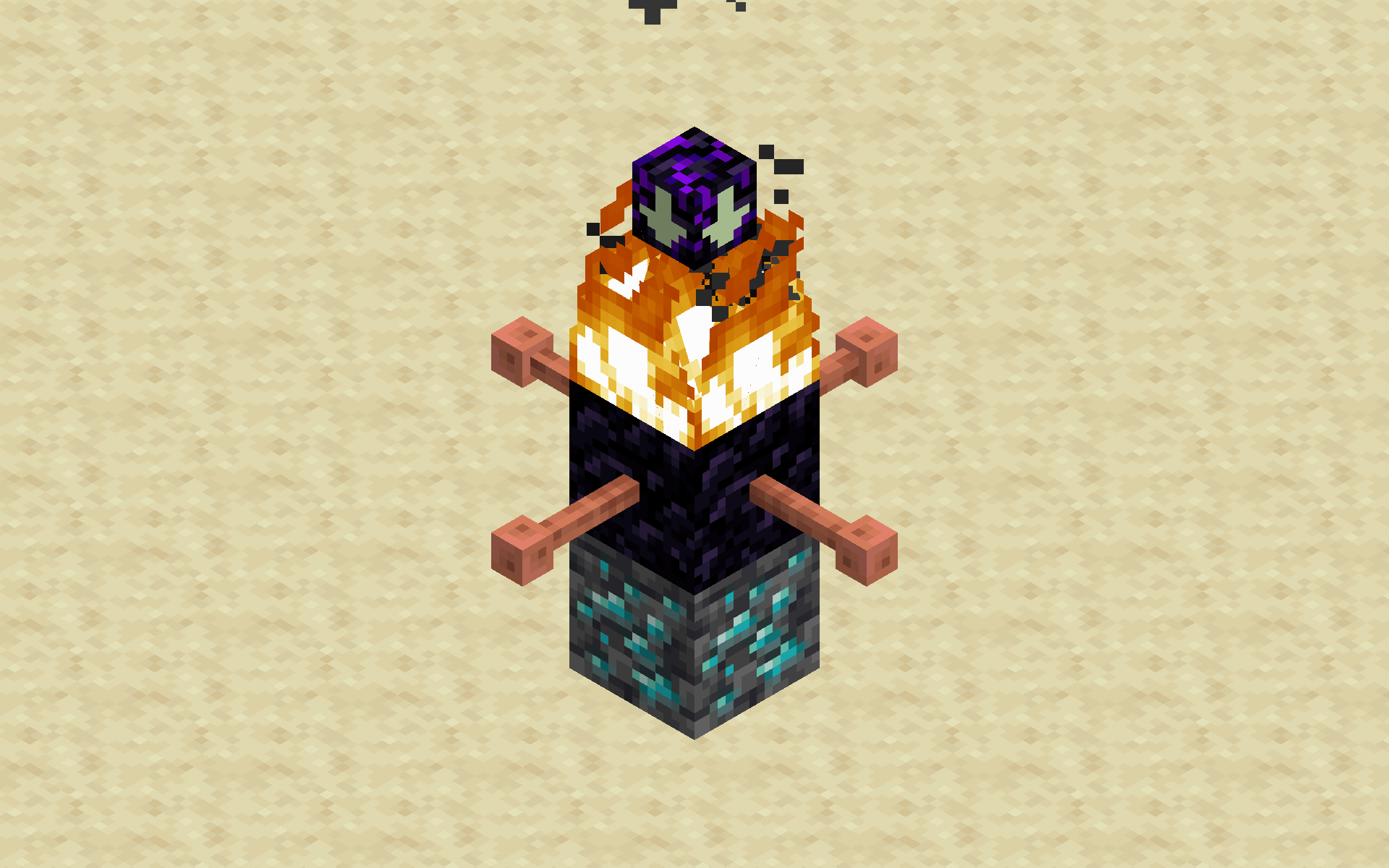
Next, light the top of the crying obsidian with a flint and steel enchanted with summoning. The flint and steel will break instantly.
This will create a duplicator. To use the duplicator, place the block you want to duplicate 2 blocks underneath it, then place basalt under the duplicator. It will duplicate the block.
Installation
Datapack
On Create World
- Click the More tab
- Click Data Packs
- Click Open Pack Folder
- Paste in the downloaded datapack
- Move the datapack to Selected
- Click Done
Add to existing world
- Select the world
- Click Edit
- Click Open World Folder
- Open the
datapacksfolder - Paste in the downloaded datapack
Required Resource Pack
Singleplayer
- Open the resource pack list
- Click Open Pack Folder
- Paste in the downloaded resource pack
- Move the resource pack to Selected
Server
- Add the downloaded resource pack as a server resource pack
- Make server resource packs required
Compatibility
This datapack is not currently intentionally compatible with other datapacks or mods.
However, it should be compatible with most mods or datapacks that don’t change how flint and steel works.
常见问题
Duplication 支持哪些 Minecraft 版本?
Duplication 支持 Minecraft Java 版 1.21.5–1.21.11,共 7 个版本。下载时注意选择和你游戏版本一致的文件。
Duplication 怎么安装?
新建世界时在「数据包」里把下载的 .zip 拖进去;已有的存档,把文件放进存档目录下的 datapacks 文件夹,进游戏输入 /reload 即可生效。服务器同样放在世界目录的 datapacks 里。


评论
登录后评论和评分