
截图


介绍
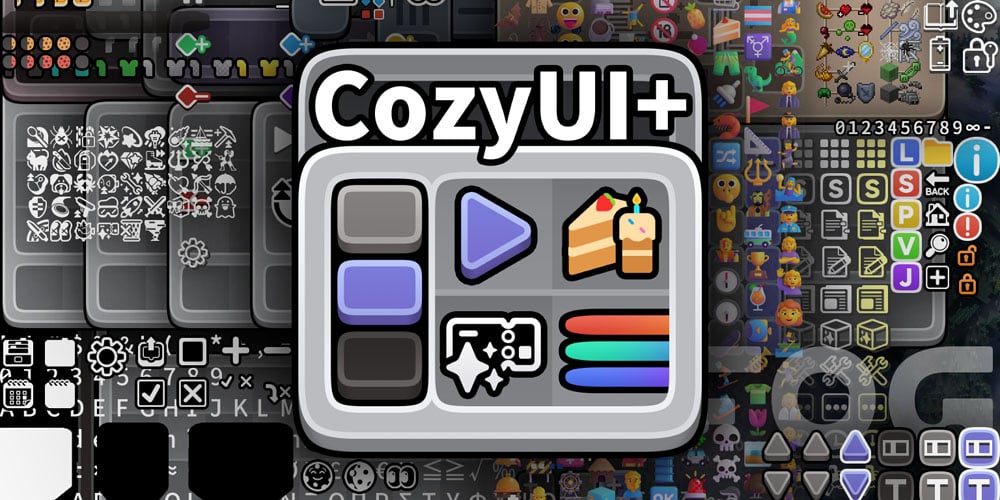

CozyUI+
将用户界面修改为整洁、低调的高清风格,涵盖所有原版 UI 元素以及许多实用的客户端模组。
游戏版本 ≥1.20
标题:CozyUI+
作者:零雾〇五 Fogg05
● 本资源包基于:
○ Fluent Emoji:https://github.com/microsoft/fluentui-emoji
○ NotoSans:https://github.com/notofonts/noto-cjk
● 支持的模组
| 模组名称 | 主页链接 | – |
|:——:|:——:|:——:|
OptiGUI | 🔗 Modrinth | ⭐ 推荐
苹果皮 | 🔗 Modrinth | 🔄 可选
Detail Armor Bar | 🔗 Modrinth | 🔄 可选
Litematica | 🔗 Modrinth | 🔄 可选
MiniHUD | 🔗 Modrinth | 🔄 可选
Replay Mod | 🔗 Modrinth | 🔄 可选
Inventory Hud+ | 🔗 CurseForge | 🔄 可选
Dynamic Crosshair | 🔗 Modrinth | 🔄 可选
Jade | 🔗 Modrinth | 🔄 可选
REI物品管理器 | 🔗 Modrinth | 🔄 可选
JEI物品管理器 | 🔗 Modrinth | 🔄 可选
Inventory Profiles Next | 🔗 Modrinth | 🔄 可选
Xaero的小地图 | 🔗 Modrinth | 🔄 可选
Xaero的世界地图 | 🔗 Modrinth | 🔄 可选
模组菜单 | 🔗 Modrinth | 🔄 可选
No Chat Reports | 🔗 Modrinth | 🔄 可选
Simple Voice Chat | 🔗 Modrinth | 🔄 可选
Entity Features | 🔗 Modrinth | 🔄 可选
Overflowing Bars | 🔗 Modrinth | 🔄 可选
● 酿造台中的配方
所有配方都会绘制在酿造台界面中,帮助大家记忆。
● OptiGUI 模组
可以通过背景颜色区分各种颜色的潜影盒、投掷器、发射器和末影箱。
● Emoji+ 与 MCsans+
将字体修改为高清的 NotoSans 和 FluentEmoji。
https://github.com/Fogg05/Emoji-Plus
https://github.com/Fogg05/MCsans-Plus
● 经验条 RGB
物品栏选中框和经验条采用 RGB 循环变色效果,并以非常缓慢的渐变不断调整颜色,营造悠闲舒缓的视觉体验。
● 按钮动画
在游戏版本 ≥1.21 中,部分按钮将会加入动画效果
评论
登录后评论和评分