
截图
介绍
中文介绍正在准备中,下面暂时显示原文。

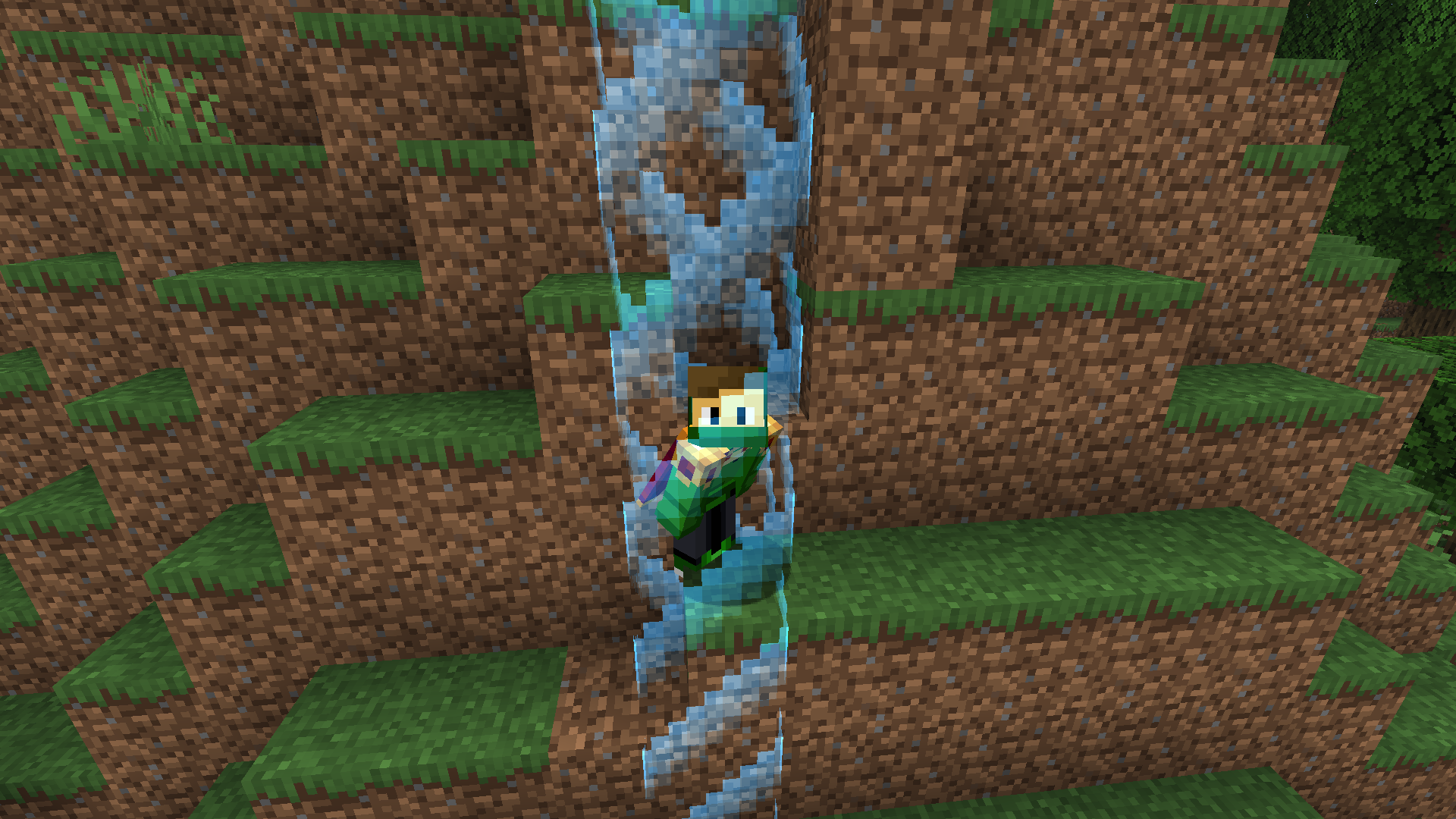
The barrier expands as the player takes damage. (READ THIS!)
How to install?
- Download the datapack
.zipfile. - Create new world and click More/Data Packs
- Click Open Pack Folder and place the downloaded
.zipfile into opened folder. - Create your world.
- Run
/trigger startin chat to activate the border. - You’re done! The datapack is now installed and ready to use.
Functions
- After starting a game, the world border is set to 1×1 block, centered on the player’s spawn point.
- Every time the player takes damage, the datapack checks the lost health and increases the border size.
- Expansion ratio: 1 HP (half a heart) = +0.5 block to the world border.
- The border always grows evenly in all directions from its center.
- Don’t worry about the datapack incompatibility message, because it has been tested on all versions listed in the version file.
常见问题
Hurtborder 支持哪些 Minecraft 版本?
Hurtborder 支持 Minecraft Java 版 1.21–1.21.8,共 9 个版本。下载时注意选择和你游戏版本一致的文件。
Hurtborder 怎么安装?
新建世界时在「数据包」里把下载的 .zip 拖进去;已有的存档,把文件放进存档目录下的 datapacks 文件夹,进游戏输入 /reload 即可生效。服务器同样放在世界目录的 datapacks 里。
FuzjaJadrowa 的其他作品
查看全部 →
Locator Bar
by FuzjaJadrowa
Recreated concept of a player locator bar for Minecraft. Simple, clean bar at the top of your screen.
6.4万
1 个月前
Modrinth
Locator Bar
by FuzjaJadrowa
Recreated concept of a player locator bar for Minecraft. Simple, clean bar at the top of your screen.
5.4万
26 天前
CurseForge
Don’t Hide My Days
by FuzjaJadrowa
Simple mod that separates local difficulty and day counter in F3 menu.
5,017
1 天前
CurseForge
Froggy
by FuzjaJadrowa
Mod that adds Froggy screamer into the game.
2,825
2 个月前
CurseForge
评论
登录后评论和评分