
Apeiron
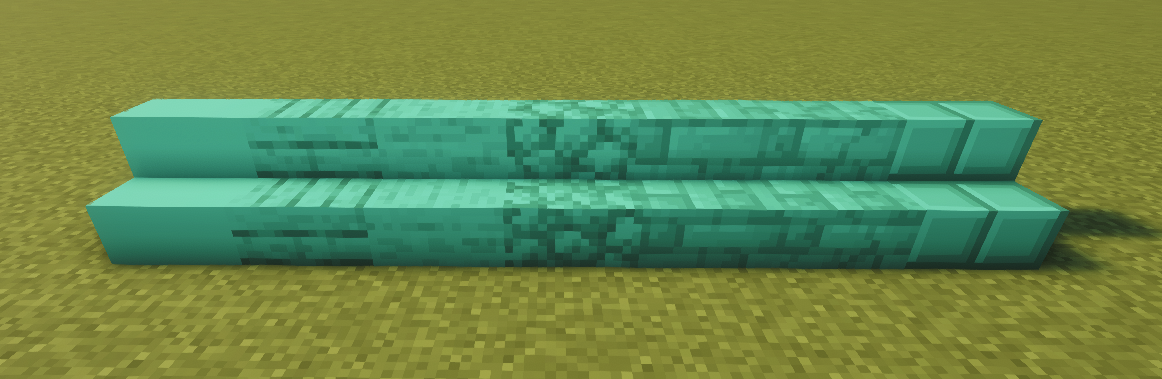
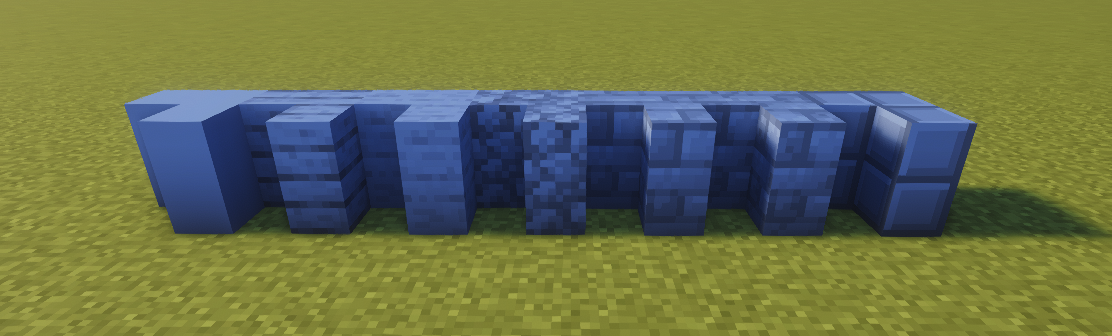
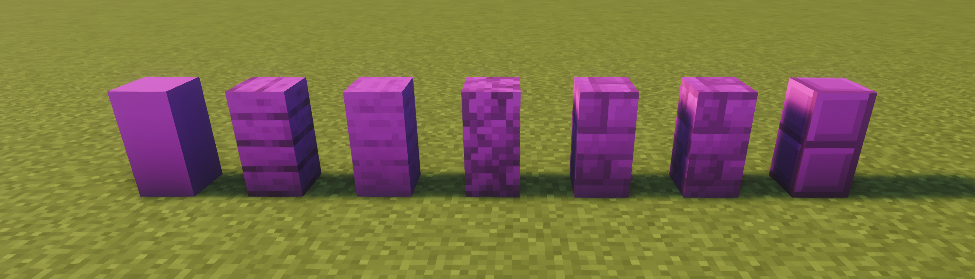
Apeiron lets you place blocks in any of 16 million RGB colors, across 24 block types each with up to 29 texture variants. Use the full-featured color picker to dial in your exact shade. Over 2.8 billion block combinations. Your palette is now limitless.
截图

介绍
Apeiron — Paint Your World
Ever wanted to build in exactly the right shade of teal? Or a soft warm beige that no vanilla block comes close to? Apeiron lets you place blocks in any RGB color you can imagine — all 16 million of them.
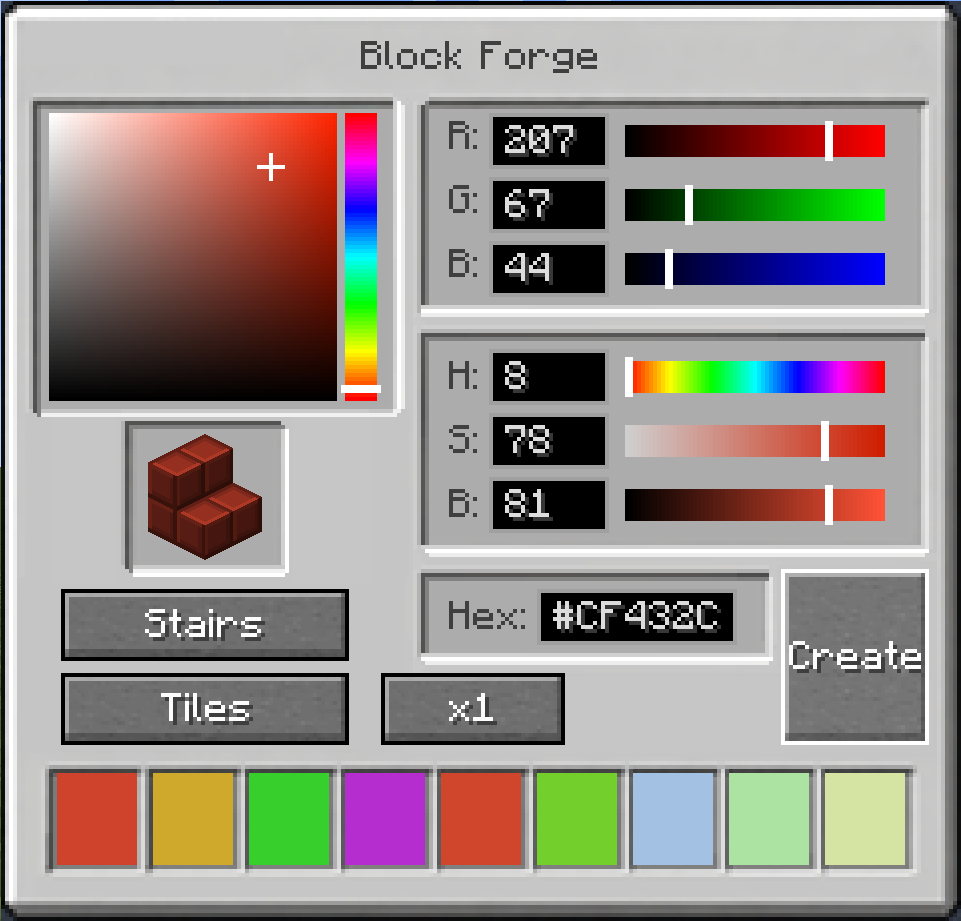
Using the Color Wand, you can open a full color picker with an HSB wheel, RGB sliders, hex input, and a color history — then place your color onto any Apeiron block. The color is stored directly in the block, so it persists through world saves, chunk reloads, and multiplayer.
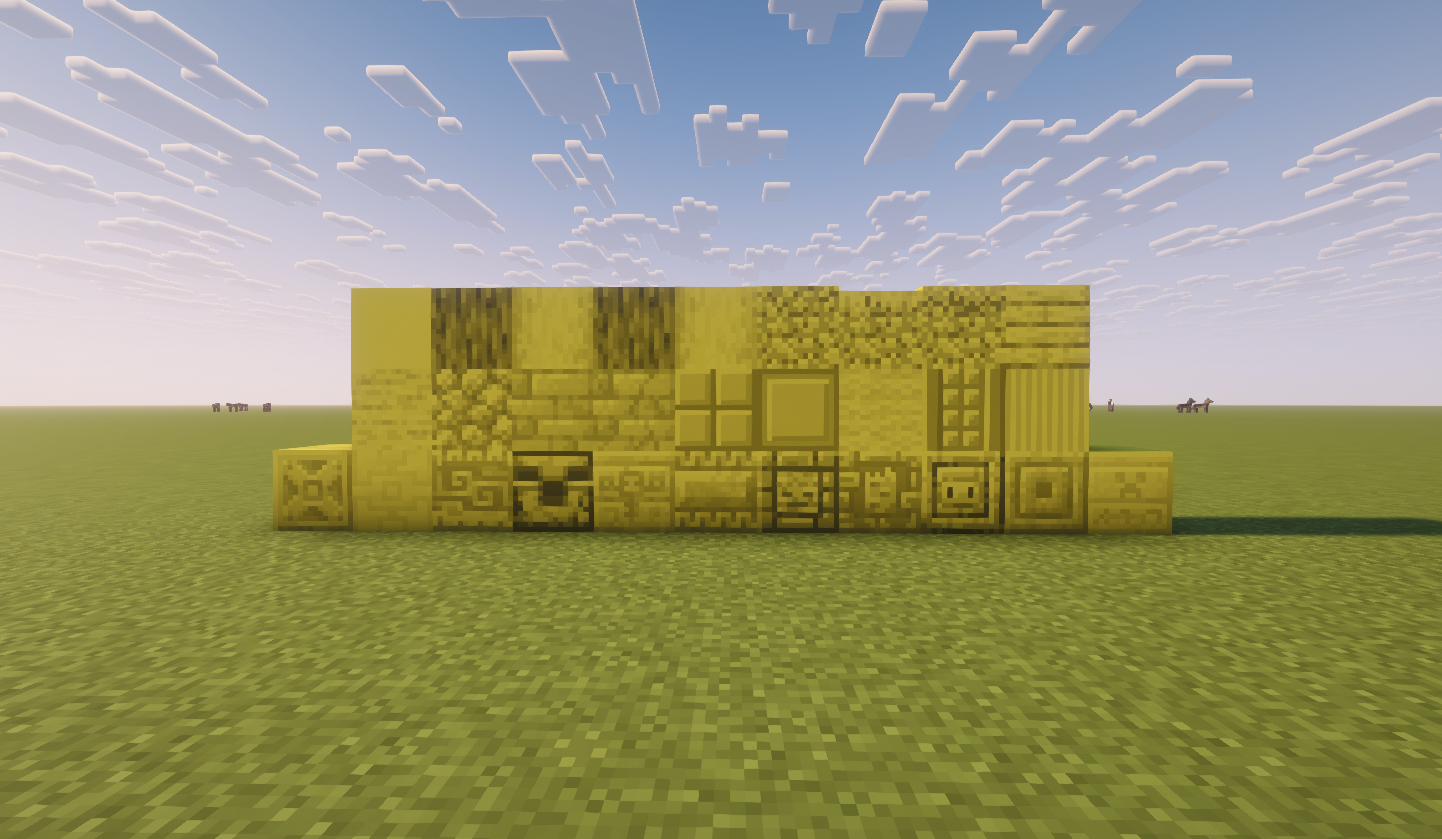
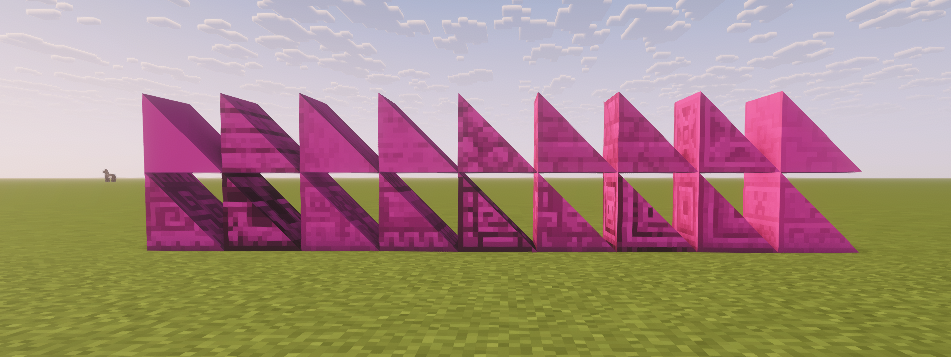
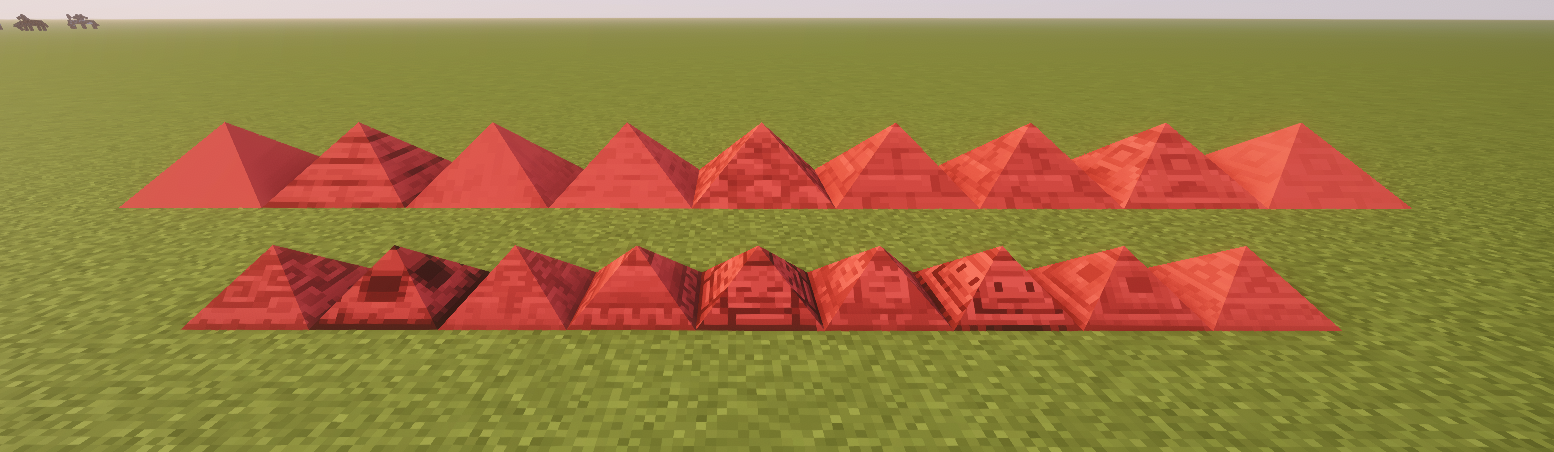
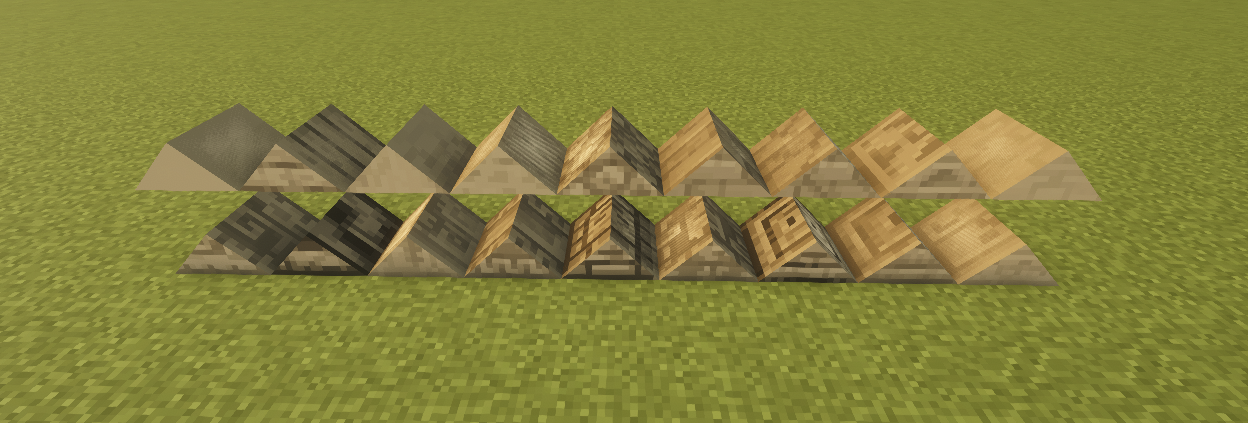
24 block types, each with multiple textures:
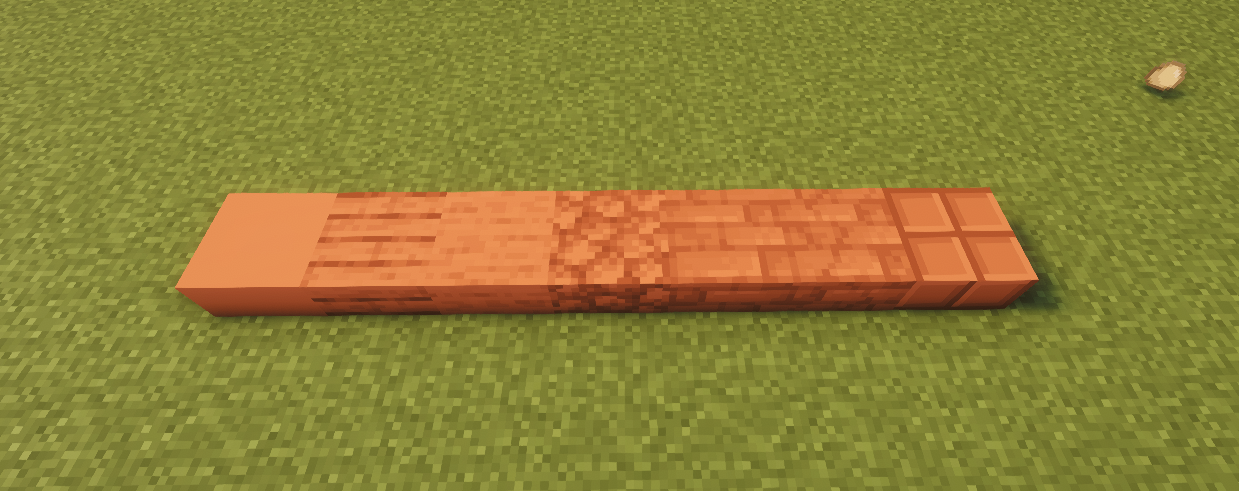
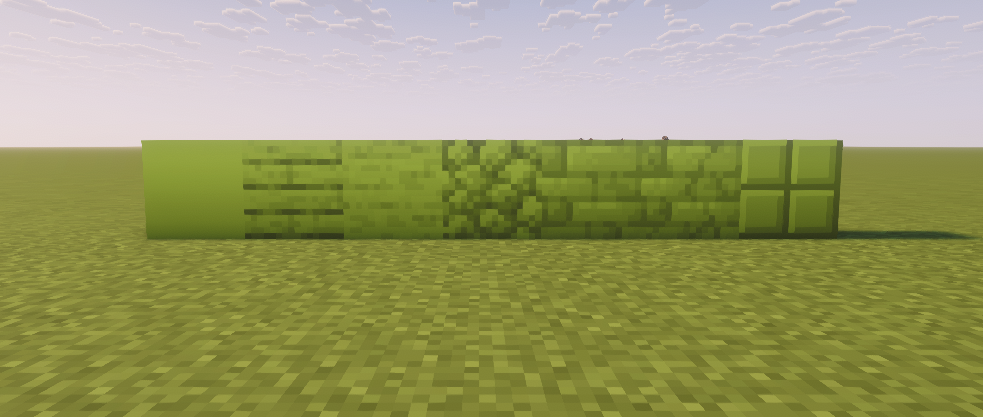
Each block type comes in multiple pattern variants, giving you over 2.4 billion possible block combinations. That’s not an exaggeration. That’s 16 million colors × 24 types × multiple textures, and every single one is placeable in survival.
Whether you’re building a cozy cottage, a modern megastructure, or anything in between — Apeiron gives you the palette to do it right.
Supported versions: 1.21.1, 1.21.3, 1.21.4, 1.21.5, 1.21.8, 1.21.10, 1.21.11
Mod loader: Fabric
常见问题
Apeiron 支持哪些 Minecraft 版本?
Apeiron 支持 Minecraft Java 版 1.21.1–1.21.11,共 7 个版本,可用的加载器:Fabric。下载时注意选择和你游戏版本一致的文件。
Apeiron 怎么安装?
先用 PCL2 或 HMCL 启动器安装对应版本的 Fabric,再把下载的 .jar 文件放进游戏目录的 mods 文件夹,重新启动游戏即可。开启了版本隔离的,mods 文件夹在 versions/版本名 下面。运行环境:客户端和服务端都要装。
评论
登录后评论和评分