
ExplosionVisualizer
Use real-time 3D rendering to display various information about the explosion
截图
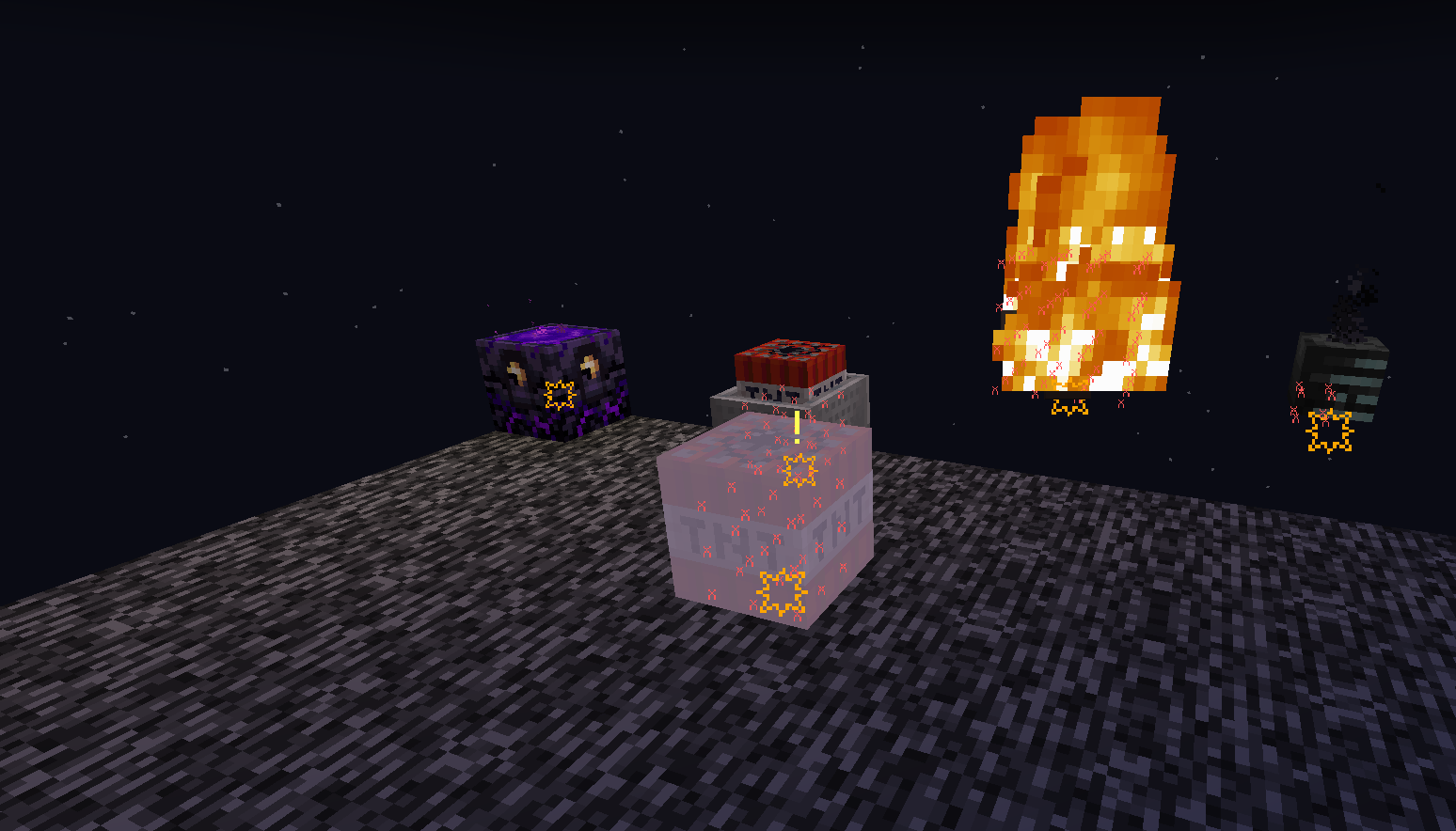
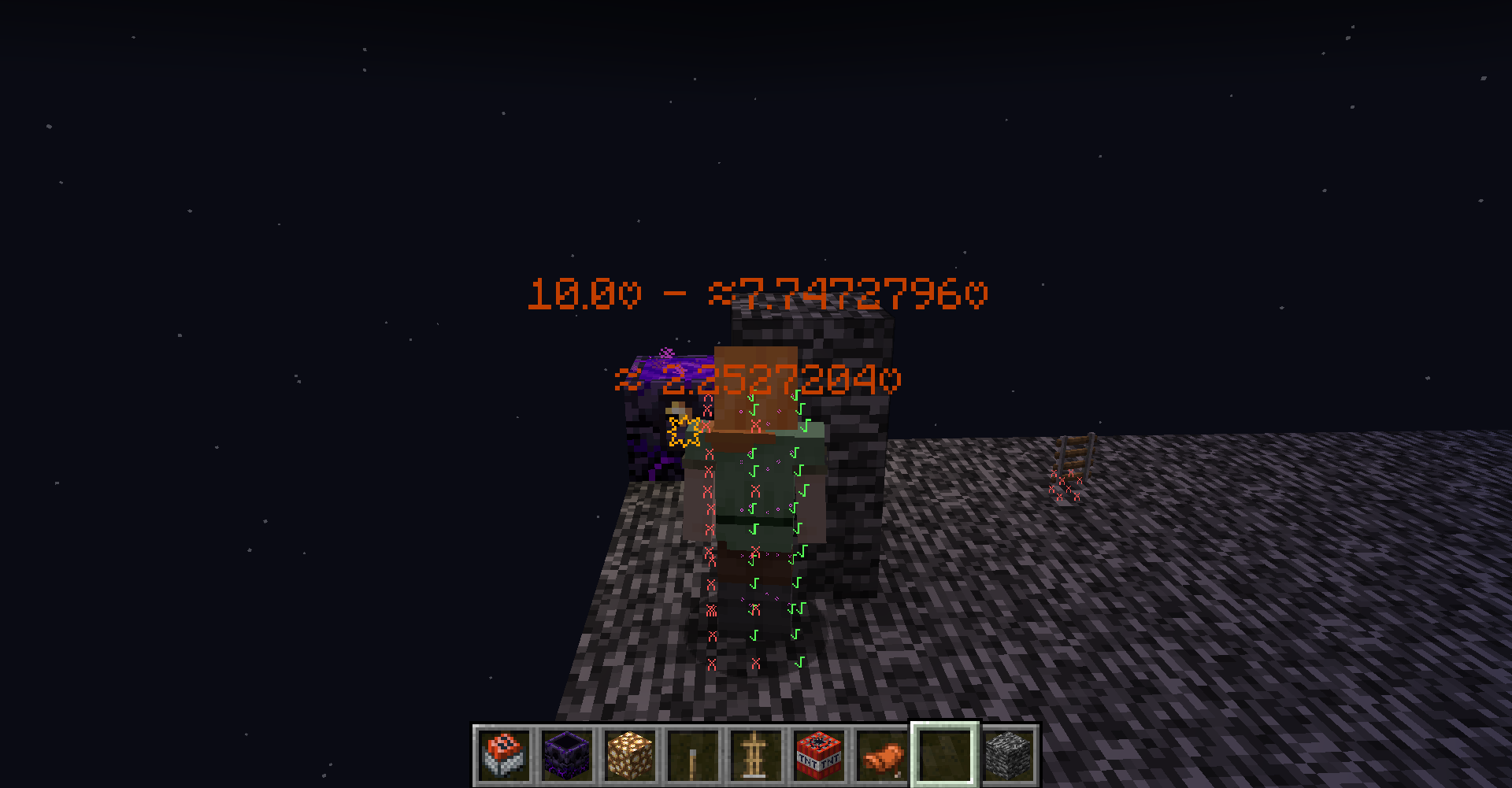
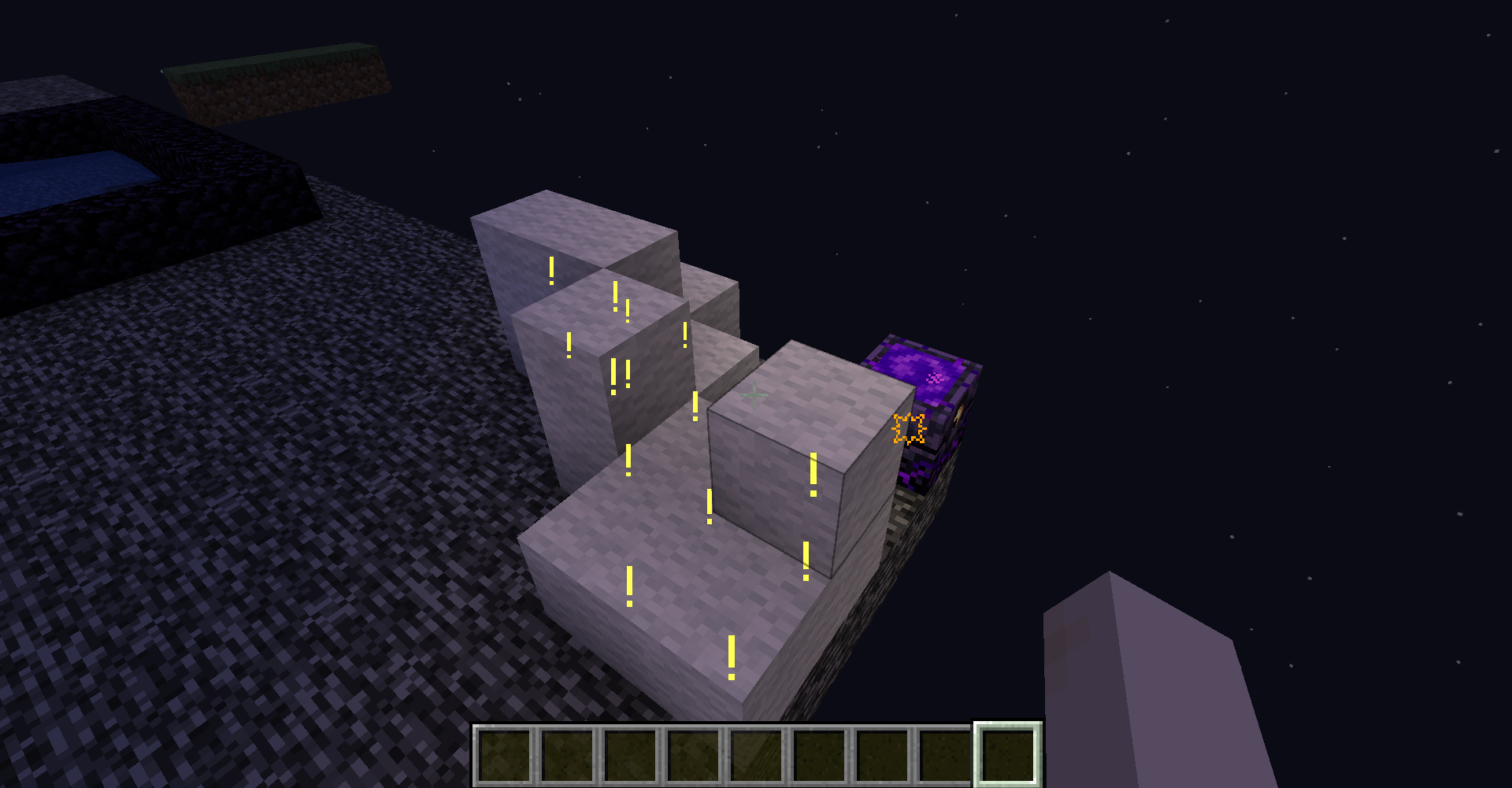
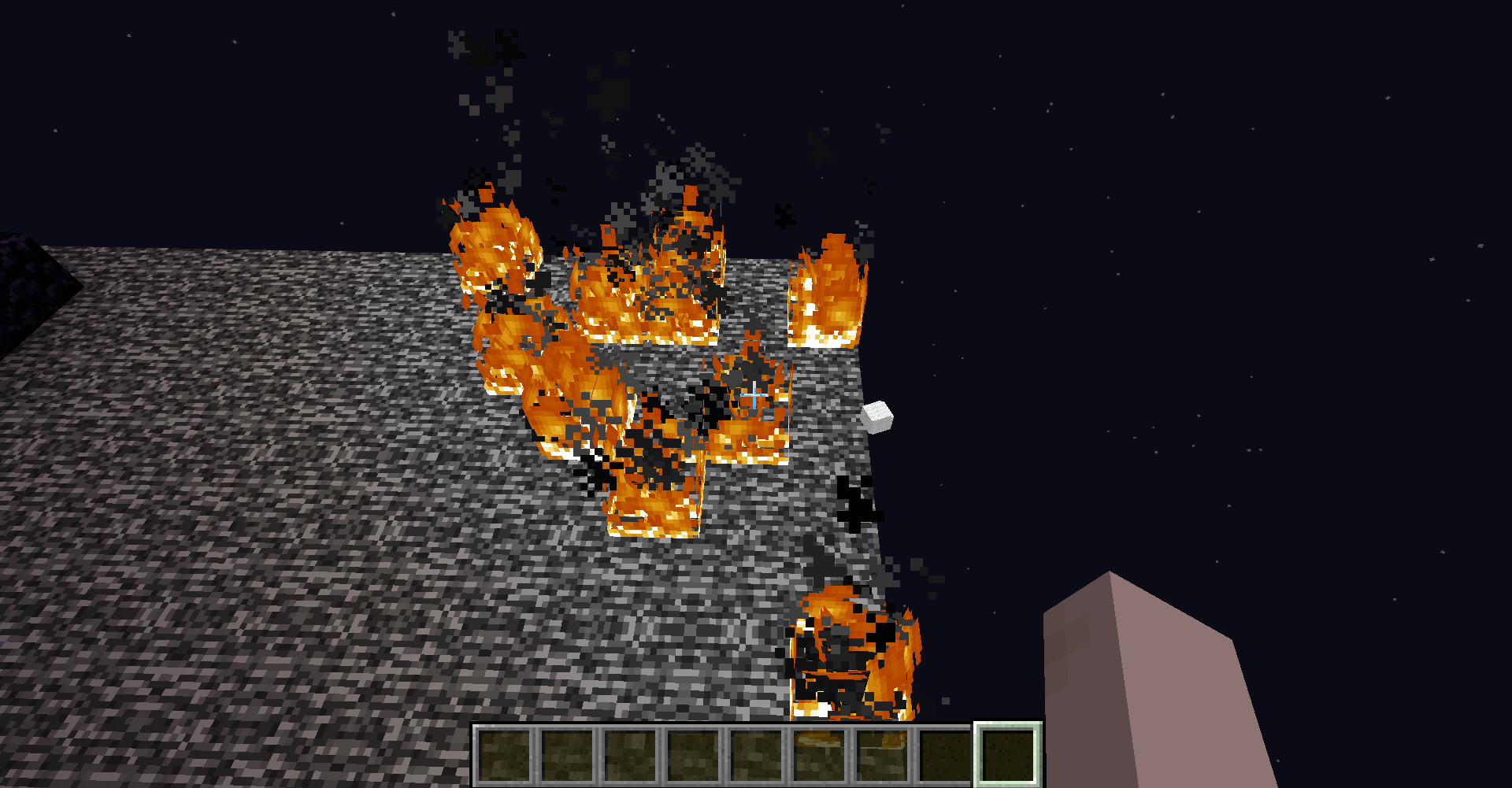
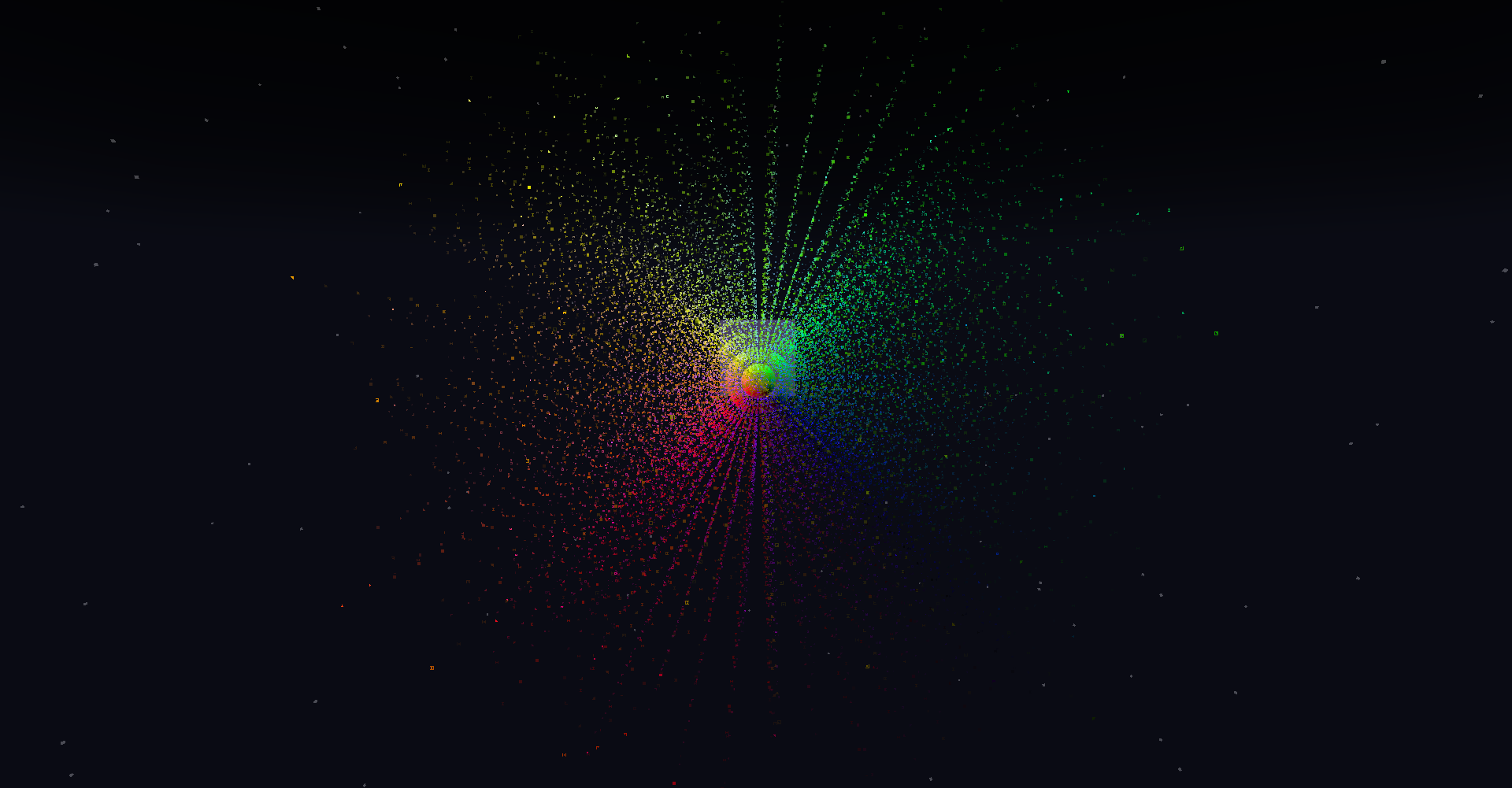
介绍
This mod has already been merged with Lucidity.
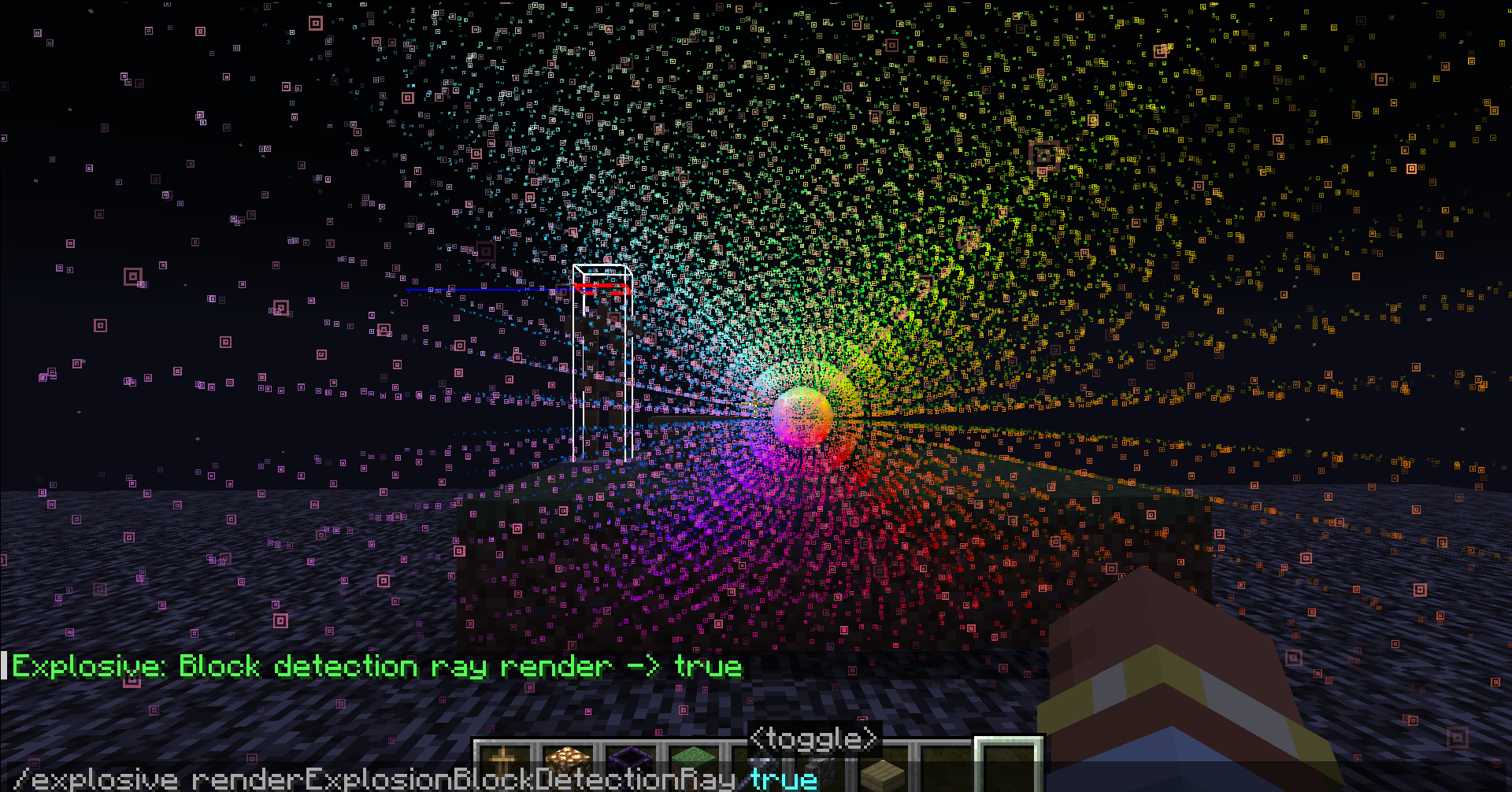
This mod is a powerful tool. It can simulate and display various details of explosions in real-time, including explosion rays, blocks that will be destroyed, the explosion center, estimated damage to nearby entities, and sample points of entities about to be affected.
#IMPORTANT
_Please check the Changelog for the latest updates!_
BASIC COMMANDS
_/explosionVisualizer mainRender _ <- #Enable Rendering
_/explosionVisualizer renderBlockDestruction _ <- #Enable block destruction projection rendering
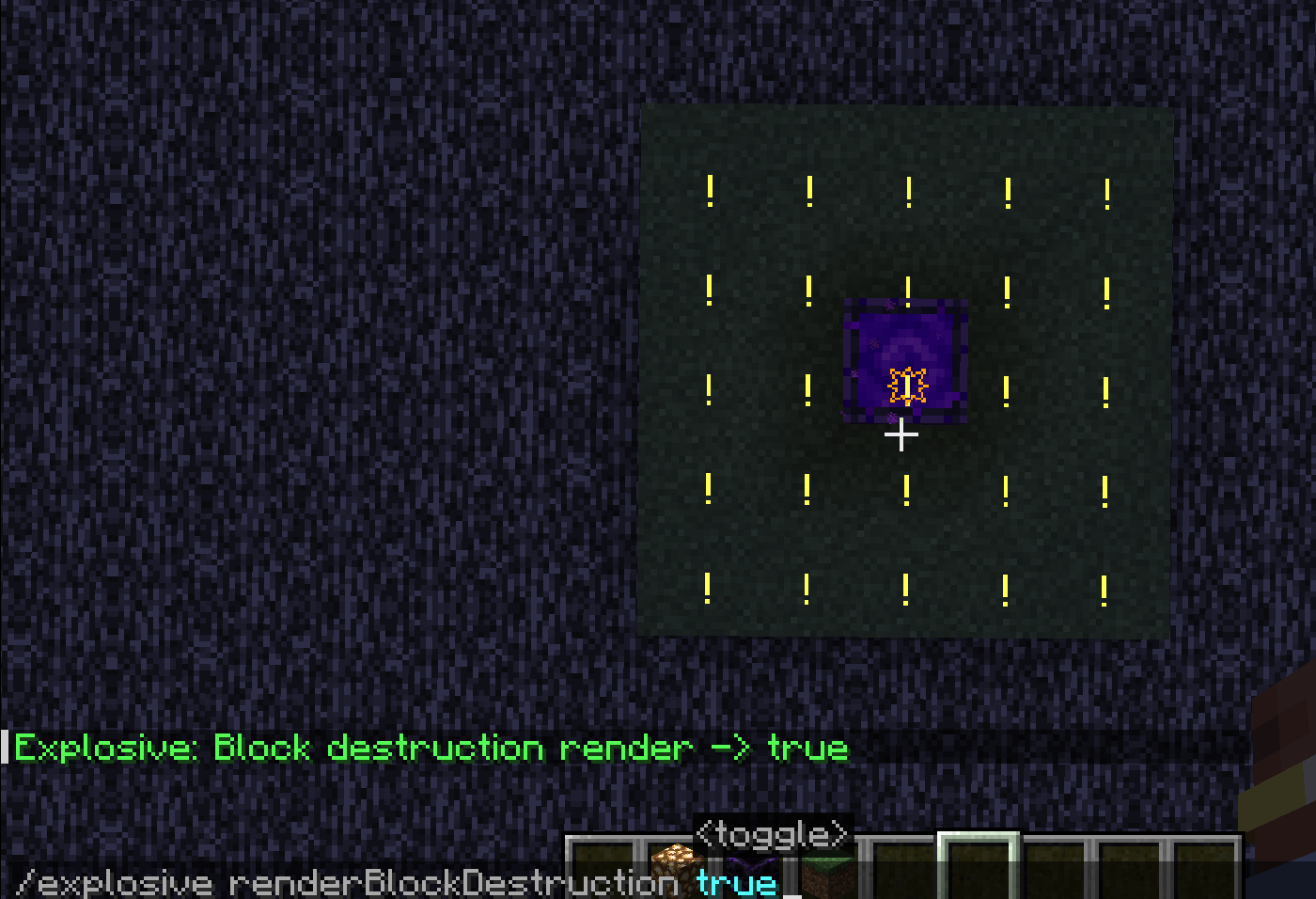
_/explosionVisualizer rendererEntityDamage _ <- #Enable entity damage projection rendering
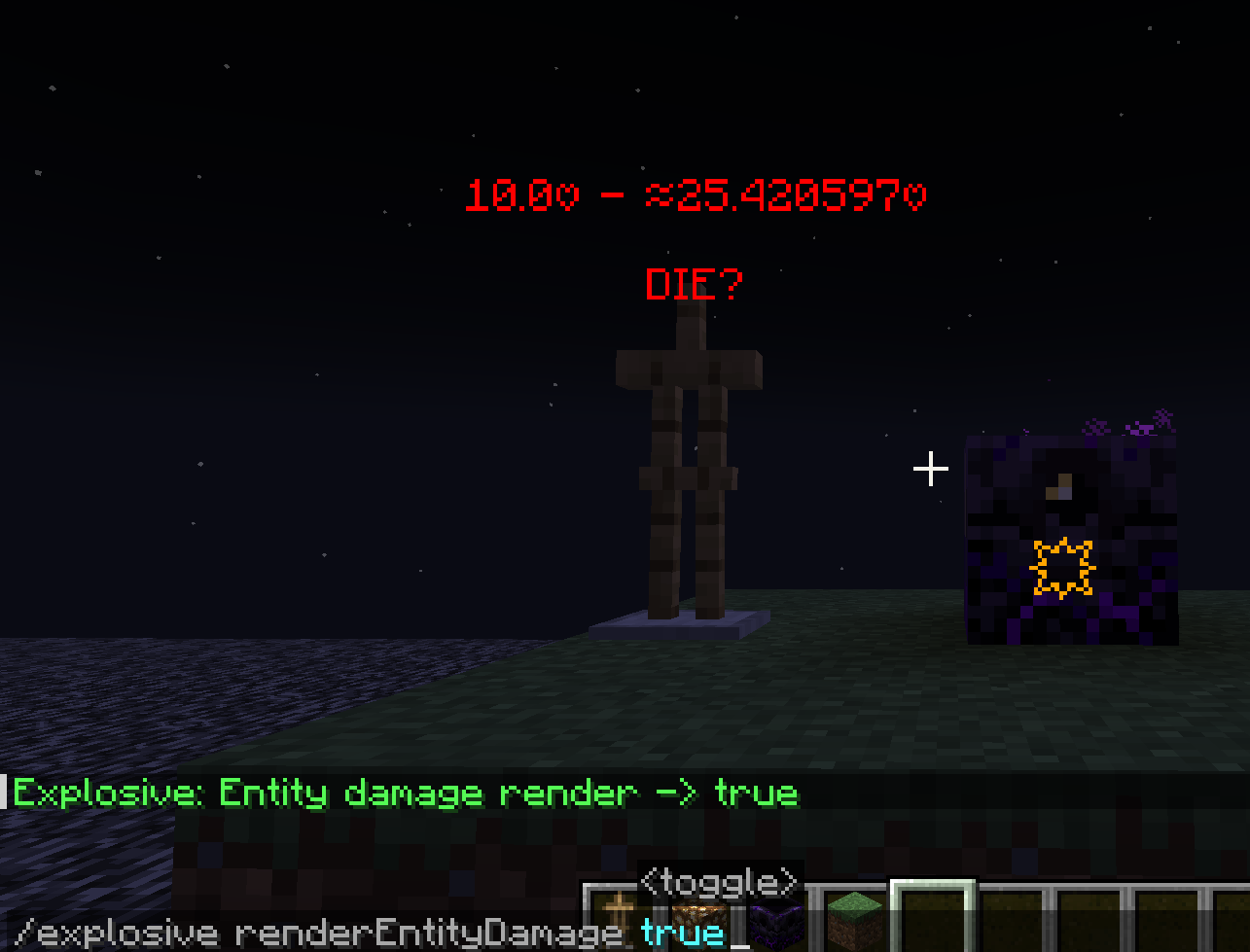
_/explosionVisualizer rendererEntityRaycast _ <- #Enable entity sample-points & raycast rendering
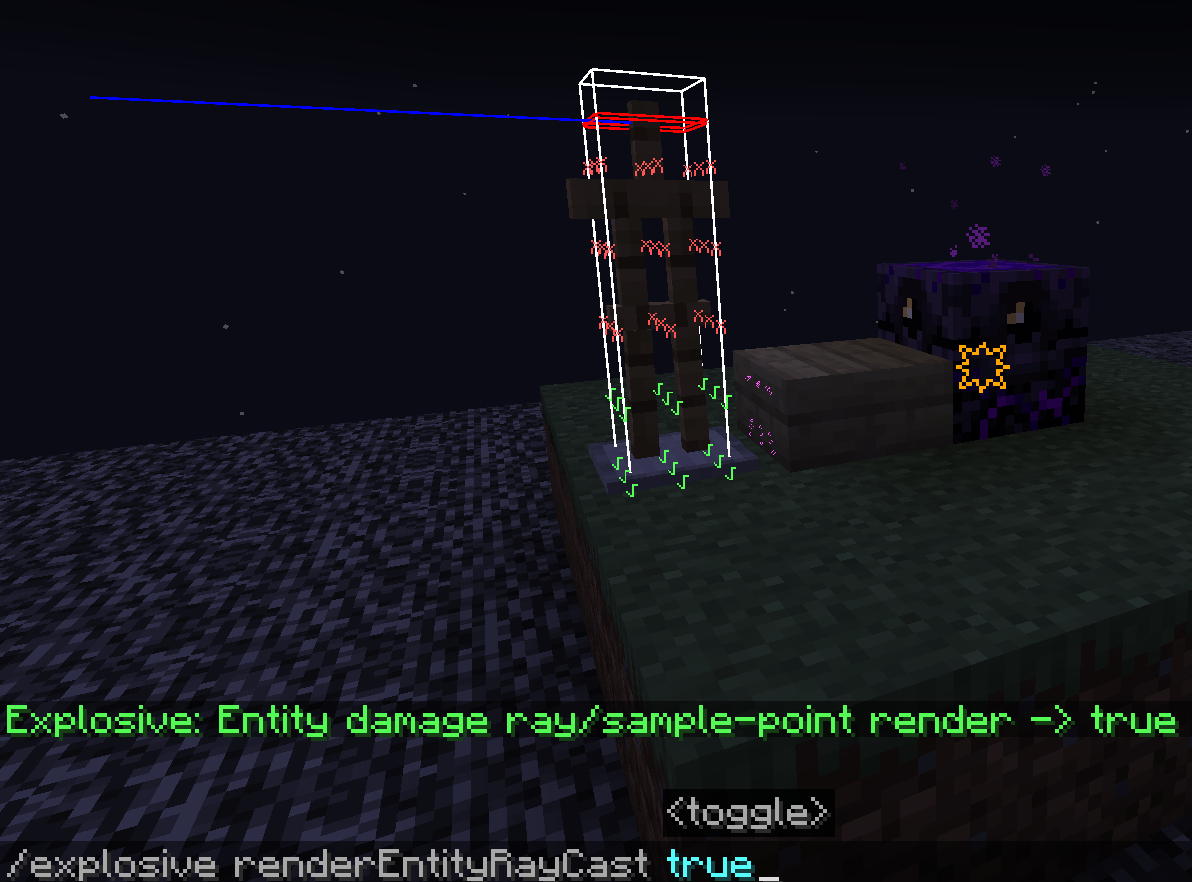
/explosionVisualizer renderExplosionBlockDetectionRay <- #Enable explosion sample-points & raycast rendering
ADDITIONAL COMMANDS
/explosionVisualizer fakeExplosion add <-#create fake explosions
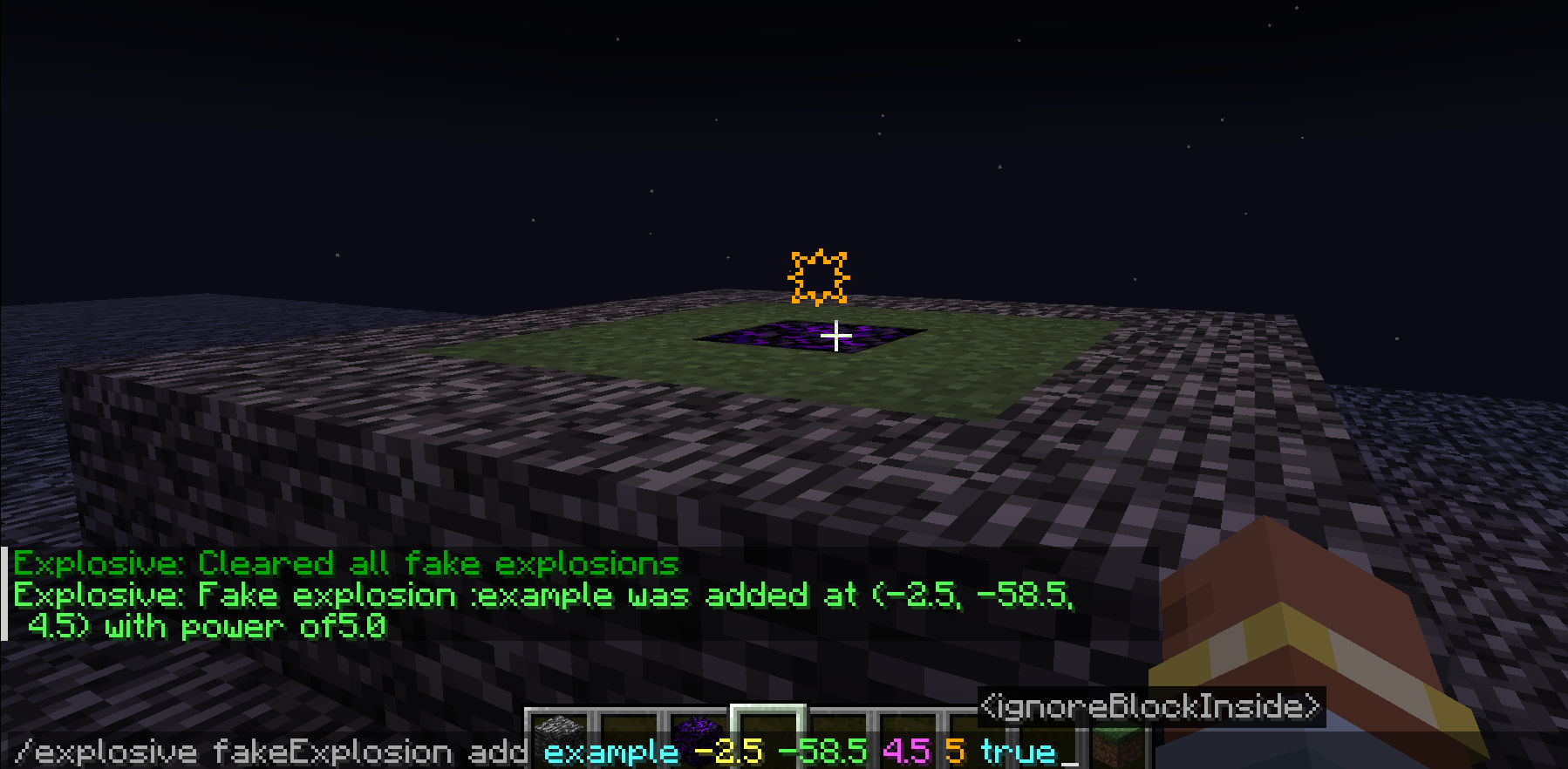
/explosionVisualizer fakeExplosion add
- : (a name)
- : (Explosion center’s position)
- : (Explosion power)
- : (Sometimes the explosion center is inside a block, which affects the evaluation of the explosion. Enabling this option will ignore the block at the explosion center)
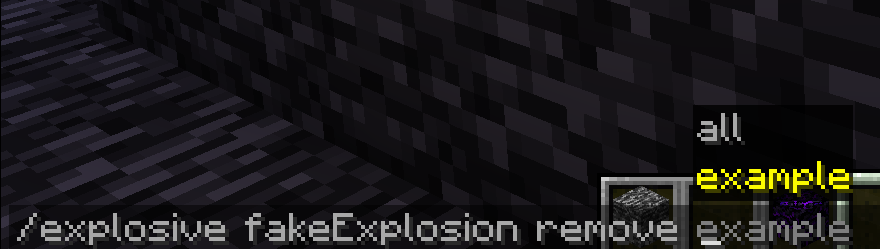
/explosionVisualizer fakeExplosions remove <-#remove the fake explosion by name
/explosionVisualizer fakeExplosions removeall <-#remove all the fake explosions
/explosionVisualizer blockDamageRayRendererSettings range
/explosionVisualizer blockDamageRayRendererSettings range
- :
- :
- :
- :
- :
- :
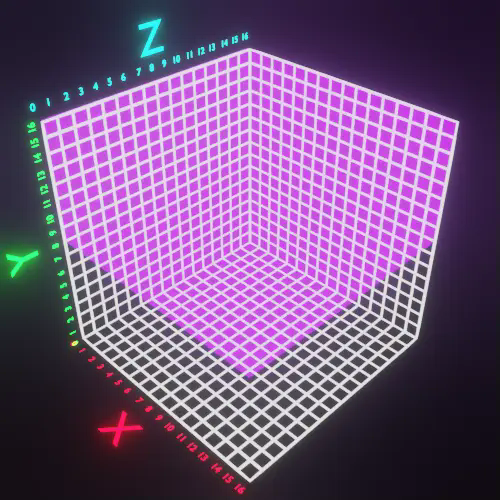
In Minecraft, 1532 rays are emitted from the center of the explosion towards the outermost layer of a 16x16x16 voxel grid surrounding the explosion center. (See” https://minecraft.fandom.com/wiki/Explosion” for details.)
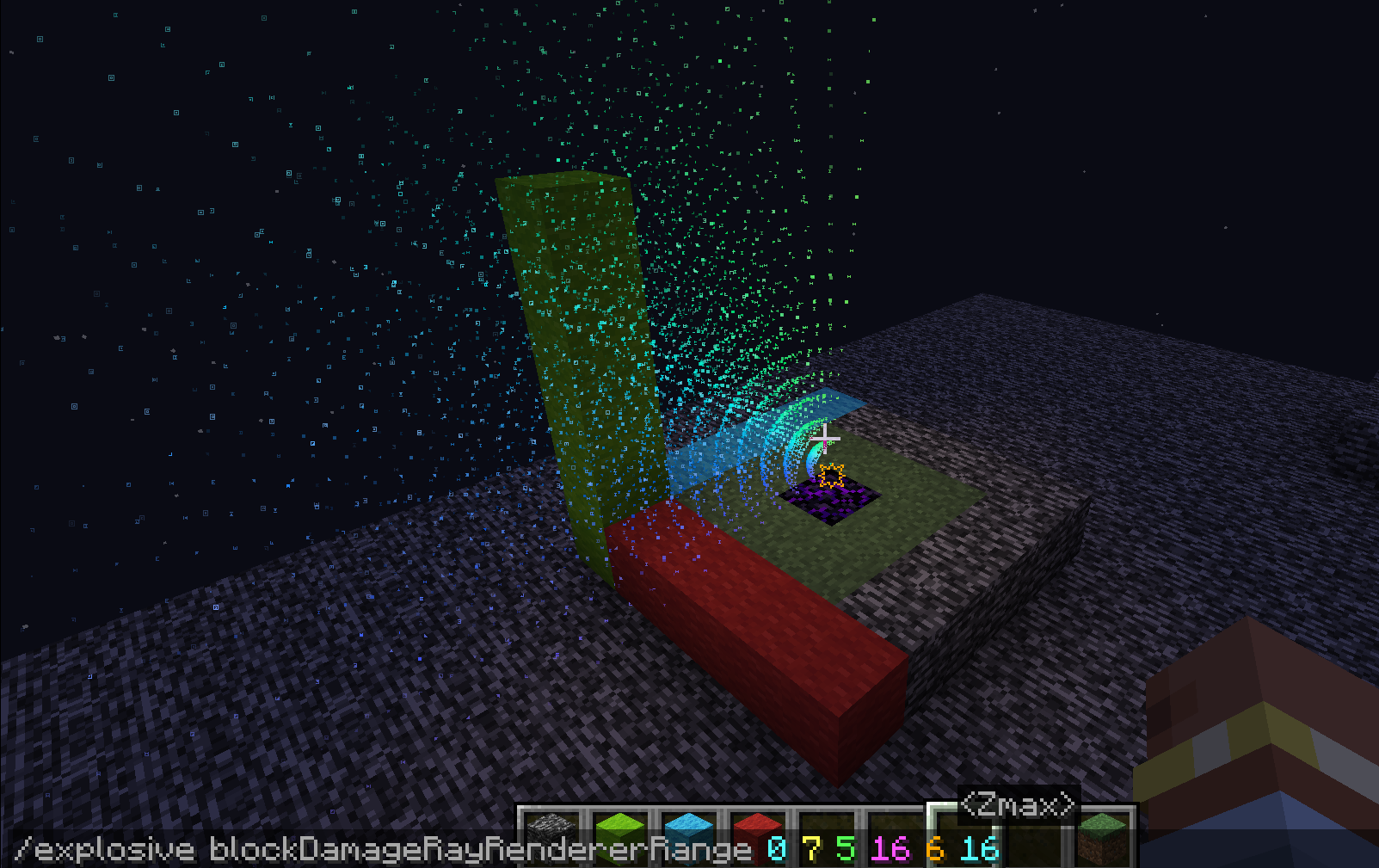
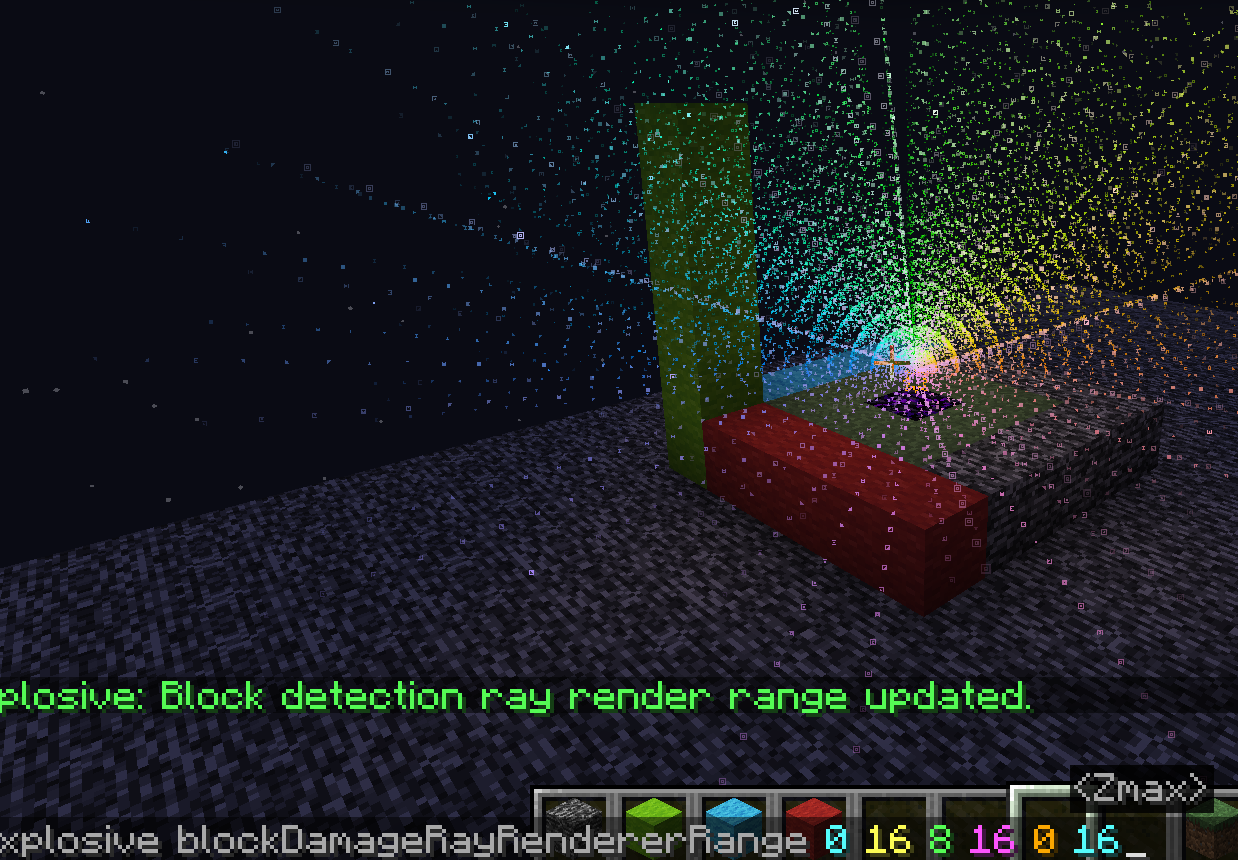
Displaying them all together can look very cluttered. This command allows you to slice these rays for easier viewing.
- :
- :
- :
- :
- :
- :
are filters to limit the range.
Here are some examples..
(0 16 0 16 88)
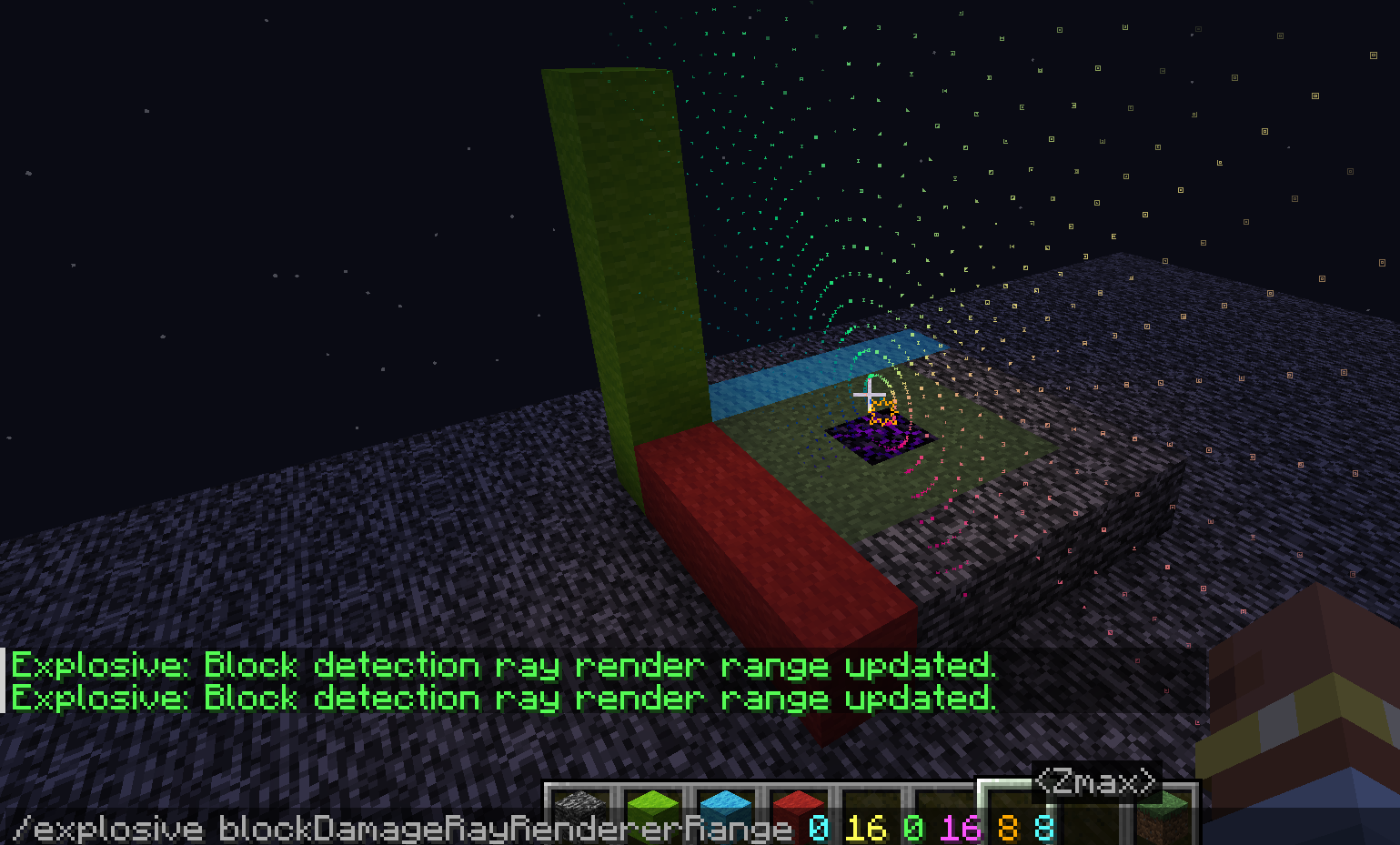
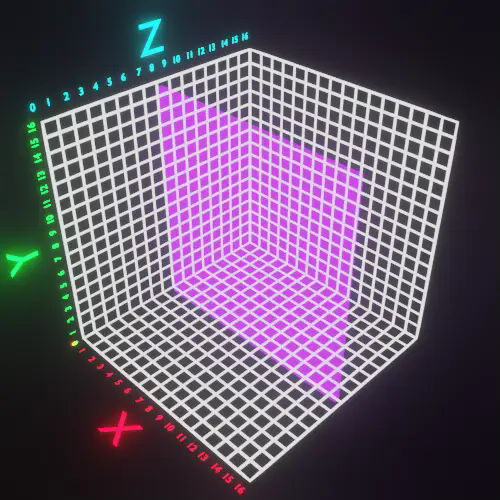
(0 7 5 16 6 16)
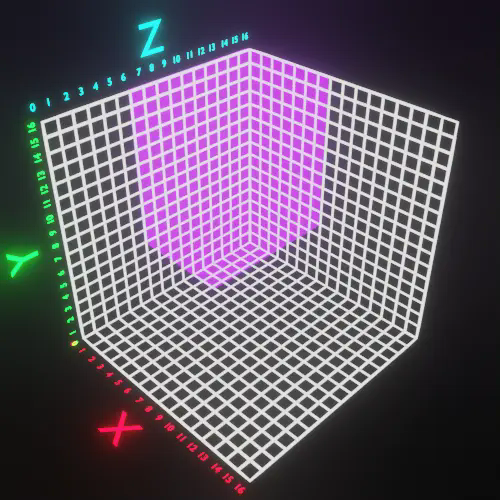
(0 16 8 16 0 16)
常见问题
ExplosionVisualizer 支持哪些 Minecraft 版本?
ExplosionVisualizer 支持 Minecraft Java 版 1.21–1.21.3,共 4 个版本,可用的加载器:Fabric。下载时注意选择和你游戏版本一致的文件。
ExplosionVisualizer 怎么安装?
先用 PCL2 或 HMCL 启动器安装对应版本的 Fabric,再把下载的 .jar 文件放进游戏目录的 mods 文件夹,重新启动游戏即可。开启了版本隔离的,mods 文件夹在 versions/版本名 下面。运行环境:仅客户端。
ryan100c 的其他作品
查看全部 →
CarpetGUI
An easy to use GUI for CarpetMod

Flashback-Iris-SkyColorOverrideCompat
Flashback sky color override compat for IrisShaders.
Flashback-Iris-SkyColorOverrideCompat
Flashback sky color override compat for IrisShaders.

KeepMyModMenuScroll(KMMMS)
This mod keeps your mod menu page scroll after you leave the mod menu screen
评论
登录后评论和评分