
截图

介绍
🧭 Lodestone Waystones
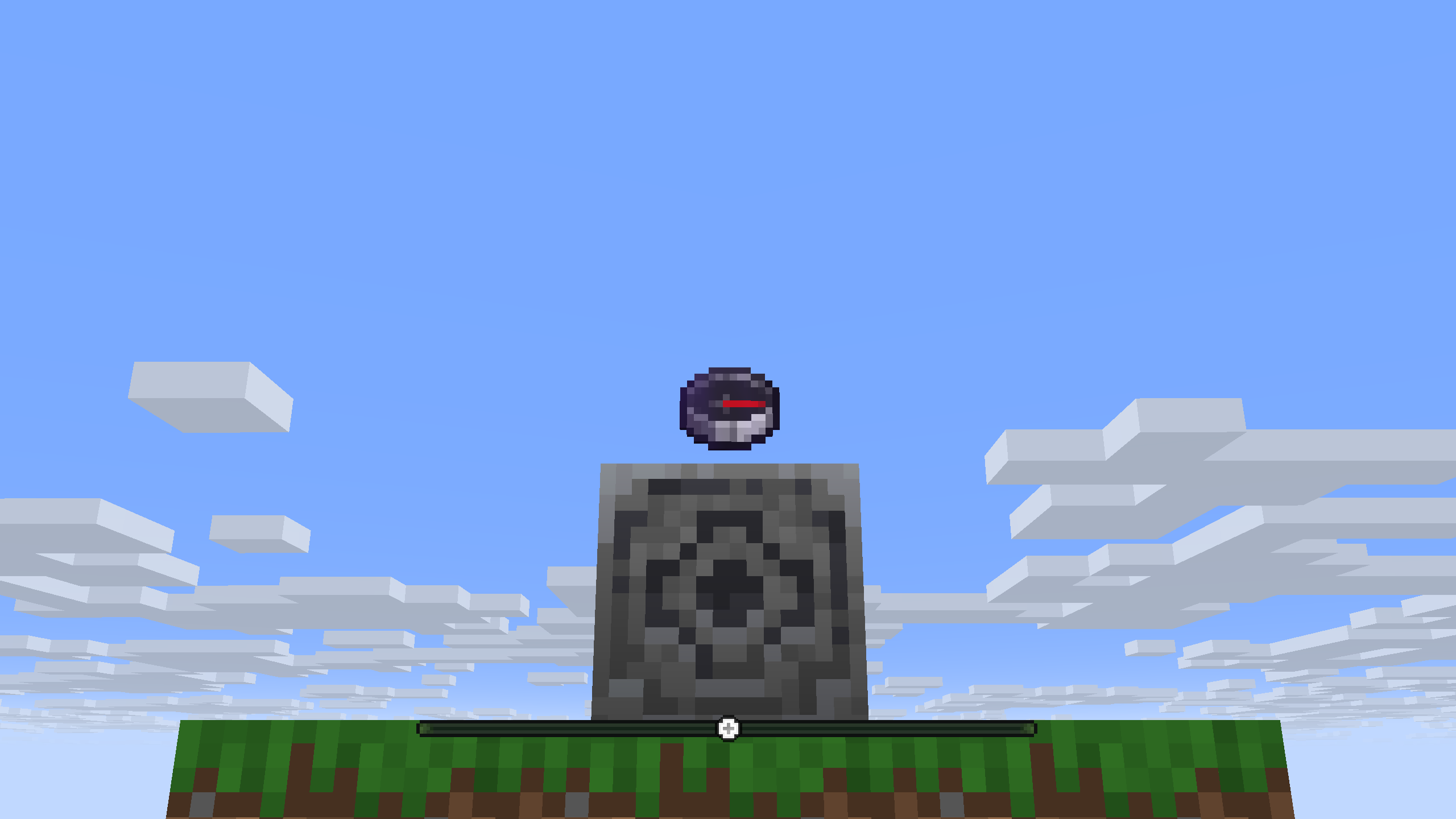
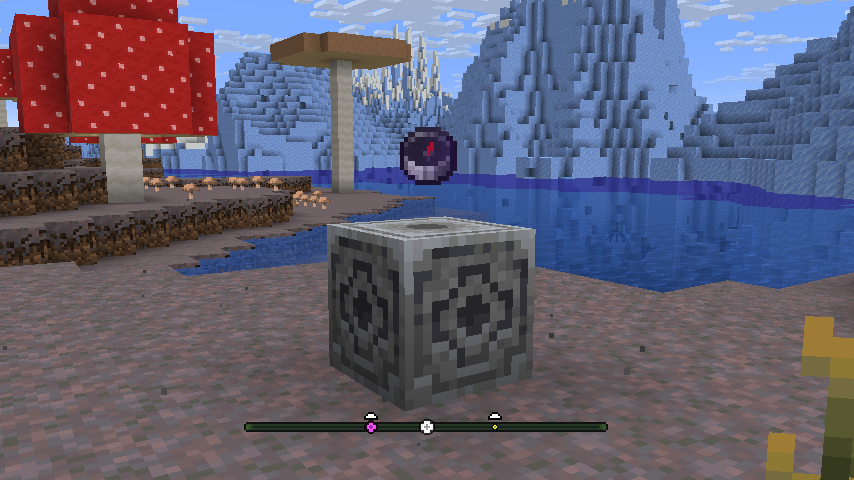
A minimalist and immersive waypoint system for Survival Minecraft, using Lodestones and compasses. A new way to know your way!
⚠️ This Data Pack requires a Resource Pack. Download it here.
⚙️ How It Works
Players can create waypoints by following these simple steps:
1. Place a Lodestone.
2. Link a compass to it.
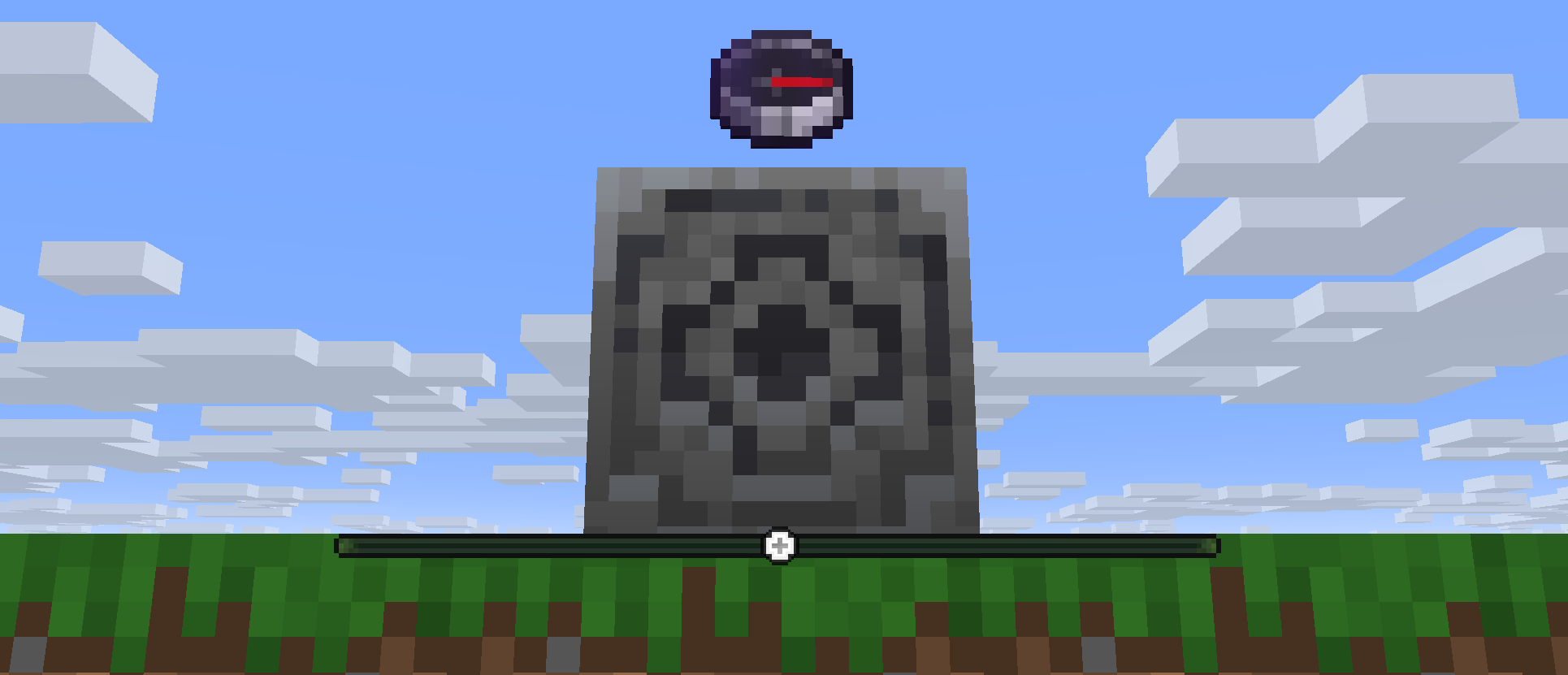
3. Drop the compass on top of the Lodestone to activate the Waystone.
This creates a new waypoint on your Locator Bar, helping you navigate your world.
💫 Tips:
- Add a carpet on top of the Lodestone before throwing the compass to create a colored Waystone icon. Supports all 16 different colors.
- Waystone icons are customized to differentiate them from player icons in the Locator Bar.
- The farther you are from the Waystone, the smaller the icon becomes!
- Breaking the Lodestone or punching the compass will remove the Waystone.
- This Data Pack supports multiplayer.

💡 Installation
1. Download the .zip file and the Resource Pack
2. Drop the “Lodestone Waystones DP” file into the /datapacks folder of your Minecraft world.
3. Drop the “Lodestone Waystones RP” file into the /resourcepacks folder, and enable the RP.
4. Reload the world or use /reload in-game.
🎨 Required Resource Pack:
Make sure to install and enable the Resource Pack to see the custom icons properly.
常见问题
Lodestone Waystones 支持哪些 Minecraft 版本?
Lodestone Waystones 支持 Minecraft Java 版 1.21.6–26.3,共 8 个版本。下载时注意选择和你游戏版本一致的文件。
Lodestone Waystones 怎么安装?
新建世界时在「数据包」里把下载的 .zip 拖进去;已有的存档,把文件放进存档目录下的 datapacks 文件夹,进游戏输入 /reload 即可生效。服务器同样放在世界目录的 datapacks 里。
CrossFace22 的其他作品
查看全部 →
Sulfur Caves Plus
为硫磺洞穴生物群系添加新内容:腐蚀、硫磺蜘蛛等!

Better Sulfur Cubes
添加更多硫磺方块原型,带来更丰富的体验!包含音乐型、坚固型、黏附型等

Creatia 2
为 YouTube 系列制作的机械动力模组附属。

The Towers Remastered
The classic map, the same gamemode—remastered for Minecraft 26.3.
评论
登录后评论和评分