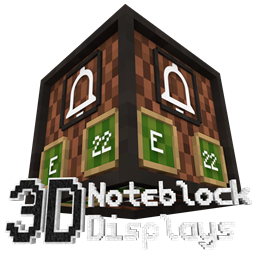
Note Block Displays 3D
This resourcepack adds an "Display" to every Note Block. On that Display you can see which instrument and which note the Note Block is using.
介绍

Today I have something innovative to show you: Note Block Displays!
This stand-alone Addon for 3D CreatorCraft adds an “Display” to every Note Block. On that Display you can see which instrument and which note the Note Block is using. This is the first resourcepack that allows you to see that. And you do not even need to install any mod to use this resourcepack. The feature to create a Block Model for every note was added in the Minecraft 1.13 snapshots. So this resourcepack is only available for Minecraft 1.13 and higher versions.
Stand-alone Addon means that this Addon is designed to be used with 3D CreatorCraft, but it also works without 3D CreatorCraft…
For more information please visit the official website:
常见问题
Note Block Displays 3D 支持哪些 Minecraft 版本?
Note Block Displays 3D 支持 Minecraft Java 版 1.13–1.19.3,共 25 个版本。下载时注意选择和你游戏版本一致的文件。
Note Block Displays 3D 怎么安装?
把下载的 .zip 文件(不用解压)放进游戏目录的 resourcepacks 文件夹,进游戏后在「选项 → 资源包」里把它移到右边启用。
creatorLabs 的其他作品
查看全部 →
The CreatorPack
一款 32x32 的资源包,全面革新游戏的视觉效果。
CreatorCraft 3D
A 3D resourcepack for Minecraft. Many blocks and all items in 3D!
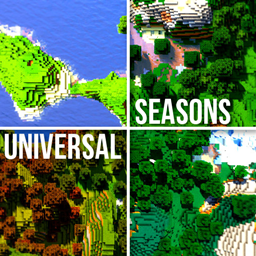
Universal Seasons
Change the season of every resourcepack!
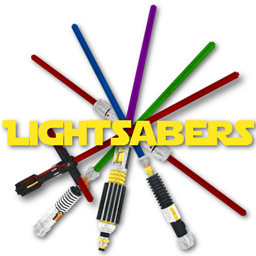
Glowing Lightsabers in 3D
This resourcepack adds five awesome 3D Lightsabers to your Game (Also perfect for PvP!). The Swords even support emissive textures. This means when you are using the latest version of OptiFine, your Lightsabers will even glow in the night!
评论
登录后评论和评分