
截图
介绍
Vitalboard
What it does
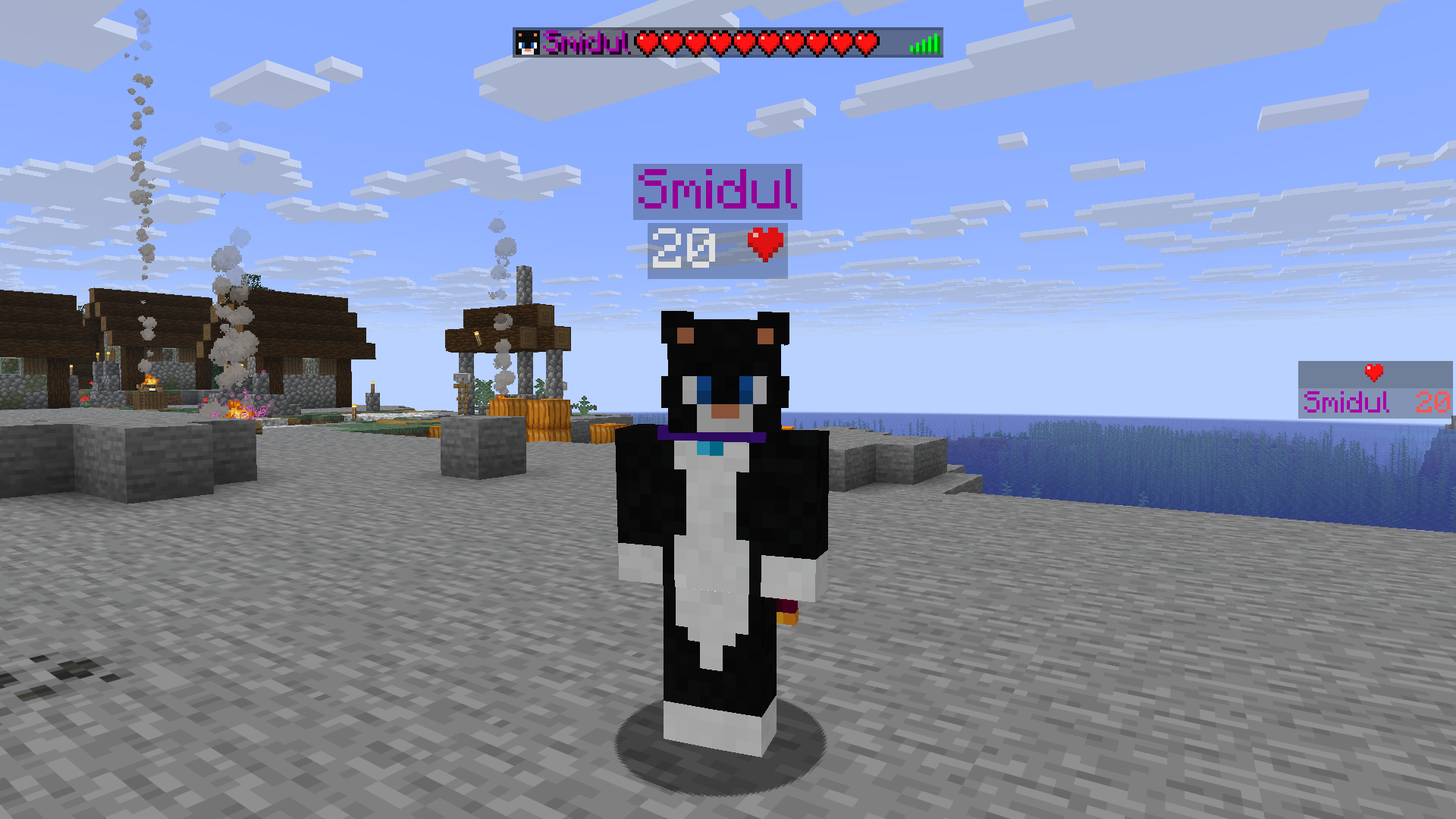
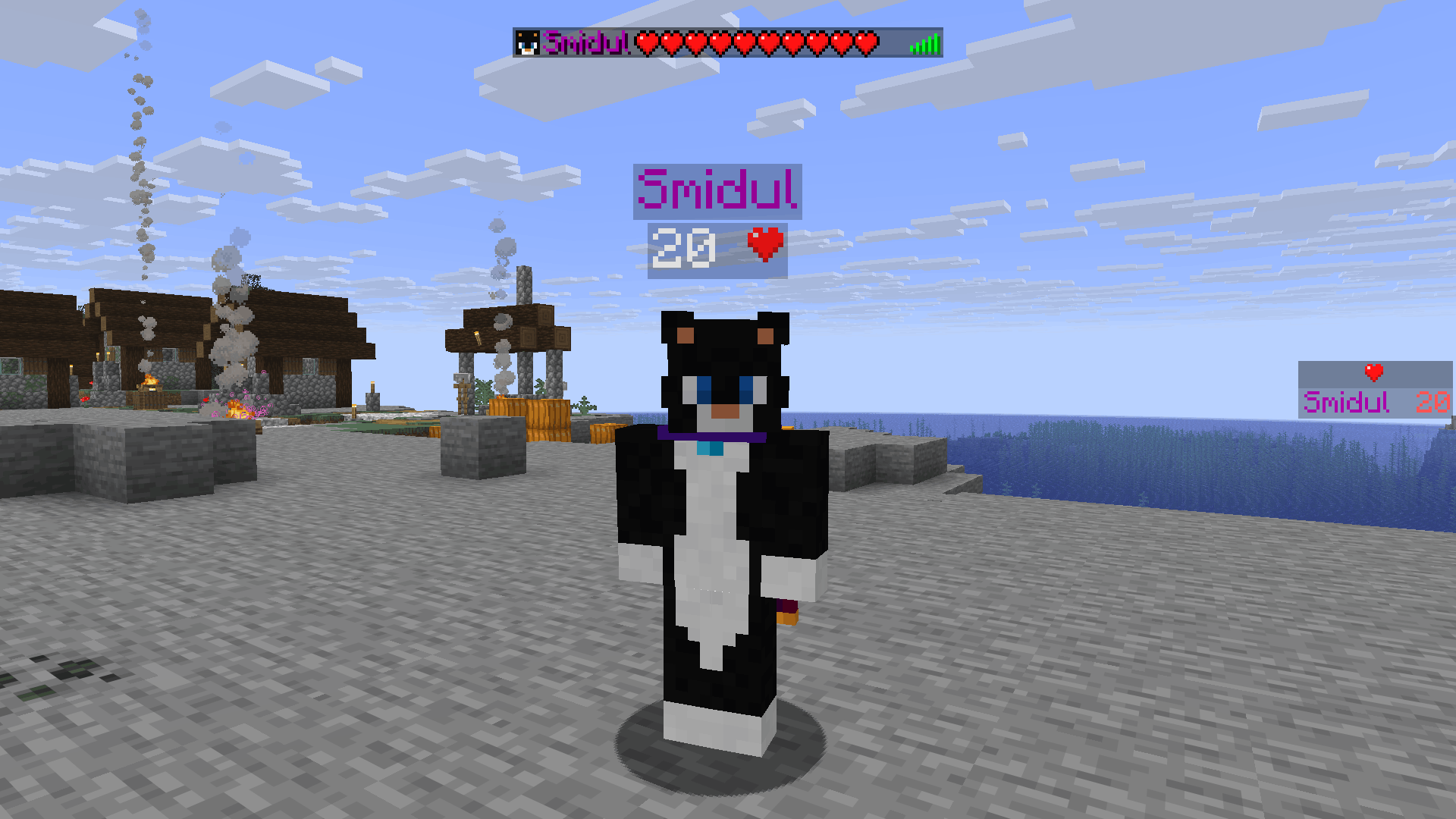
Vitalboard shows every player’s live health below their name, in the player list, or in the sidebar.
Customization
Use /function vitalboard:_config to enable or disable each display location and restore the defaults.
Sidebar is disabled by default.
Uninstallation
Use /function vitalboard:uninstall to remove its displays and persistent data.
What’s Next
In the future, I plan to add:
- Other statuses, such as food.
- Displays for mobs and other entities.
常见问题
Vitalboard 支持哪些 Minecraft 版本?
Vitalboard 支持 Minecraft Java 版 1.21–26.3,共 17 个版本,可用的加载器:Fabric / Forge / NeoForge / Quilt。下载时注意选择和你游戏版本一致的文件。
Vitalboard 怎么安装?
新建世界时在「数据包」里把下载的 .zip 拖进去;已有的存档,把文件放进存档目录下的 datapacks 文件夹,进游戏输入 /reload 即可生效。服务器同样放在世界目录的 datapacks 里。
Smidul 的其他作品
查看全部 →
SUS
Modpack full of electricity-based mods

Hatchable
Automatically hatches eggs into their chicken variants or any configured item/entity before they despawn.

Overbrew
Expands brewing with missing potions, new duration and strength tiers, particle-free variants, and custom fuels.

Incensed
Turn fire-like blocks into effect emitter incenses.
评论
登录后评论和评分