
Simply OneBlock (Wilderness Bound Included)
Just break the block, see where it takes you !
截图
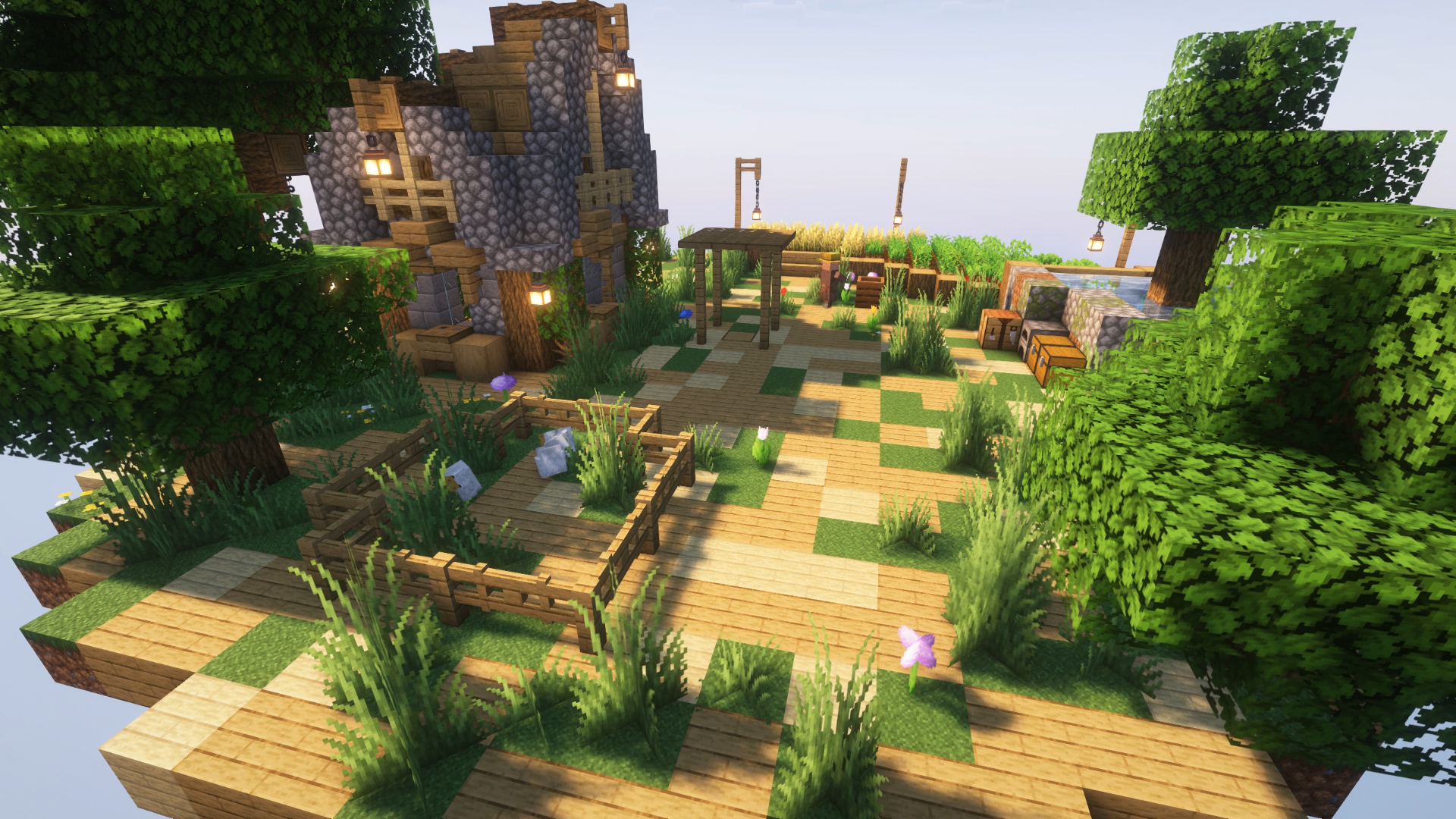
介绍
Welcome to Simply OneBlock !
What is it ?
_Simply OneBlock is a datapack that changes the generation of your world to make you spawn on a single regenerative block. As you break the block you’ll progress through 21 different phases allowing you to discover new biomes transforming the regenerative block and it’s surrounding environement. Every phase will give you the opportunity to mine different blocks, get different loots, see different mobs and face different challenges._

How do I install it ?
_It’s very simple, it works like any other data packs, if you’re not familiar with those just follow the steps:_
- Download the .zip file
- As you create a new world in minecraft click on the top right tab “More”
- Click on “Data Packs”
- Click on the bottom left button “Open Pack Folder”
- Put the zipped file in that folder
- The pack should now appear in the “Available” list, click on the logo to put it in the “Selected” list
- Click on “Done”
- Click on create new world
- Select “Yes” on the warning screen
- Break the block !
How do I update it ?
_It’s very simple, just delete the old pack and replace it with the new one in your world’s data_pack folder. None of your progress will be lost, but just in case, it’s recommended to backup your world before updating!_
Note for 26.2 and 26.3 players
_You can update from 1.2.x version of the datapack/mod to 1.3.x version, but you can’t revert back from 1.3.x to 1.2.x version, proceed with caution!_
_You can update from 1.2.x or 1.3.x version of the datapack/mod to 1.4.x version, but you can’t revert back from 1.4.x to 1.2.x or 1.3.x version, proceed with caution!_
I think I’ve encountered a bug / I have a question about the pack
_You can contact me here: Discord_
常见问题
Simply OneBlock (Wilderness Bound Included) 支持哪些 Minecraft 版本?
Simply OneBlock (Wilderness Bound Included) 支持 Minecraft Java 版 1.21.5–26.3,共 12 个版本,可用的加载器:Fabric / Forge / NeoForge。下载时注意选择和你游戏版本一致的文件。
Simply OneBlock (Wilderness Bound Included) 怎么安装?
新建世界时在「数据包」里把下载的 .zip 拖进去;已有的存档,把文件放进存档目录下的 datapacks 文件夹,进游戏输入 /reload 即可生效。服务器同样放在世界目录的 datapacks 里。

评论
登录后评论和评分