
截图





介绍
Special Mobs
Dive into a world teeming with unique challenges and encounters with the Special Mobs Data Pack. This data pack enhances your Minecraft experience by introducing a variety of special mobs, each with their own abilities and found in different dimensions.
Overworld
- Slime Spider
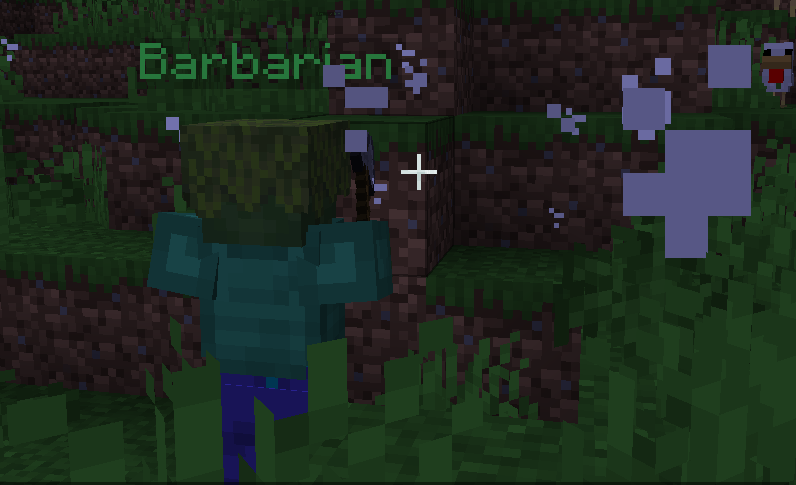
- Barbarian
- Ninja
- Miner
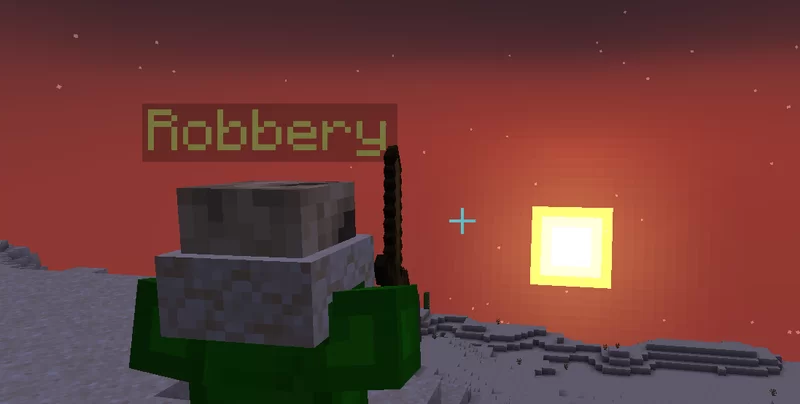
- Robbery
- Ice Shooter
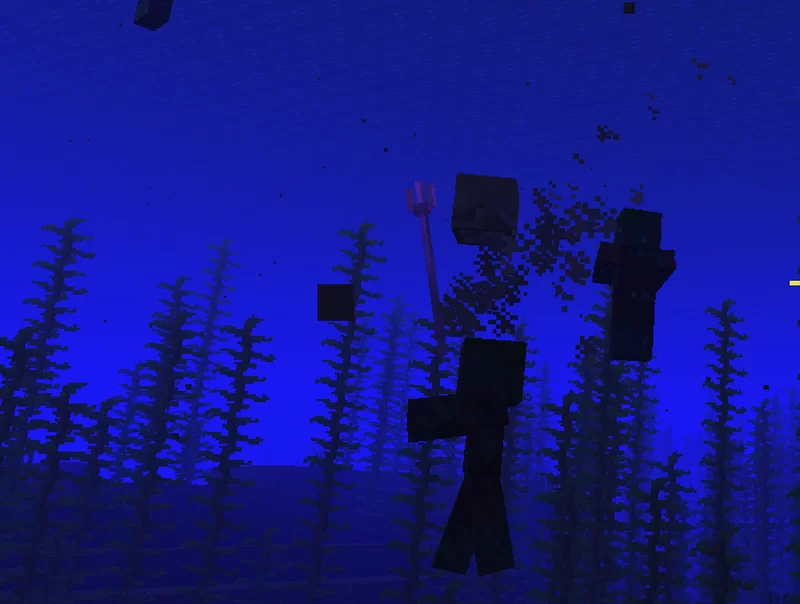
- Water Ghost
The Nether
- Soul Knight
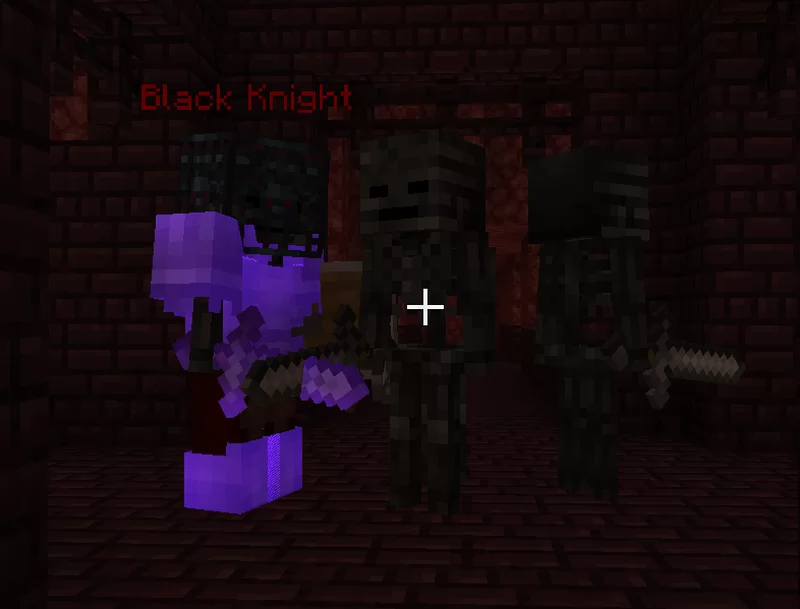
- Black Knight
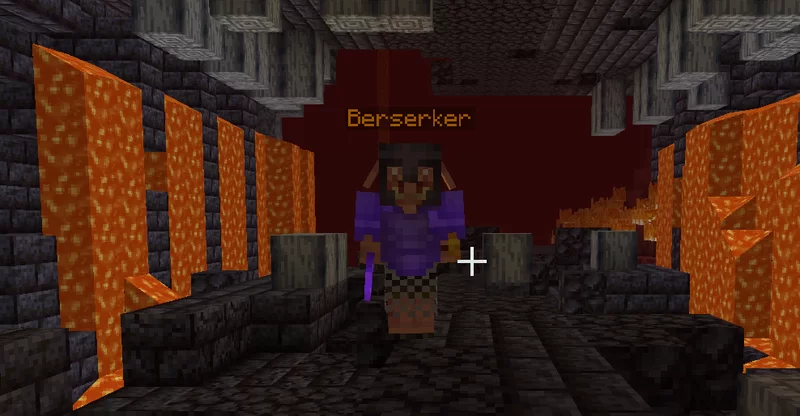
- Berserker
- Bastion Guard
- Crimson Aboriginal
- Wither Ghost
- S1enderman
- Fire Spirit
The End
- Chorus Ghost
Explore the gallery for more information on these unique creatures.
<!–
Commands
All special mobs can spawn naturally, but you can also summon them using commands for specific gameplay scenarios:
/function spm:kit/summon/<SpecialMob>: Summons the specified special mob./function spm:kit/spawn_egg/<SpecialMob>: Provides a special mob spawn egg./function spm:kit/spawner/<SpecialMob>: Grants a special mob spawner./function spm:kit/setspawner/<SpecialMob>: Sets the block to a spawner for the chosen special mob.
For minigame creators, you have control over natural spawning:
/function spm:config/spawn_naturally_disable: Disables natural spawning./function spm:config/spawn_naturally_enable: Reverts to natural spawning.
Configuration
Fine-tune your experience by modifying spawning rates, loot tables, and enchantment levels. Access the namespace ‘spm_cf’ to make adjustments to suit your gameplay preferences.
Compatibility
This data pack is designed for server-side use and brings a fresh layer of excitement to your Minecraft adventures. Enjoy the challenge and exploration that the special mobs bring to your world.
Have fun, and happy gaming!
–>
常见问题
Special Mobs 支持哪些 Minecraft 版本?
Special Mobs 支持 Minecraft Java 版 1.17–1.21.10,共 14 个版本,可用的加载器:Fabric / Forge / NeoForge / Quilt。下载时注意选择和你游戏版本一致的文件。
Special Mobs 怎么安装?
新建世界时在「数据包」里把下载的 .zip 拖进去;已有的存档,把文件放进存档目录下的 datapacks 文件夹,进游戏输入 /reload 即可生效。服务器同样放在世界目录的 datapacks 里。
paul90317 的其他作品
查看全部 →
Upgradable Backpack
Dyeable, renamable, wearable, and upgradeable backpacks (9-slots, 18-slots, 26-slots)

Texture of Paul90317’s Datapacks
add the textures of custom items in my data packs.

Upgradable Backpack
Upgradable Backpack

Enderite Upgrade
Beyond Netherite lies true power — Enderite
评论
登录后评论和评分