
FWF LuckyBlocks
Race your friends in chaotic Lucky Block challenges on dynamic maps! Choose from 2–10 players, customize track colors, and test your luck with Lucky Blocks, Chance Cubes & more!
截图
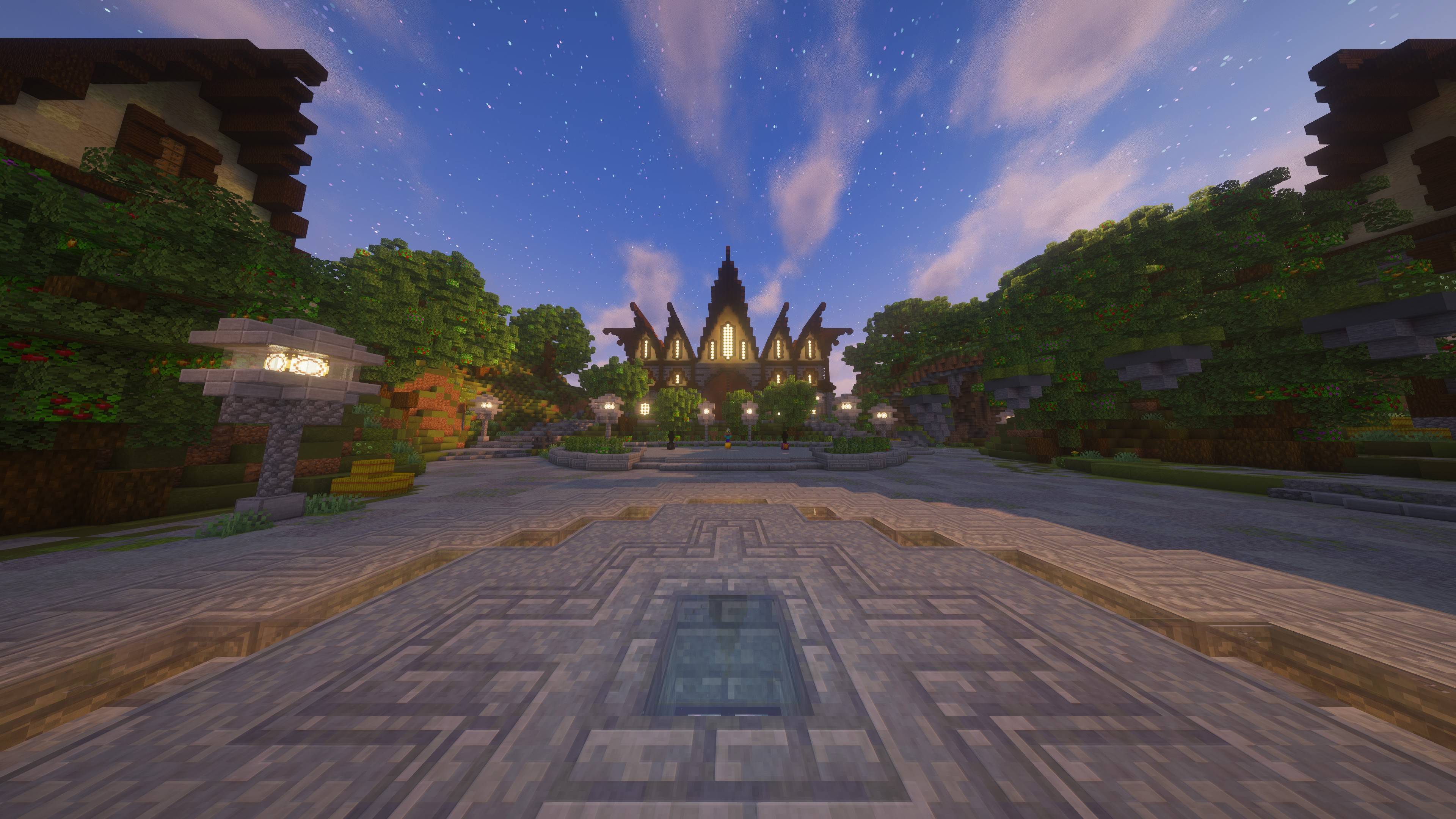
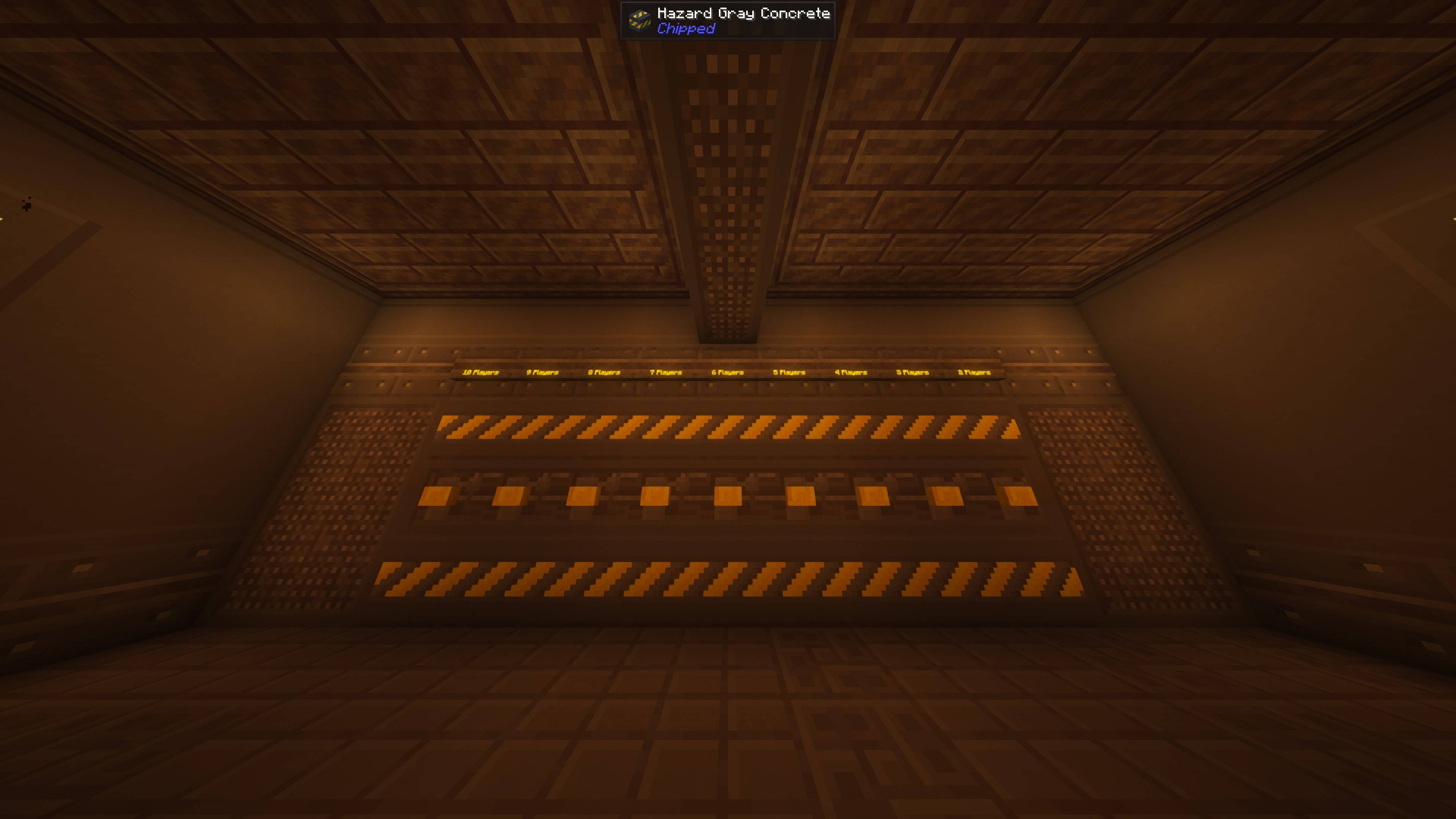
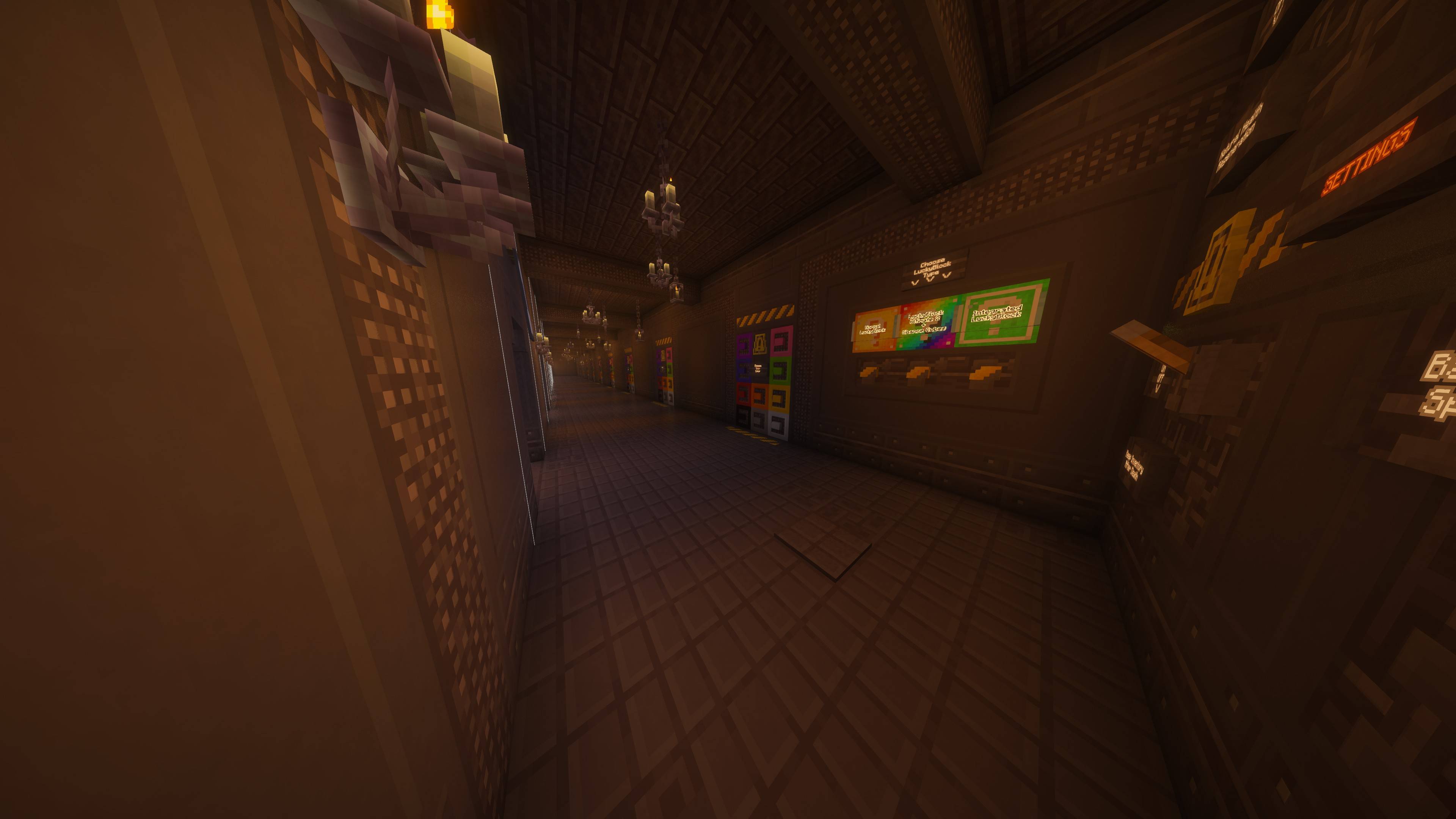
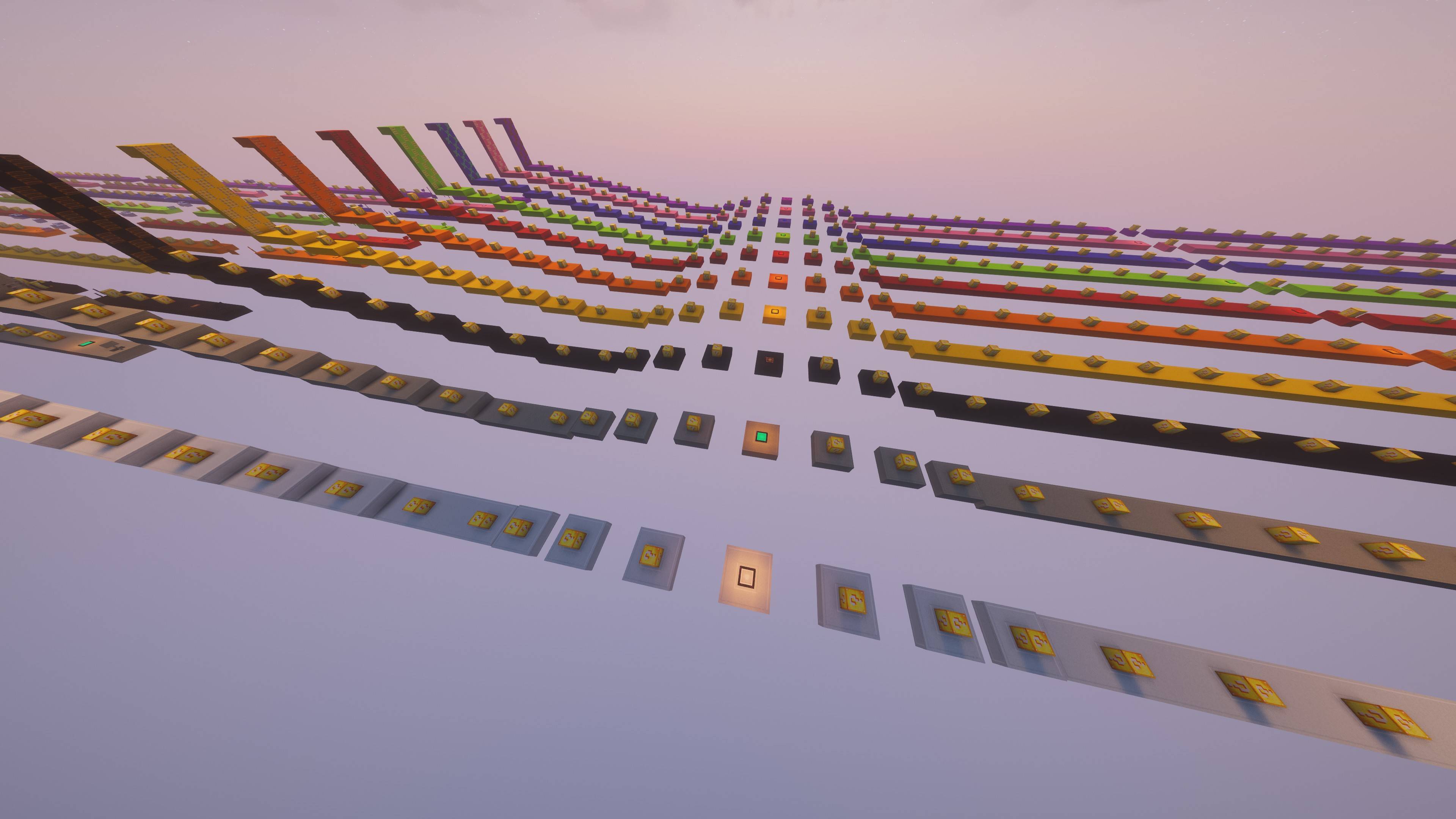
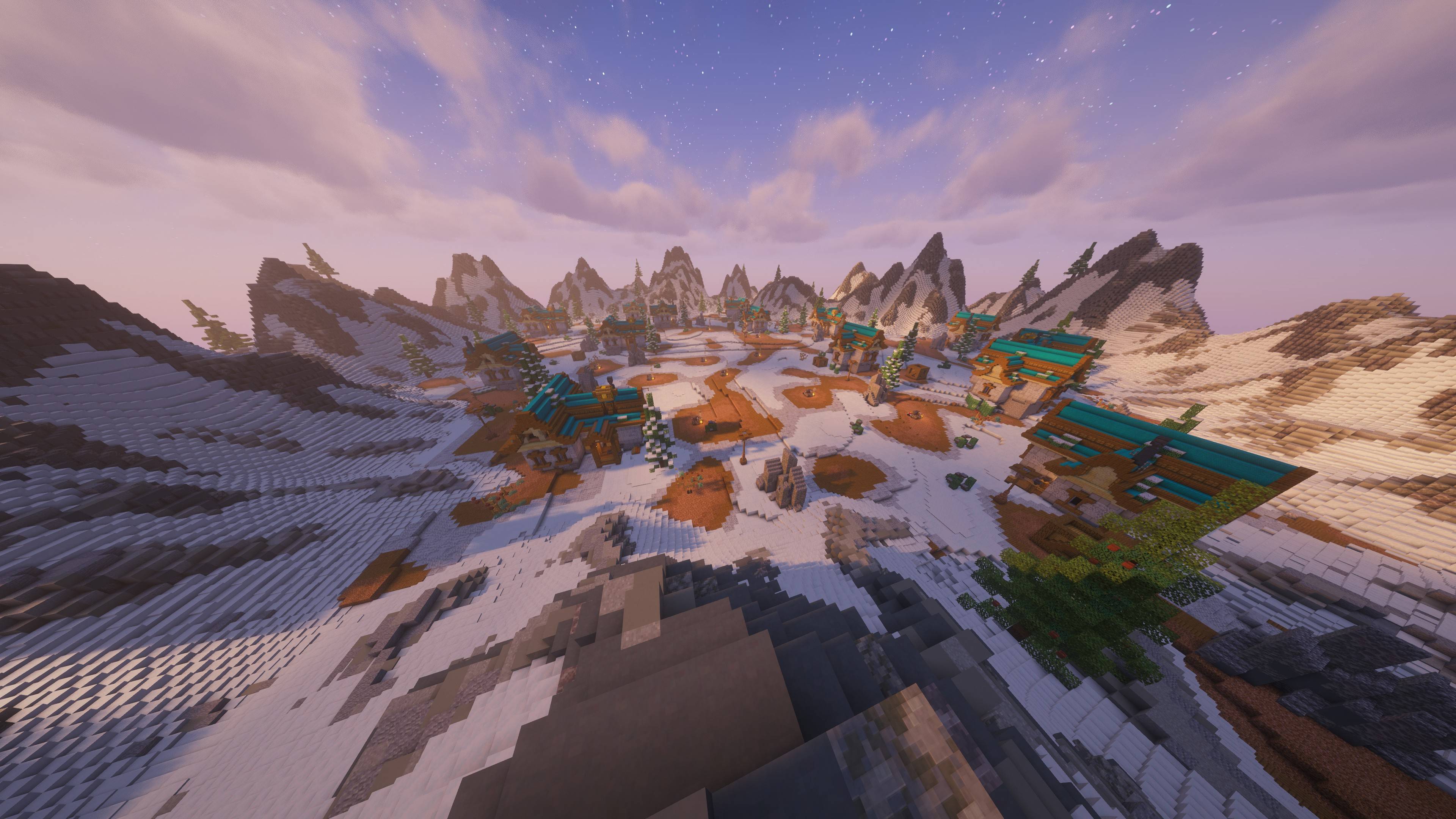

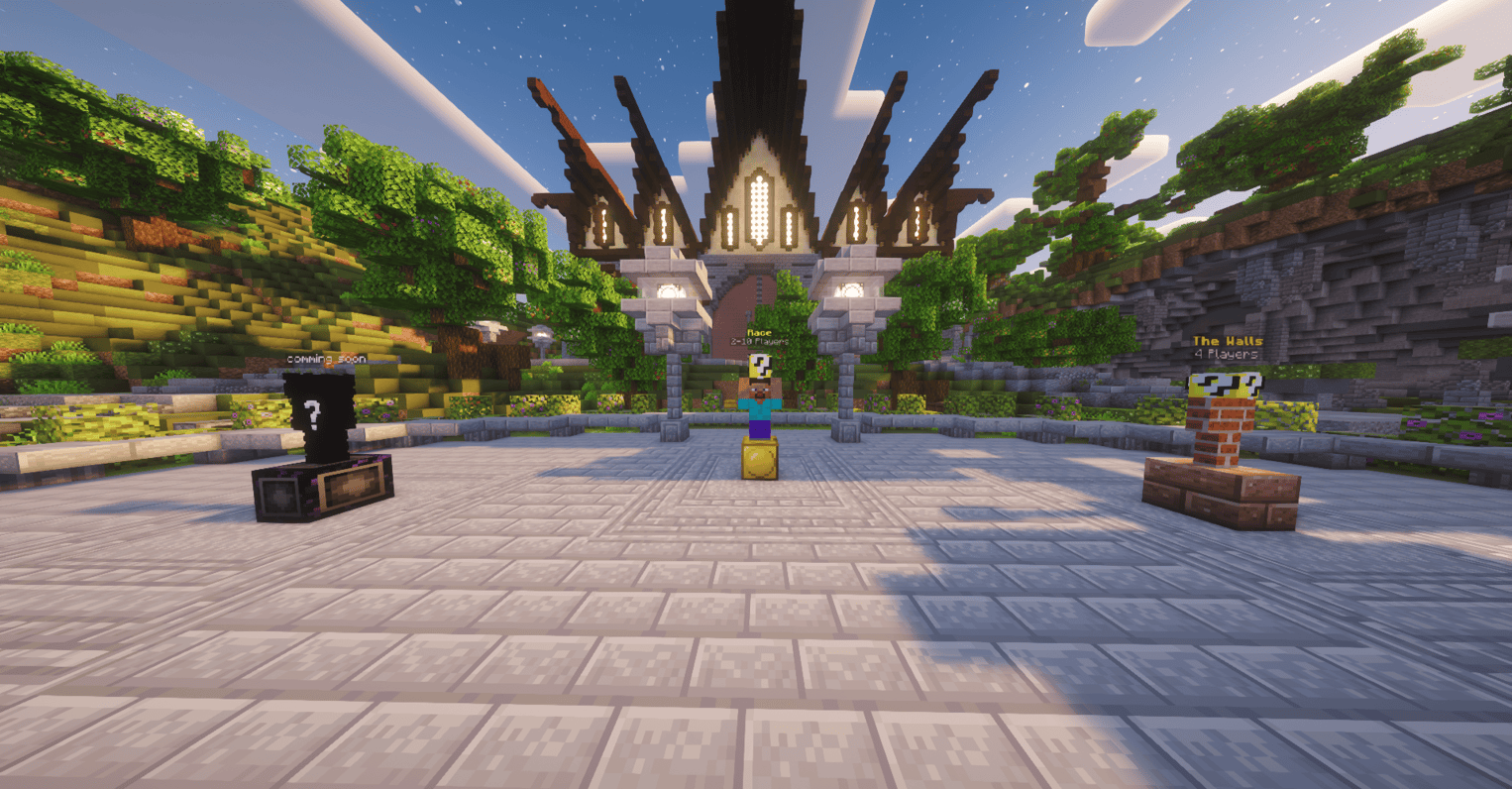
介绍
🍀 FWF: LuckyBlocks
FWF: LuckyBlocks is part of the FunWithFriends modpack series, designed for fast-paced, fun, and unpredictable multiplayer races with friends. It offers a light minigame-style experience with competitive gameplay and quick rounds. The maps are fully reset before each match, so every round starts fresh. Perfect for friendly competition without the need for a dedicated server. Just play, reset, and go again.
New Mode Is Comming Soon! (The Walls)
Found a Bug or have a Suggestion? Join Discord!
The first 100 members will receive a unique role!
🧩 Main Features:
- Dynamic Maps – choose from multiple race maps and customize them before each game!
- Player Setup (2–10 players) – select how many friends can join the race.
- Track Customization – assign individual track colors for each player for a personalized look.
- Endless Variety – no two races are ever the same thanks to random Lucky Block effects.
💥 Included Mods:
- Lucky Block – the original mod full of surprises
- Lucky Blocks Ultimate 2 – a powerful expansion of random events
- Chance Cubes – fortune or disaster? The cube decides!
- Integrated Lucky Blocks – better integration and smoother gameplay
- Simple Voice Chat – talk with your friends directly in-game using proximity voice chat
- Essentials – join your friends’ worlds or invite them to yours with a single click for free
- E4MC – host or join Minecraft worlds for free, perfect for playing together with friends
🌐 E4MC Setup:
- Enter a single-player world in Minecraft.
- Open Options and select “Open to LAN”.
- Configure any settings you want (game mode, cheats, etc.) and click “Start LAN World”.
- After opening to LAN, an IP address and port will appear in the chat — share this with your friends.
- Your friends can join for free by entering the IP and port in Multiplayer
🎙️ Simple Voice Chat Setup:
- Join the same world or server as your friends.
- Press V (default key) to open the Voice Chat menu.
- Make sure your microphone and speakers/headphones are working — you should see a small circle near your player when speaking.
- Voice chat is proximity-based, so you’ll hear only nearby players — great for realistic in-game conversations!
- For private servers, ensure the Voice Chat port (usually 24454) is open if you are hosting.
💡 Tip: Using Simple Voice Chat together with Essentials or E4MC makes playing with friends even more fun — talk while joining their worlds instantly!
Gather your friends, customize your map, and jump into a wild race full of laughter, luck, and pure chaos! 🍀
Whether you’re competing seriously or just having fun, FunWithFriends – LuckyBlocks guarantees a unique experience every time.
常见问题
FWF LuckyBlocks 支持哪些 Minecraft 版本?
FWF LuckyBlocks 基于 Minecraft Java 版 1.20.1,使用 Forge 加载器。
FWF LuckyBlocks 怎么安装?
点本页「前往下载」拿到整合包文件(Modrinth 的是 .mrpack,CurseForge 的是 .zip),在 PCL2 或 HMCL 启动器里选择「导入整合包」,启动器会自动装好 Minecraft、加载器和全部模组。建议在启动器里给游戏分配 4–6 GB 内存。
FWF LuckyBlocks 开服需要多大内存?
推荐服务器内存 12 GB。在线人数多、或者建了大量机器和区块加载器时,可以再加 2–4 GB。
怎么和朋友一起玩 FWF LuckyBlocks?
点本页的「一键开服」,选好配置后会自动安装 FWF LuckyBlocks 的服务端,几分钟就能开好。把服务器地址发给朋友,大家用同一个版本的整合包连进去就行。
xFeneq 的其他作品
查看全部 →
Breaking Place [Block Particle Control]
Adds satisfying destruction particles when placing blocks, with full control over block breaking particles! Boost FPS or amplify your visuals.

Breaking Place [Block Particle Control]
Adds satisfying destruction particles when placing blocks, with full control over block breaking particles! Boost FPS or amplify your visuals.
FWF: LuckyBlocks [Map]
Map for FunWithFriends - LuckyBlocks [FWF LB] modpack

AntiFreeze
AntiFreeze is an extremely lightweight, lag-free mod that completely prevents water from natural freezing.
评论
登录后评论和评分