
Thirsty
A vanilla-friendly datapack that adds a balanced hydration system to Minecraft survival.
截图
介绍
Thirsty
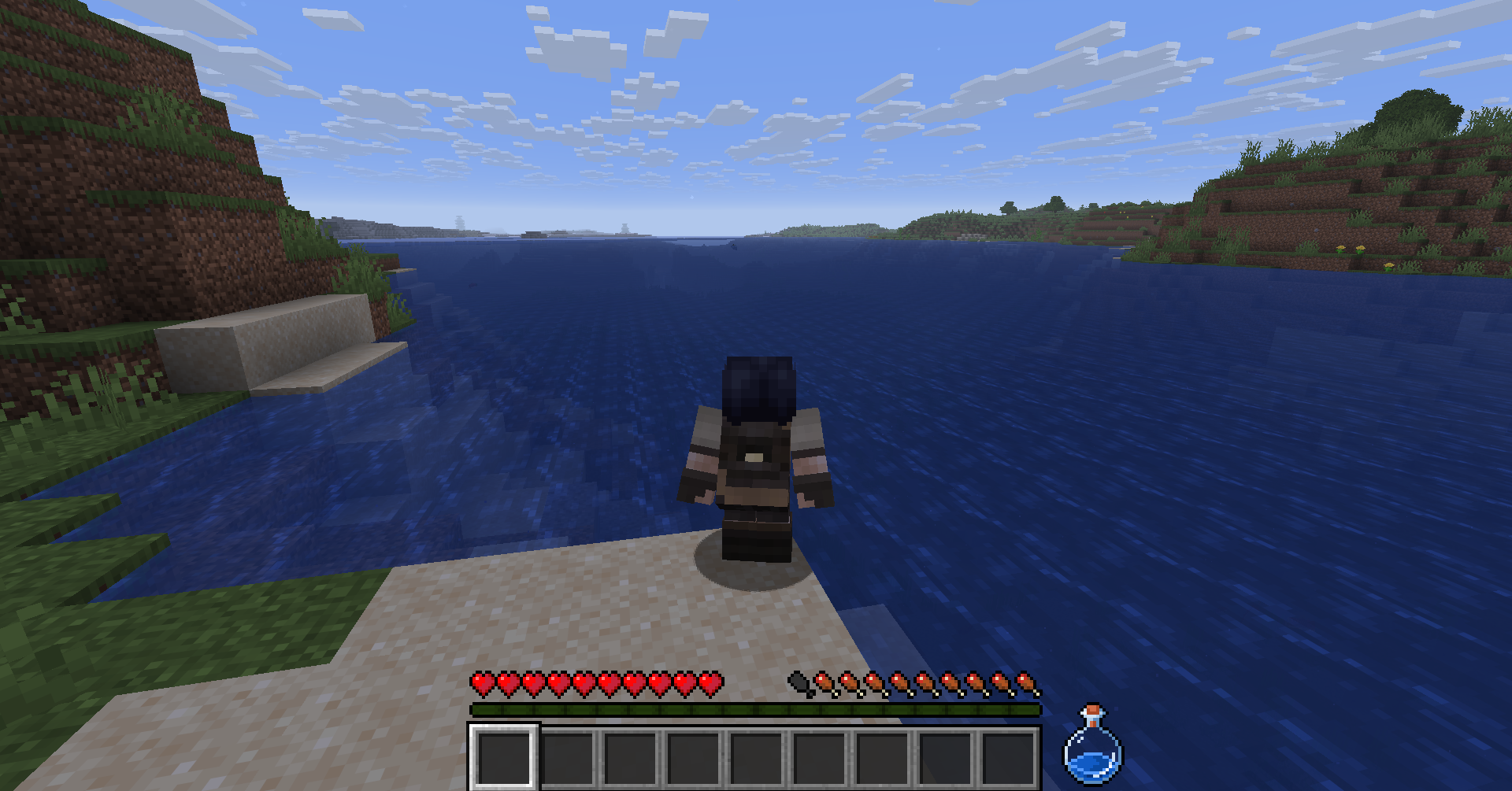
Thirsty is a vanilla-friendly datapack that introduces a hydration system into Minecraft, adding an extra layer of immersion and resource management to survival gameplay.
It is designed to integrate smoothly with vanilla mechanics, with a strong focus on performance, clarity, and multiplayer stability.
- Suitable for survival worlds
- Server-ready
- No mods required
⚠️ Required Resource Pack
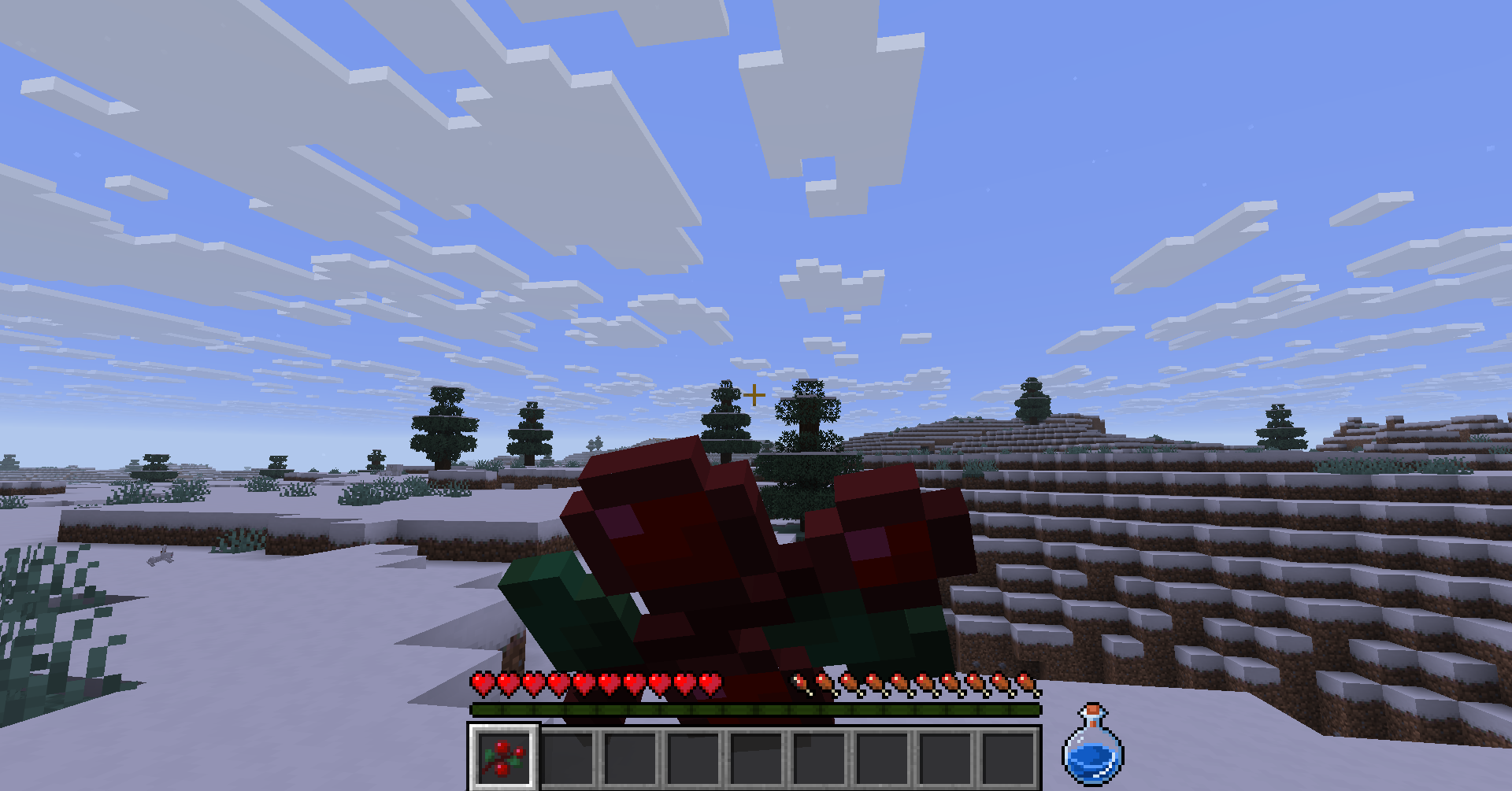
This datapack requires the Thirsty Resource Pack to display the HUD element correctly. Make sure the resource pack is installed and enabled, or the thirst bar will not appear.
Technical and Server Information
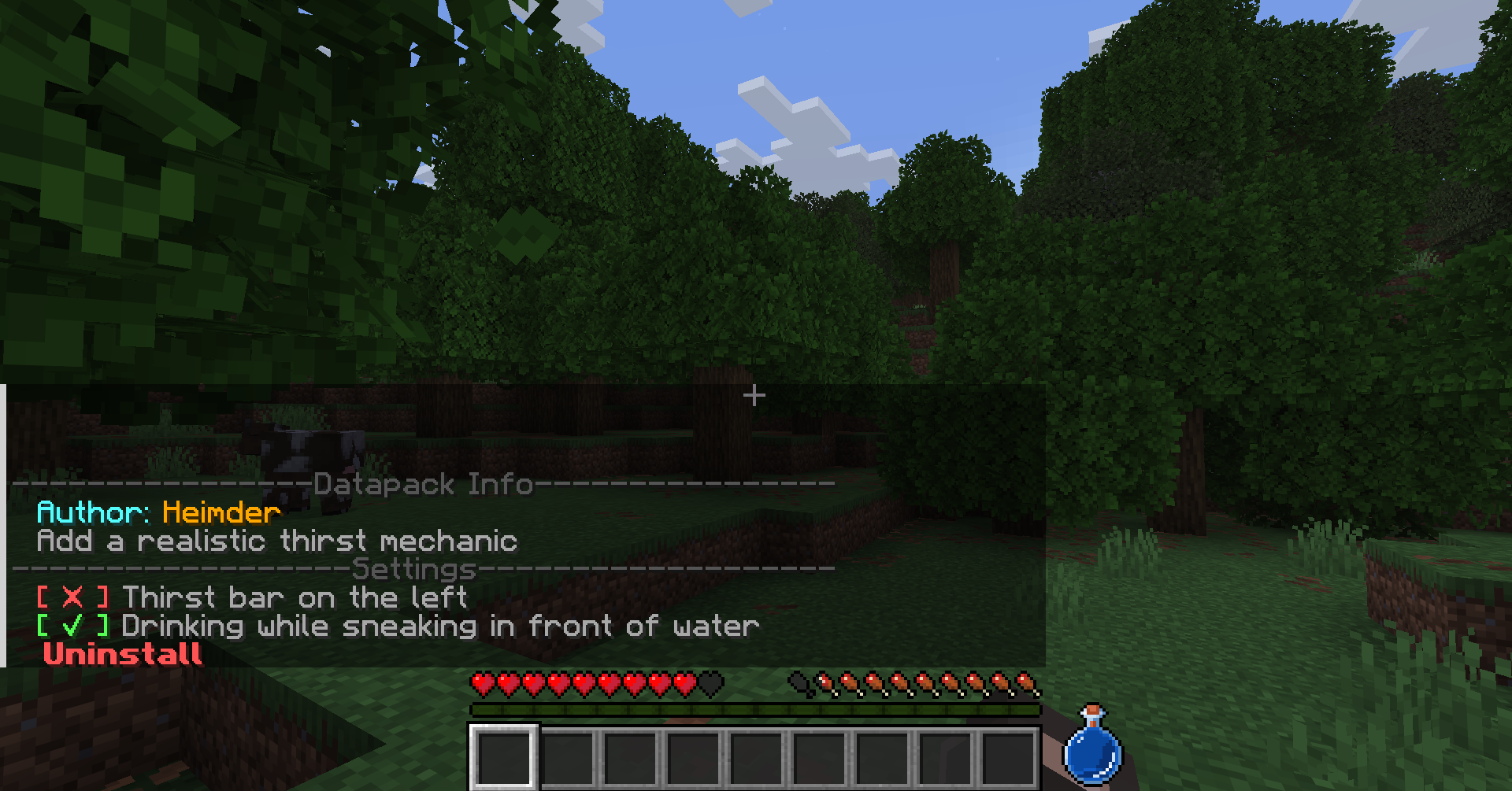
The settings menu and uninstall system were designed to be server-friendly and safe.
Open the settings menu:
/trigger ThirstSettingsInstallation & Update
- Download the datapack
.zip. - Place it inside:
<your_world>/datapacks/- Enter the world or run:
/reload- Verify installation:
/datapack listOperator Commands
Server operators can control access to the uninstall option:
/function uninstall_lock
/function uninstall_unlock
These commands lock or unlock the uninstall option globally for all players.
Thirst Mechanics
Thirsty adds a hydration system that works alongside vanilla hunger mechanics.
- Players have internal thirst and hydration values.
- Thirst only decreases through player actions — AFK players won’t suddenly die of thirst.
- In Peaceful Mode, thirst and hydration are automatically replenished.
- Includes a custom advancement tree to track progression.
Ways to restore thirst
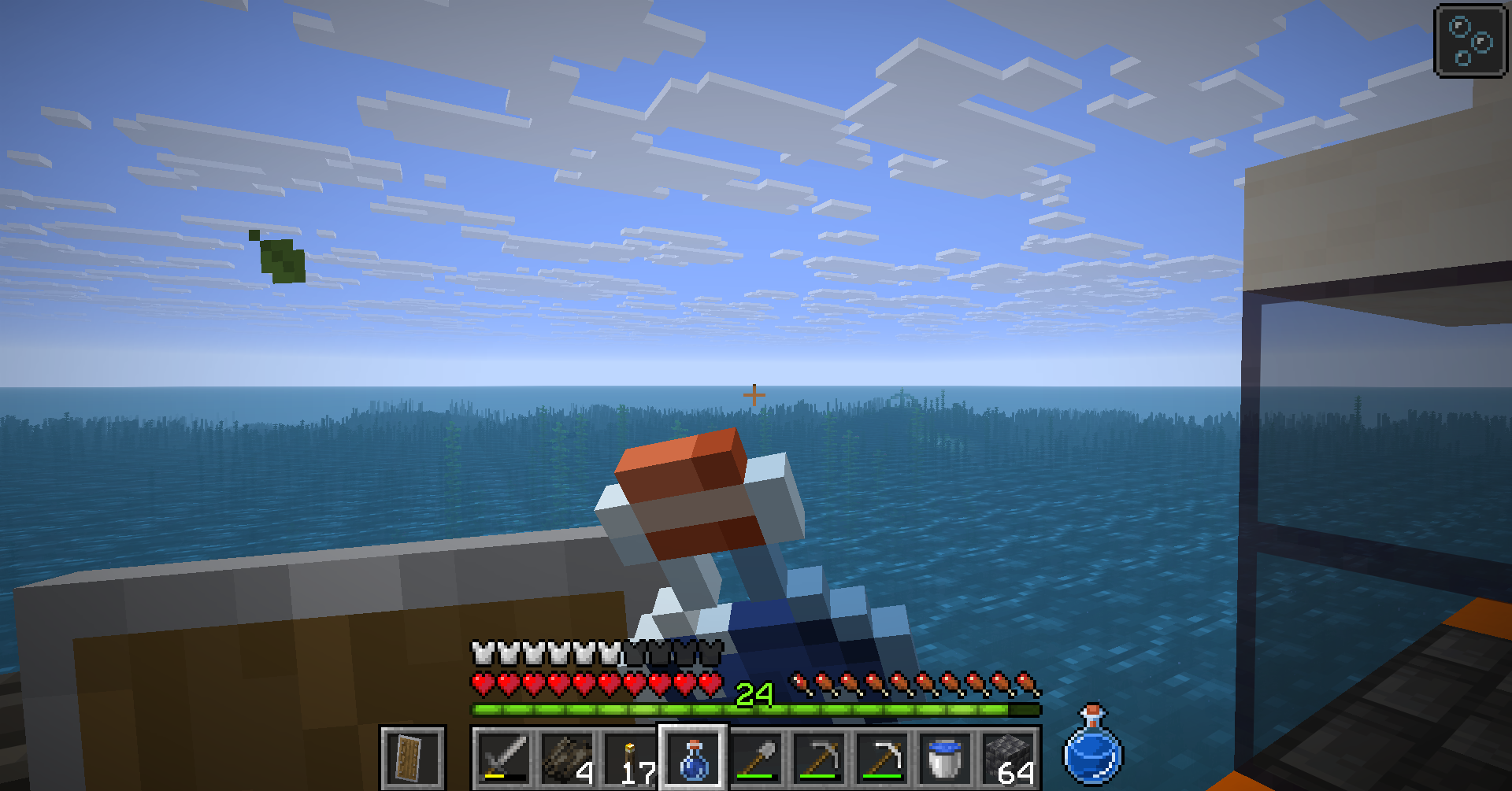
- Drinking water bottles or potions
- Eating water-rich foods
- Sipping directly from natural water sources
Thirst System Details
Thirst works similarly to hunger and saturation:
- th_thirst → visible bar (0–20, starts at 20)
- th_hydration → hidden buffer (0–20, starts at 5)
Hydration is always consumed before visible thirst.
| Category / Items | Thirst (visible) | Hydration (hidden) |
|————————————-|—————–:|——————-:|
| Drinks (Water Bottle, Potions) | 8 | 6 |
| Sipping from source (Every 80 ticks)| 2 | 1 |
| Stews | 6 | 5 |
| Milk | 6 | 4 |
| Hearty Fruits (Melon Slice) | 4 | 2 |
| Fruits | 3 | 1 |
| Special (Honey Bottle, Golden Apple)| 2 | 0 |
| Negative (Cause thrist, Dried Kelp) | 0 | 0 |
Note: thirst decreases through sprinting, swimming, jumping, and combat. The Thirst status effect accelerates this drain.
Sipping System
- Sneak + look at a water block to drink directly from it.
- Requires 80 ticks (~4s) to complete.
- Restores +2 Thirst and +1 Hydration.
- Intentionally slow to balance risk vs convenience.
- Disabled by default — can be enabled in the settings menu.
- Each player has an independent sipping configuration.
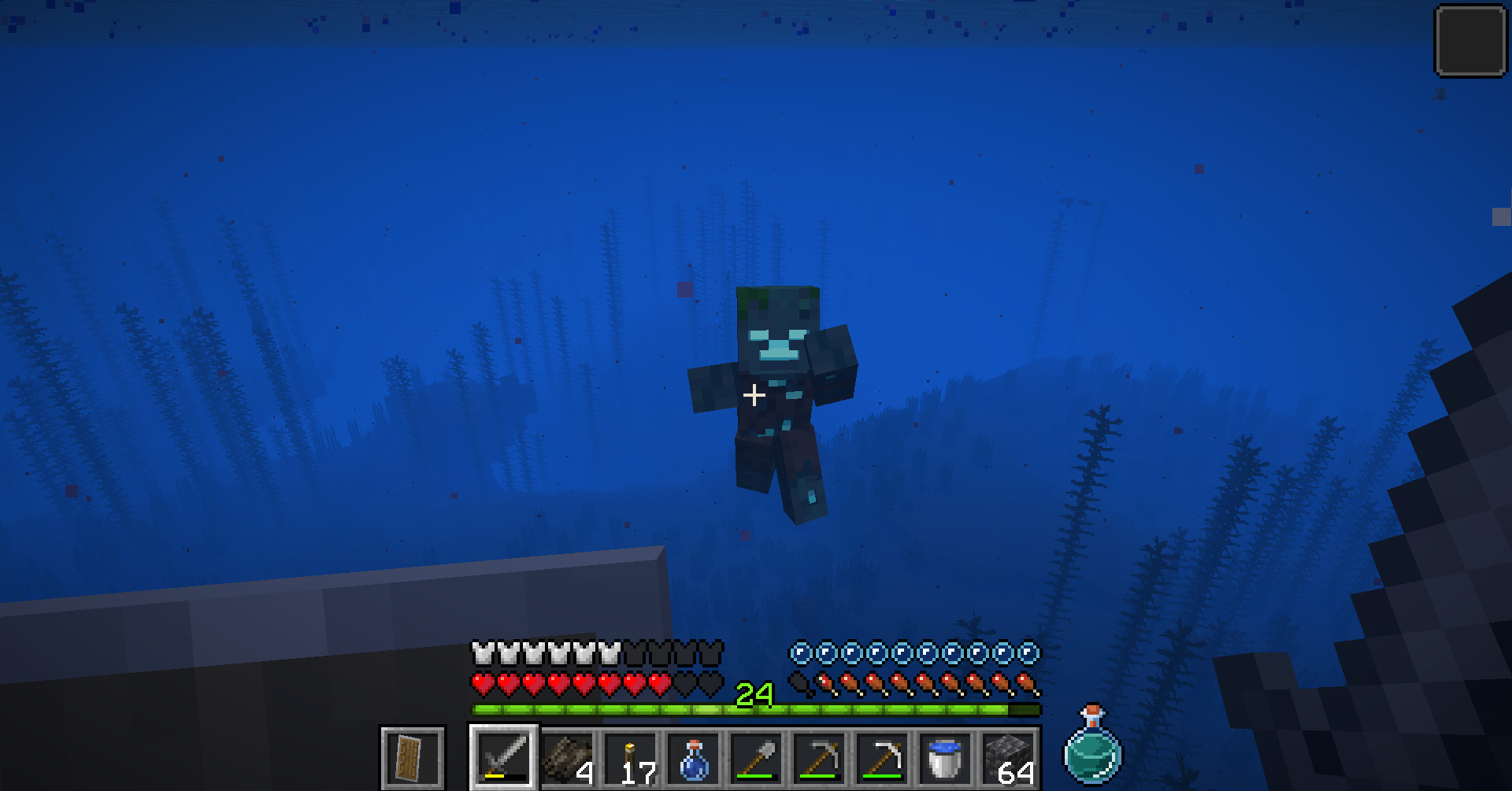
Thirst Status Effect
- Applied by eating dried kelp or being attacked by a drowned.
- Lasts 30 seconds and accelerates thirst drain.
- Visual feedback: greenish HUD bar and particles.
- Instantly cured by drinking Milk.
Multiplayer and Language Support
- Built with multiplayer compatibility in mind (still experimental).
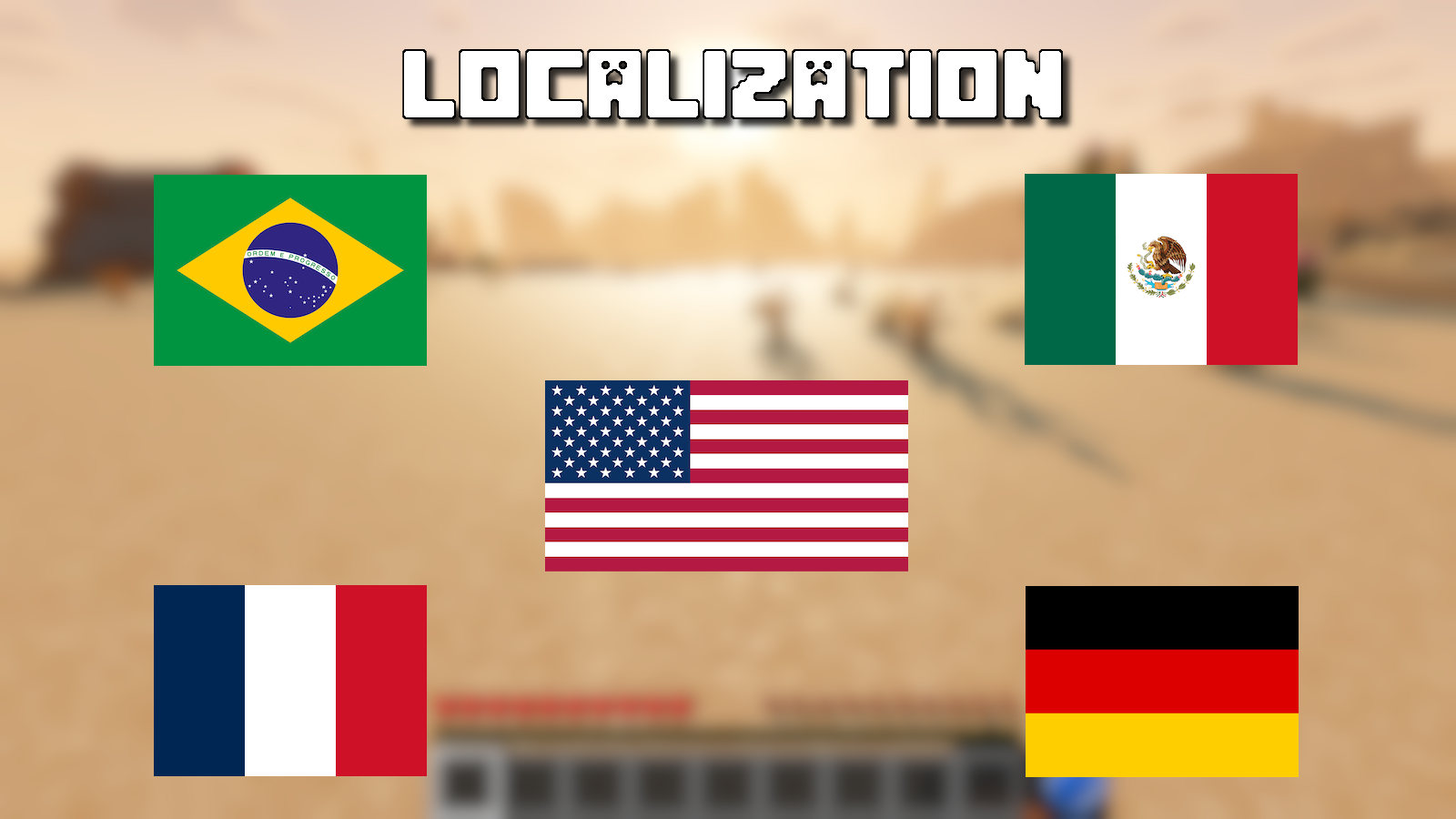
- Available languages: English, Brazilian Portuguese, Spanish (Mexico), French, German.
- Resource pack system allows easy addition of new translations.
Final Notes
Known limitation: Custom HUD may temporarily disappear when interacting with beds during daytime or when consuming potions, due to engine behavior in recent Minecraft versions.
If you enjoy this datapack:
- 👍 Follow the project
- 💬 Share feedback and ideas
- ⬆️ Recommend it to friends or servers
Every bit of feedback helps improve the project.
Recent Updates
- v1.4.2 — Stability update
- v1.4.1 — Bugfix and HUD Refresh
- v1.4 — HUD update, performance optimizations, multiple bug fixes, initial Modrinth release
(See the update logs for the full changelog.)
常见问题
Thirsty 支持哪些 Minecraft 版本?
Thirsty 支持 Minecraft Java 版 1.21.4–1.21.11,共 8 个版本。下载时注意选择和你游戏版本一致的文件。
Thirsty 怎么安装?
新建世界时在「数据包」里把下载的 .zip 拖进去;已有的存档,把文件放进存档目录下的 datapacks 文件夹,进游戏输入 /reload 即可生效。服务器同样放在世界目录的 datapacks 里。
评论
登录后评论和评分