
Player Utils
A Minecraft mod that improves the gameplay experience with various visual and client-side features.
截图

介绍
PlayerUtils mod adds several new features to the game that will make your gameplay more enjoyable and convenient.
Commands:
_/coords_ – copy your current position to the clipboard
_/coords [player]_ – send your position to the specified player in dms
_/social friend/enemy add/remove [player]_ – adds or removes a player to/from your friends or enemies list
_/social friend/enemy clear_ – clears the friends/enemies list
Features:
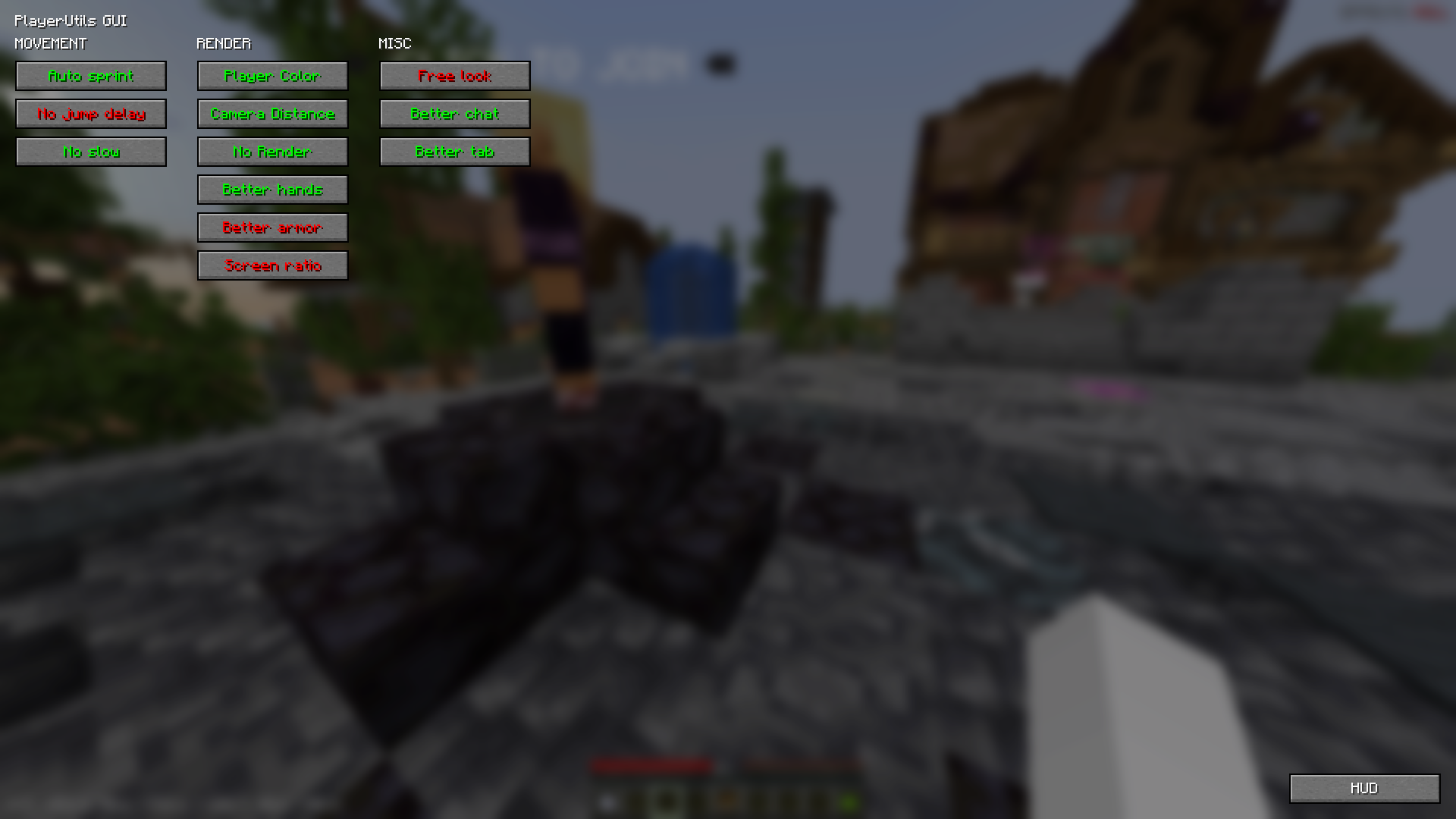
Movement:
_AutoSprint_ – automatically sprints
_NoJumpDelay_ – removes jump delay
_NoSlow_ – allows you to open the inventory or chat in a portal, and move while the options screen is open
Render:
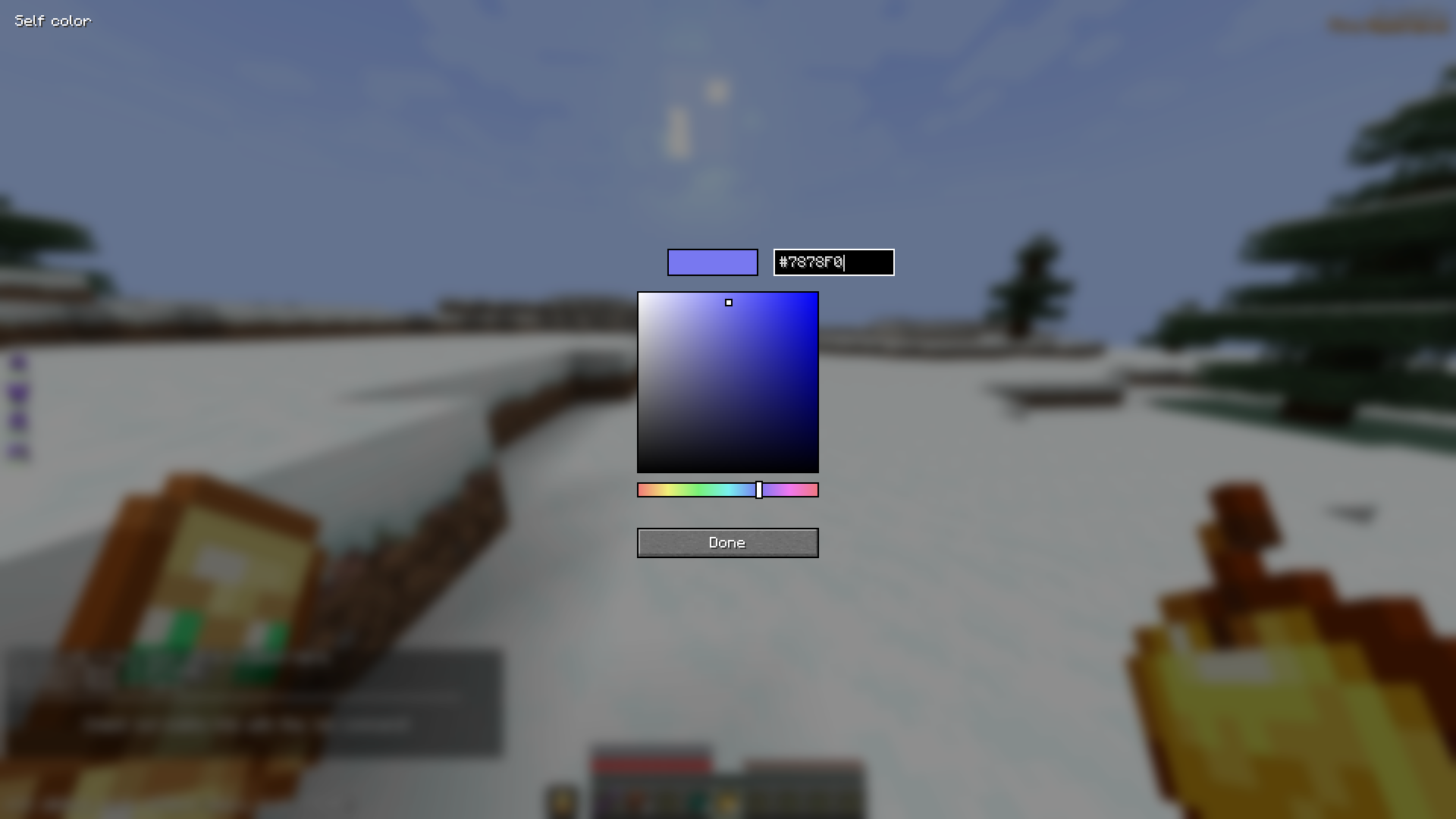
_PlayerColor_ – changes the color of friends/enemies/yourself in chat, the tab list, alters player name colors, and player model
_CameraDistance_ – adjusts the camera distance
_NoRender_ – allows disabling certain in-game rendering elements
_BetterHands_ – reduces item size in hand, changes hand bobbing
_BetterArmor_ – changes armor color
_ScreenRatio_ – changes the screen aspect ratio
Misc:
_FreeLook_ – allows free third-person camera movement without changing head position
_BetterChat_ – saves chat history upon server exit and increases the maximum number of messages in the chat
_BetterTab_ – increases the maximum number of players displayed in the tab list
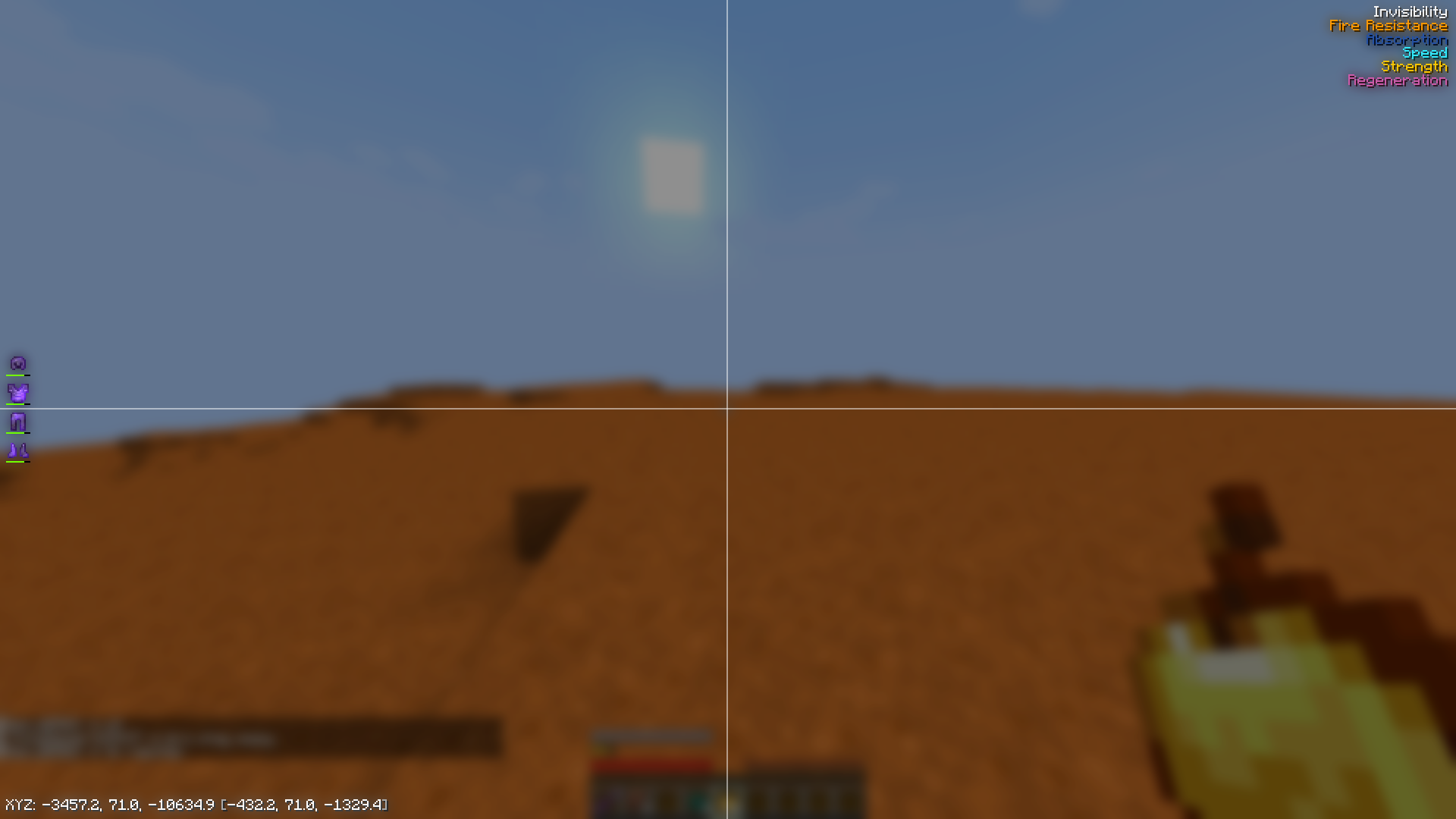
HUD:
_EffectList_ – lists active effects on the player, sorted by remaining duration (effects with shorter durations are rendered at the bottom)
_Coordinates_ – displays player’s coordinates (in brackets, coordinates for the Nether divided by 8, and coordinates for the Overworld multiplied by 8)
ArmorHud – shows the player’s armor status (including durability)
常见问题
Player Utils 支持哪些 Minecraft 版本?
Player Utils 支持 Minecraft Java 版 1.21.4–1.21.7,共 4 个版本,可用的加载器:Fabric。下载时注意选择和你游戏版本一致的文件。
Player Utils 怎么安装?
先用 PCL2 或 HMCL 启动器安装对应版本的 Fabric,再把下载的 .jar 文件放进游戏目录的 mods 文件夹,重新启动游戏即可。开启了版本隔离的,mods 文件夹在 versions/版本名 下面。运行环境:仅客户端。

评论
登录后评论和评分