
Alternate biome transitions
Generates simple transitions between most biomes in Minecraft to prevent most harsh biome edges.
截图
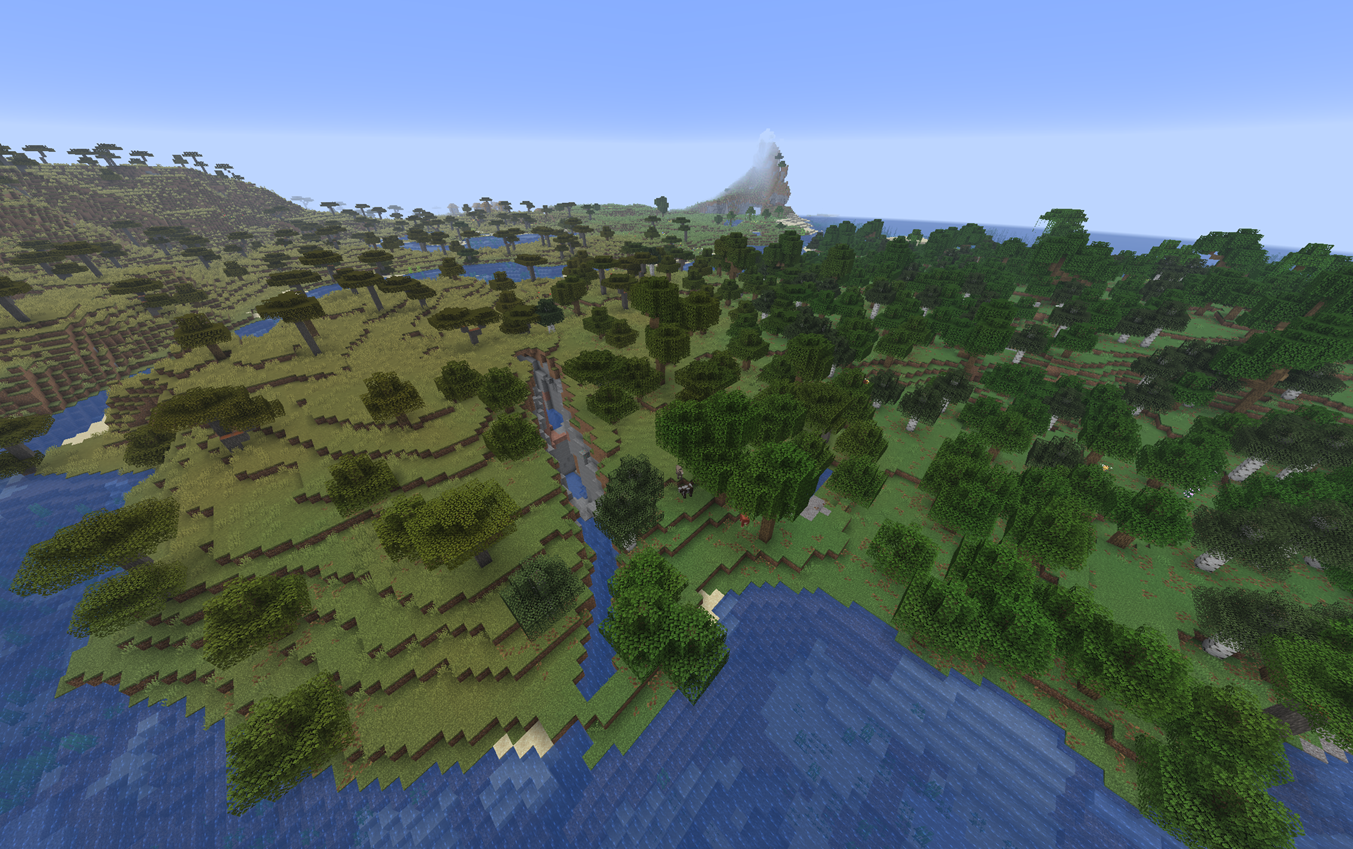
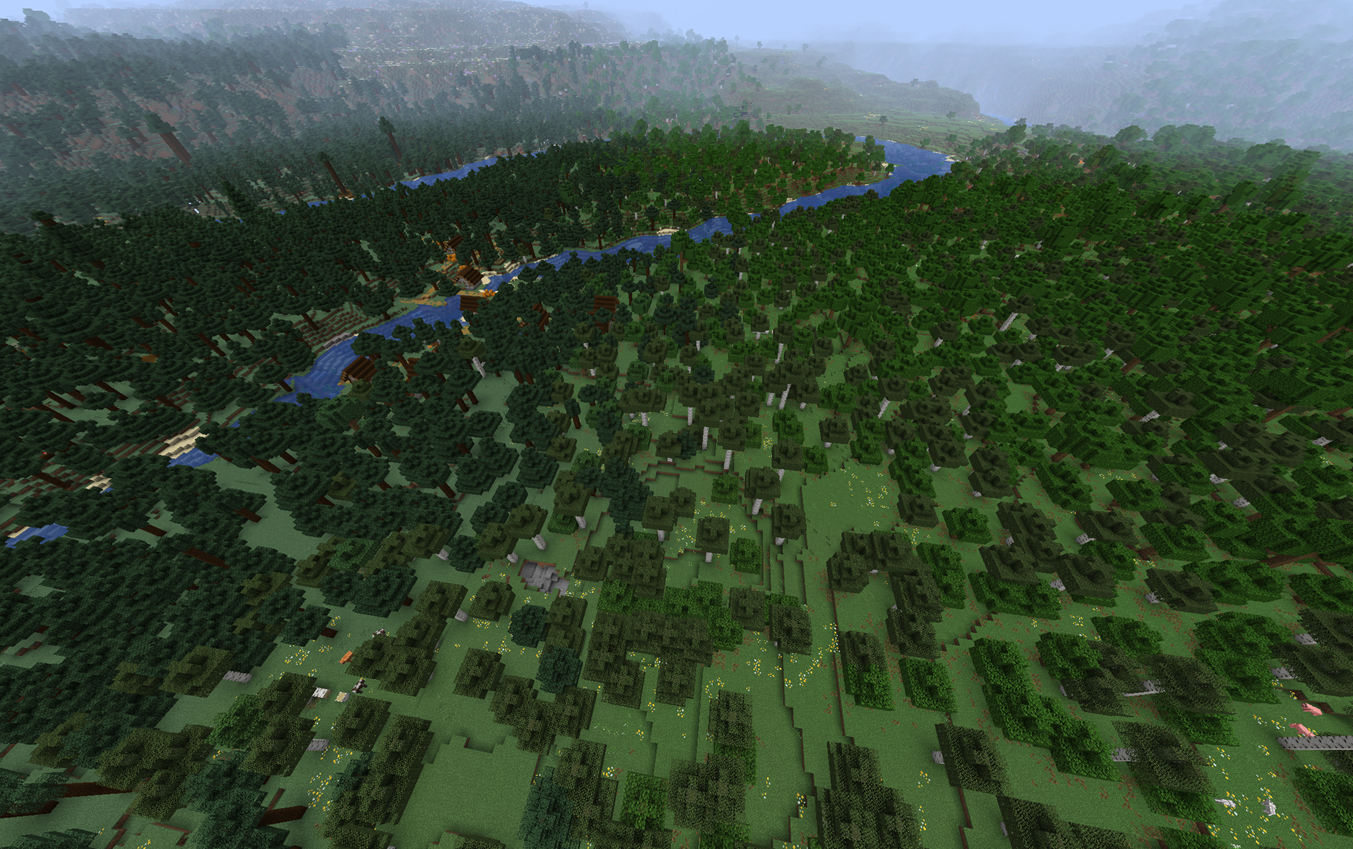
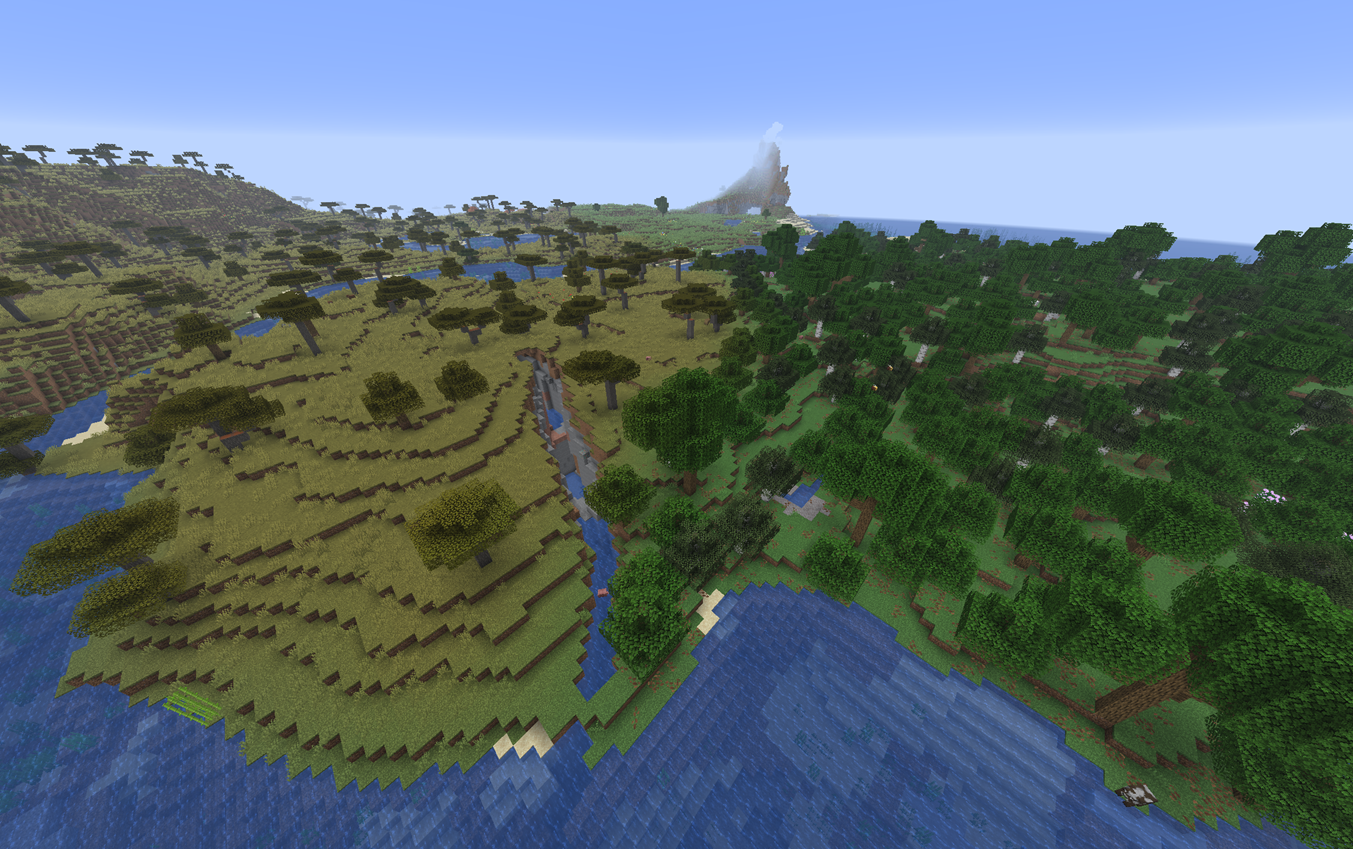
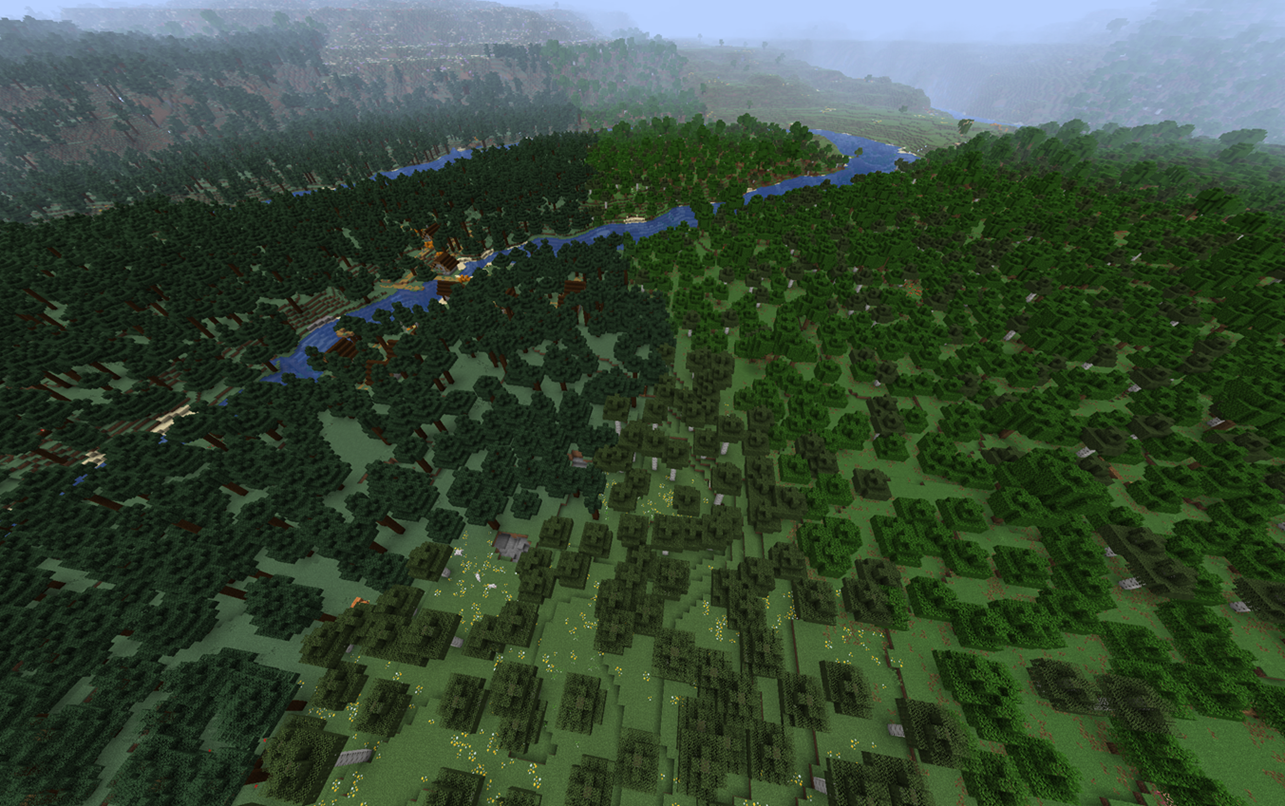
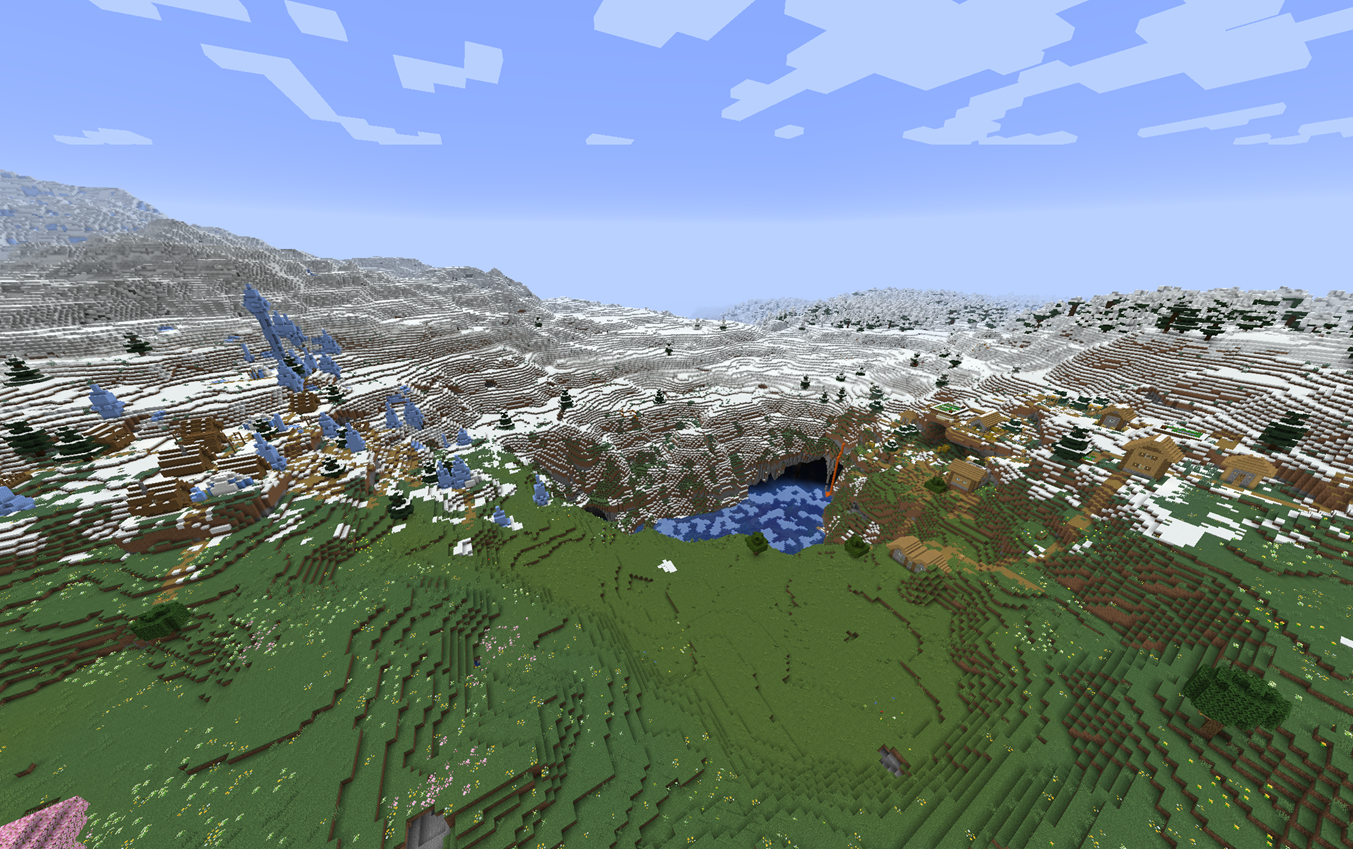
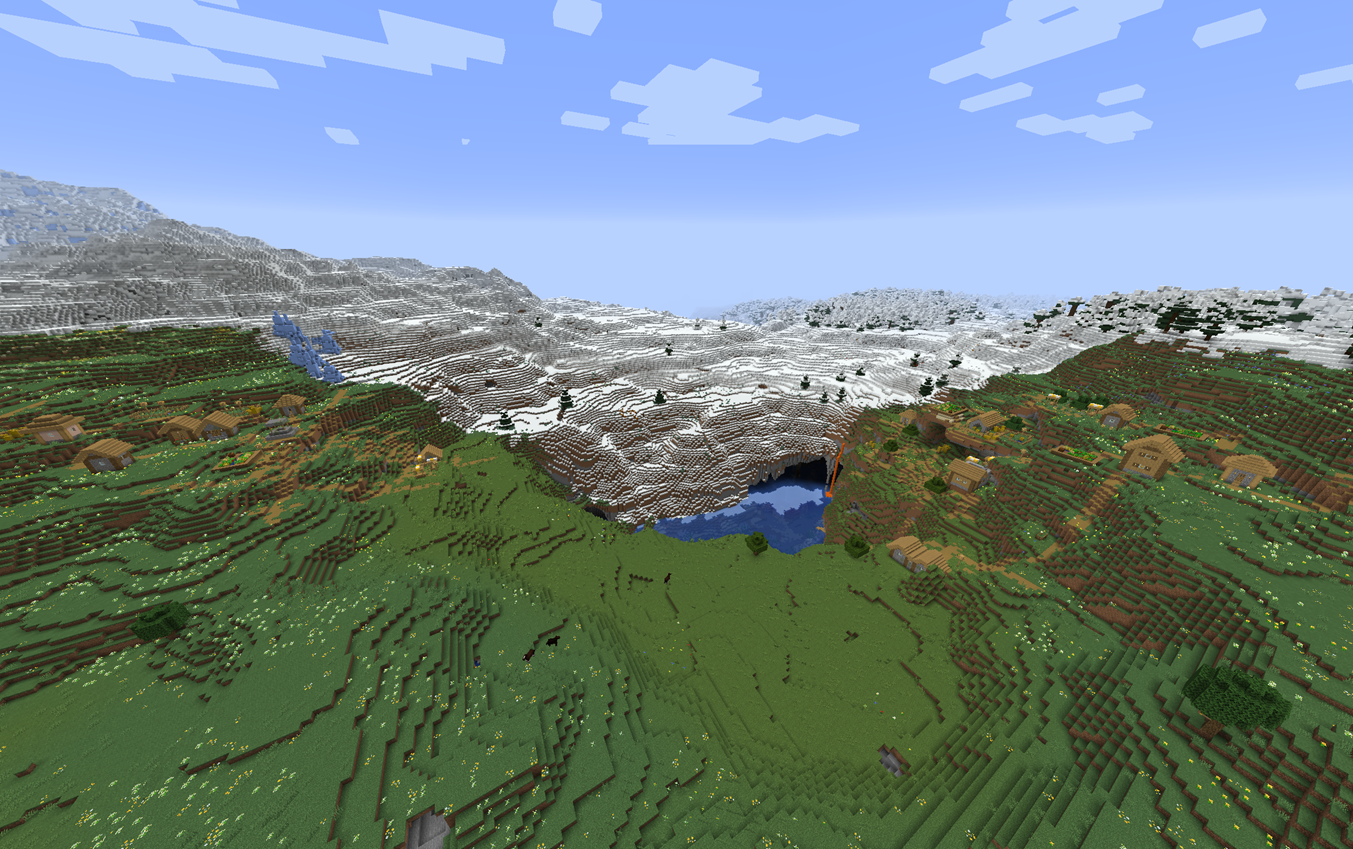
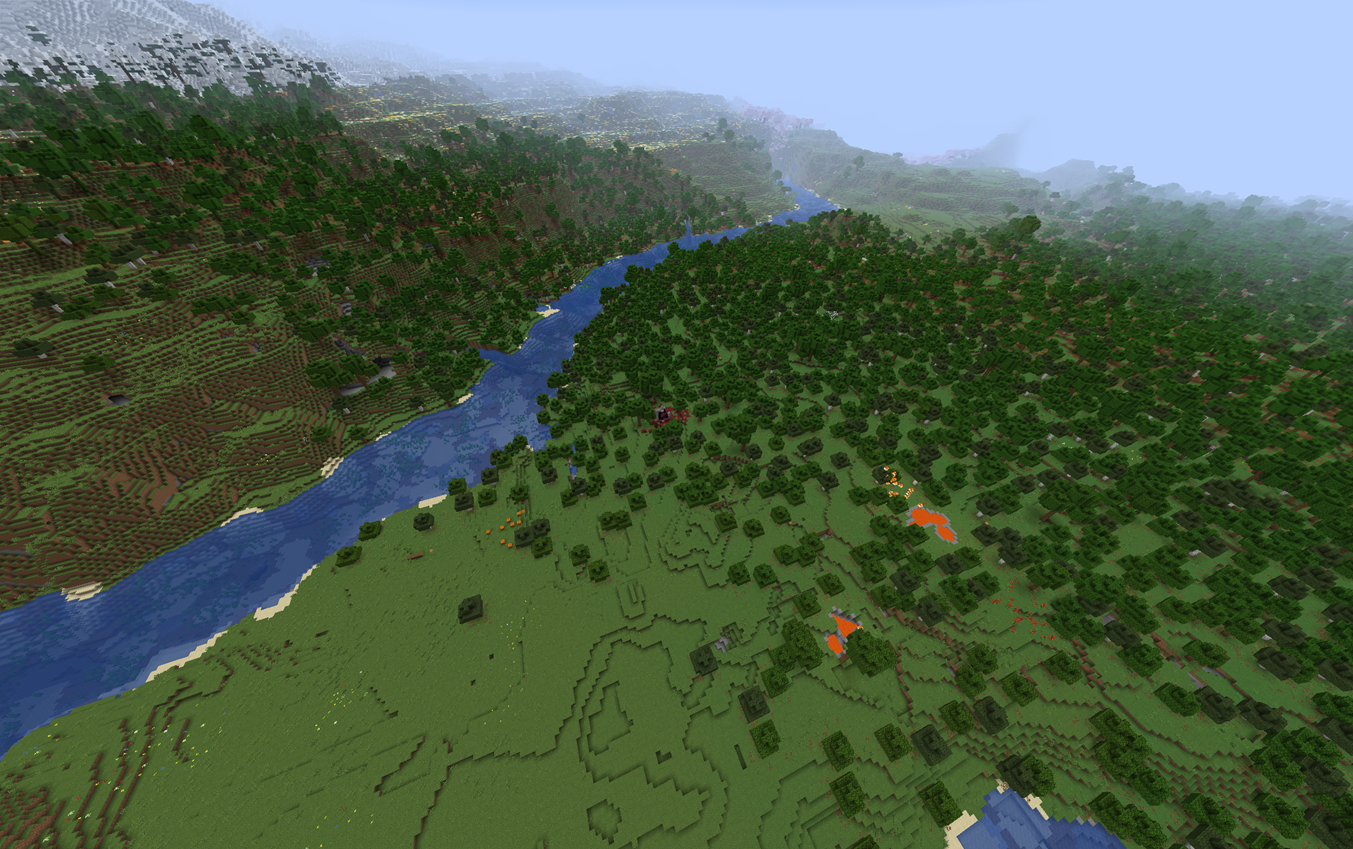
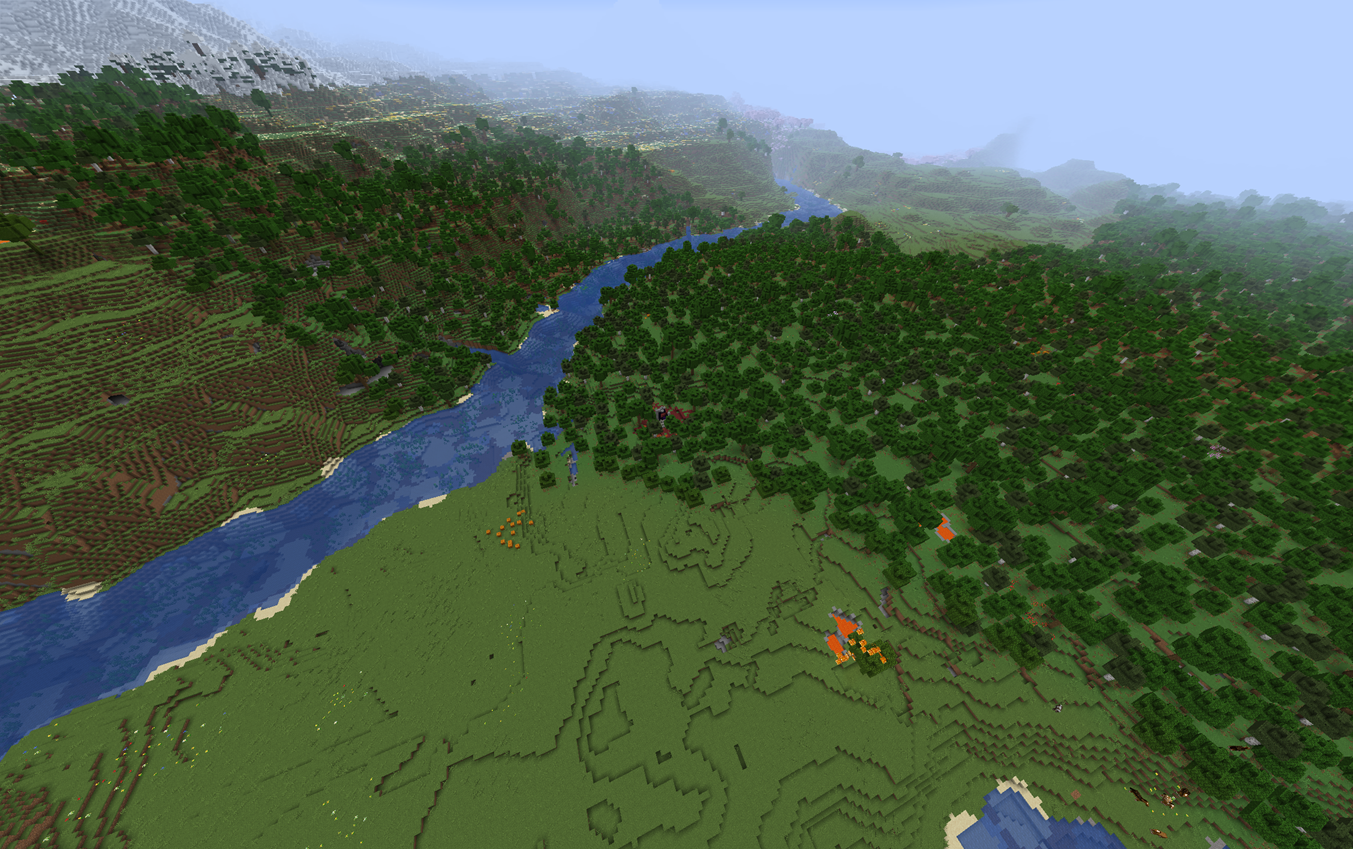
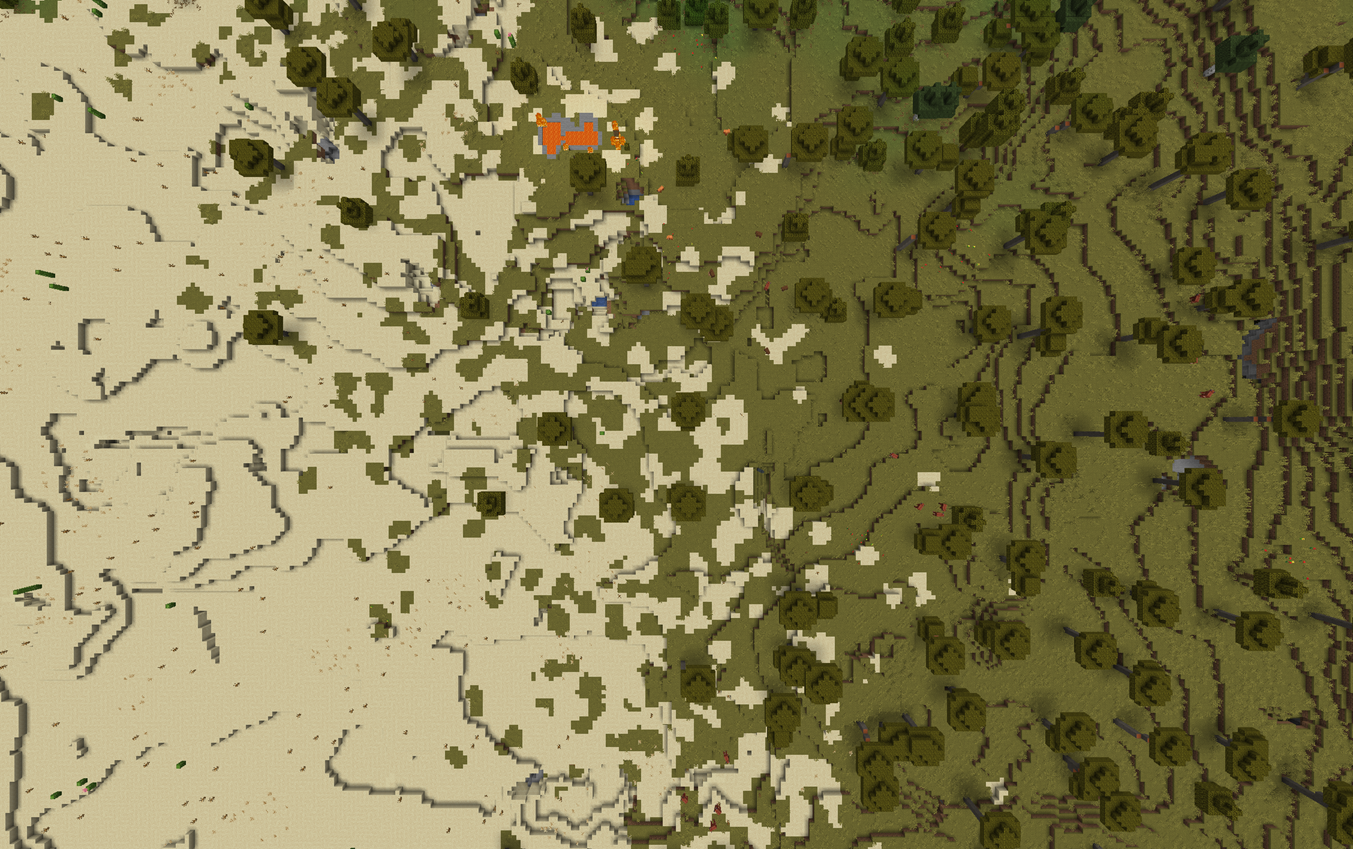
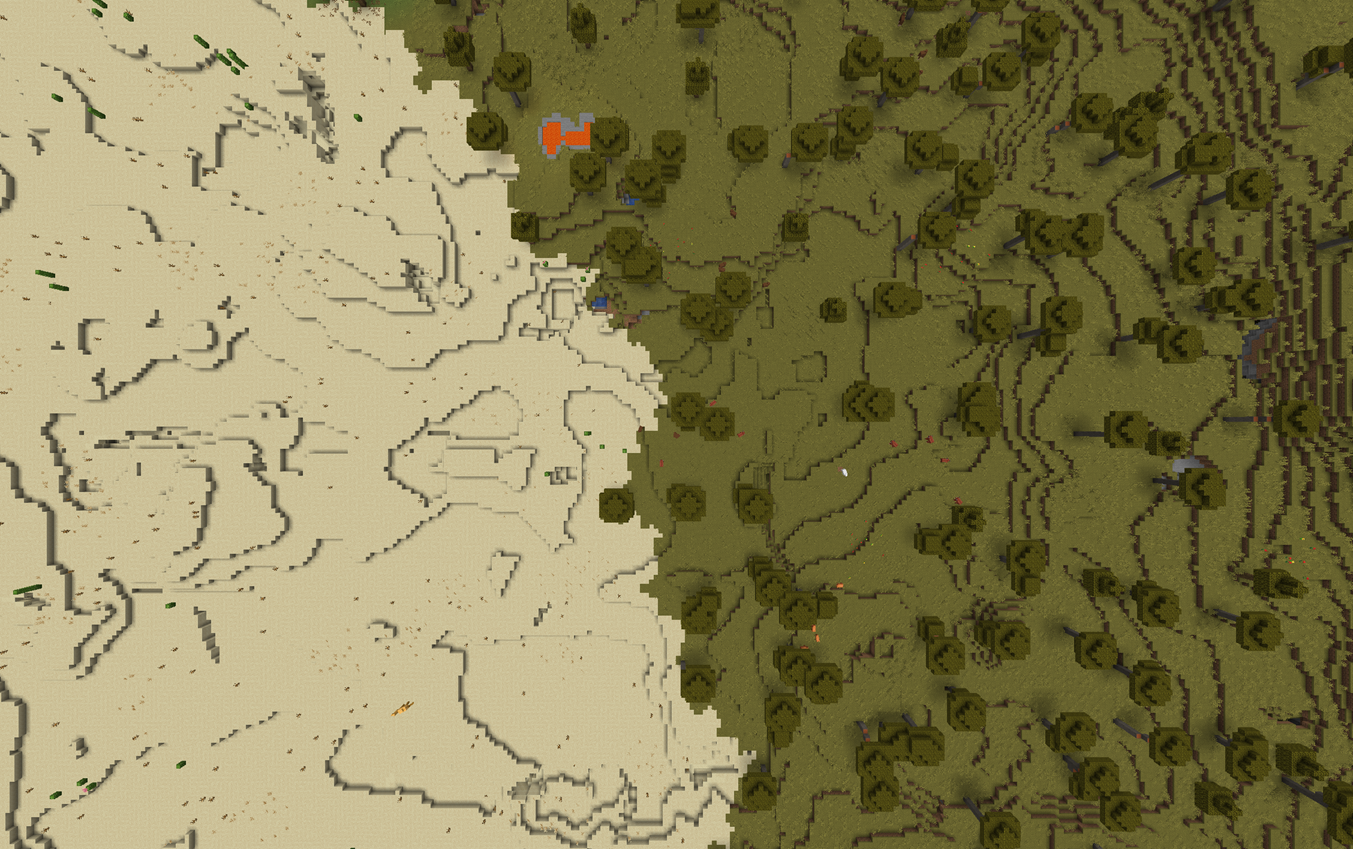
介绍
This datapack adds transitions between biomes (small blobs of each extend into the other) to break up the harsh transitions between some biomes. See the gallery for images of what this looks like. This datapack also makes colder biomes generate further out higher up to make mountain transition more realistic.
Finding biomes
Because this datapack makes colder biomes generate higher up, the /locate command may find biomes up in the sky (i.e a plains 400 blocks above a savanna). This is especially common when increasing the height of a world. To counteract this, you should try to find the biome in an unmodified world. The same biome should be there in the world with this datapack (though sometimes there could be a closer one, if one almost generated, this datapack may generate a transition to it).
Customising
As of version 1.1.2, internally there is a config. Due to datapack limitations, you must edit the datapack to do this. To do this you should
- Unpack the zip file (copy contents into a new folder). For readability, I will refer to this folder as
datapack. - From the folder
datapack, go todata/alternate_biome_transitions/worldgen/density_function/constants/. - Edit the constants, currently
temperature_height_drop_amplitude.jsoncontrols how much the biome temperature drops when travelling upwards. 0 means no drop, 1 means default drop, numbers between them will blend between the two.
- Save the files.
- Create a new zip file and copy the contents of the folder
datapackinto it. This is now your modified version of this datapack.
常见问题
Alternate biome transitions 支持哪些 Minecraft 版本?
Alternate biome transitions 支持 Minecraft Java 版 1.20–1.21.11,共 19 个版本。下载时注意选择和你游戏版本一致的文件。
Alternate biome transitions 怎么安装?
新建世界时在「数据包」里把下载的 .zip 拖进去;已有的存档,把文件放进存档目录下的 datapacks 文件夹,进游戏输入 /reload 即可生效。服务器同样放在世界目录的 datapacks 里。
评论
登录后评论和评分