
Happy Ghast Scaffolding
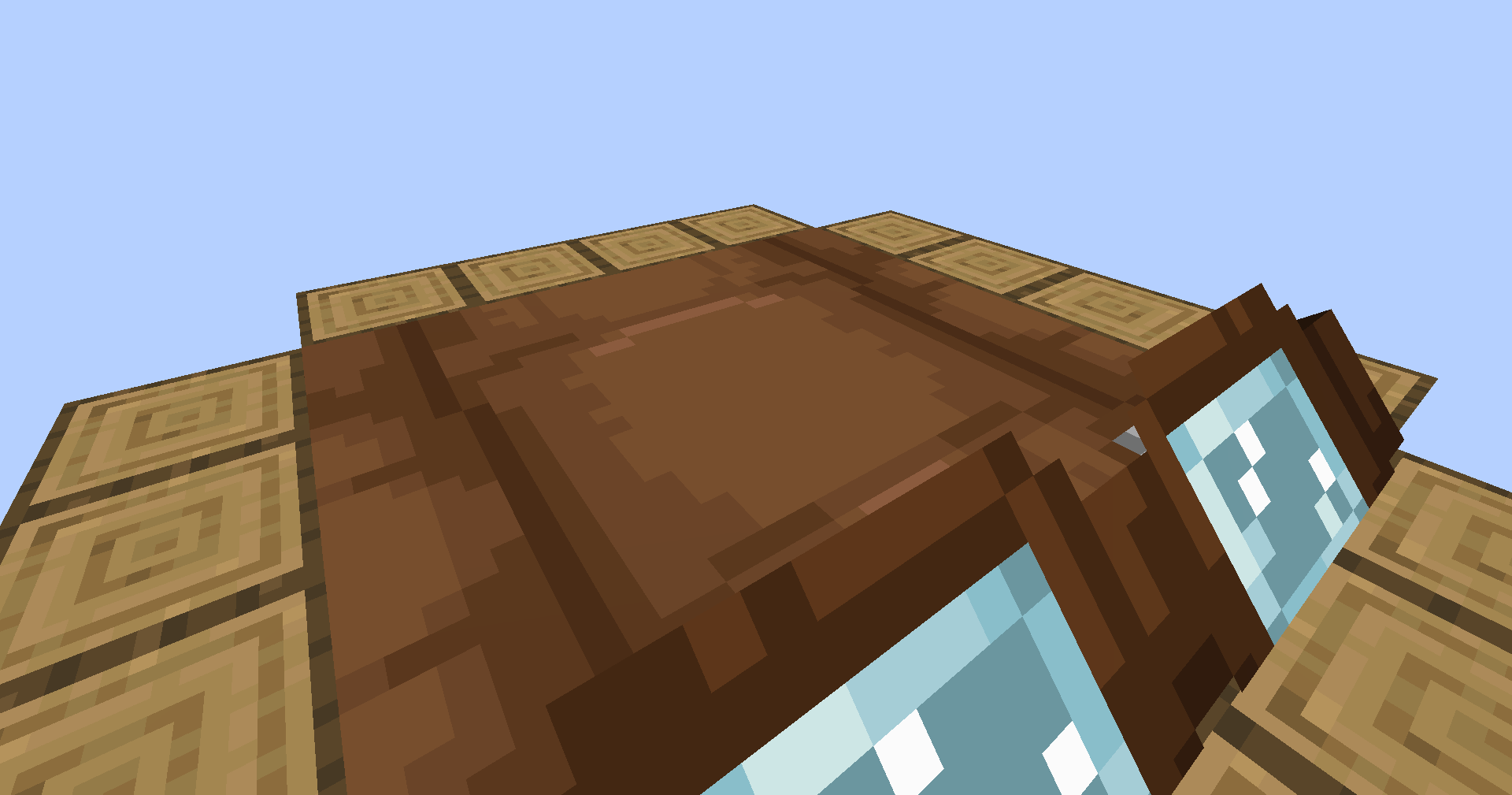
Place blocks on the sides of happy ghasts while you're riding on them!
截图
介绍
If a happy ghast has a player standing on their back, they will move to align themself with the coordinate grid. Once they do, right click an empty space next to the ghast in order to place a block from either your mainhand or your offhand. Since happy ghasts are exactly 4 blocks across, there’s a total of 16 spaces wherein you can place a block.
While in survival or adventure mode, placing blocks will remove them from your inventory. If you’re in creative mode, your inventory will be unaffected.
Compatibility:
This datapack supports both vanilla and modded blocks, however, the item ID and the block ID have to match. For example, a water bucket won’t place a water block since its item ID is “minecraft:water_bucket” instead of “minecraft:water”.
Sounds:
When placing blocks, the sound played won’t correspond to the block type. Instead, it will always use the sound for placing scaffolding. Unfortunately, I couldn’t find a good way to connect the sound played to the type of block placed.
If preferred, you can use “/function hgs:toggle_sound” to disable the scaffolding sounds.
Installing / Uninstalling:
Install As Mod
Download the “.jar” file and drop it into your mods folder, or use Modrinth’s big green “Install” button. Simple as that!
Install As Datapack
To add this pack to a pre-existing world…
- Select the world
- Click on “Edit”
- Then click “Open World Folder”
- Go into the “datapacks” sub-folder
- Place the datapack ZIP file inside
To add this pack to a new world…
- Select “Create New World”
- Click on “More”
- Then “Data Packs”
- And then “Open Pack Folder”
- Place the datapack ZIP file inside _(the pack should then appear under “Available”)_
- Hover over the datapack icon and click the arrow to enable it
Uninstall Mod/Datapack
To fully uninstall this mod/datapack and remove all traces of it…
- Type in this command: “/function hgs:uninstall“
- Remove the mod/datapack from the folder you put it in during installation, or uninstall it via Modrinth.
常见问题
Happy Ghast Scaffolding 支持哪些 Minecraft 版本?
Happy Ghast Scaffolding 支持 Minecraft Java 版 1.21.6–1.21.8,共 3 个版本,可用的加载器:Fabric / Forge / NeoForge / Quilt。下载时注意选择和你游戏版本一致的文件。
Happy Ghast Scaffolding 怎么安装?
新建世界时在「数据包」里把下载的 .zip 拖进去;已有的存档,把文件放进存档目录下的 datapacks 文件夹,进游戏输入 /reload 即可生效。服务器同样放在世界目录的 datapacks 里。
cristata 的其他作品
查看全部 →
Saddles Squared
所有坐骑现在都有了 3D 鞍具,每款都拥有独特的专属纹理!

Undead Horse Variants
全新的骷髅马和僵尸马变种!完整实现自定义纹理和玩法。

Harnesses Aren’t Ghastly
快乐恶魂的挽具已完全重新建模和重新贴图。它们现在细节丰富得多,也没那么恶魂味了!
Harnesses Aren’t Ghastly
快乐恶魂的挽具已完全重新建模和重新贴图。它们现在细节丰富得多,也没那么恶魂了!
评论
登录后评论和评分