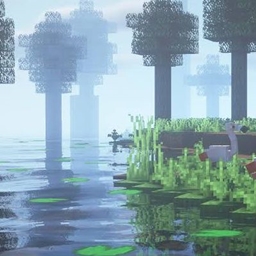
RealisticRemake
A lightweight realistic shader with soft mist, sun shadows, god rays, and swaying leaves — built for smooth performance on modest GPUs.
截图
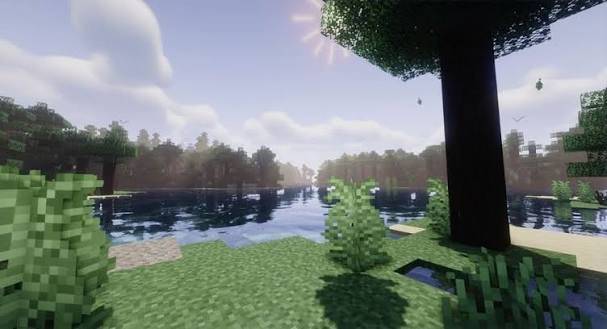
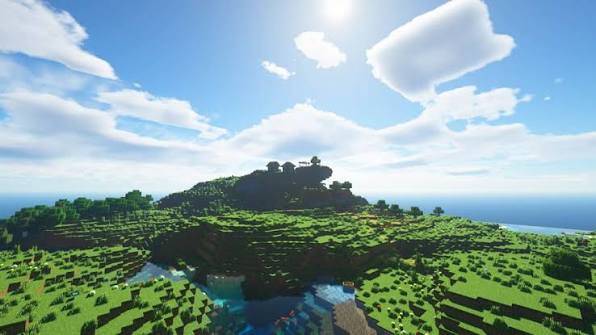
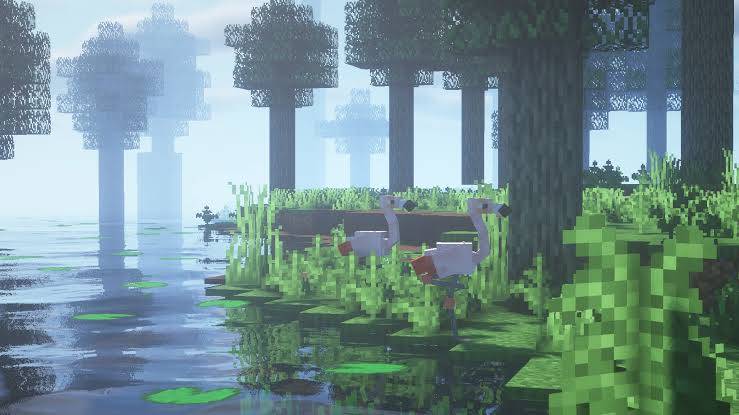
介绍
# RealisticVibes
A lightweight shader pack that brings a soft, cinematic, misty-forest look to vanilla Minecraft — without tanking your FPS.
## Features
– **Dynamic sun/moon shadows** — real shadow-mapped lighting, not fake vanilla darkening
– **God rays** — light shafts that shine through trees and fog toward the sun
– **Soft bloom/glow** on bright light sources and sky
– **Depth-based mist** — distance fog that thickens naturally instead of a flat vanilla haze
– **Animated water** — gentle rolling waves on the surface
– **Swaying leaves** — foliage moves subtly in the wind
– **Cinematic color grading** — cool shadows, warm highlights, boosted saturation, soft vignette, filmic tonemapping
– **Darker, richer water color** for a more natural swamp/lake tone
## Requirements
– [Iris Shaders](https://irisshaders.dev) (Fabric/Quilt) **or** OptiFine
– Minecraft 1.19+ recommended
## Performance
Designed to run well on integrated graphics and older GPUs — no path tracing, no heavy multi-pass denoising, just efficient screen-space effects.
## Installation
1. Download the `.zip` — do **not** unzip it
2. Place it in `.minecraft/shaderpacks`
3. In-game: Options → Video Settings → Shaders → select **RealisticVibes**
## Known Issues / Feedback
This is an actively developed pack — if you spot shadow acne, texture flicker, or oddities on certain block types, please report them in the comments with your Minecraft version and GPU.
Warning !!!!
Dont not copy or reupload
常见问题
RealisticRemake 支持哪些 Minecraft 版本?
RealisticRemake 支持 Minecraft Java 版 1.21.8–26.2,共 8 个版本,可用的加载器:OptiFine。下载时注意选择和你游戏版本一致的文件。
RealisticRemake 怎么安装?
光影需要先装 OptiFine。把下载的 .zip 文件(不用解压)放进游戏目录的 shaderpacks 文件夹,进游戏后在「选项 → 视频设置 → 光影包」里选中它。光影对显卡要求较高,卡顿可以调低光影设置或渲染距离。
TaeVersePlayz 的其他作品
查看全部 →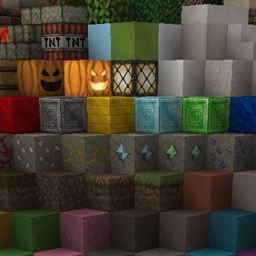
HolaBlocks
A detailed medieval-style Minecraft resource pack featuring realistic textures, enhanced block detail, improved materials, and immersive visuals
TheHolShader Shader
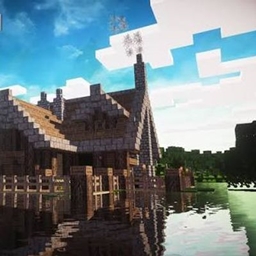
A realism-focused shaderpack with dynamic shadows, animated water, volumetric god rays, drifting clouds, and full in-game customization — built for OptiFine and Iris.

DreadShade
A dread-soaked post-processing shaderpack for Minecraft — creeping fog, bleak color grading, and tunnel-vision vignette built to make every torch feel like it's not enough.
TheMaxFPS Shader
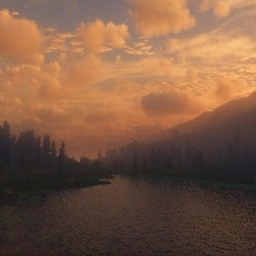
A lightweight, realistic-lighting shaderpack for OptiFine and Iris — dynamic sun/moon lighting, soft shadows, waving water and grass, torch flicker, pulsing lava, drifting cloud shadows, bloom, and cinematic color grading,
评论
登录后评论和评分