Action Deck
An entire card system with customizable and easy to add cards from other mods
截图
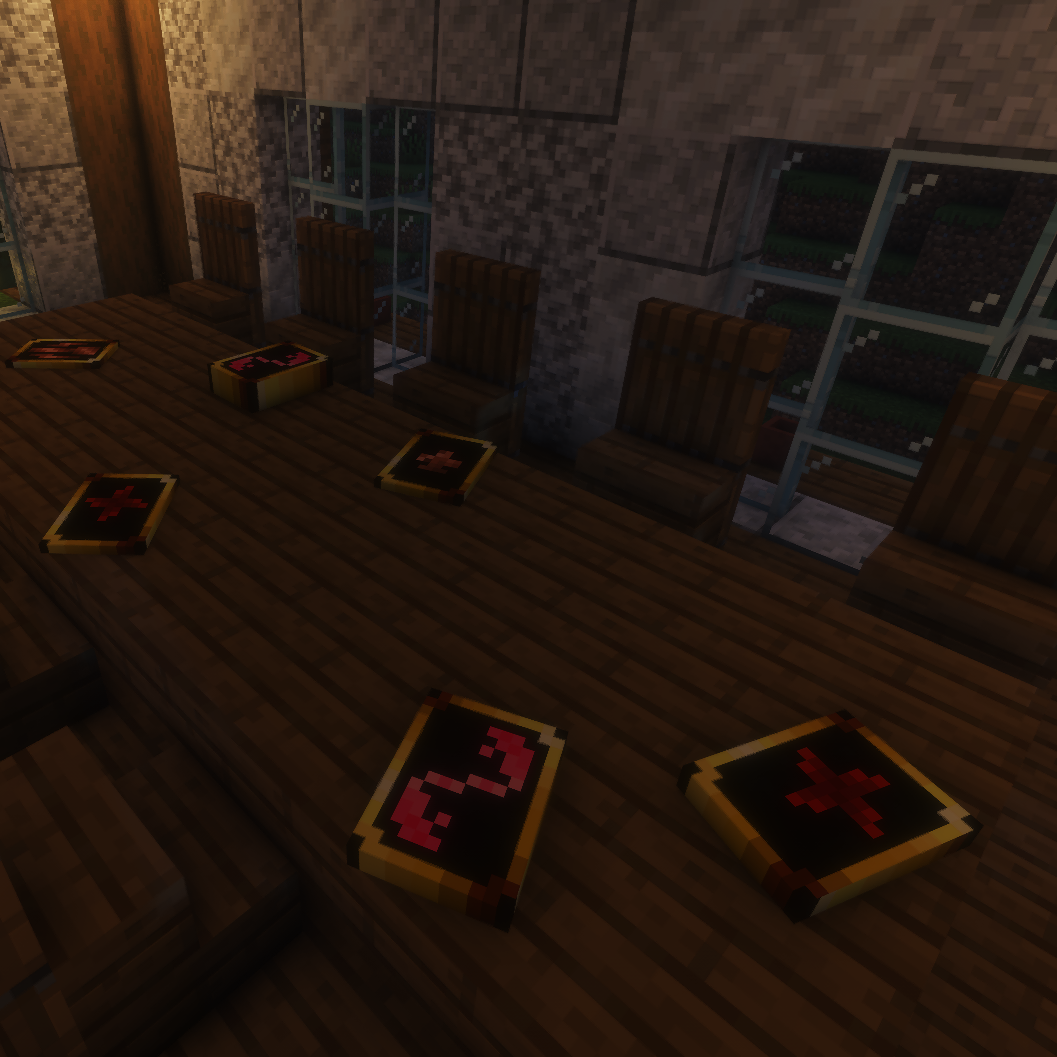
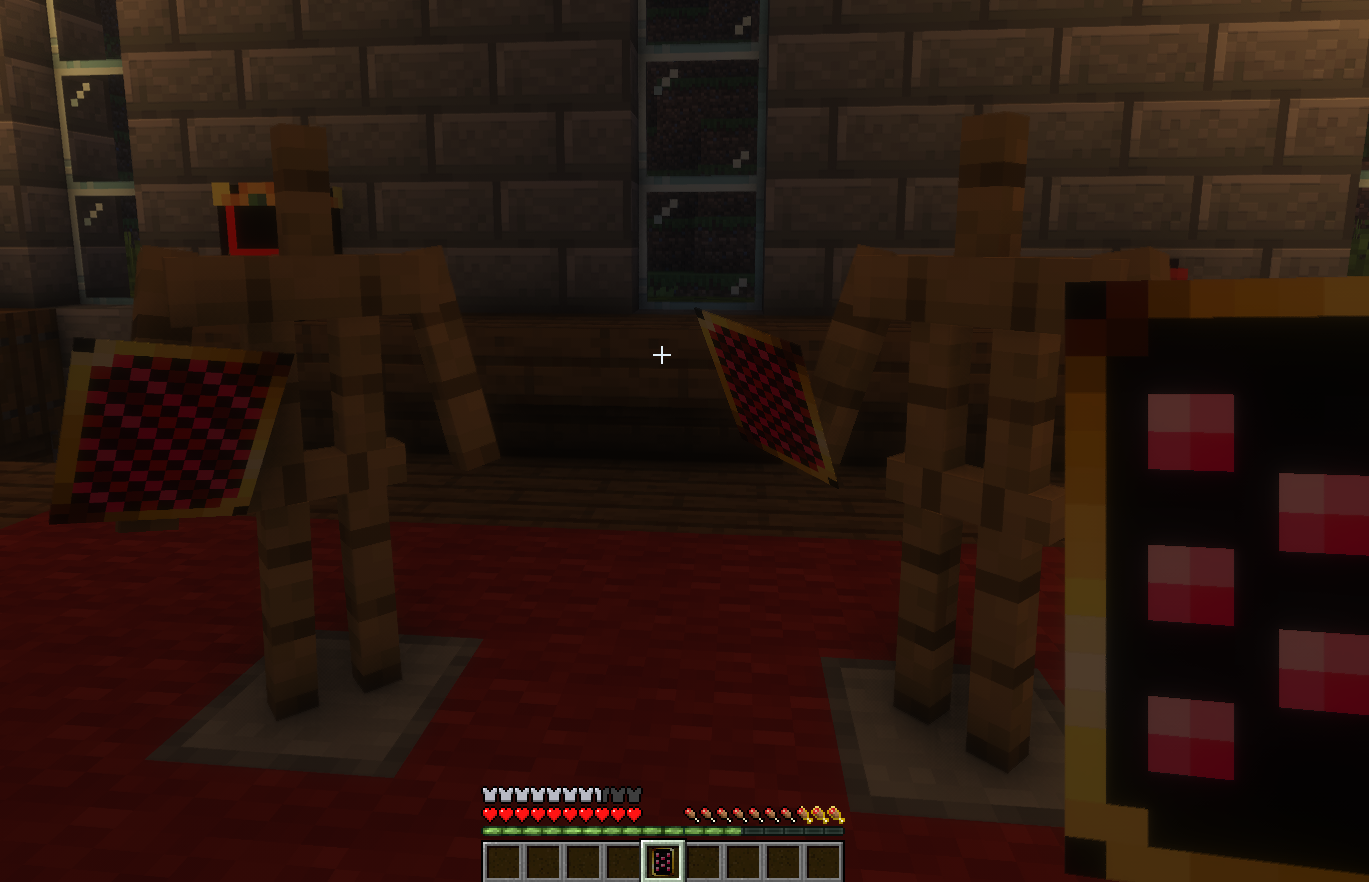
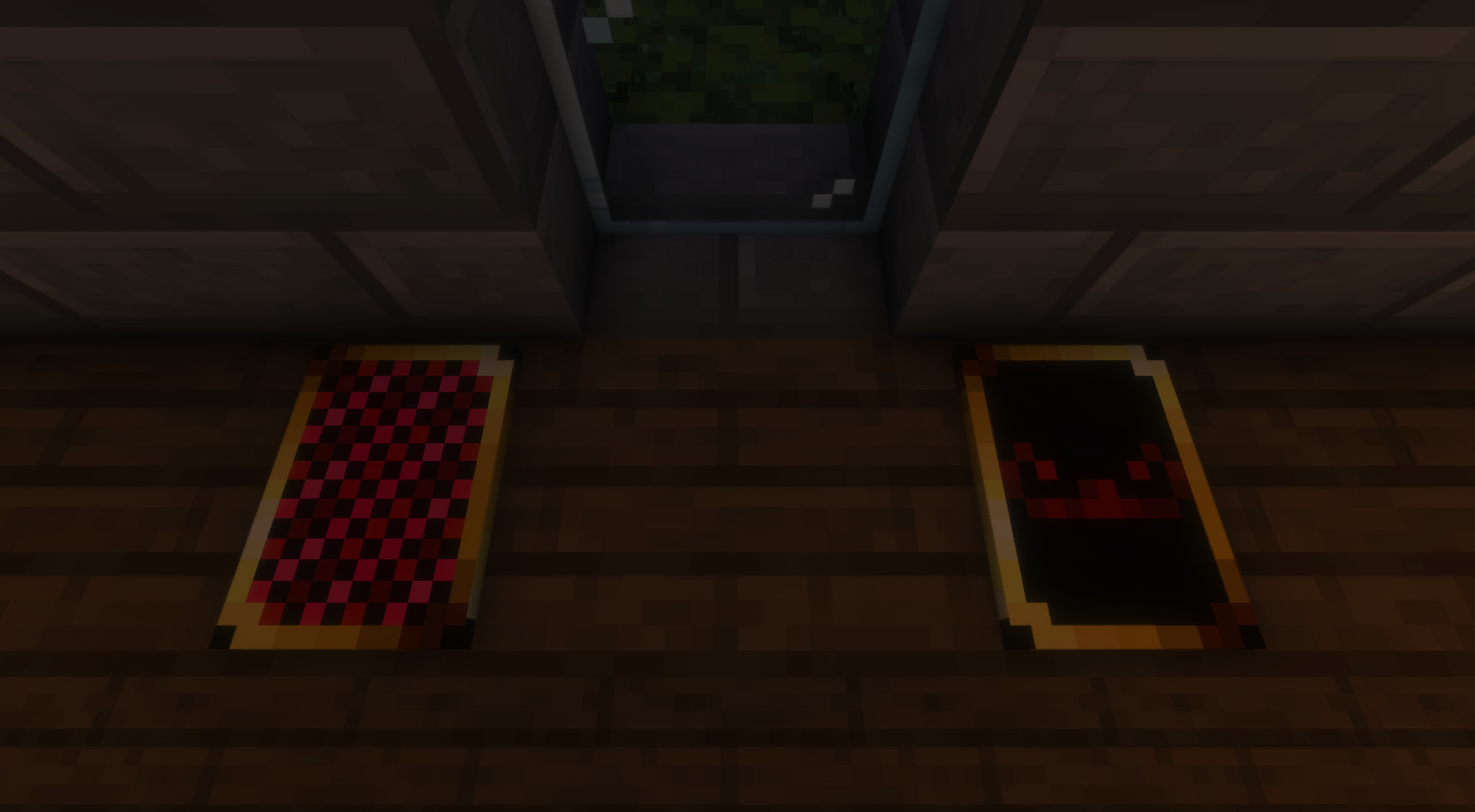
介绍



Action Deck
Action Deck is a Fabric mod that adds fully data-driven collectible playing cards and interactive deck stacks to Minecraft.
Create custom cards, build themed decks, shuffle stacks, draw cards, and mix cards from completely different decks together.
Features
- Fully data-driven cards
- Custom deck definitions
- Interactive deck stack block
- Shuffle decks in-world
- Draw cards directly from stacks
- Mix cards from multiple decks
- Resource-pack compatible textures
- Easy command support
How It Works
Cards and decks are loaded from datapacks, making the mod highly customizable without needing code changes.
Deck stacks placed in the world can:
- Store multiple cards
- Be shuffled by sneaking and right-clicking
- Allow drawing cards one at a time
- Accept additional cards manually
- Automatically remove themselves when empty
Cards are not restricted to a single deck, so you can create completely mixed stacks and custom gameplay systems.
Commands
/actiondeck card give <card_id>
/actiondeck deck give <deck_id>
/card give <card_id>
Perfect For
- RPG servers
- Board game systems
- Casino minigames
- Trading card systems
- Adventure maps
- Custom collectible systems
- Datapack-heavy modpacks
For Developers & Datapack Creators
Action Deck is designed around JSON-driven content and resource packs.
If you want to create custom cards, decks, or integrations, full documentation and source code are available on GitHub.
More information can be found Github
License
MIT License

常见问题
Action Deck 支持哪些 Minecraft 版本?
Action Deck 支持 Minecraft Java 版 1.20.1–1.21.1,共 2 个版本,可用的加载器:Fabric。下载时注意选择和你游戏版本一致的文件。
Action Deck 怎么安装?
先用 PCL2 或 HMCL 启动器安装对应版本的 Fabric,再把下载的 .jar 文件放进游戏目录的 mods 文件夹,重新启动游戏即可。开启了版本隔离的,mods 文件夹在 versions/版本名 下面。运行环境:客户端和服务端都要装。
SuperHeroPuppy 的其他作品
查看全部 →
Create Post Production
It's my mod pack is designed for playing the new update of Create either in survival or creative with a bunch of Poplar mods
Fabric Utility
Fabric Utility is a mod with chunk and subchunk tagging, protected area support, player nicknames, configurable entity petting, and a Ban Hammer item NBT feature.

Yoshi
goofy mod that adds 3 yoshi abilities
Textures Simplified (Discontinued)
Simplifies Minecraft textures to a maximum of 5 - 3 colors.
评论
登录后评论和评分