截图
介绍
中文介绍正在准备中,下面暂时显示原文。
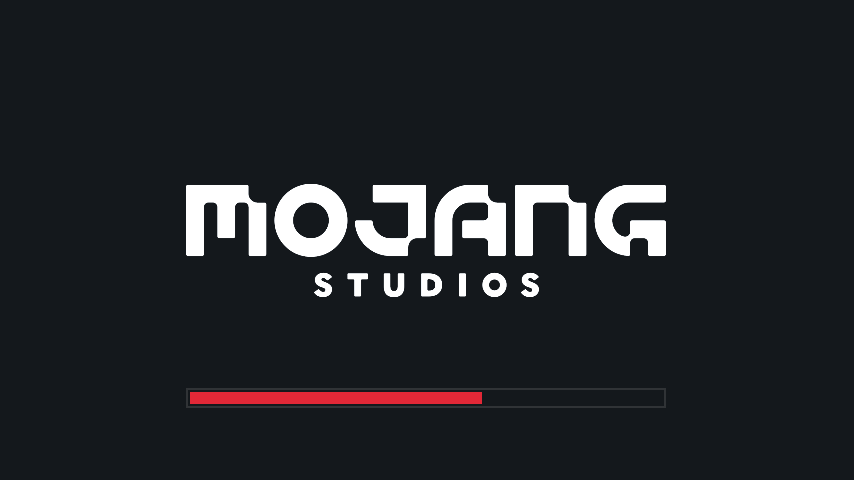
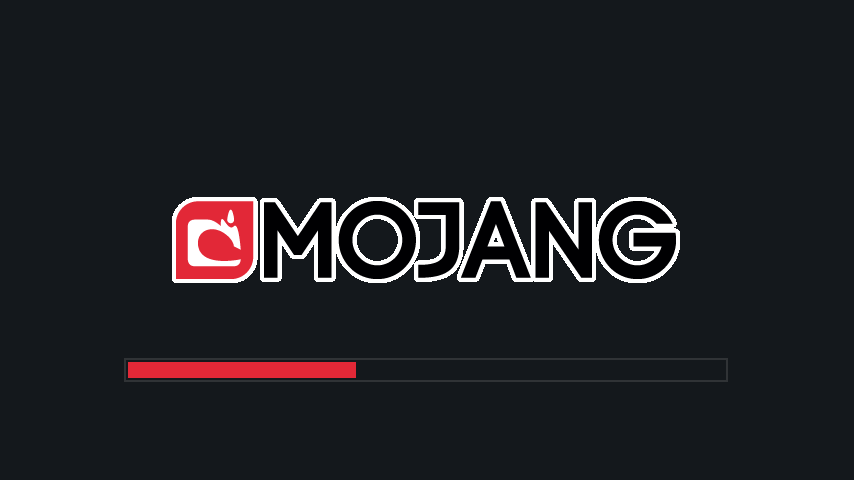
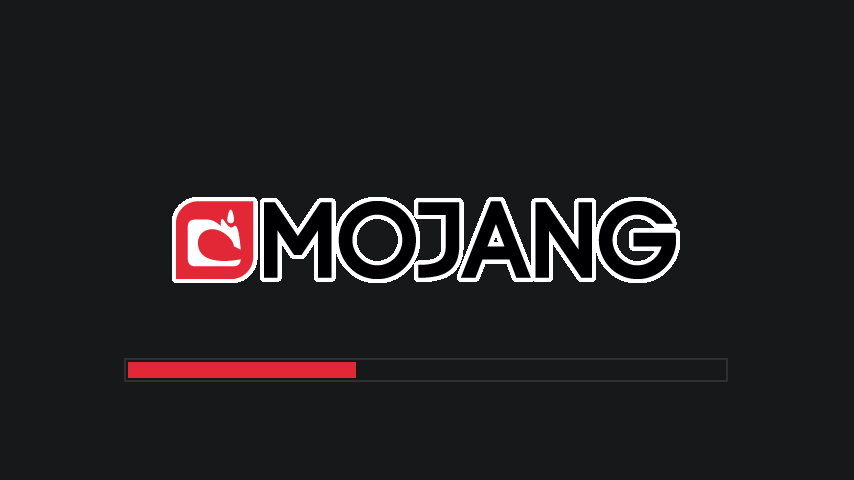
Makes the loading screen darker.
Requires OptiFine
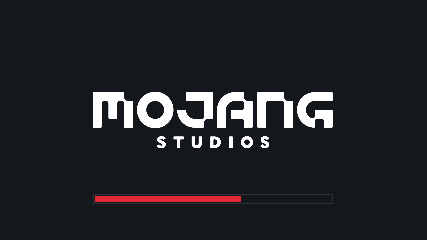
You can change the colors by editing Dark_Loading_Screen.zip/assets/minecraft/optifine/color.properties.
If you can’t / don’t want to use OptiFine, you can try the Fabric mod version of this pack.
Credit to sp614x for putting that feature in OptiFine and to u/Coffee_0304 for making me learn it was a thing. For all of your color-changing needs, check out the OptiFine documentation.
常见问题
Dark Loading Screen 支持哪些 Minecraft 版本?
Dark Loading Screen 支持 Minecraft Java 版 1.9–1.19,共 25 个版本。下载时注意选择和你游戏版本一致的文件。
Dark Loading Screen 怎么安装?
把下载的 .zip 文件(不用解压)放进游戏目录的 resourcepacks 文件夹,进游戏后在「选项 → 资源包」里把它移到右边启用。
A5b84 的其他作品
查看全部 →
Status Effect Bars
by A5b84
为状态效果界面添加可自定义的进度条,显示效果剩余持续时间。
1224万
4 个月前
Modrinth · CurseForge
Held Item Info
by A5b84
在手持物品的名称下方显示其信息(如附魔)。
1012万
25 天前
Modrinth · CurseForge
Dark Loading Screen
by A5b84
让加载界面变得更暗。
902.9万
1 个月前
Modrinth · CurseForge

Armor Chroma for Fabric
by A5b84
Armor Chroma 的 Fabric 分支,根据材质在盔甲栏显示不同图标,并可为附魔物品显示光效。
400.1万
1 年前
Modrinth
评论
登录后评论和评分