
截图
介绍
## Bloody Shaders
### Description
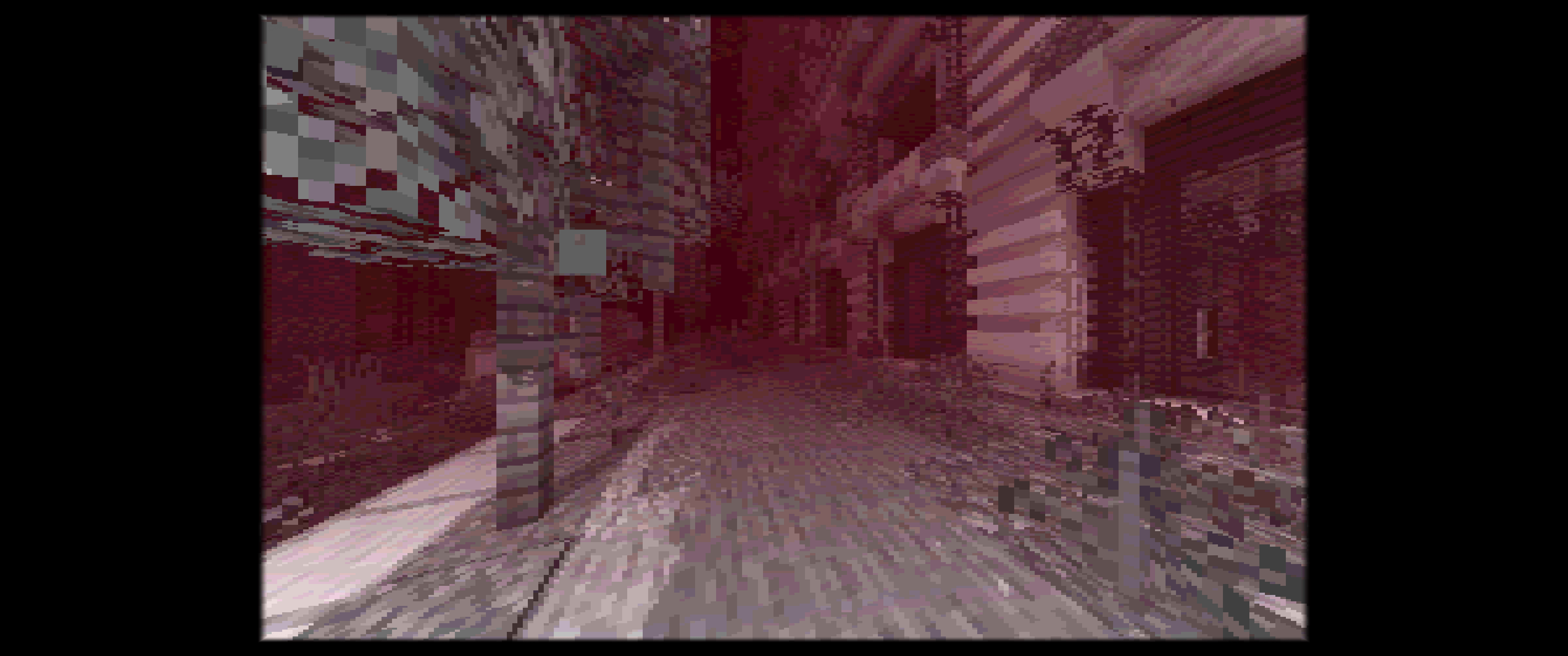
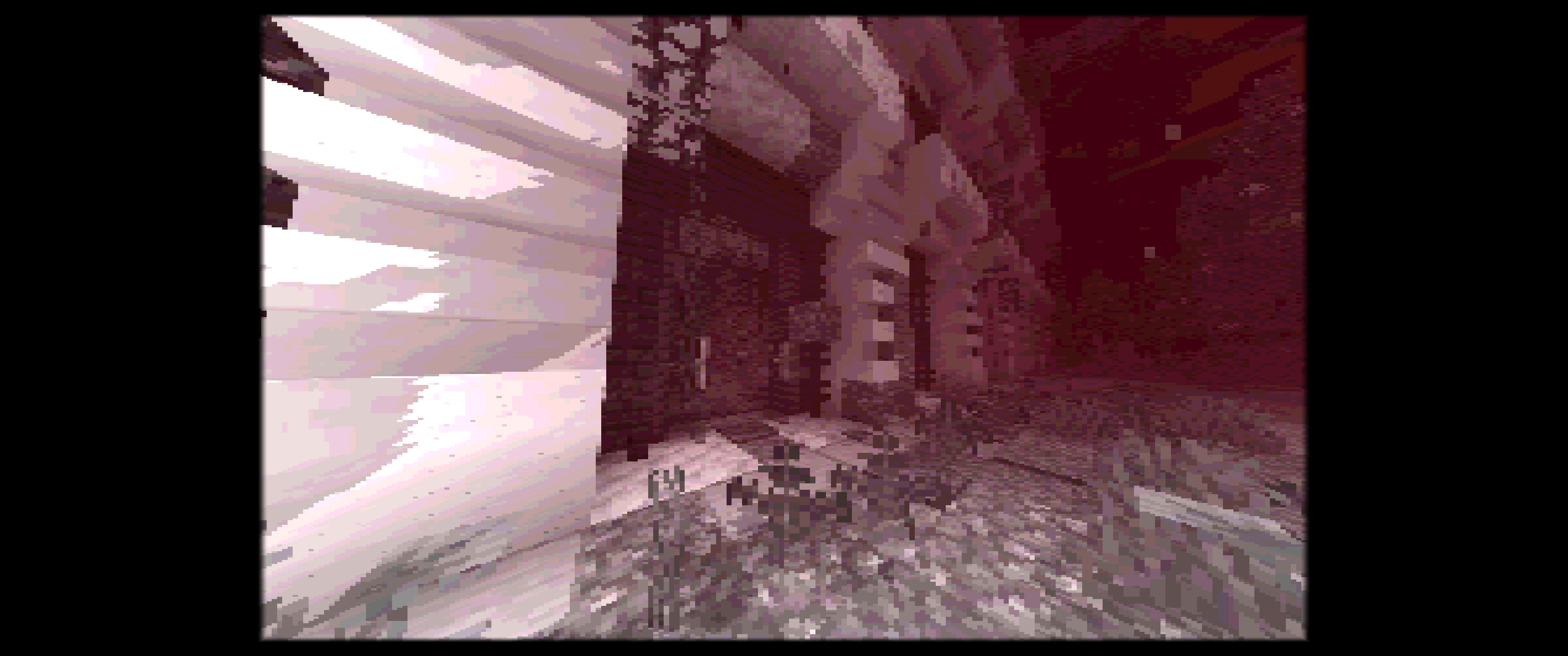
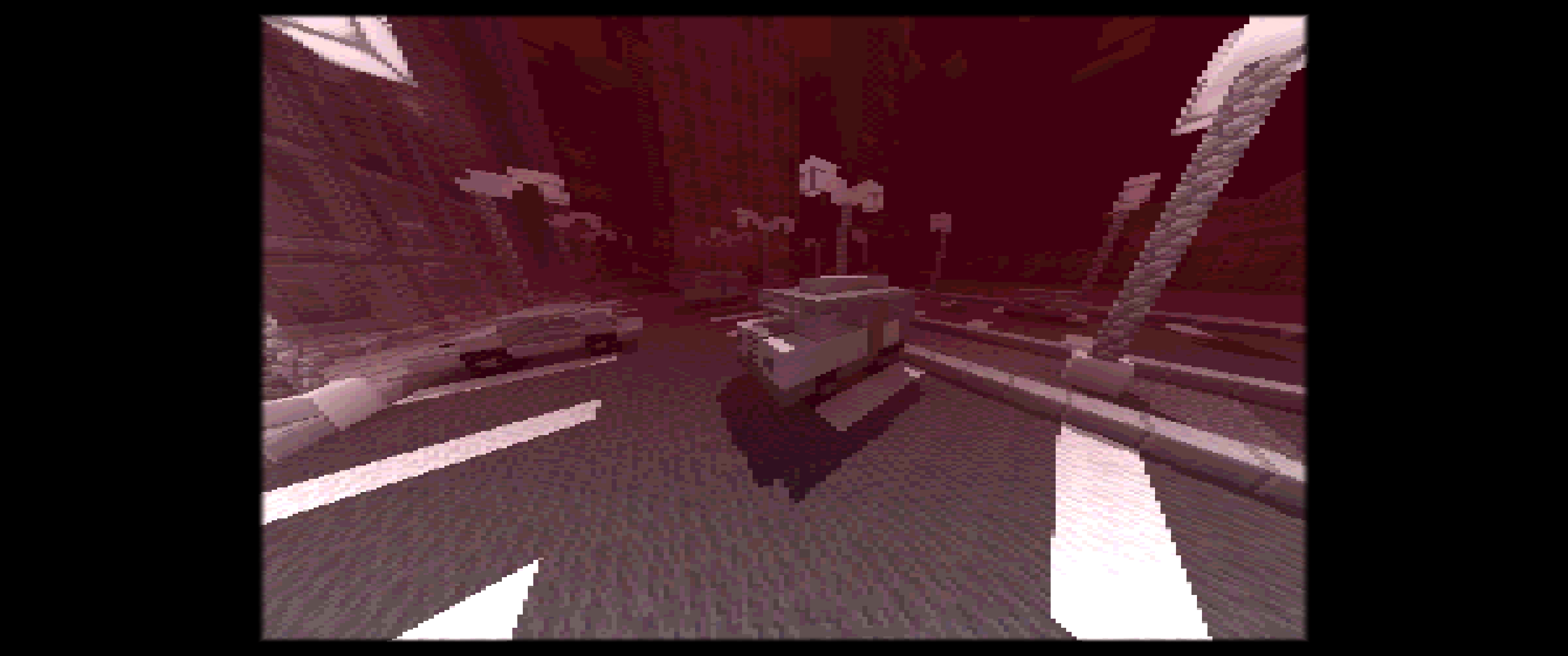
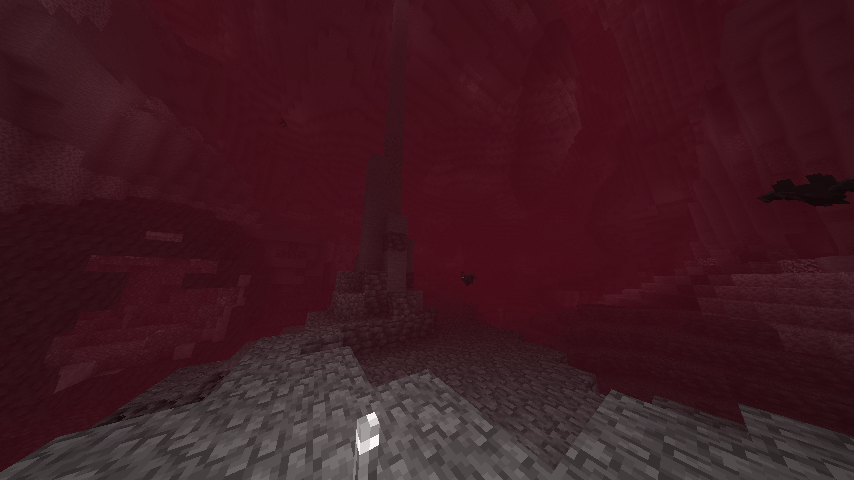
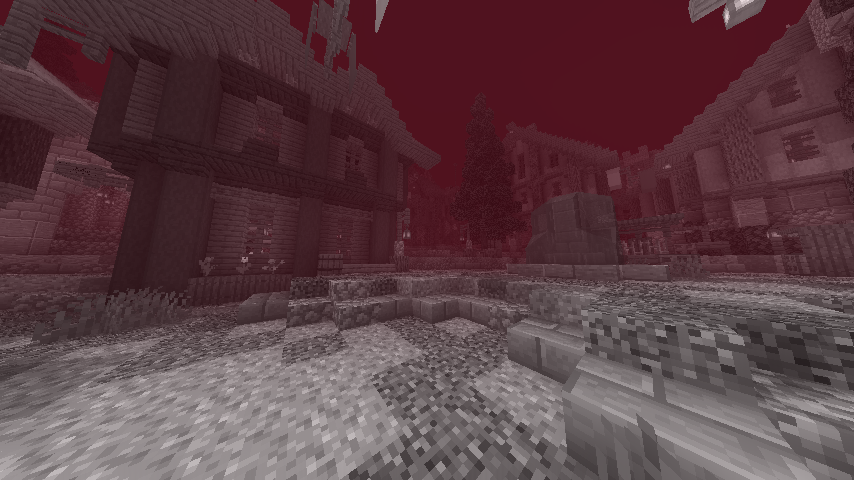
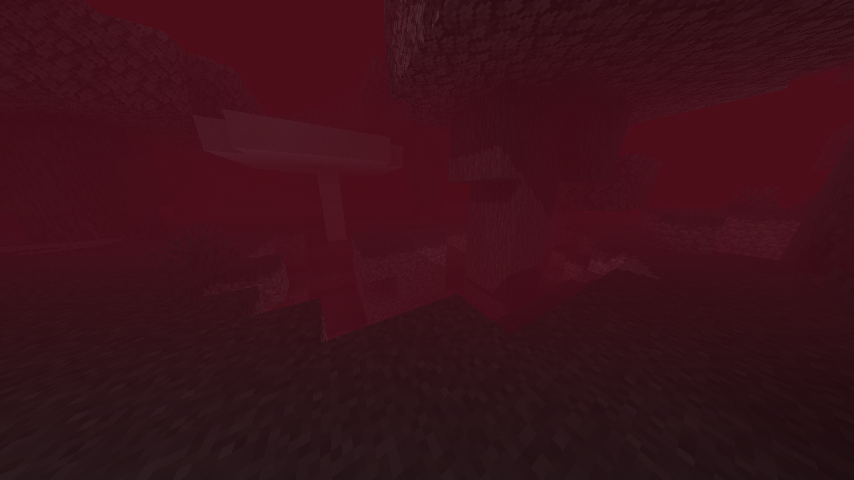
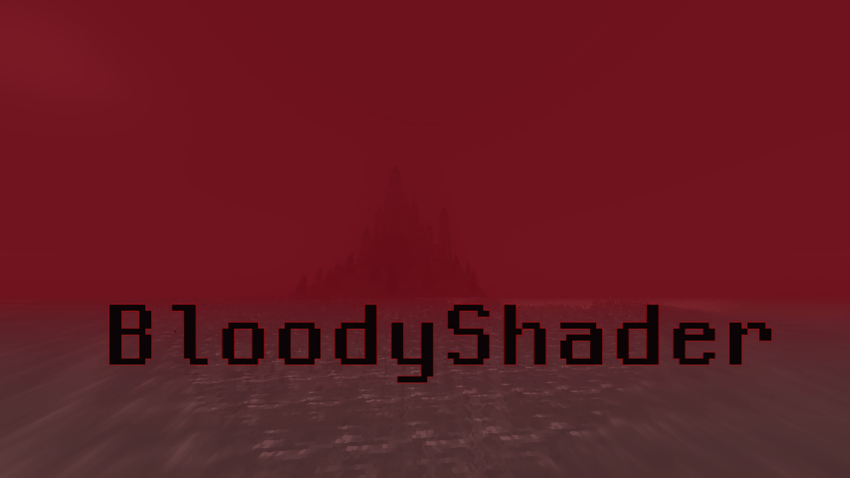
Bloody Shaders is designed to give Minecraft a darker, more apocalyptic atmosphere. By adding a red-tinted fog, this shader brings a gloomy, somber touch to the game, perfect for those who want an eerie and unsettling experience.
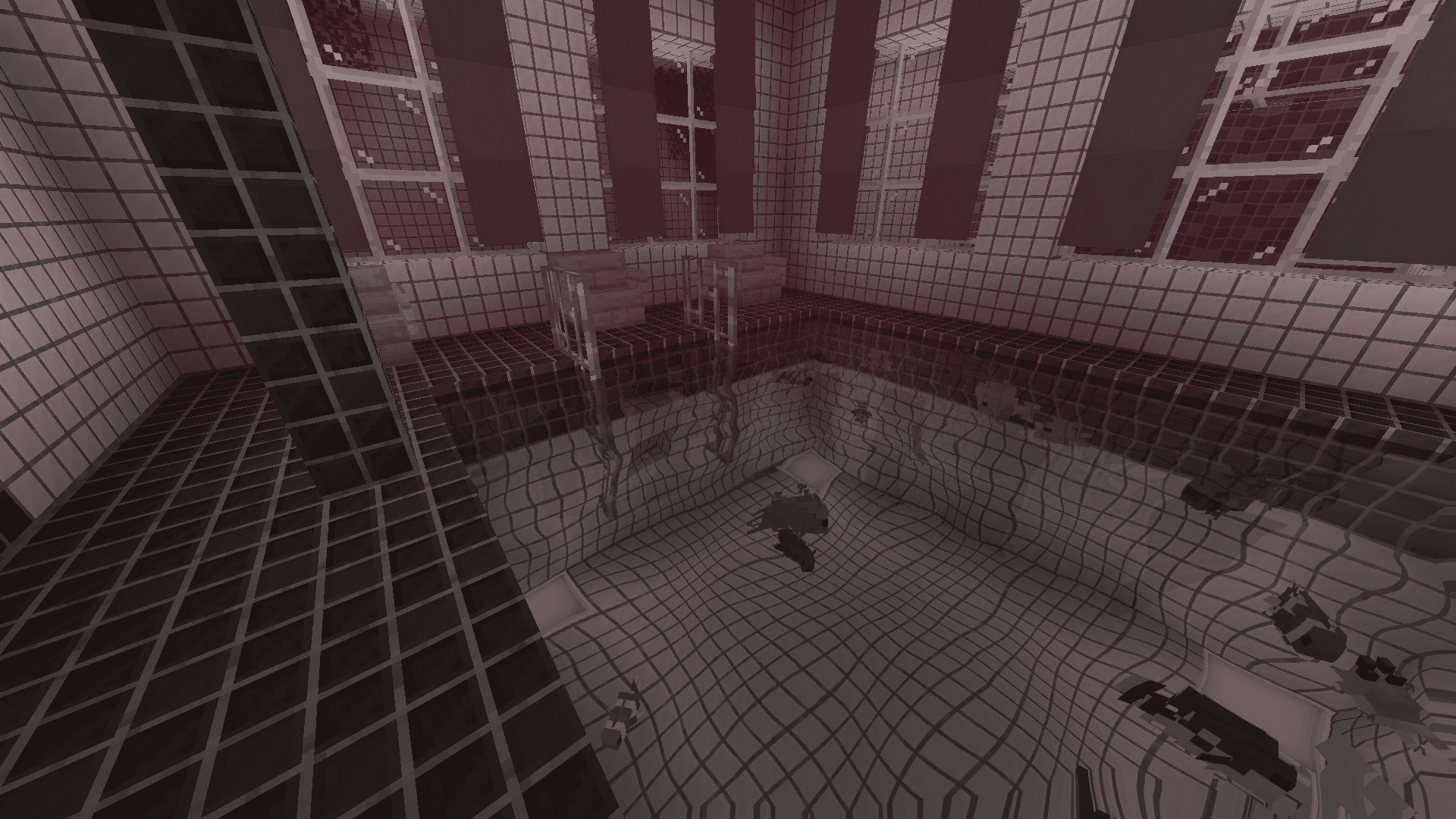
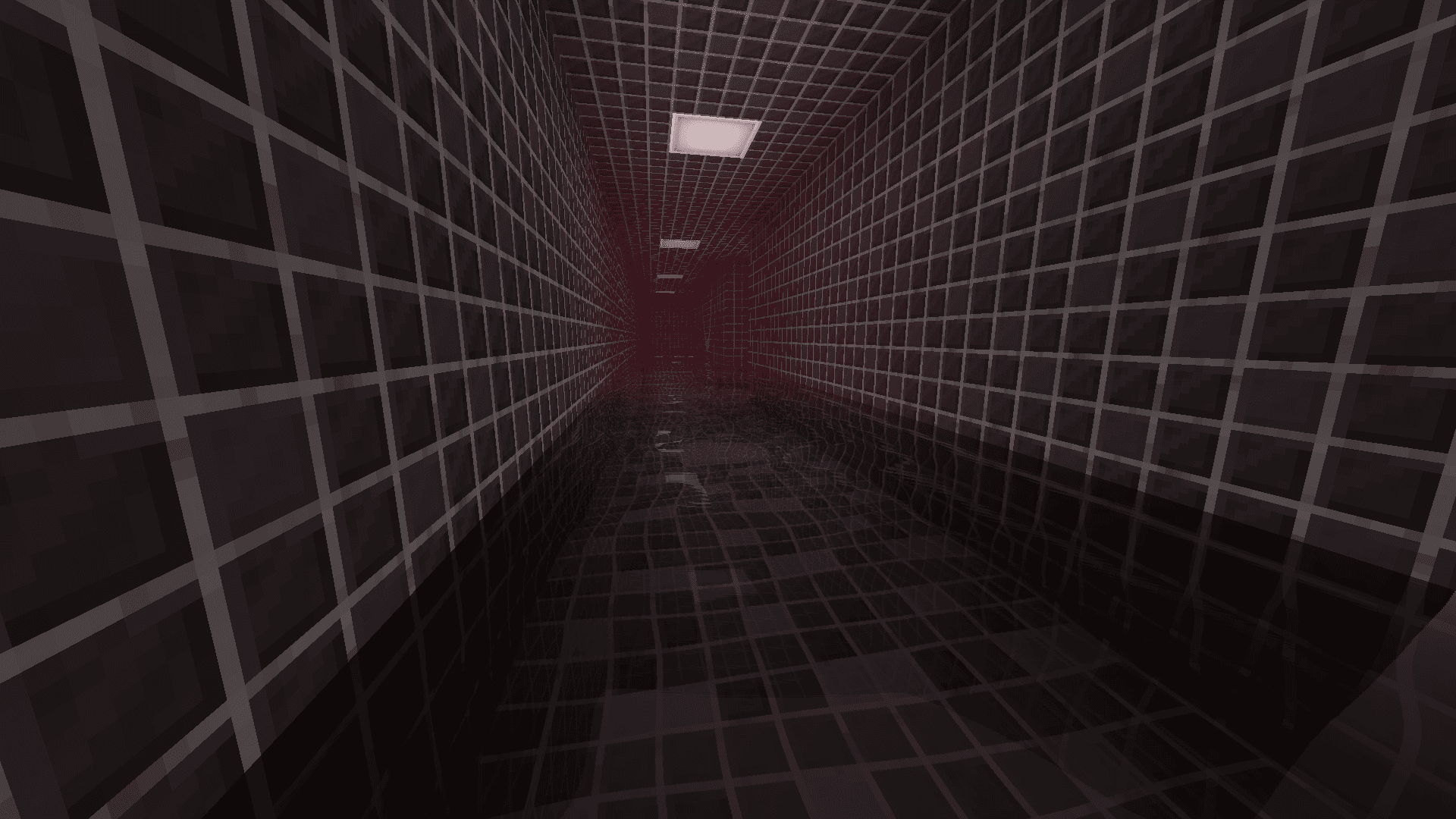
Realistic Water: Replaces vanilla water with a highly optimized, realistic water effect, adding a more immersive experience.
Pixelated Shadows: New pixelated shadows for a more atmospheric and unsettling vibe.
Red Fog Effect: The shader adds a red fog that creates a haunting, end-of-the-world vibe across landscapes, making the game feel eerie and melancholic.
Future Features:
Stay tuned for upcoming updates, which will include:
Additional lighting and shadow improvements.
New fog colors and effects to further enhance the atmosphere.
Note:
Feedback and suggestions are very welcome! Let me know what you’d like to see improved or added in future updates 🙂
常见问题
BloodyShaders 支持哪些 Minecraft 版本?
BloodyShaders 支持 Minecraft Java 版 1.16–1.21.1,共 17 个版本,可用的加载器:Iris / OptiFine。下载时注意选择和你游戏版本一致的文件。
BloodyShaders 怎么安装?
光影需要先装 Iris / OptiFine。把下载的 .zip 文件(不用解压)放进游戏目录的 shaderpacks 文件夹,进游戏后在「选项 → 视频设置 → 光影包」里选中它。光影对显卡要求较高,卡顿可以调低光影设置或渲染距离。

评论
登录后评论和评分