
截图

介绍





Our Story: FTB Quest & Mod Theme
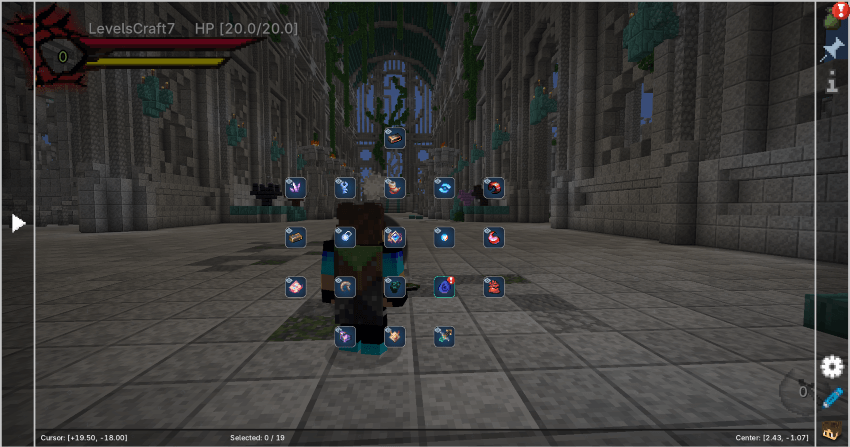
A custom visual experience for FTB mods, built with style and immersion in mind.
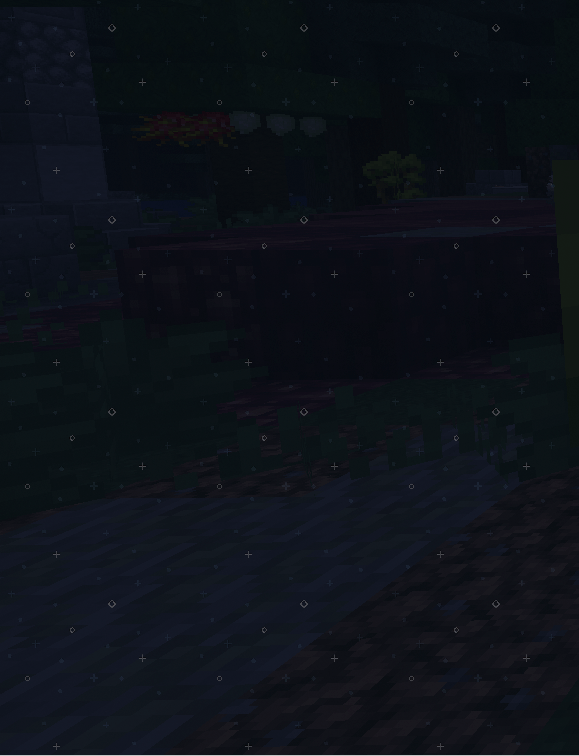
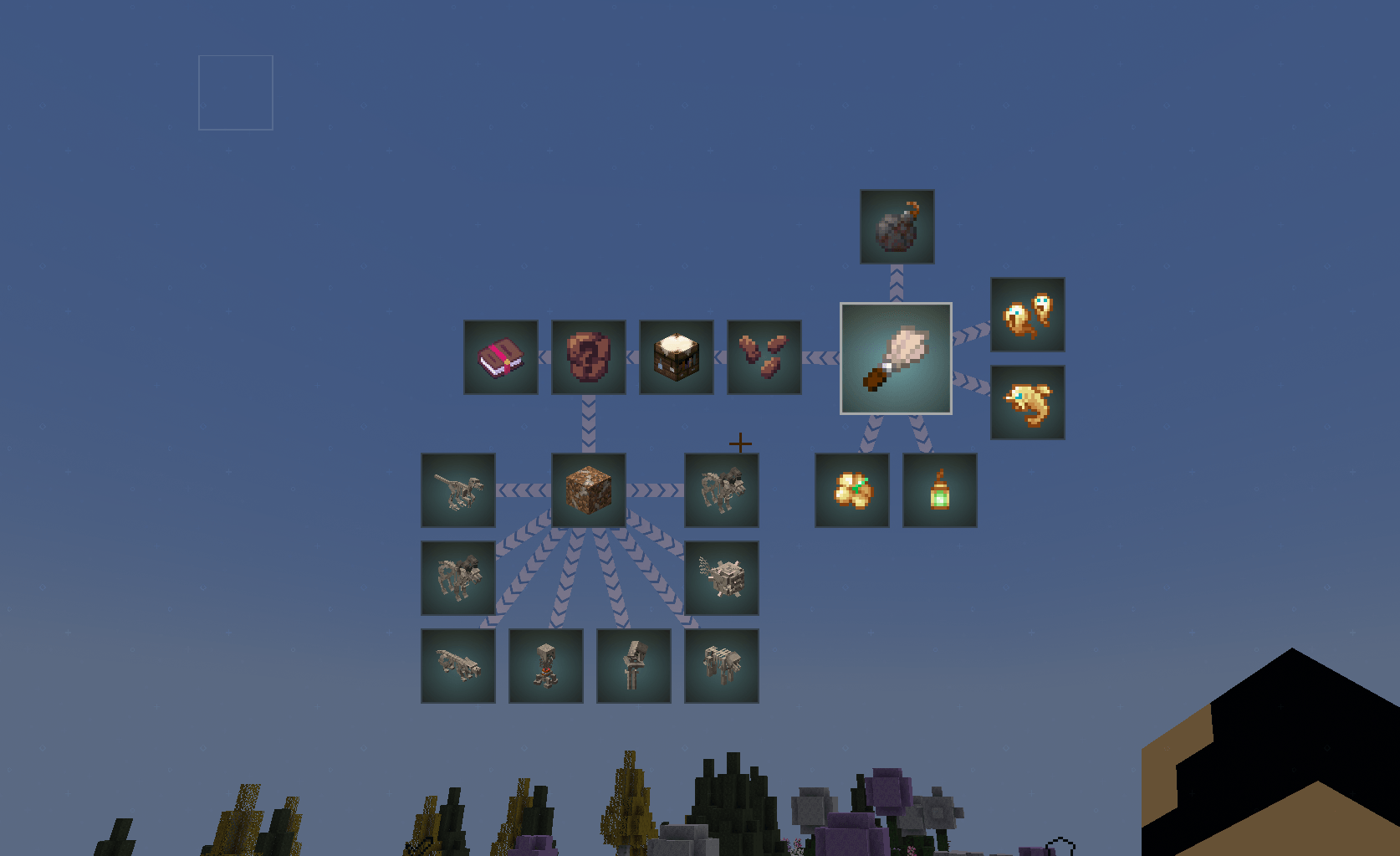
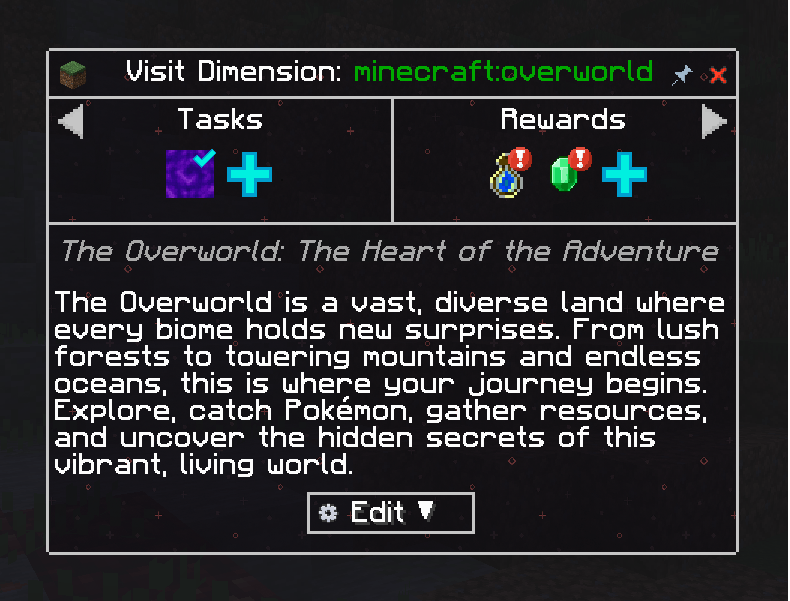
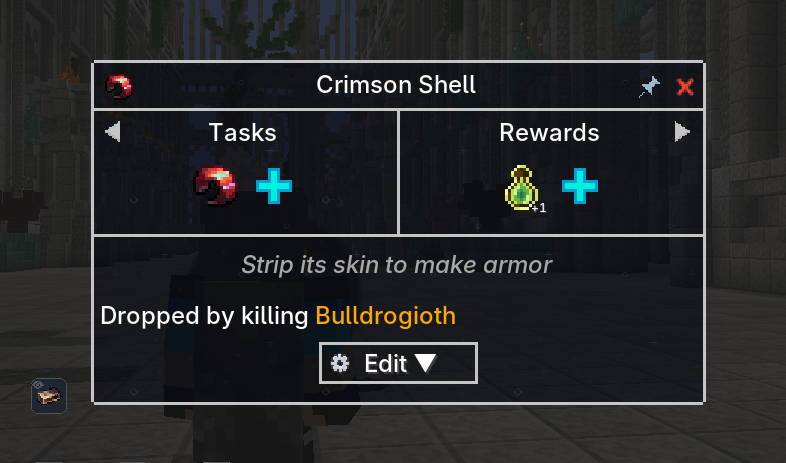
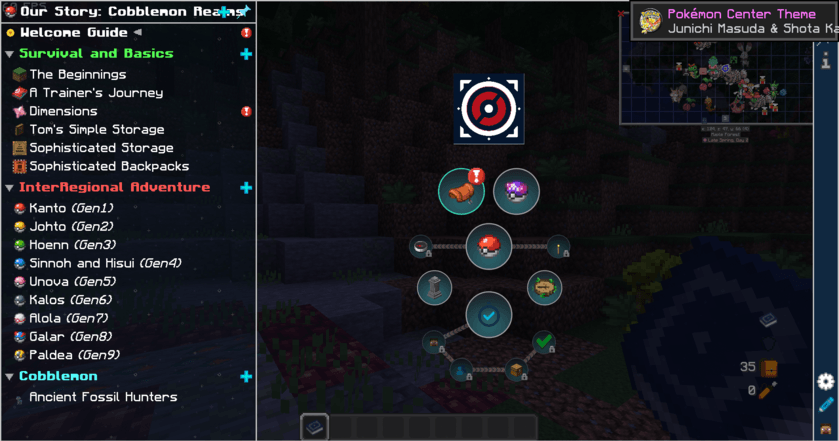
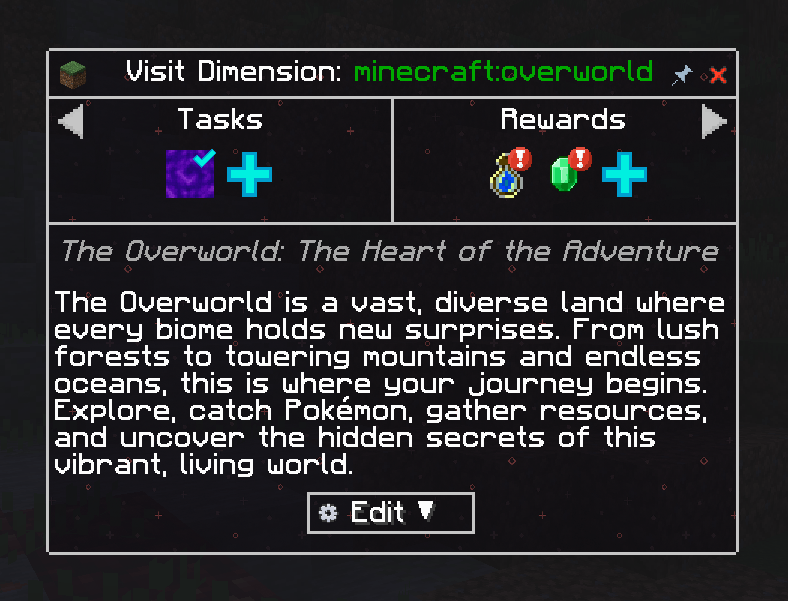
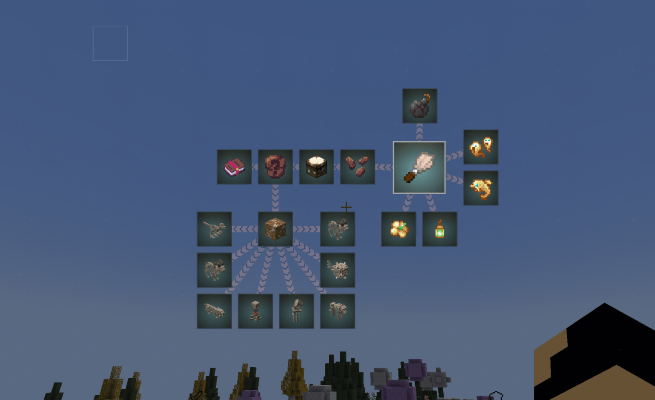
Part of the Our Story modpack collection, this resource pack overhauls the user interface of key FTB mods to offer a modern, minimalist and polished design.
🎨 Features
- ✨ Full GUI redesign for:
- FTB Quests
- FTB Teams
- FTB Library
- FTB Filter System
- 🧭 Unique visual identity inspired by the Our Story universe
- 🌐 Multilingual support – works with both English and French Minecraft settings
- 🎮 Designed for clarity, aesthetic cohesion, and enhanced readability
- 🔁 Fully compatible with custom questlines, icons, and advanced modpack UIs
📦 Installation
This is a resource pack, not a modpack or datapack.
To install:
- Download the
.zipfile - Place it in your
resourcepacksfolder - Enable it in the Minecraft Resource Packs menu
For best results, pair it with a modpack using FTB Quests or any UI-heavy modpack.
🤝 Partnered with BisectHosting
Looking to play your modpack with friends on a reliable server?
BisectHosting is the perfect choice for hosting your Our Story adventure — with 20+ global server locations and over 10 years of experience, they guarantee smooth, lag-free gameplay.
✨ Features:
- Automated modpack setup & updates
- 24/7 support
- Instant setup
- Affordable plans
🎁 Use code OurStory for 25% off your first month as a new customer!
🧭 Start your journey with ease — host your server with confidence.
常见问题
Our Story: FTB Quest & Mod Theme 支持哪些 Minecraft 版本?
Our Story: FTB Quest & Mod Theme 支持 Minecraft Java 版 1.16–1.21.11,共 33 个版本。下载时注意选择和你游戏版本一致的文件。
Our Story: FTB Quest & Mod Theme 怎么安装?
把下载的 .zip 文件(不用解压)放进游戏目录的 resourcepacks 文件夹,进游戏后在「选项 → 资源包」里把它移到右边启用。
LevelsFR 的其他作品
查看全部 →
Catch Indicator [Cobblemon Addon]
添加清晰的游戏内提示,显示宝可梦是尚未见过还是已经捕获。

Cobblemon Rustling Spots
Rustling Spots adds dynamic, world-driven “rustling spots” across the Overworld.

Cobblemon Rustling Spots
Rustling Spots adds dynamic, world-driven “rustling spots” across the Overworld.

Cobblemon Biome Expanded Spawns
一个通用的Cobblemon生成数据包,全面兼容各类生物群系(原版及主流生物群系模组),并为结构和地下区域提供精选预设。
评论
登录后评论和评分