
Austin’s Biomes Expansion
Vanilla+ tweaks, additions, and overhauls to Overworld biomes.
截图

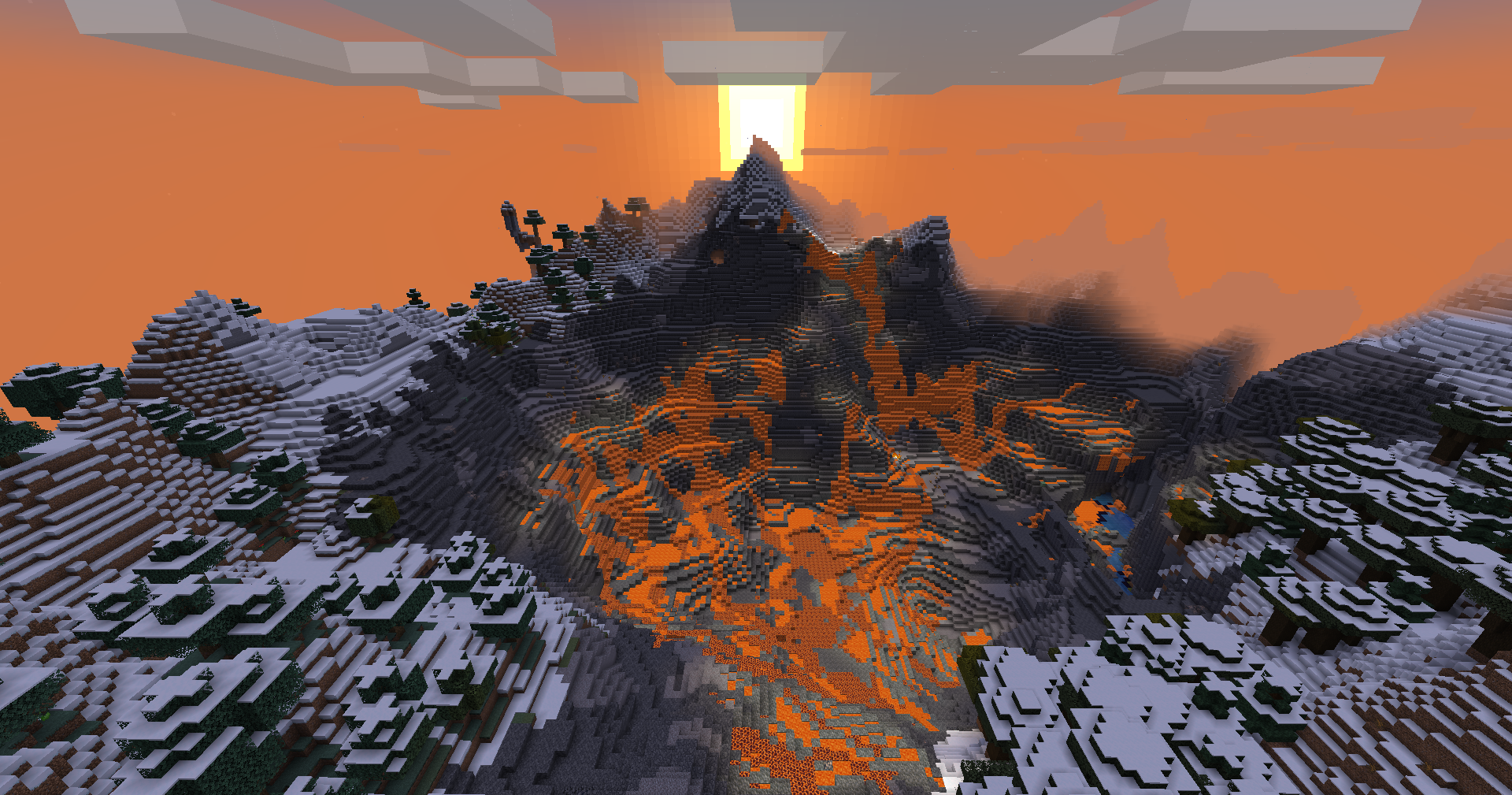
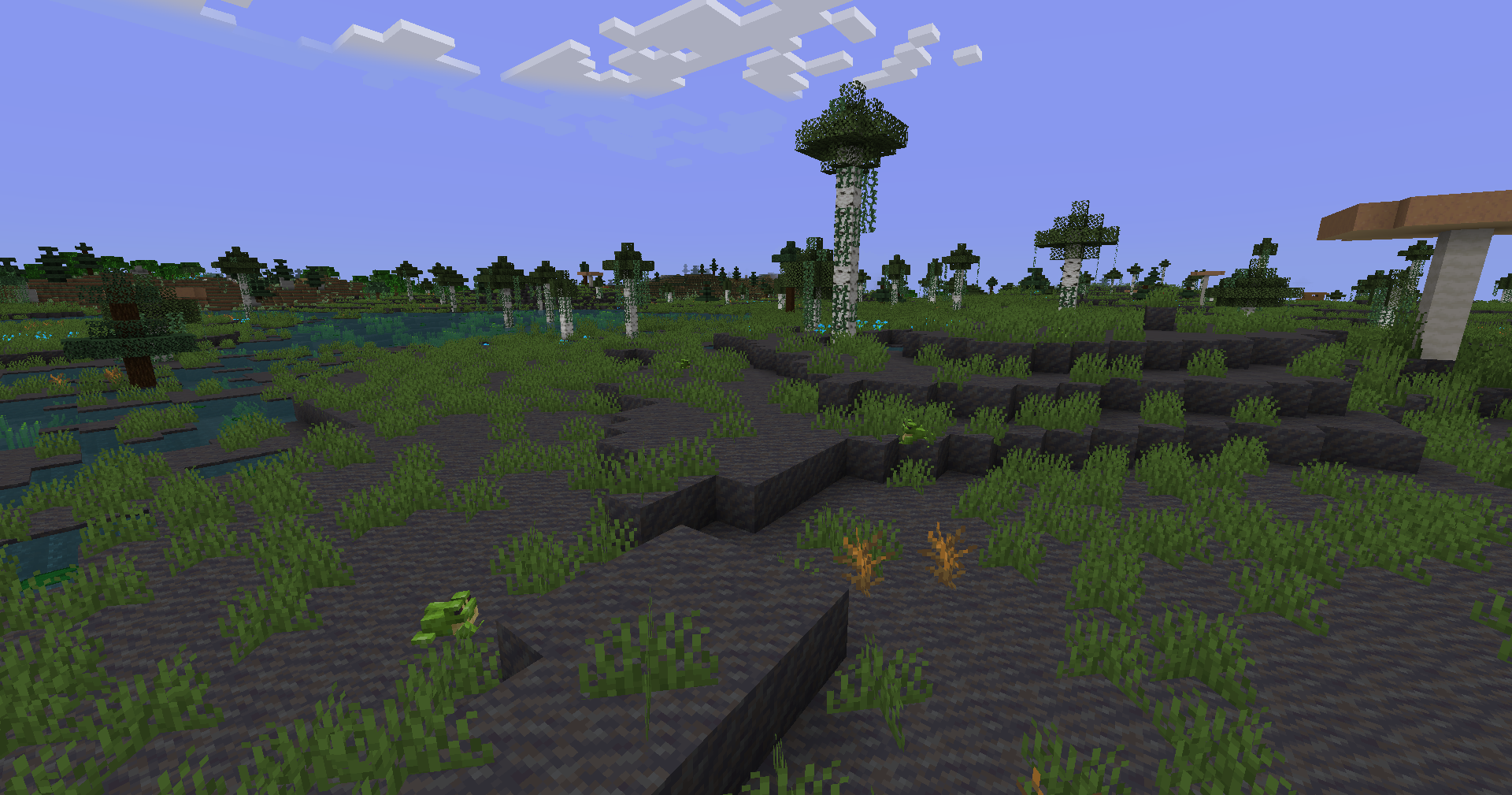
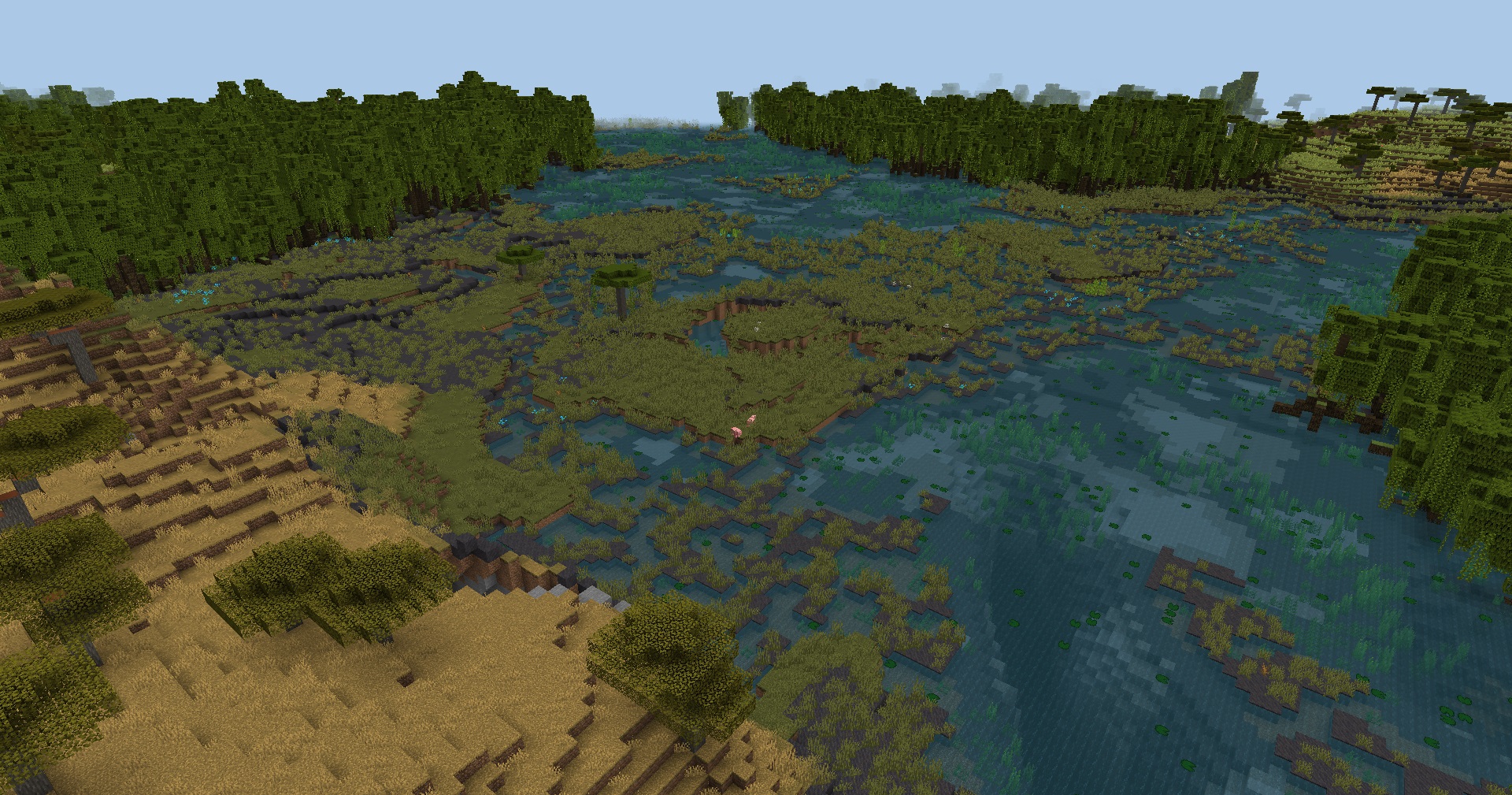
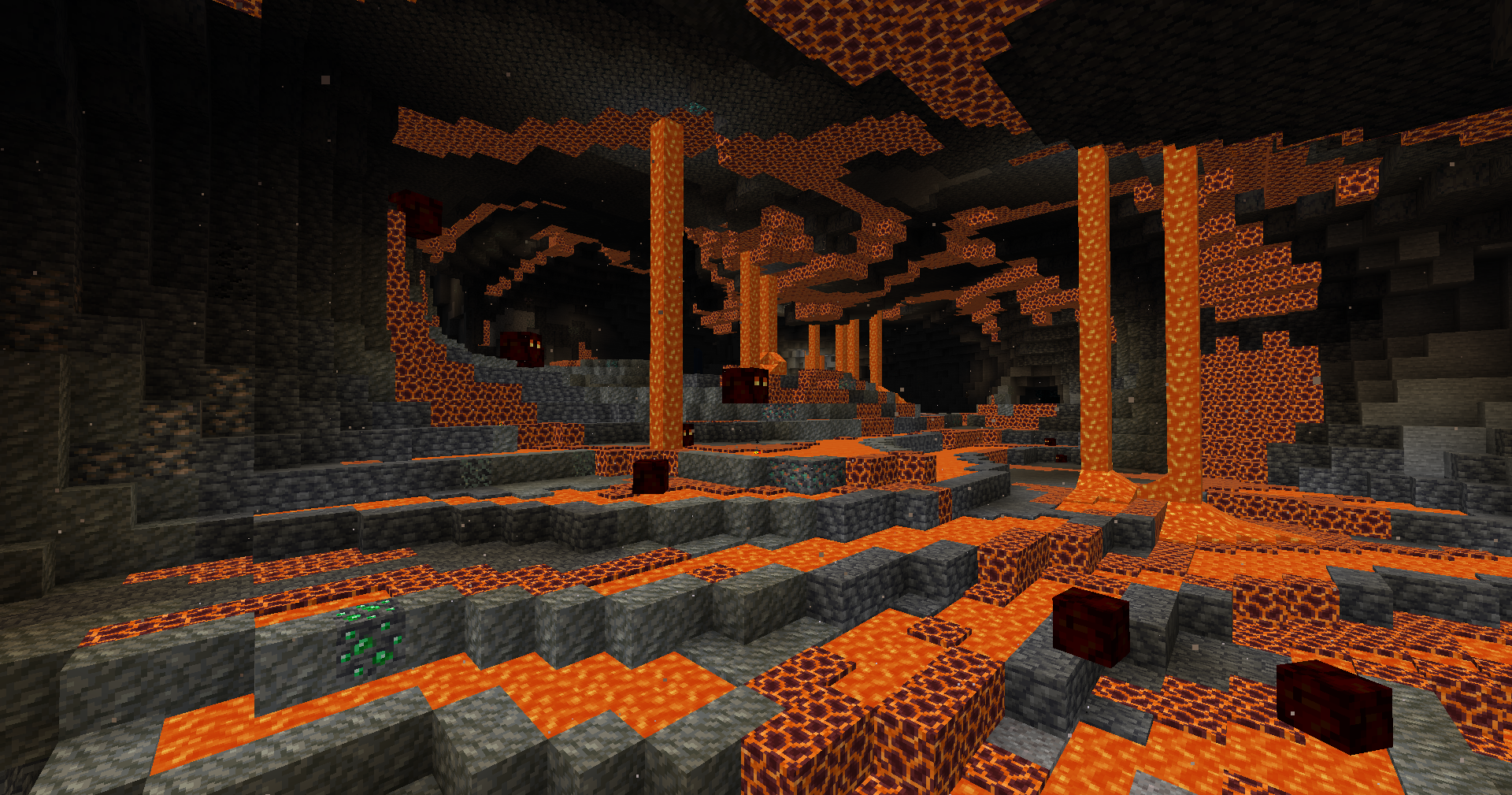




介绍
Austin’s Biomes Expansion adds new biomes and polishes old ones, creating variety while fitting in with the Vanilla style.
Features
Below is a brief rundown of what this pack contains. See the the changelog for a comprehensive list of features.
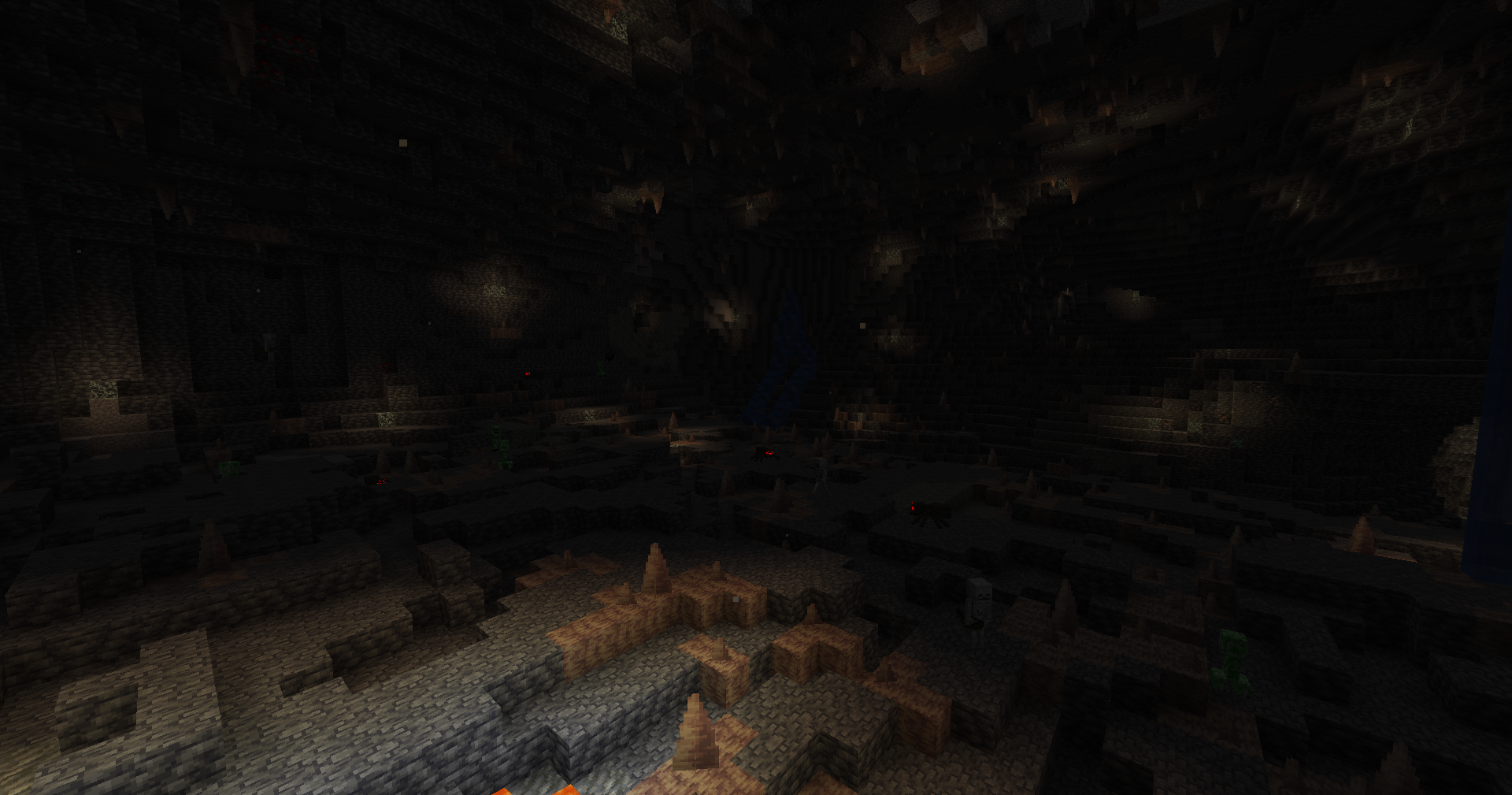
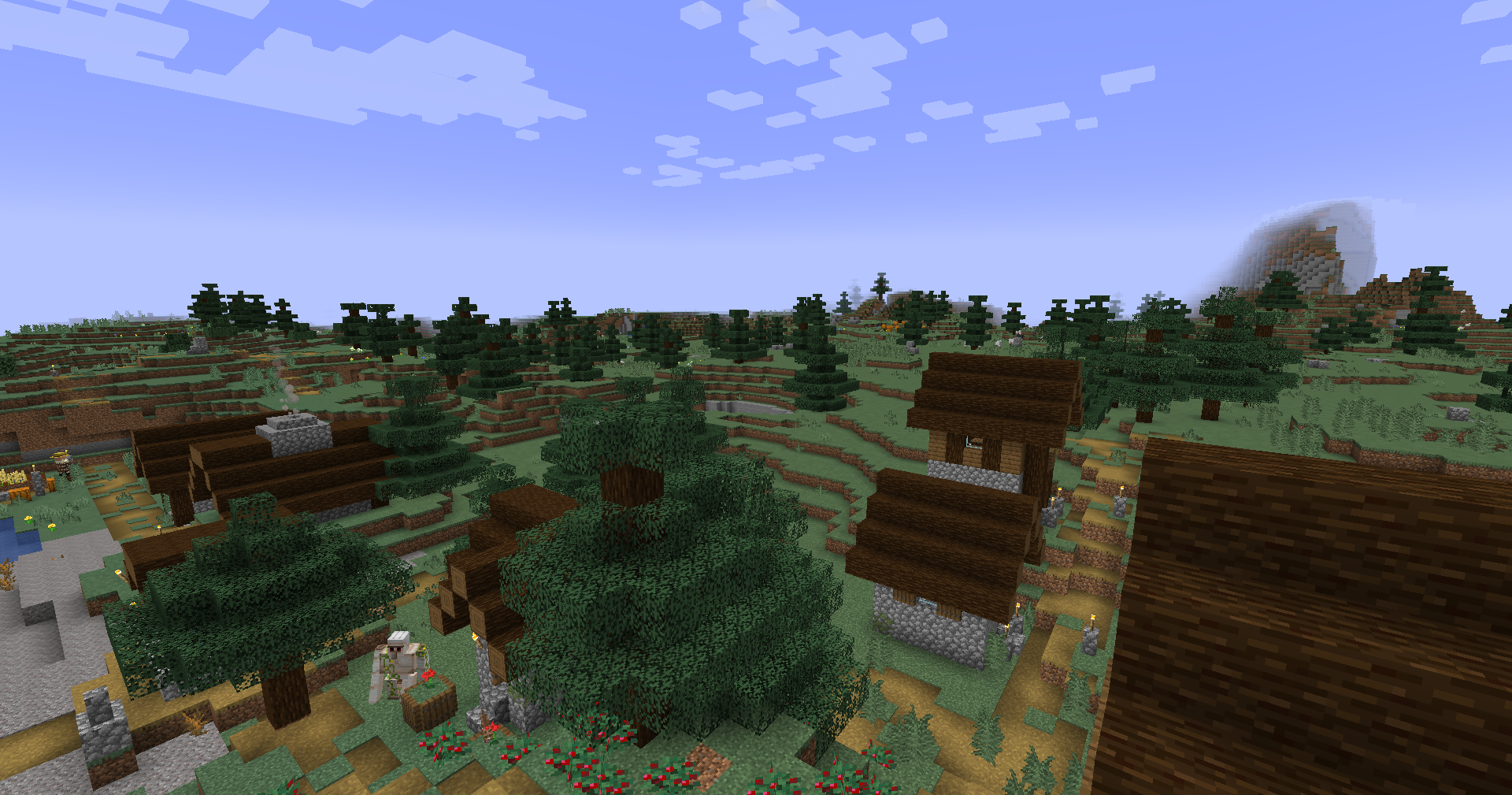
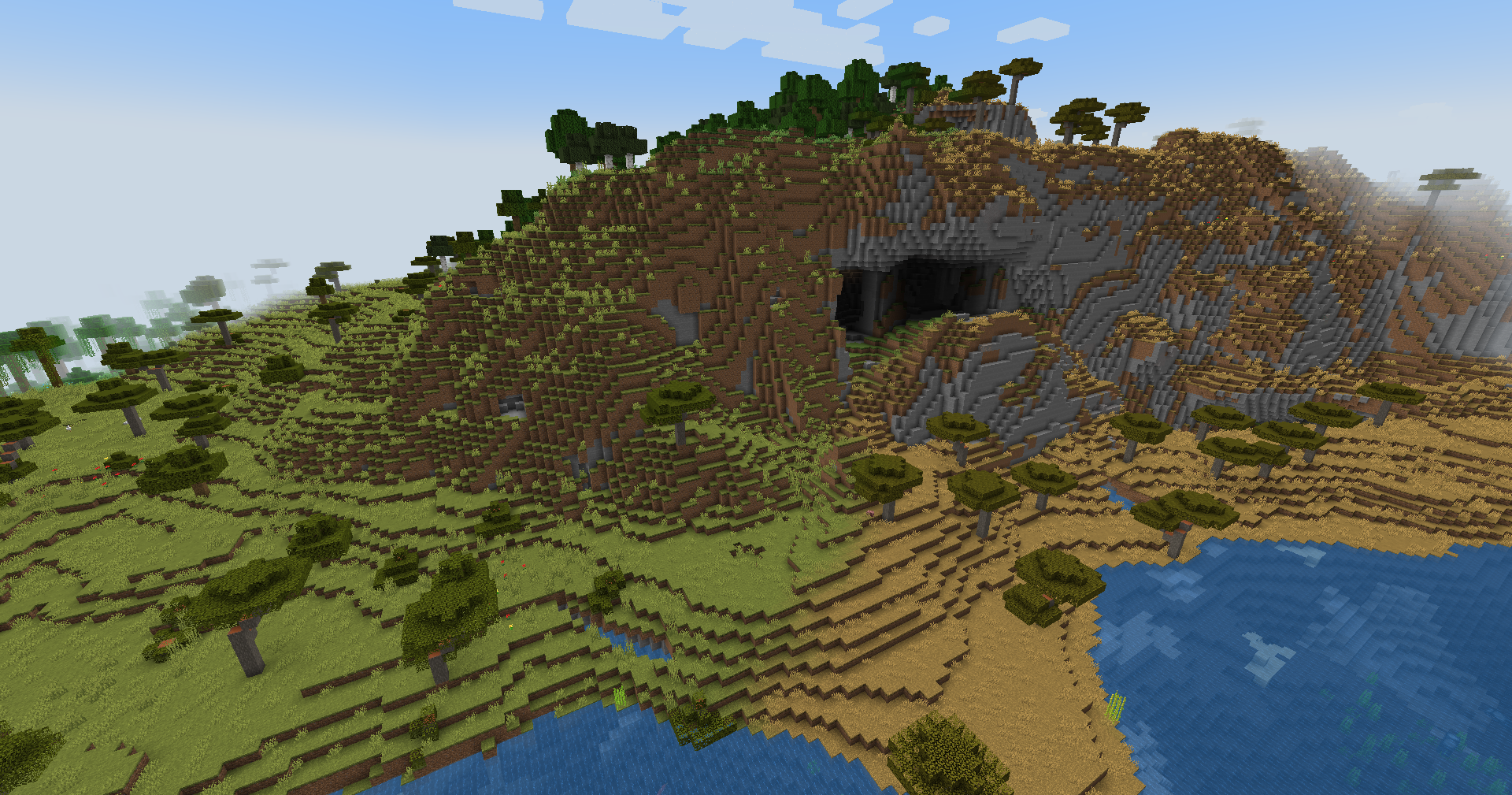
- New surface, cave, and ocean biomes! (See the gallery for pictures)
- An overhaul to water, sky, and fog colors. Biomes within the same temperature regions now generally match colors (with some exceptions).
- An overhaul to flower generation. Biomes have more unique sets of flowers, and all flowers can be grown by using bone meal in biomes where they can be found naturally. They also generate in less varied patches.
- New temperature-based variants have been added for Rivers, Beaches, and Stony Shores.
- An overhaul to cave biomes. Caves are now always a separate biome from the surface above. Multiple generic cave biomes have been added, as well as unique cave biomes for mountains, badlands, and mushroom islands.
- An overhaul to oceans. Oceans are now slightly bigger, with a much deeper region added that’s deeper than deep oceans. Various biomes have been added for abyssal plains and ocean trenches. Trenches are so deep that even diamond ore can be found if you’re willing to dive for it!
- A new advancements tab called “Exploration”, along with multiple advancements for discovering specific groups of biomes. The “Adventuring Time” advancement has been replaced with a new functionally identical advancement in the Exploration tab.
Snowcapped
The .zip download for this pack contains a file called snowcapped.json which can be used at https://snowcapped.jacobsjo.eu to view and modify this pack’s biome distribution and terrain splines.
常见问题
Austin’s Biomes Expansion 支持哪些 Minecraft 版本?
Austin’s Biomes Expansion 支持 Minecraft Java 版 1.20.6–1.21.6,共 5 个版本。下载时注意选择和你游戏版本一致的文件。
Austin’s Biomes Expansion 怎么安装?
新建世界时在「数据包」里把下载的 .zip 拖进去;已有的存档,把文件放进存档目录下的 datapacks 文件夹,进游戏输入 /reload 即可生效。服务器同样放在世界目录的 datapacks 里。
thisisnotaustin 的其他作品
查看全部 →
Flower Adornments for Armor
在锻造台上使用藤蔓和花朵来装饰你的盔甲。

Not Too Expensive
Removes the XP cost penalty that accumulates when you repair/enchant an item with an anvil multiple times.

Breedable Indicator
Mobs that are willing to be bred will give off heart particles when you hold their favorite food.

Integrated Debug Info
Allows you to look at debug info by holding certain items.
评论
登录后评论和评分