
Deactivate Portals
Allows you to toggle if nether and end portals can be activated and used.
截图
介绍
Deactivate Portals




Allows you to toggle if nether and end portals can be activated and used.
Great for multiplayer servers where you want to wait before allowing players into other dimensions
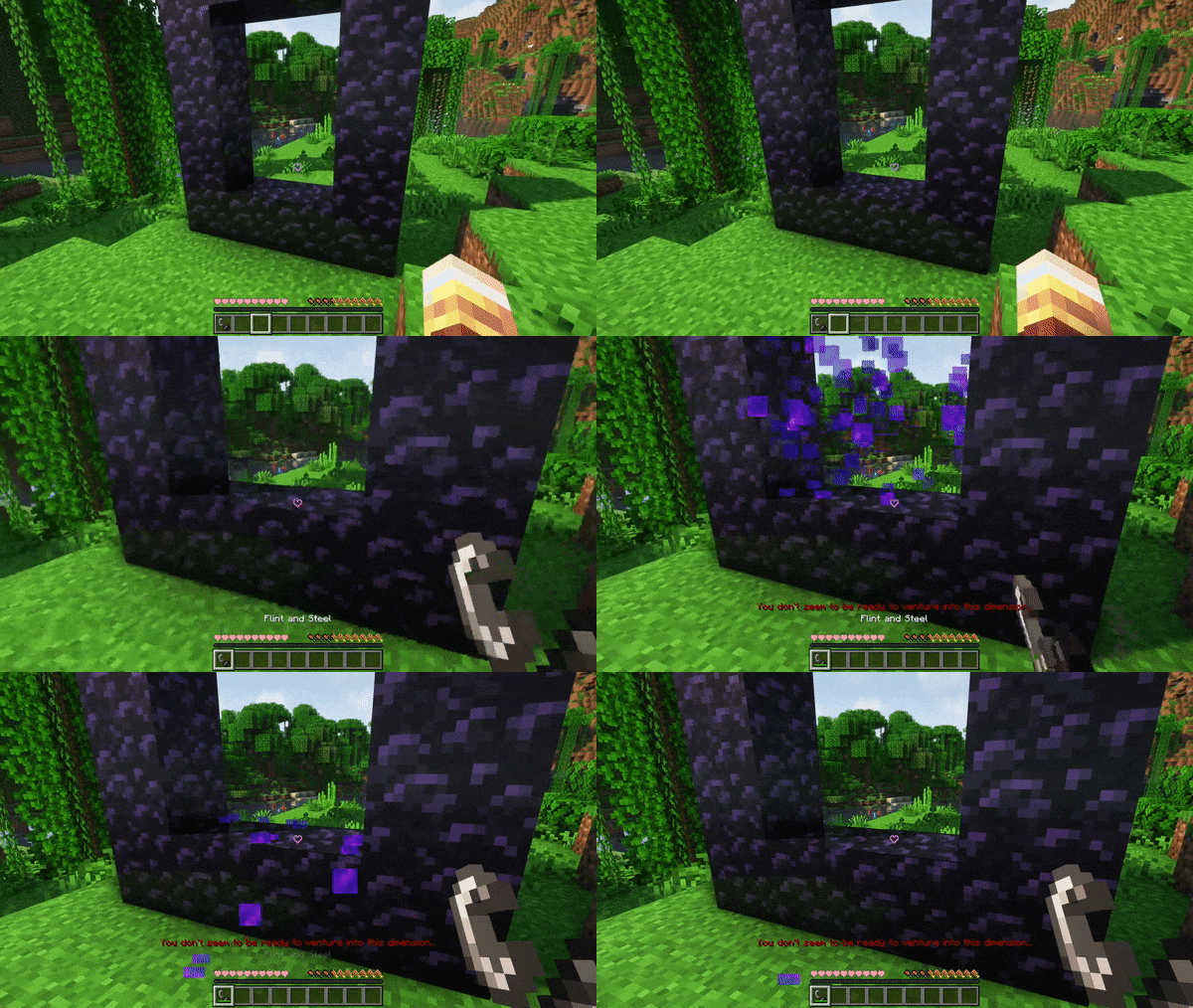
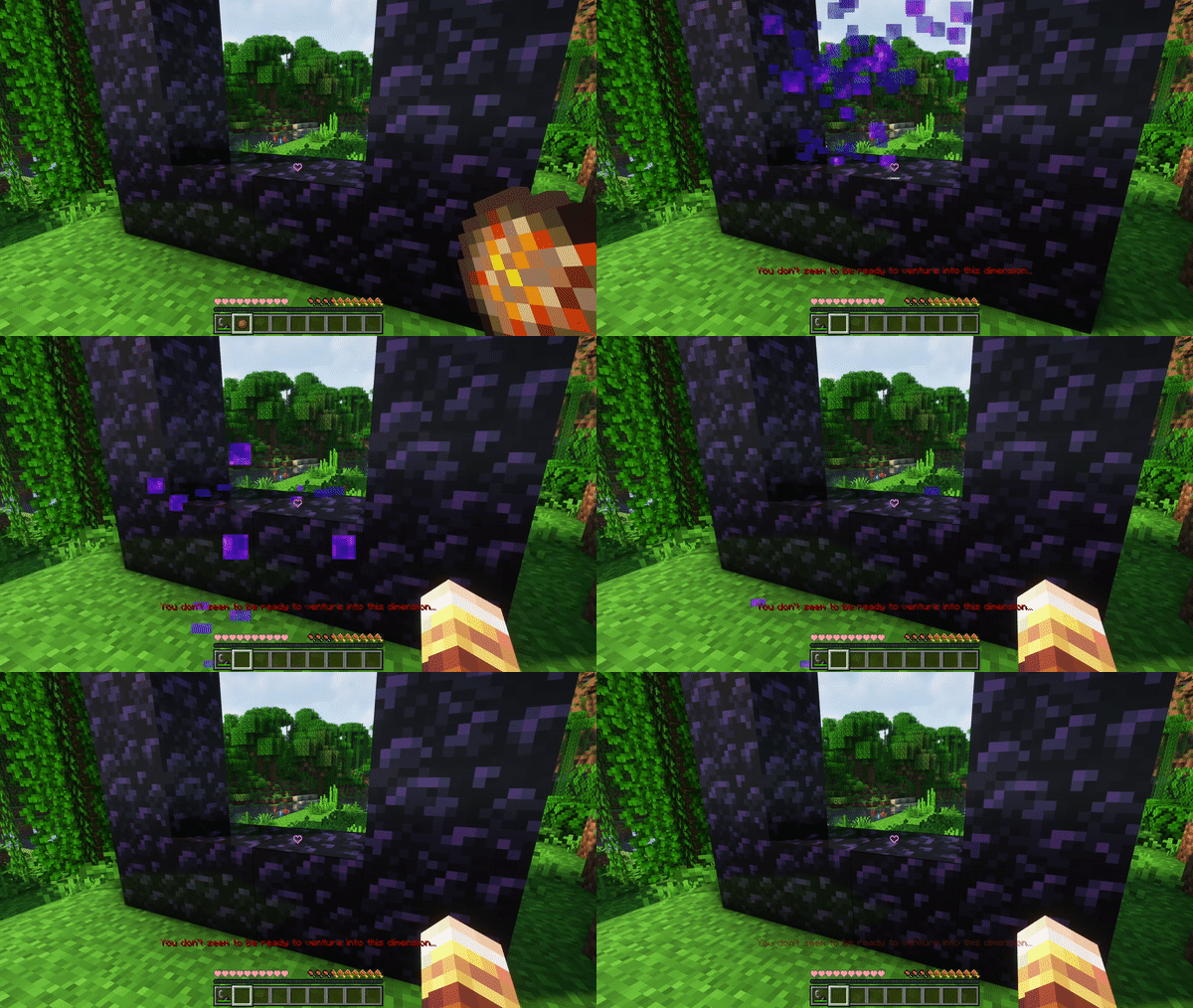
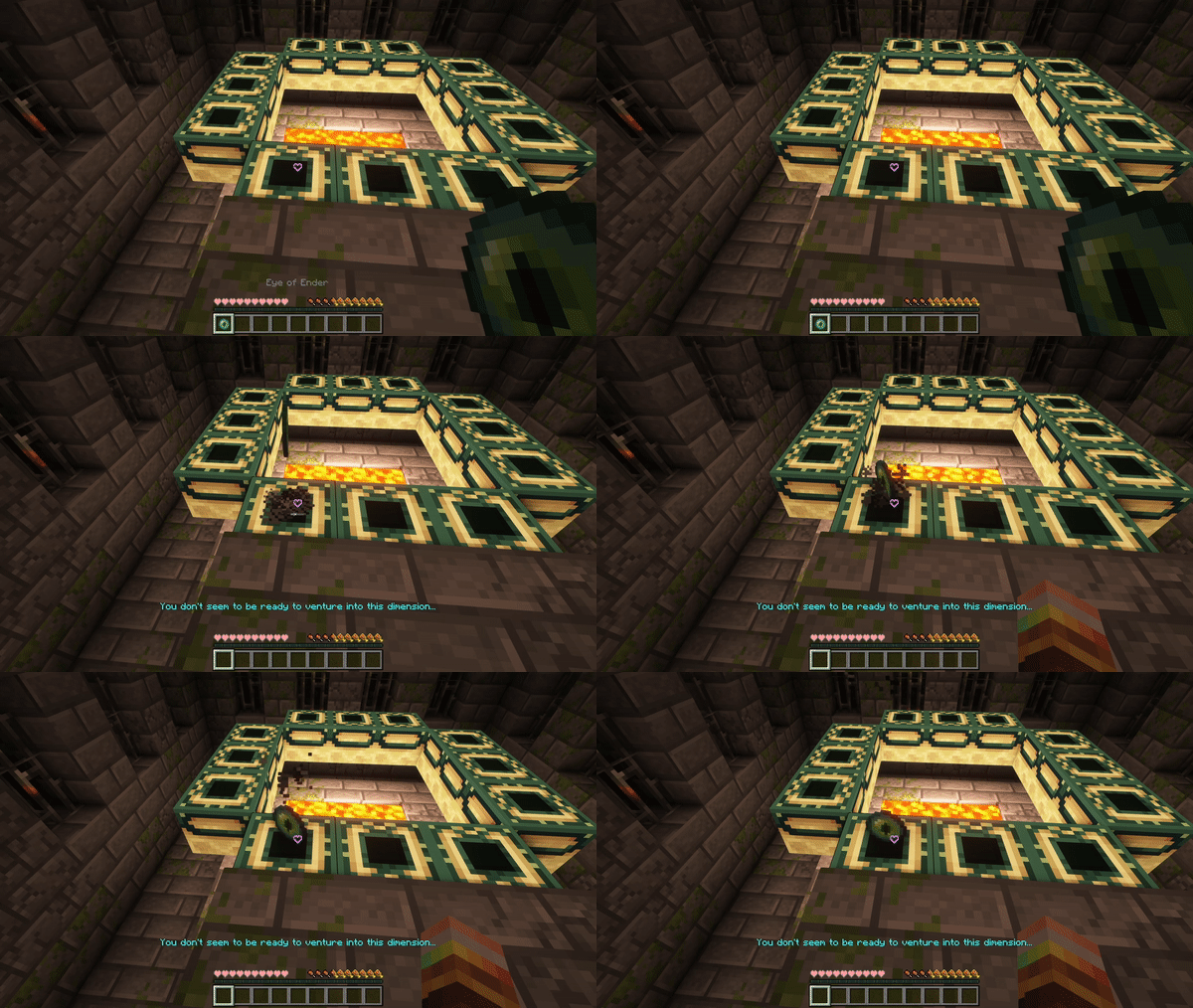
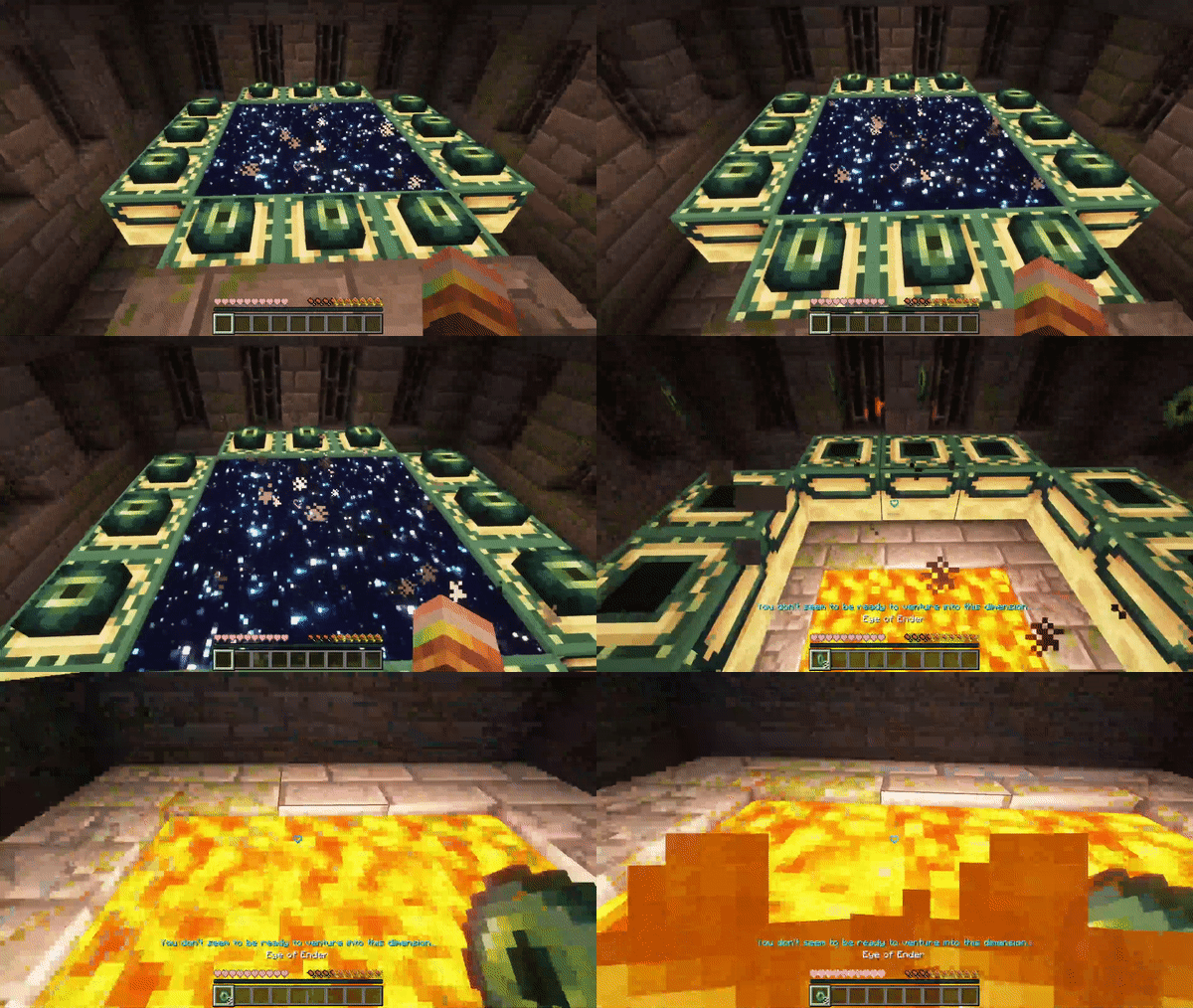
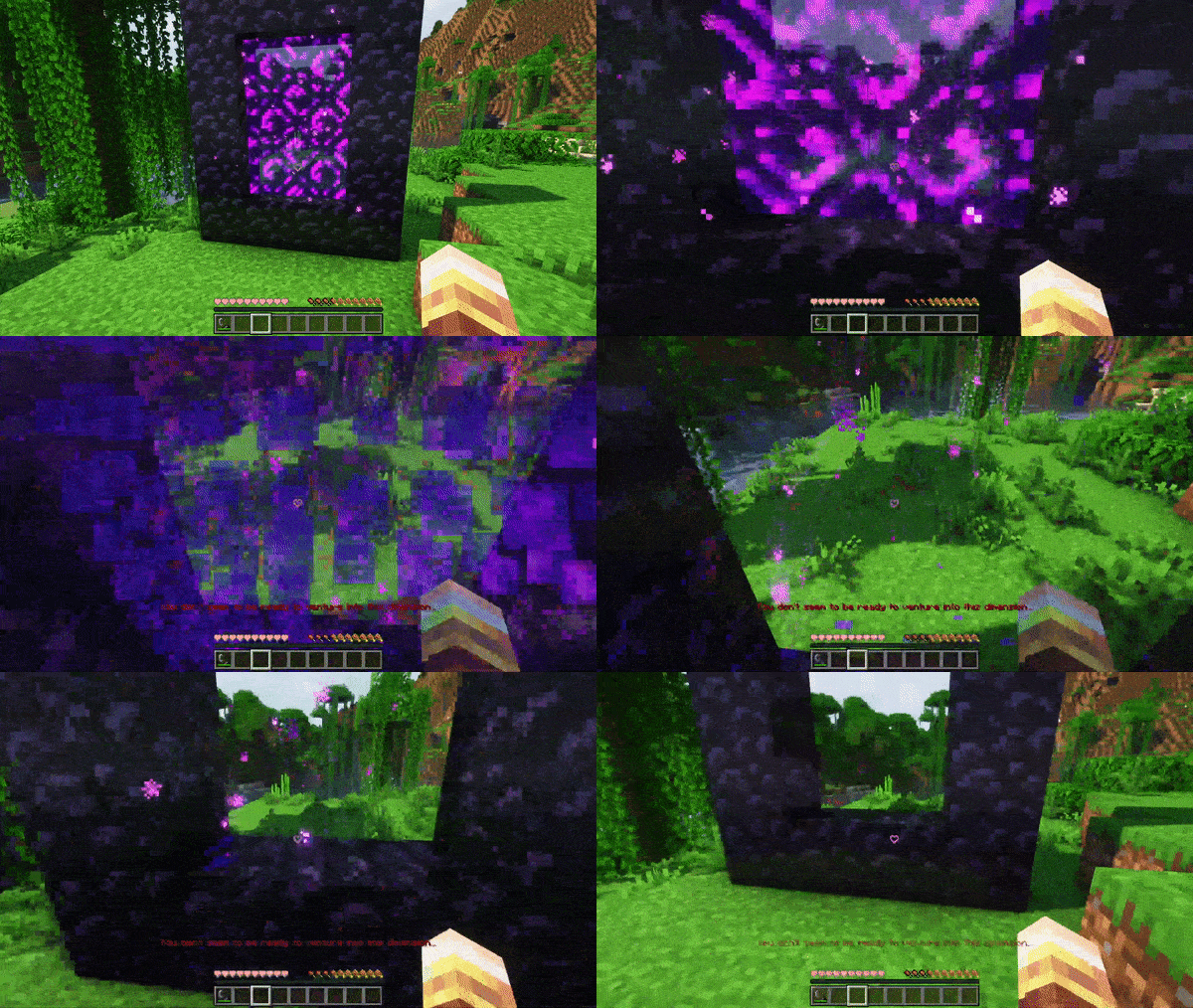
When activated it will prevent players from lighting nether portals and putting eyes into end portals, and it will break any existing portal when players try to use it.
There is a configurable message that will be shown on failure
Configuration
You can open a clickabe configuration screen in chat by running:
/function deactivateportals:config
Showcase
Showcase with a flint and steel
Showcase with a fire charge
Showcase with a lit portal
Showcase with eyes of ender
Showcase with an activated end portal
常见问题
Deactivate Portals 支持哪些 Minecraft 版本?
Deactivate Portals 支持 Minecraft Java 版 1.19–1.19.3,共 4 个版本。下载时注意选择和你游戏版本一致的文件。
Deactivate Portals 怎么安装?
新建世界时在「数据包」里把下载的 .zip 拖进去;已有的存档,把文件放进存档目录下的 datapacks 文件夹,进游戏输入 /reload 即可生效。服务器同样放在世界目录的 datapacks 里。
taya 的其他作品
查看全部 →
Invisible Item Frames
Adds craftable invisible item frames

Woodcutter
Datapack that allows you to use the stonecutter to cut down wood, just like it can cut stone

Highspeed Rail
Makes minecarts a practical way to travel

Player Head Drops
Makes players drop their head when killed by another player
评论
登录后评论和评分