
worldedit terrain
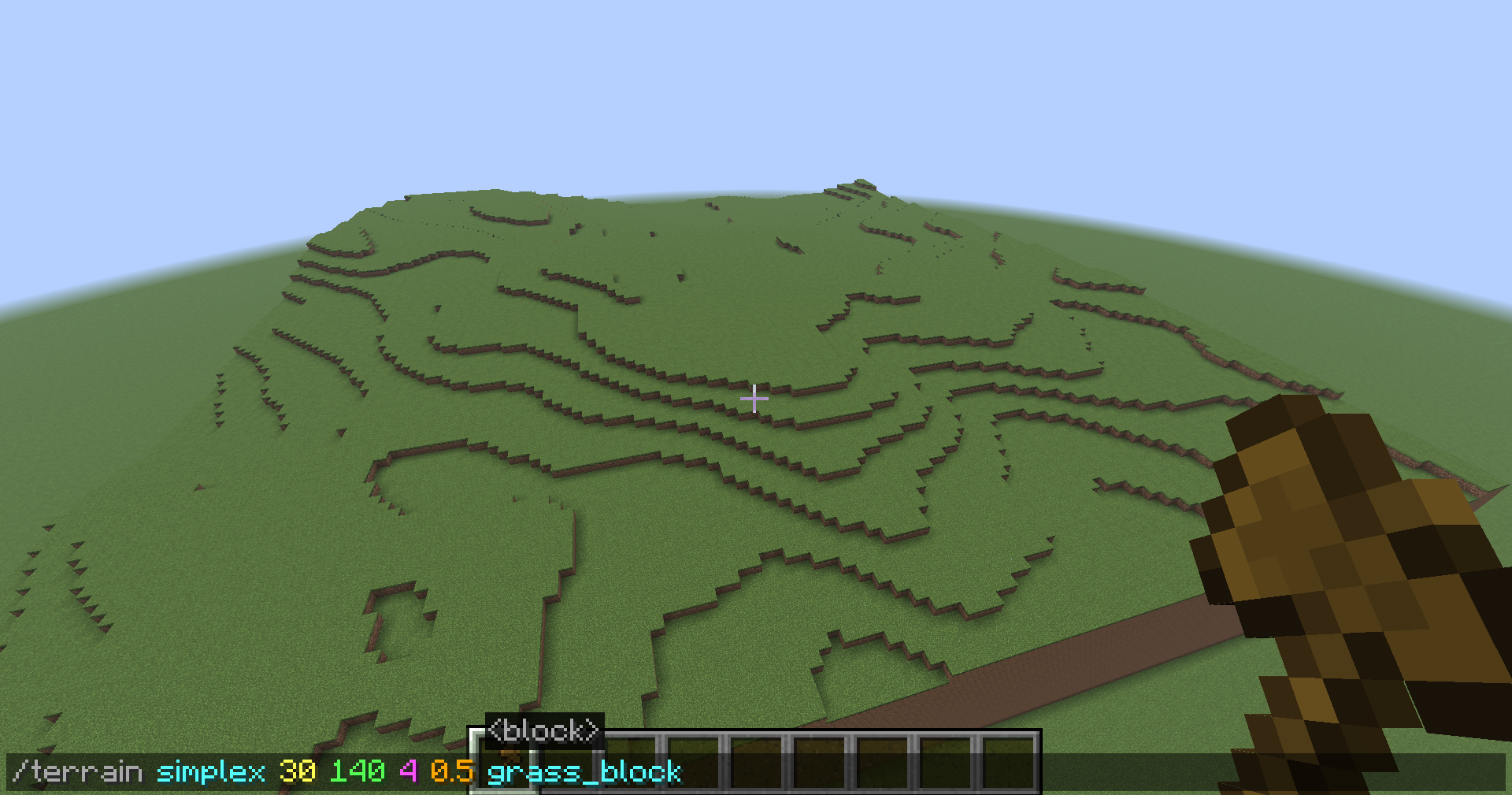
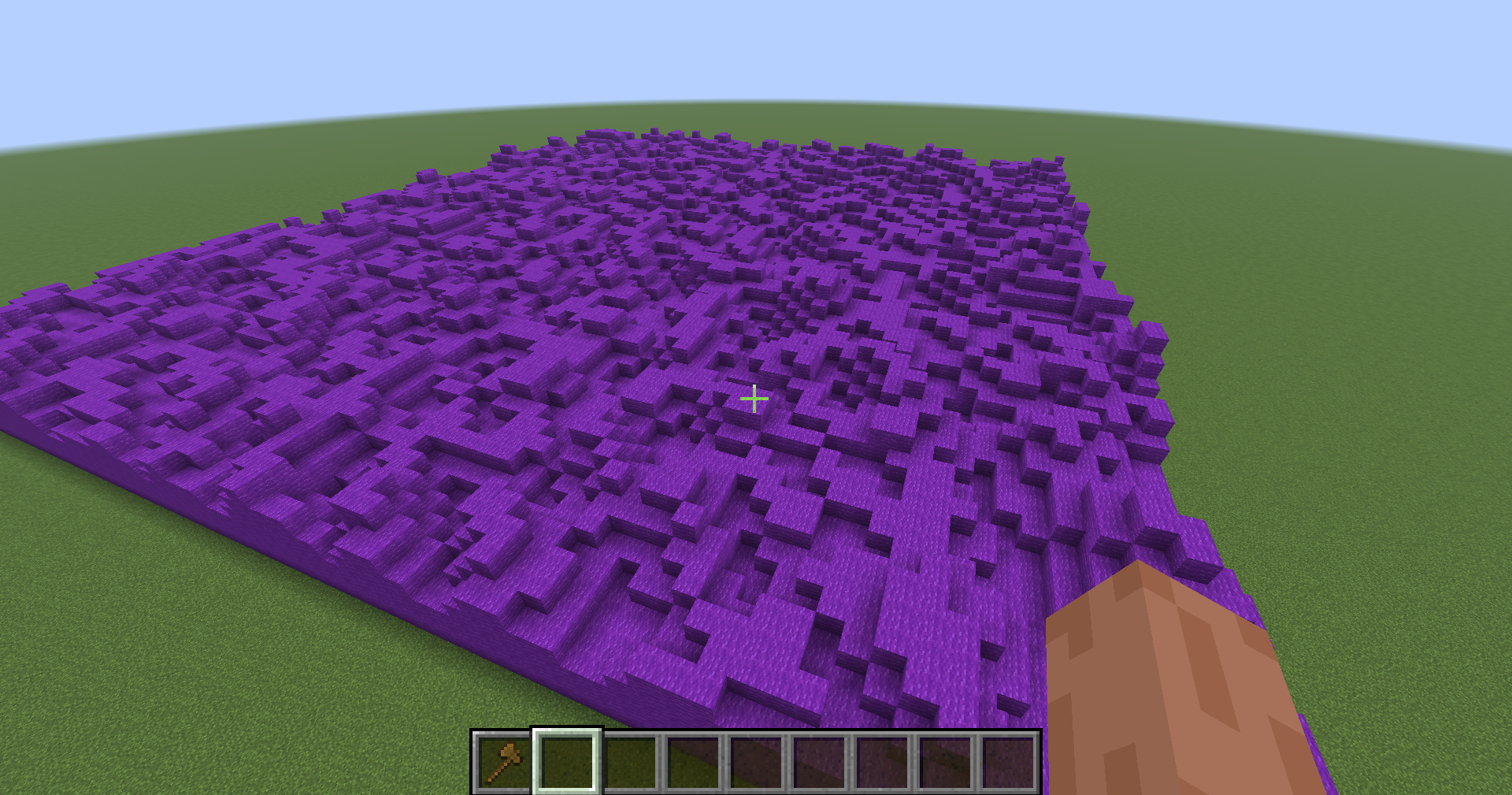
this addon to worldedit allows you to make easy terrain with one command just do //terrain worldedit is required
截图
介绍
中文介绍正在准备中,下面暂时显示原文。

Terrain Addon for WorldEdit
Adds a single powerful command to WorldEdit that lets you generate realistic noise-based terrain inside any WorldEdit selection.
Usage
//terrain
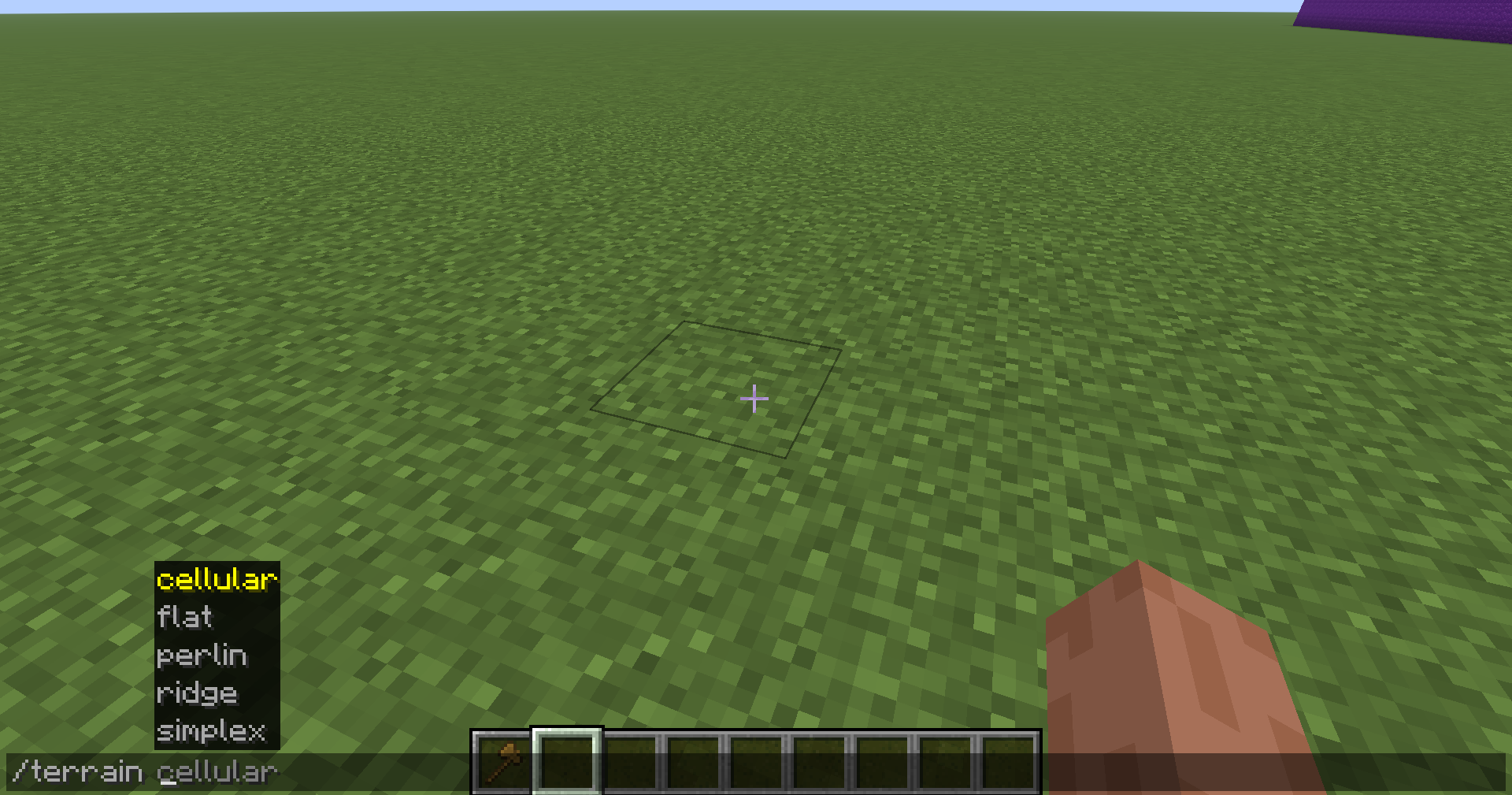
Noise Types
- ## perlin — Natural, smooth hills
- simplex — Similar to perlin, slightly smoother
- ridge — Sharp mountain ridges
- cellular — Cracked/rocky voronoi look
- flat — Flat fill with no variation
Parameters
- height — Max height variation in blocks (1-256)
- scale — Feature width, higher = smoother/wider (0.1-500)
- octaves — Detail layers, higher = more complex (1-8)
- roughness — How jagged each octave is (0.1-1.0)
- block — Any WorldEdit block (e.g. grass_block, stone)
–
Example
//terrain perlin 40 30 4 0.5 grass_block
Requirements
**WorldEdit (required)
Fabric API (required)**
常见问题
worldedit terrain 支持哪些 Minecraft 版本?
worldedit terrain 支持 Minecraft Java 版 1.20–1.21.11,共 4 个版本,可用的加载器:Fabric。下载时注意选择和你游戏版本一致的文件。
worldedit terrain 怎么安装?
先用 PCL2 或 HMCL 启动器安装对应版本的 Fabric,再把下载的 .jar 文件放进游戏目录的 mods 文件夹,重新启动游戏即可。开启了版本隔离的,mods 文件夹在 versions/版本名 下面。运行环境:仅服务端。
评论
登录后评论和评分