
Netherracked
a Mod/Datapack that Adds Recipe for Netherrack in Minecraft (+ Create Mod)
截图
介绍
ANNOUNCEMENT
MCR is HERE! MCR is a tool to help players and server maintainers
to setup their instances and servers faster and easier.


150k Downloads TYSM!
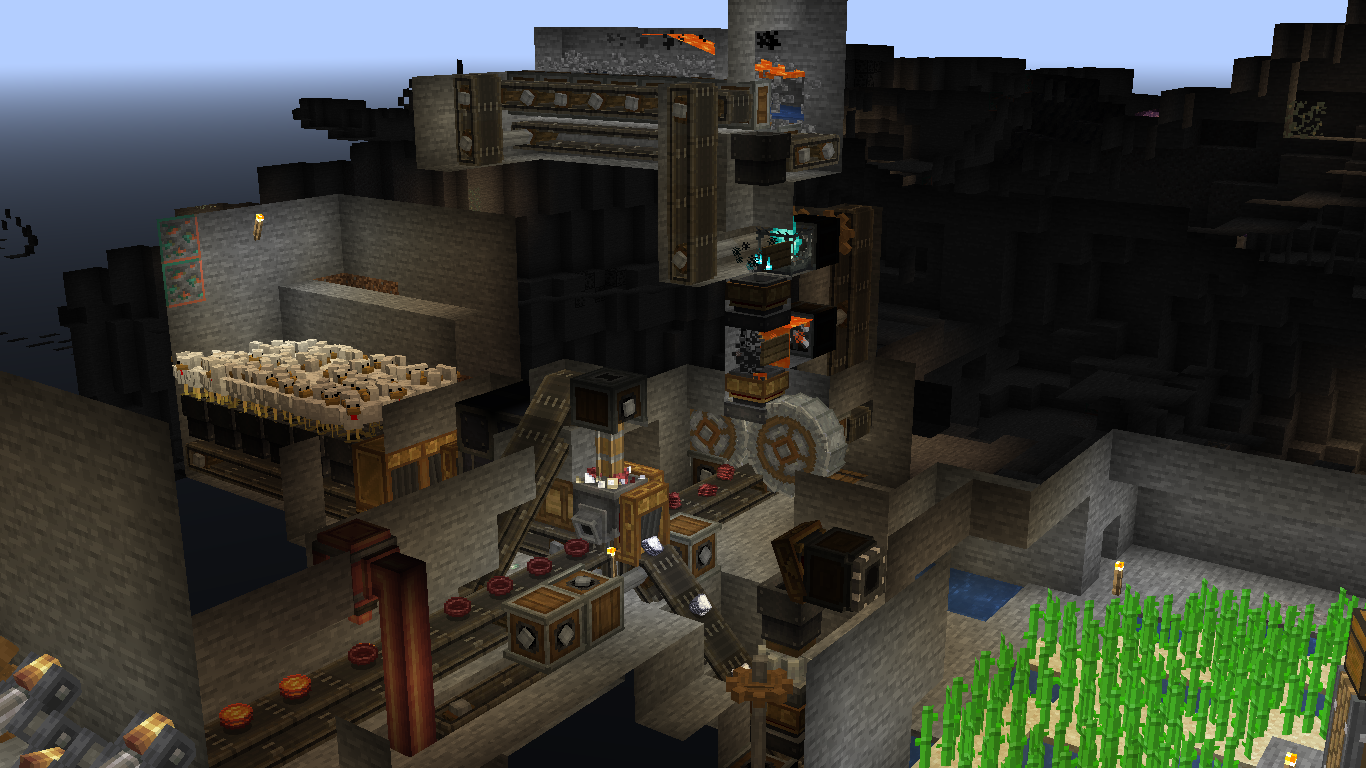
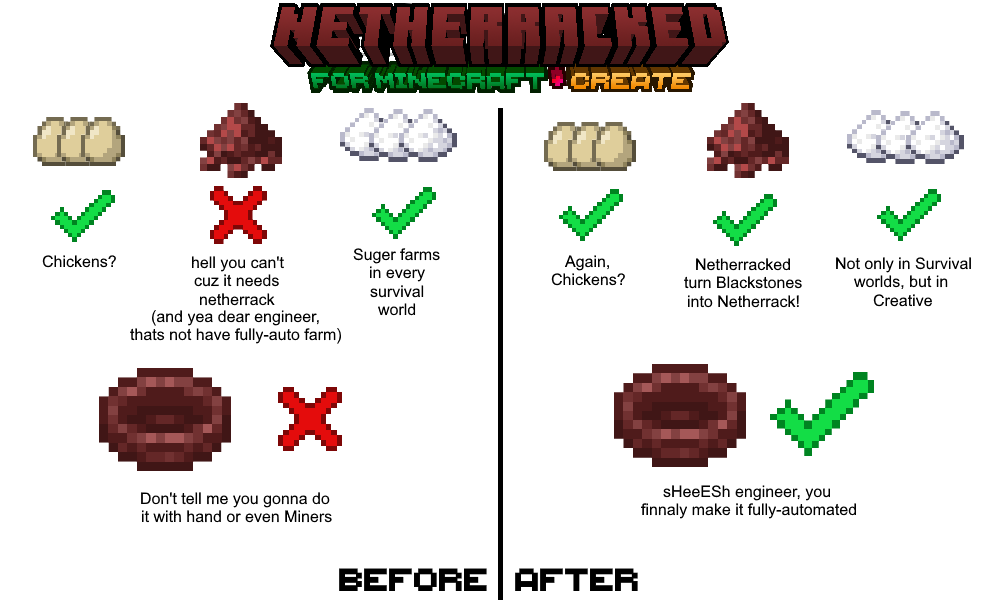
Netherracked: A Datapack that Adds Recipe for Netherrack Which needs
Minecraft Furnace or Fan Blasting from Create Mod.
So, no more you upset because of “Can’t Farm Netherrack”. especially if you want to make Create Mod Blaze Burners have a fully-automatic source of Blaze Cakes.
Here is how it works:
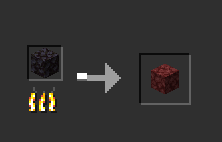
1. Minecraft Furnaces (Vanilla): Simply add Blackstone to input and wait for it smelt and finally you get Netherrack! (Hardly, it’s difficult to farm Blackstone, sorry but I didn’t find any respective Block for that.)
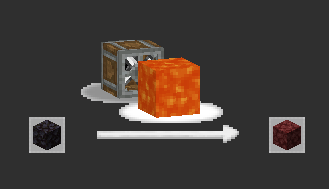
2. Create Mod Fan-Blasting: throw Blackstone in front of fan and lava so after a time it turns into Netherrack!
How to Install? (Datapack)
- put datapack into
.minecraft/saves/(YOUR_WORLD)/datapacks - go to your world and type:
/datapack enable "file/Netherracked.zip" - do
/reloadso datapack gets loaded into the world.
doing this process once for every world is enough. so once you load it, it’s done.
but for adding to the other worlds, you should repeat this process.
How to Install? (Mod)
- just put the mod on the
.minecraft/modsfolder and you’re done!
“Netherracked” by IranMine123
Please Credit our Modrinth Page
Website: Arman Studios
常见问题
Netherracked 支持哪些 Minecraft 版本?
Netherracked 支持 Minecraft Java 版 1.18–1.21.8,共 24 个版本,可用的加载器:Fabric / Forge / NeoForge / Quilt。下载时注意选择和你游戏版本一致的文件。
Netherracked 怎么安装?
新建世界时在「数据包」里把下载的 .zip 拖进去;已有的存档,把文件放进存档目录下的 datapacks 文件夹,进游戏输入 /reload 即可生效。服务器同样放在世界目录的 datapacks 里。
评论
登录后评论和评分