Legends & Myths (Cobblemon)
A data pack that adds legendary and mythical Pokémon to the game. Explore new buildings and Pokemon, gain new experiences in your adventures.
截图
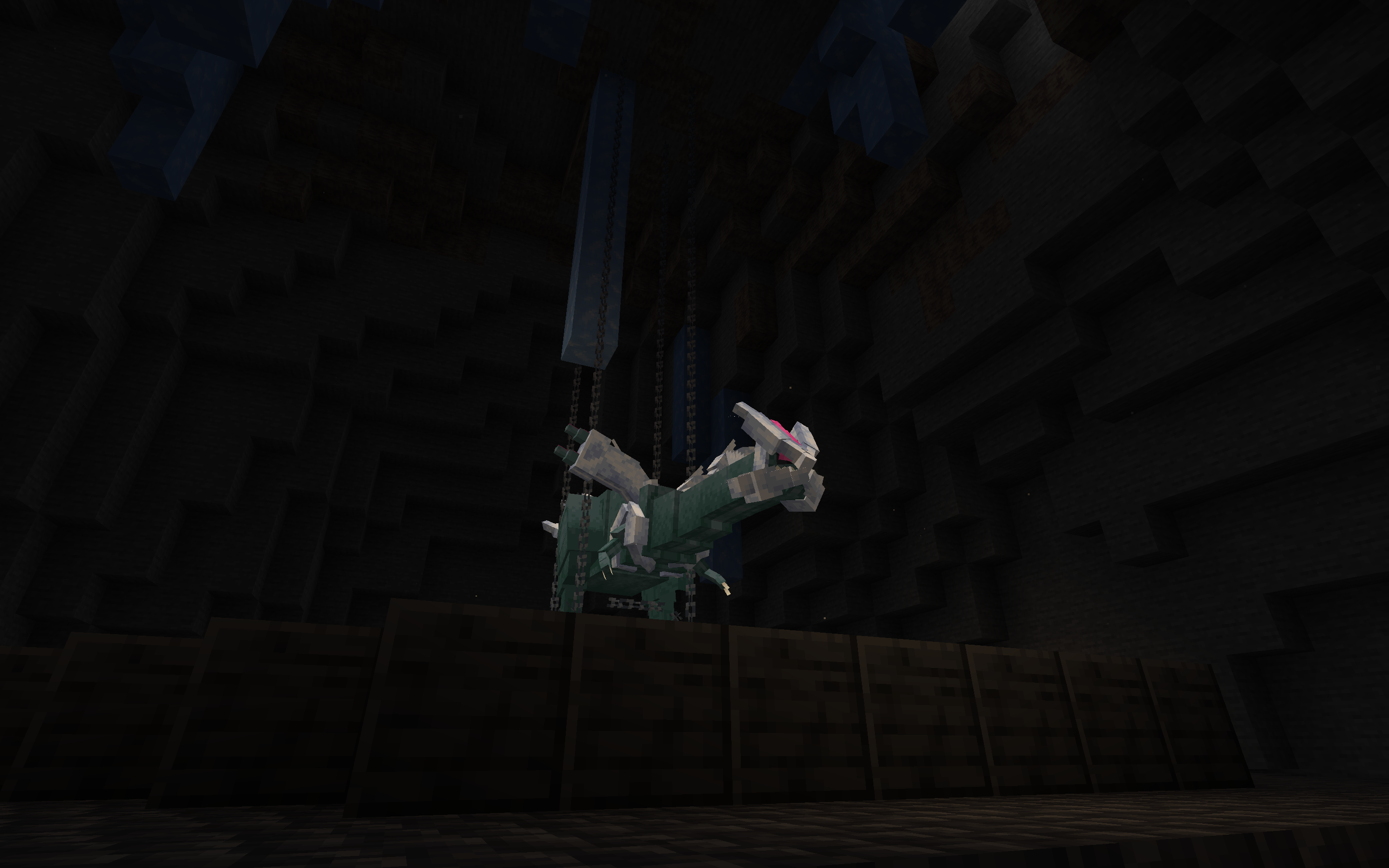
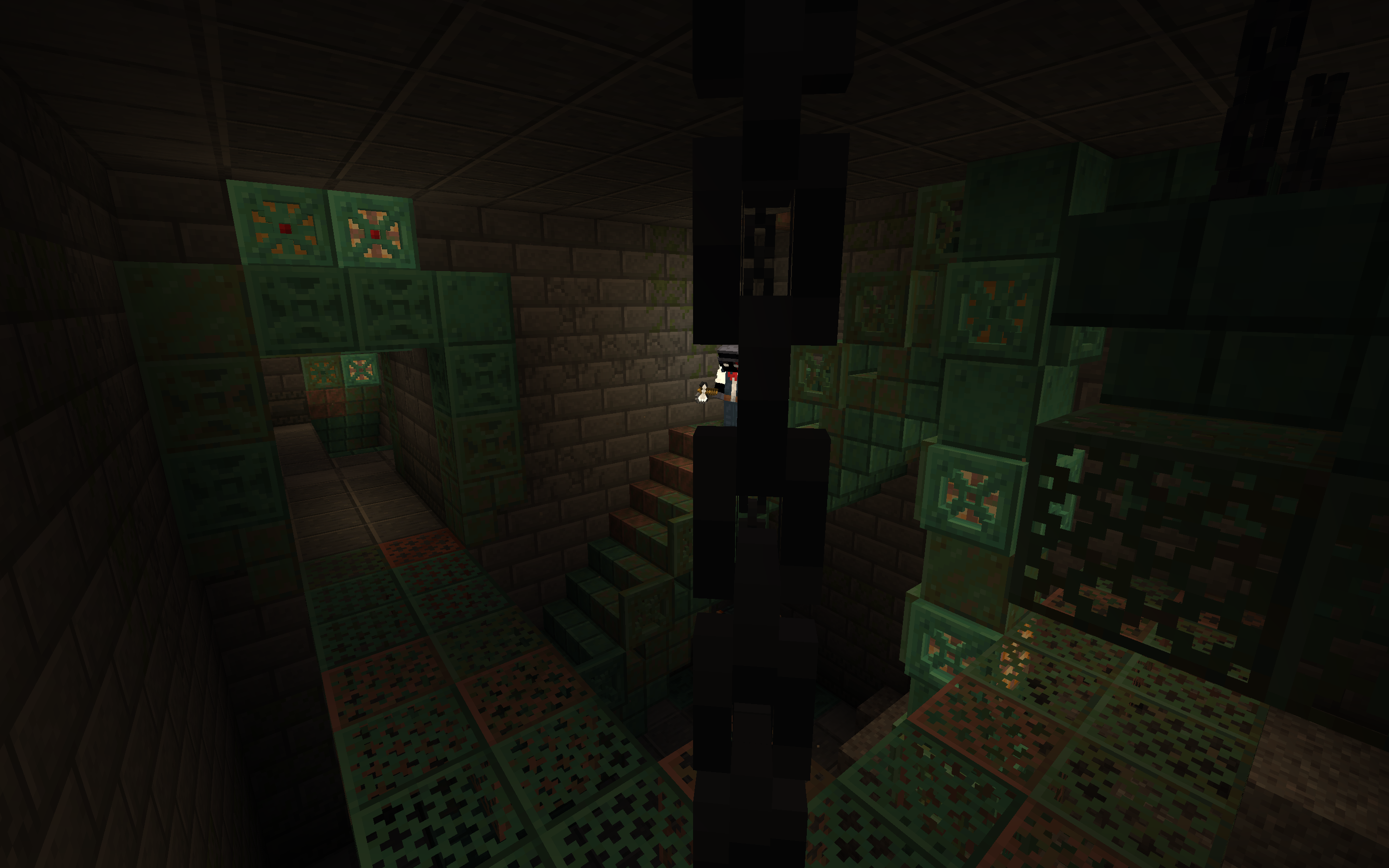
介绍
L&M IS PAUSED FOR INDEFINITE PERIOD OF TIME
FAQ:
What does Legends & Myths do?
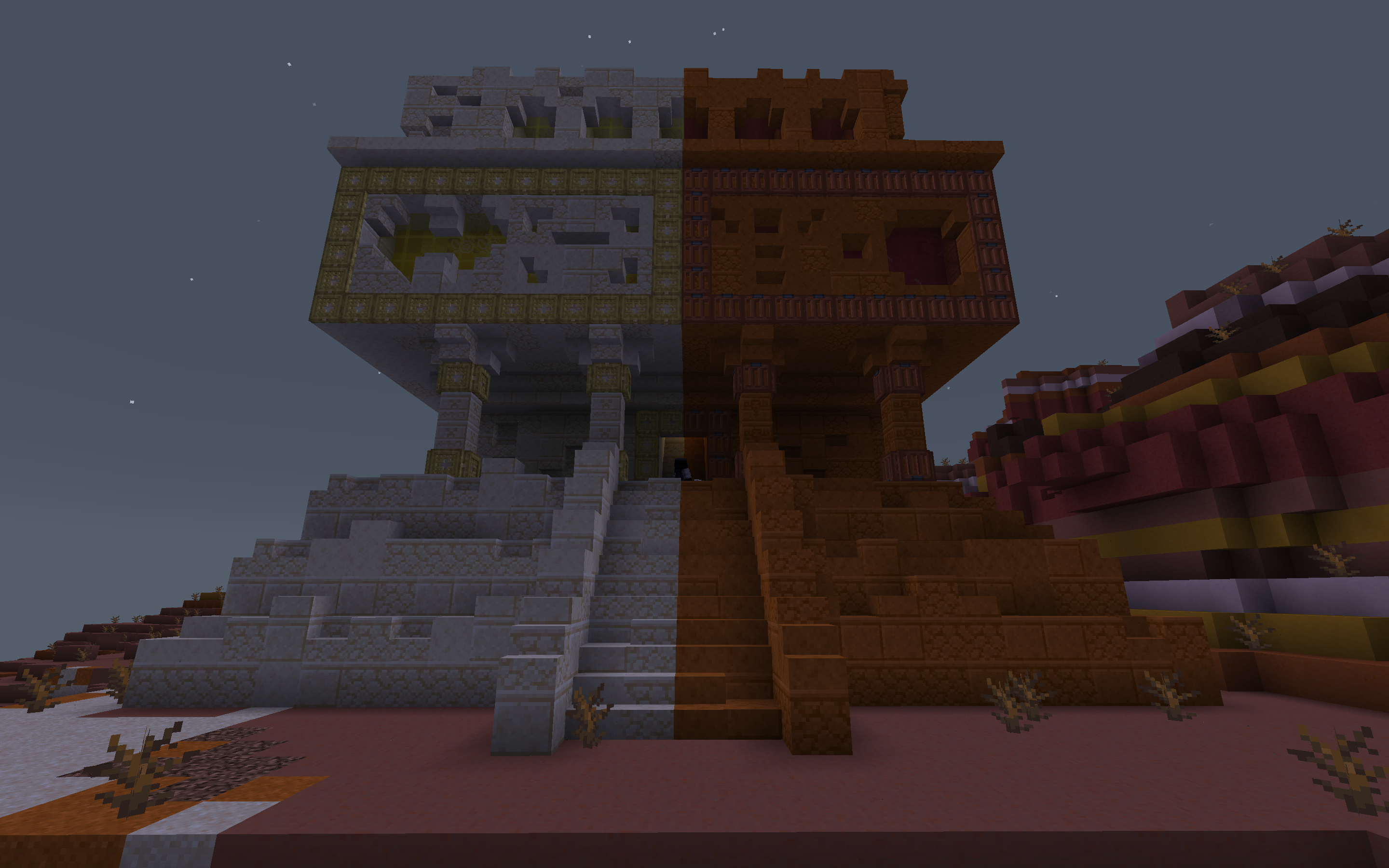
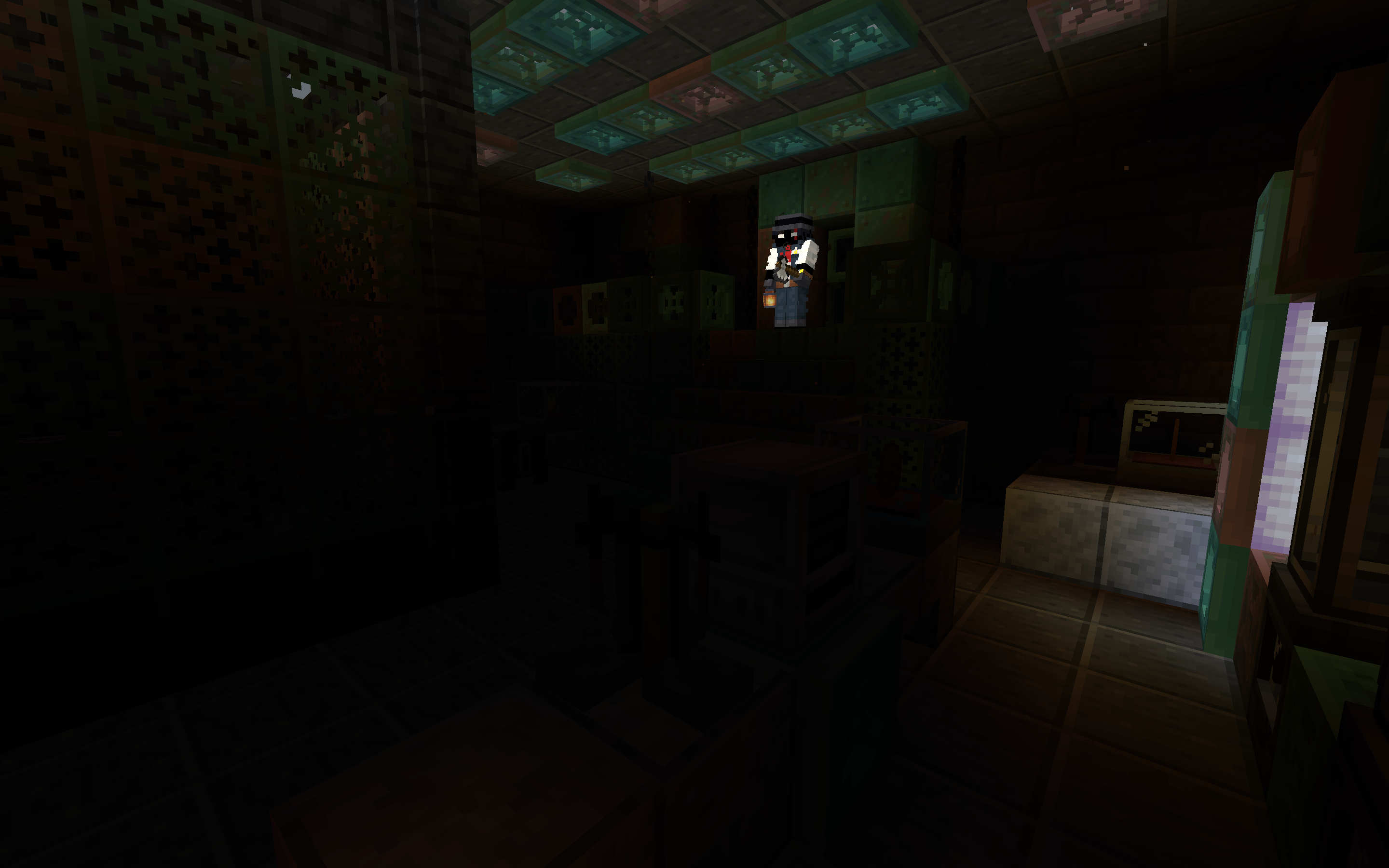
Datapack for Cobblemon which adds legenadry and mythical pokemons to the game. Every legendary/mythical pokemon from datapack have unique structure where they spawn.
For datapack and resourcepack to work
(ONLY IF USING DATAPACK FORMAT)
Install the resourcepack and datapack files
Put it datapack file into the “datapacks” folder of your world
Put resourcepack file inside of your resourcepacks
Turn on the resourcepack
How to change Deoxys’ form?
You have to go to the end in order to change it’s forms (no items needed)
How to change Silvally’s type?
You have to give it a gem. Based on gem held the typing of your Silvally will change
Which pokemons added?
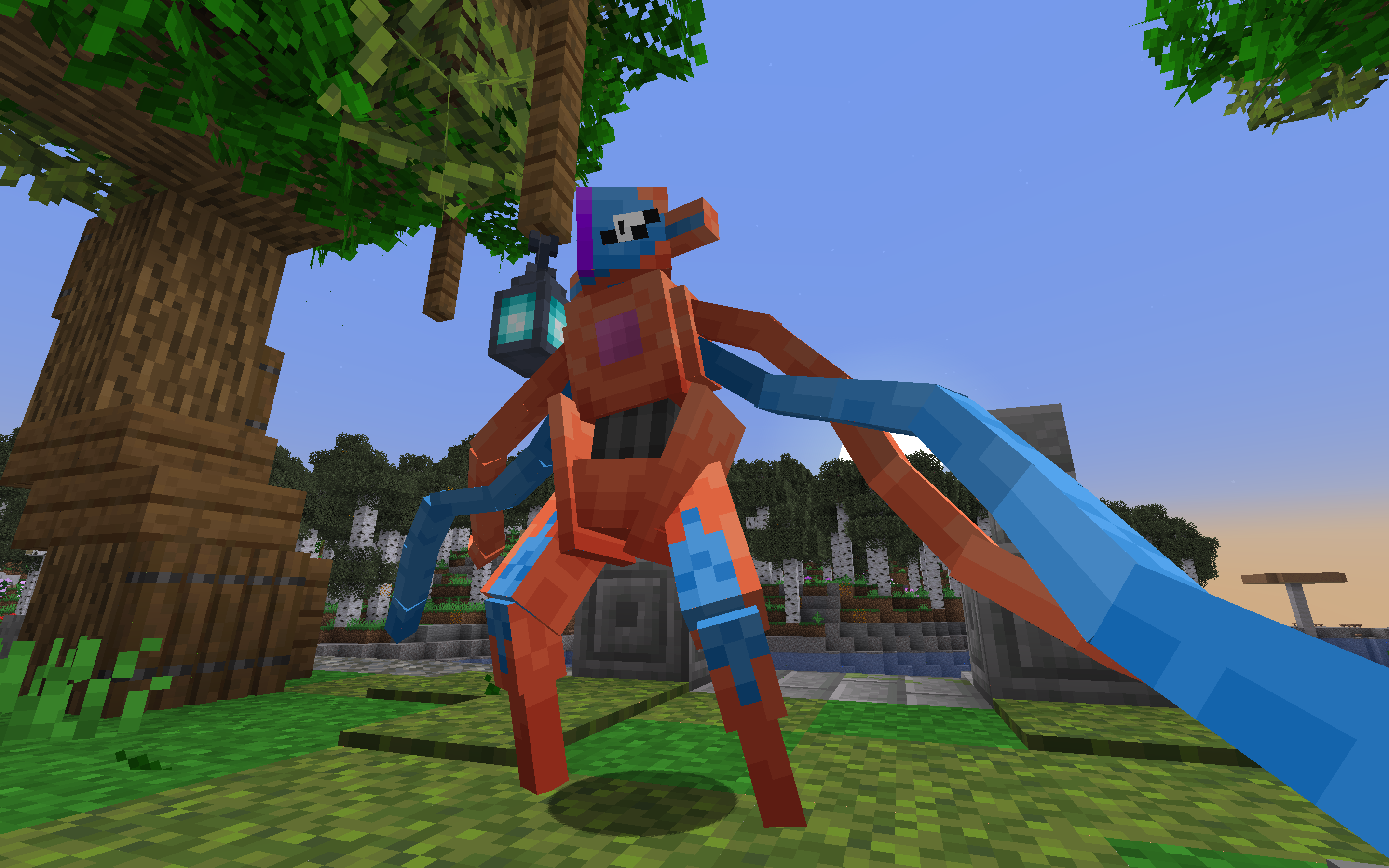
- Deoxys (All 4 forms)
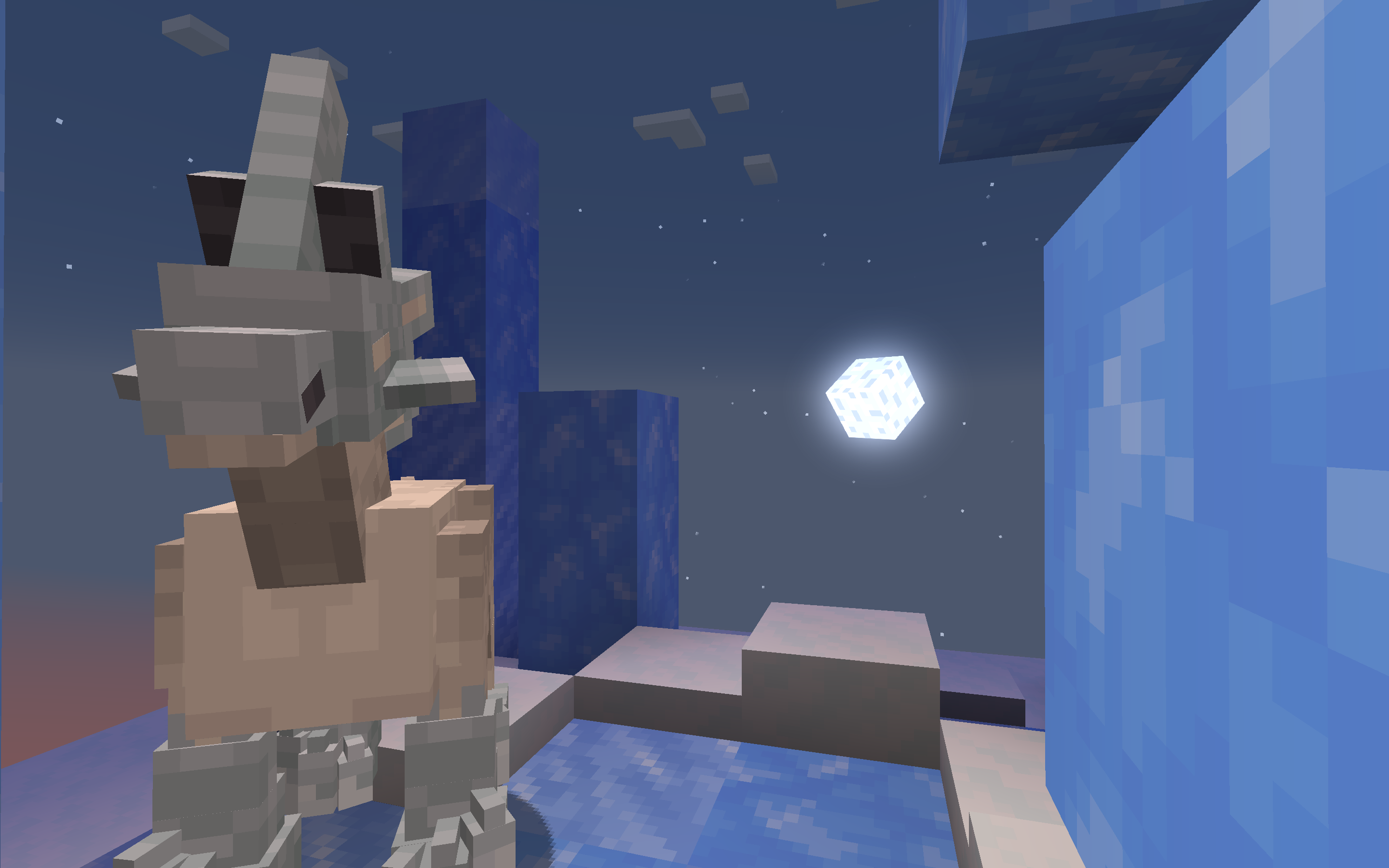
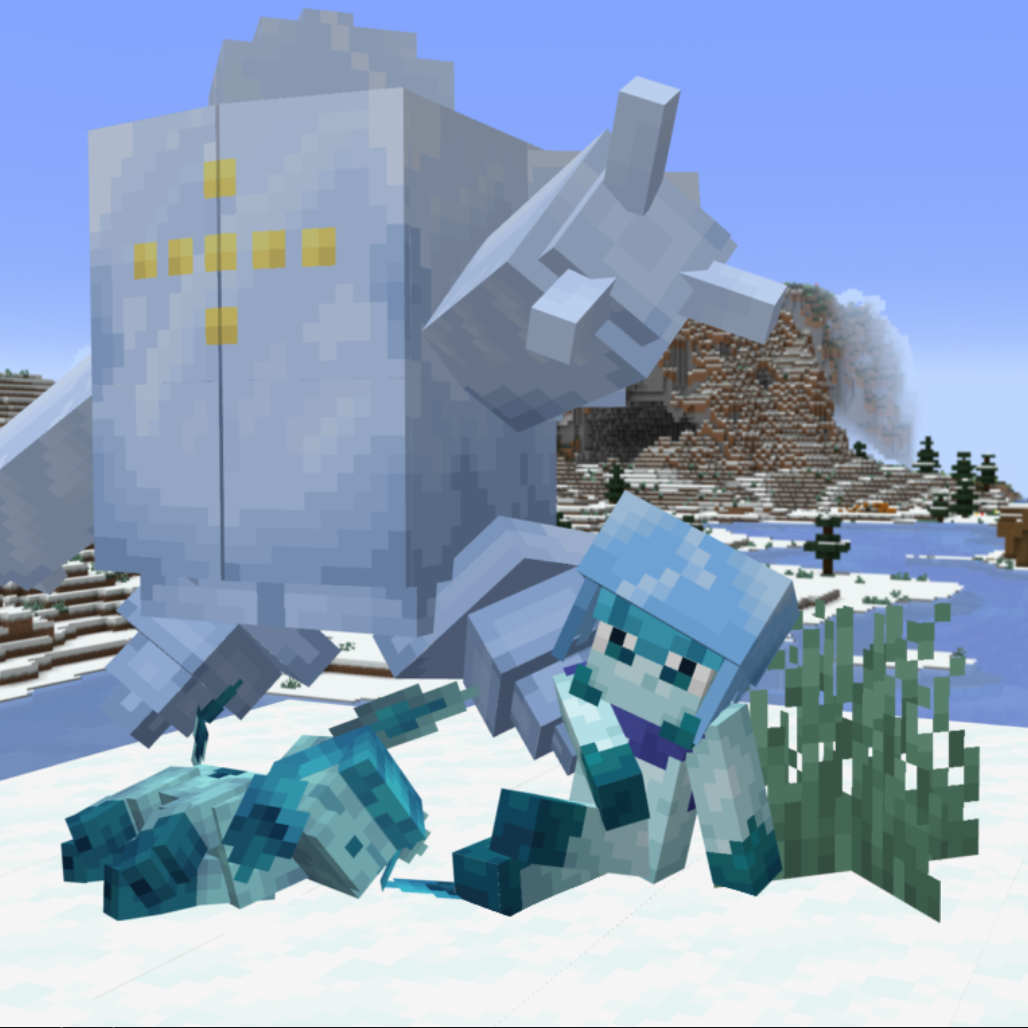
- Glastrier
- Calyrex (No forms yet)
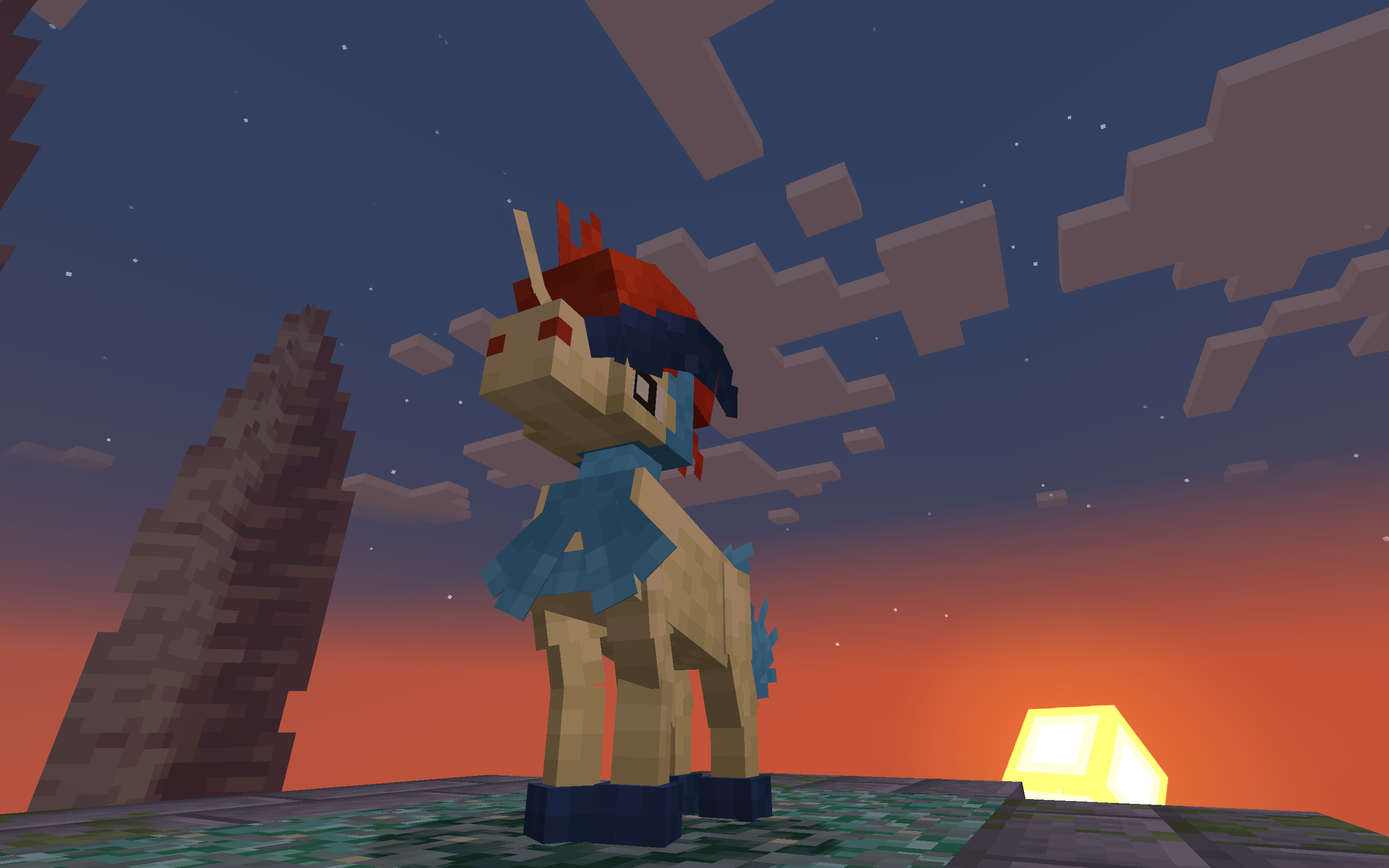
- Keldeo (Only one form)
- Regirock
- Registeel
- Regice
- Regieleki
- Regidrago
- Regigigas
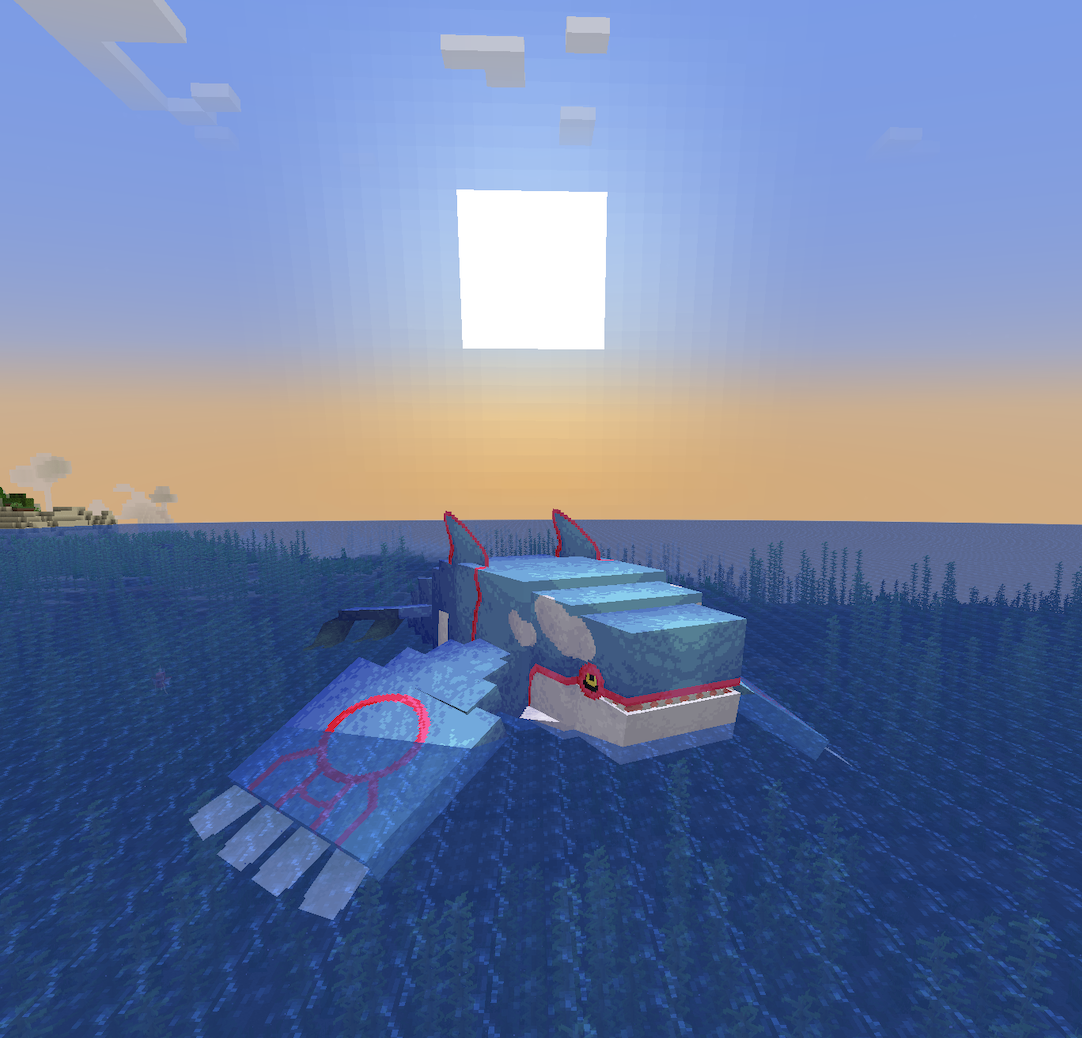
- Kyogre (Donated model by: Karlo)
- Kyurem (No other forms yet)
- Genesect (No drives yet and can’t be obtained in the survival)
- Latias
- Latios
- Meloetta (Only one form)
- Type: Null (From: Pokemans Pack [Cobblemon])
- Silvally (All types) (From: Pokemans Pack [Cobblemon])
- Magearna (Only default colour)
We AREN’T Myths and Legends
Legends & Myths and Myths and Legends are two different modifications!
Which format is better to use Mod/Datapack?
Datapck is more stable version of this modification since it was focused for datapack format and thus has less visual bugs.
Links
Discord server: https://discord.gg/FExcyJSB
Discord thread: https://discord.com/channels/934267676354834442/1270303327665786891
Discord help thread: https://discord.com/channels/934267676354834442/1270304029259464767
常见问题
Legends & Myths (Cobblemon) 支持哪些 Minecraft 版本?
Legends & Myths (Cobblemon) 支持 Minecraft Java 版 1.20.1–1.21.1,共 2 个版本,可用的加载器:Fabric / Forge / NeoForge。下载时注意选择和你游戏版本一致的文件。
Legends & Myths (Cobblemon) 怎么安装?
新建世界时在「数据包」里把下载的 .zip 拖进去;已有的存档,把文件放进存档目录下的 datapacks 文件夹,进游戏输入 /reload 即可生效。服务器同样放在世界目录的 datapacks 里。

评论
登录后评论和评分