截图
介绍

Bend the world. Keep the performance.
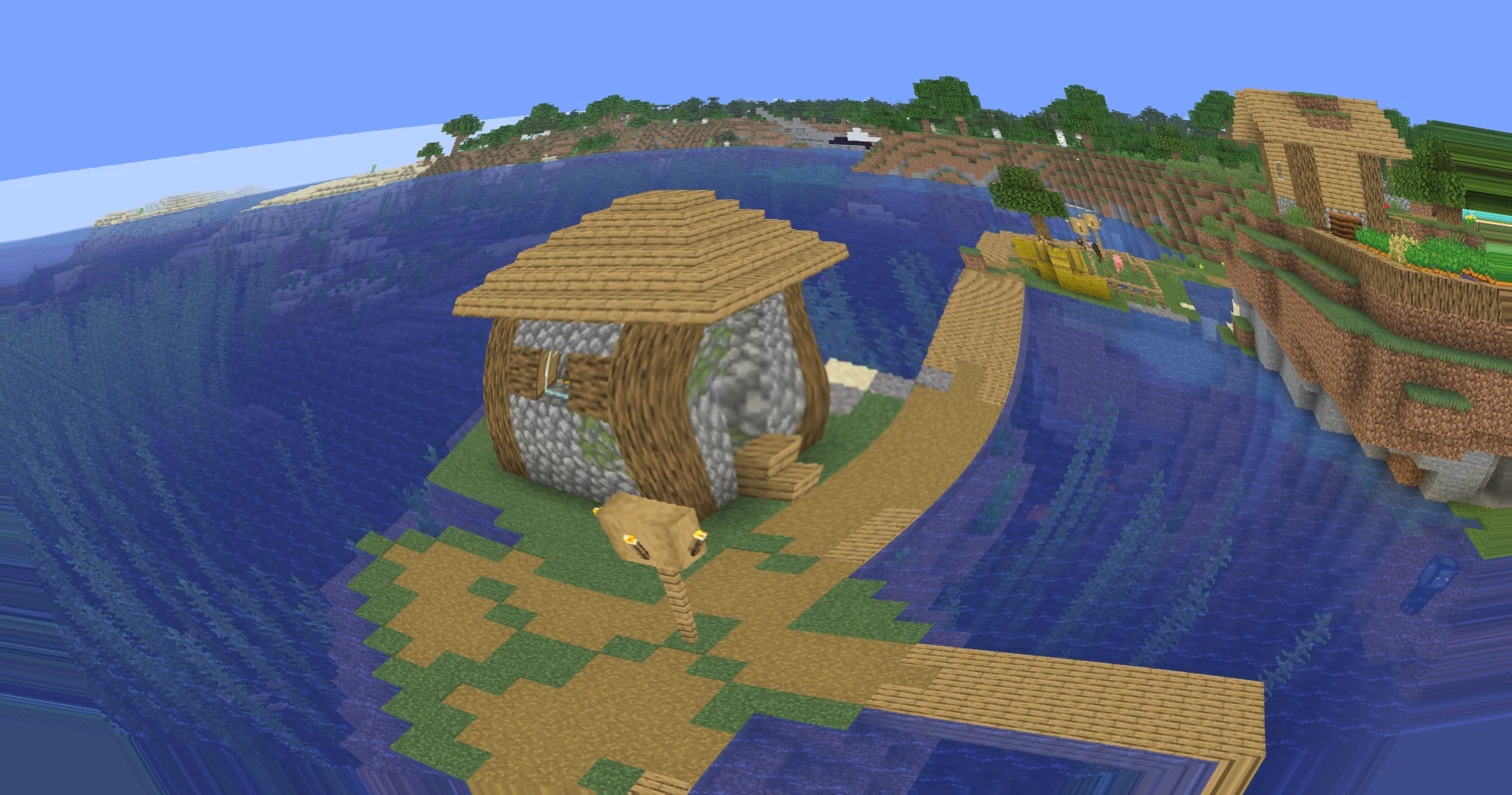
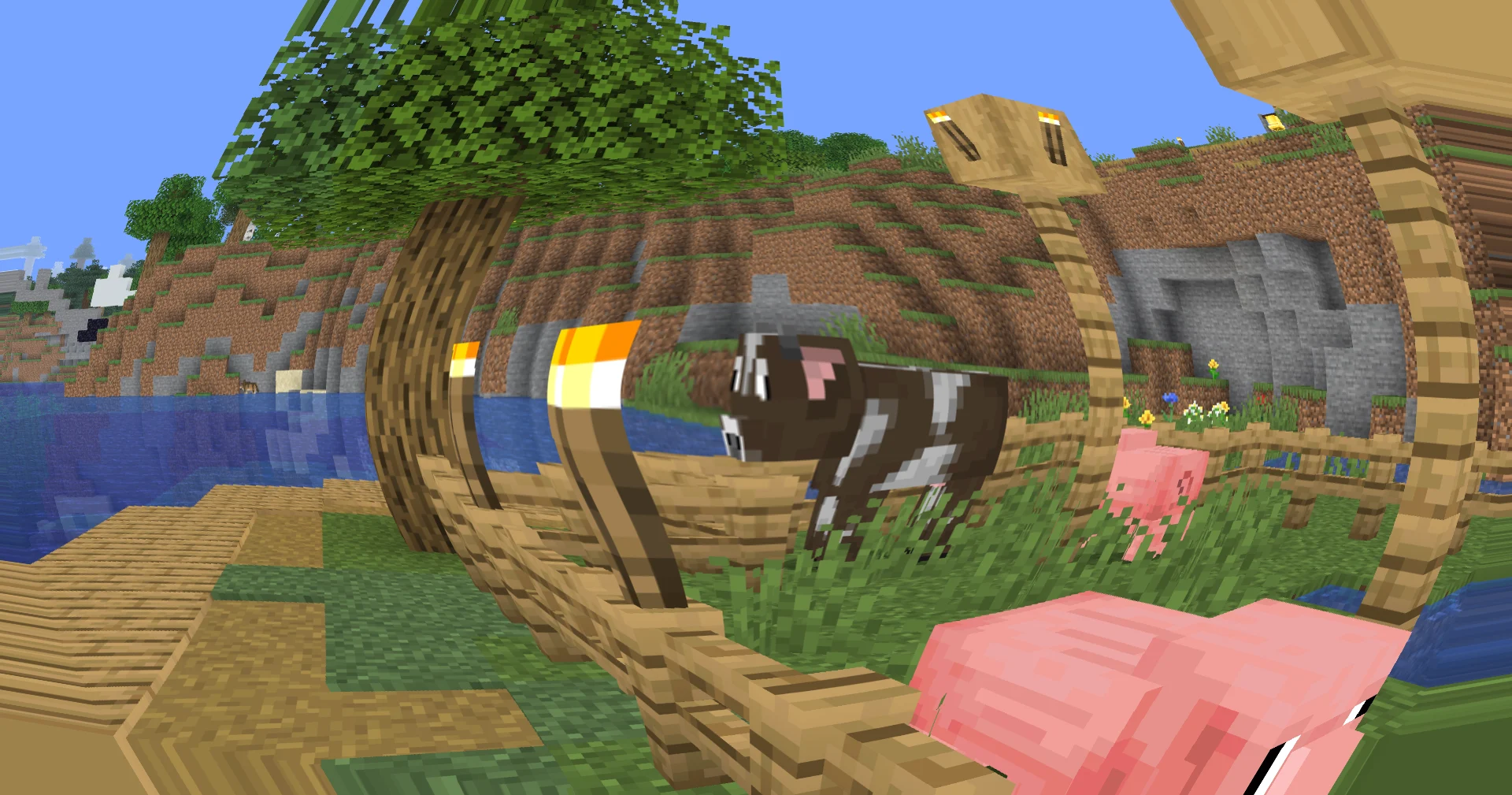
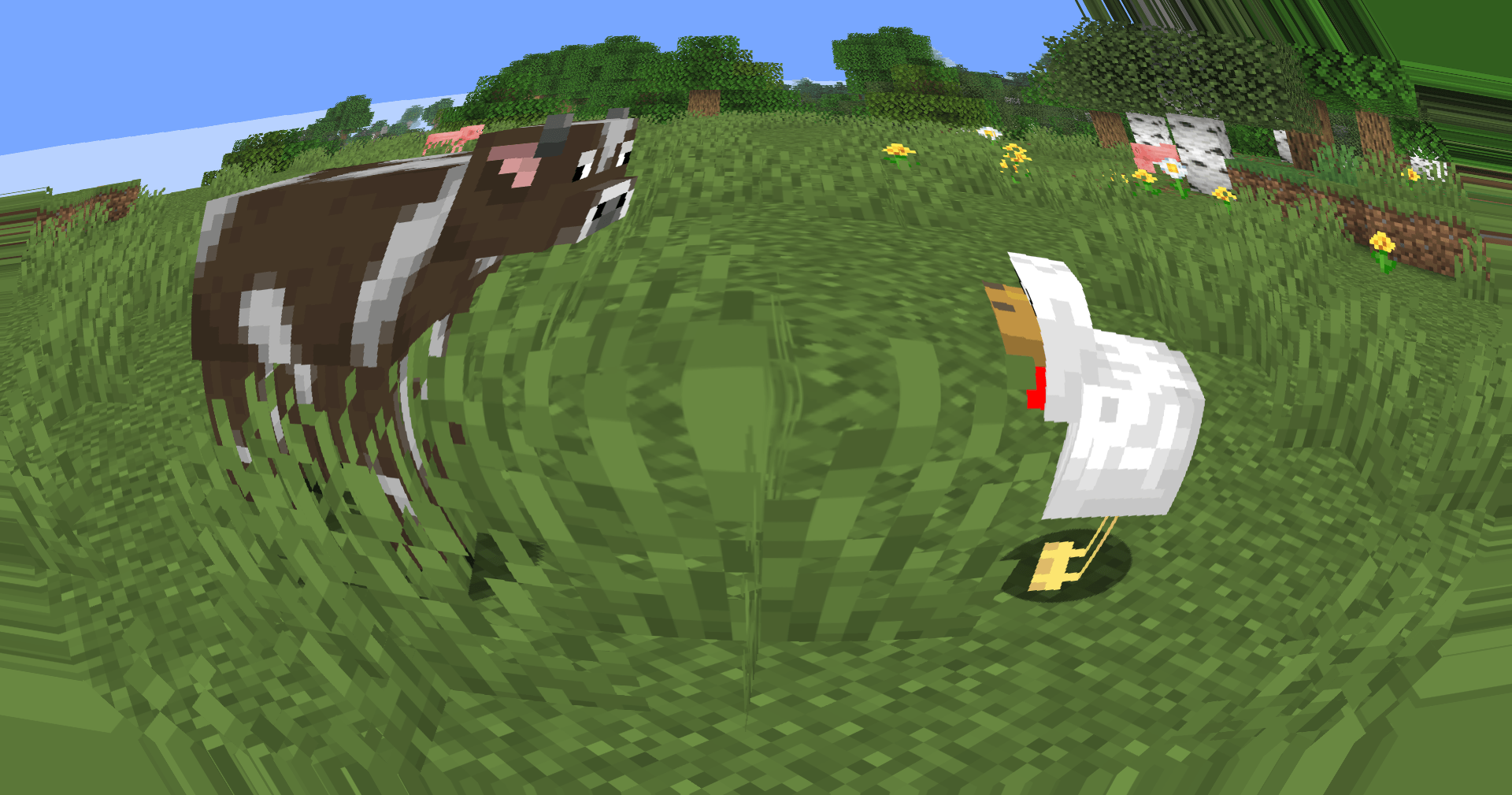
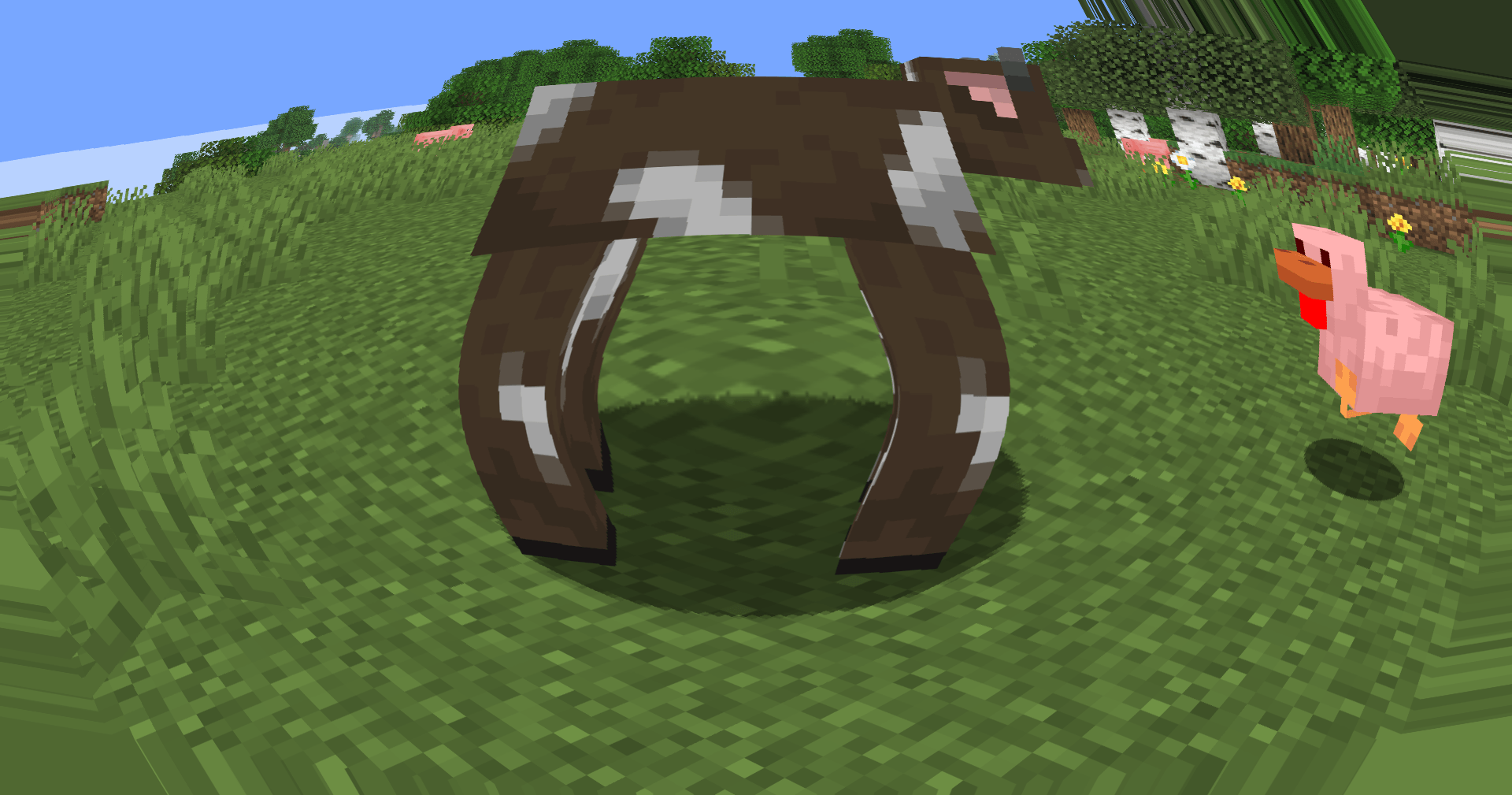
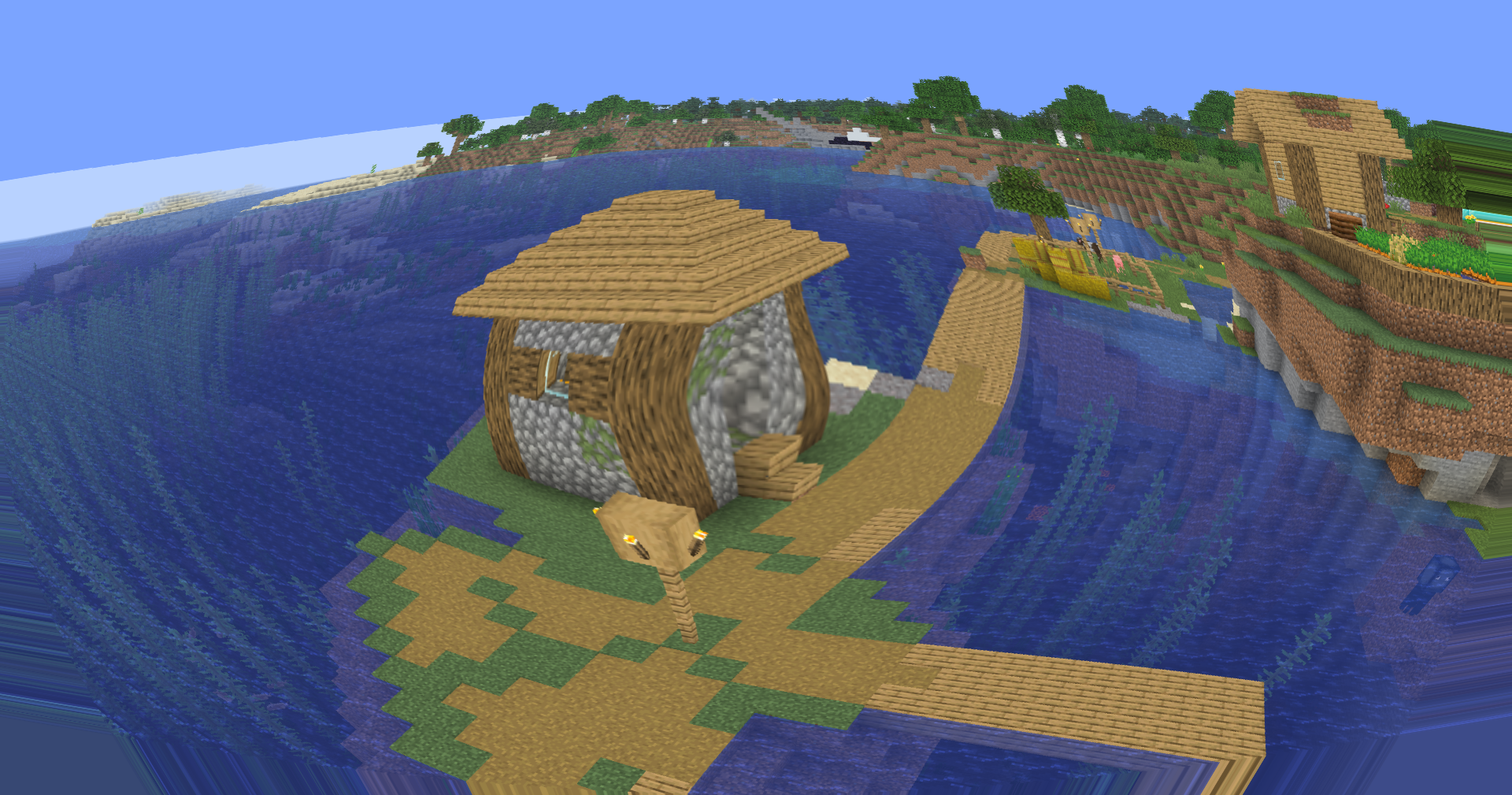
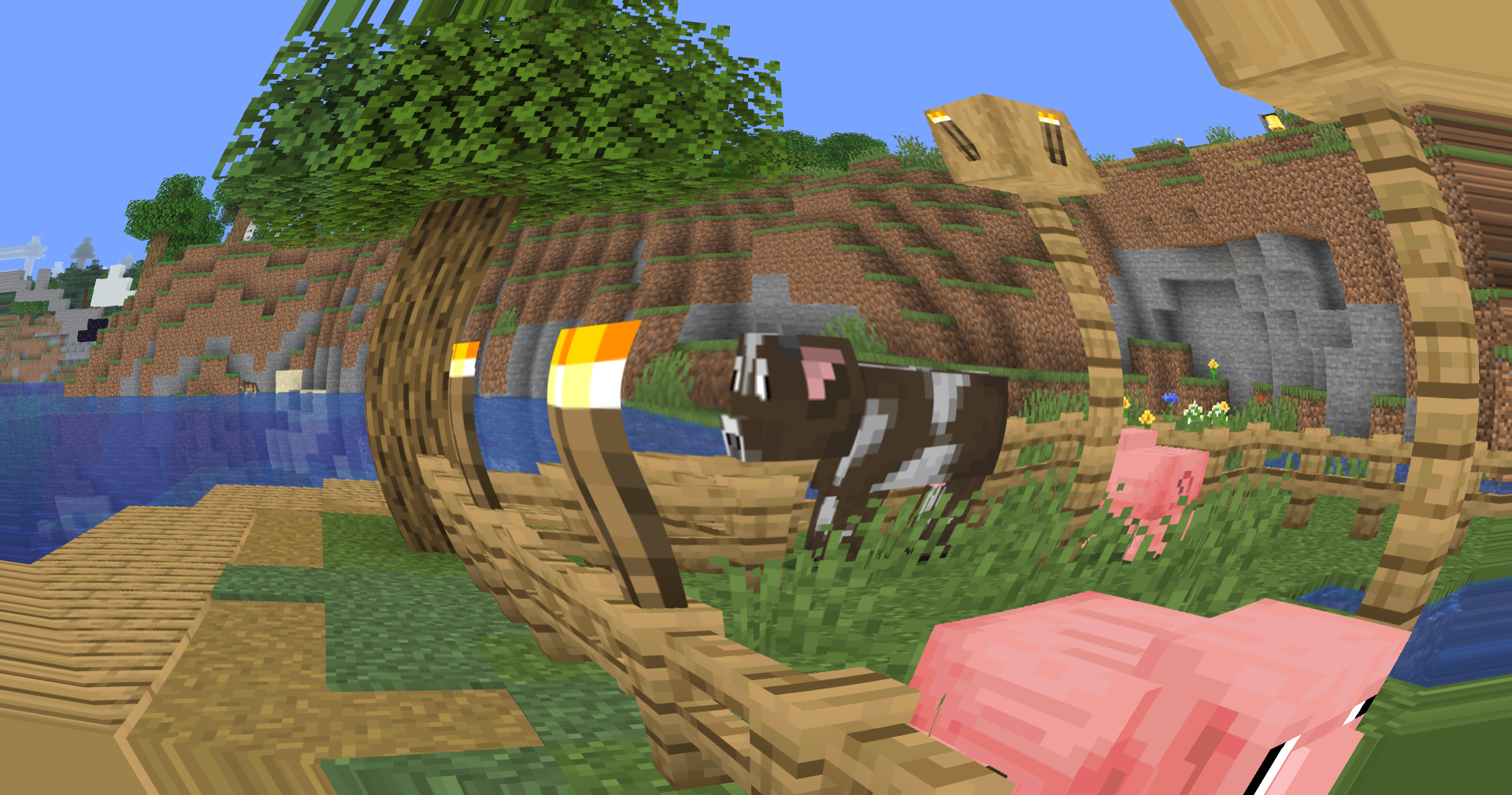
Introduces a brand-new fisheye lens effect, bringing a subtle wide-angle camera feel to Minecraft. The screen is warped dynamically from the center outward, creating a more immersive and stylized perspective without affecting gameplay mechanics or world geometry.
🐟 Fisheye Lens Distortion
A custom screen-space fisheye shader now remaps the final rendered image through radial UV distortion. The effect is strongest near the edges of the screen while remaining gentle in the center, preserving visibility and usability during gameplay.
Unlike aggressive novelty fisheye filters, this implementation is designed to complement exploration, cinematic shots, content creation, and screenshots while maintaining a clean image.
🎥 Built for Creators
The new lens effect adds a unique visual identity to recordings and screenshots, making landscapes feel larger, structures more imposing, and movement more dynamic.
Whether you’re creating:
- YouTube videos
- Cinematic Minecraft showcases
- Shader comparisons
- TikTok clips
- Thumbnail renders
the fisheye effect provides an additional layer of visual depth and motion.
⚙️ Lightweight Screen-Space Processing
The distortion is applied entirely as a post-processing pass using screen-space texture coordinate remapping. No additional geometry calculations, raymarching, or heavy rendering passes are required.
🎛️ Future Expandability
The fisheye system is designed as a foundation for future lens-based effects, including adjustable distortion intensity, cinematic camera presets, and advanced post-processing options planned for upcoming releases.
Version 0.5 marks the first step toward a more cinematic visual pipeline while keeping Soleron lightweight, configurable, and creator-friendly.
常见问题
Osh 支持哪些 Minecraft 版本?
Osh 支持 Minecraft Java 版 1.7.2–26.3,共 84 个版本,可用的加载器:Iris / OptiFine。下载时注意选择和你游戏版本一致的文件。
Osh 怎么安装?
光影需要先装 Iris / OptiFine。把下载的 .zip 文件(不用解压)放进游戏目录的 shaderpacks 文件夹,进游戏后在「选项 → 视频设置 → 光影包」里选中它。光影对显卡要求较高,卡顿可以调低光影设置或渲染距离。
xsoras 的其他作品
查看全部 →
Vanilla Enhanced
一款轻量级光影,带来更真实的光照与更出色的视觉效果。
i hate shadows
Fullbright shader, banished every shadow.👋 You’re welcome.

Cartoony
A shader that makes 3D look like old-school cartoons on caffeine.

Blind
Simulates blindness with noise, pulse, and light distortion effects.
评论
登录后评论和评分