
Tweaker Stick (Debug Stick)
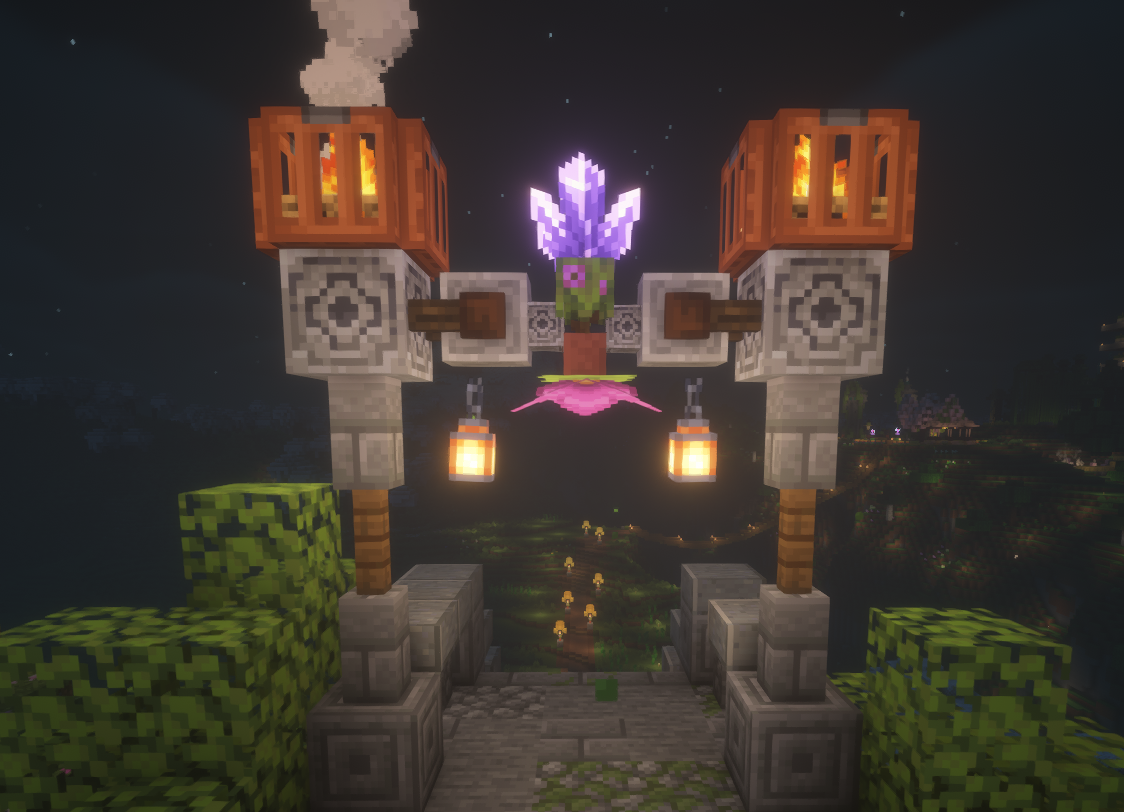
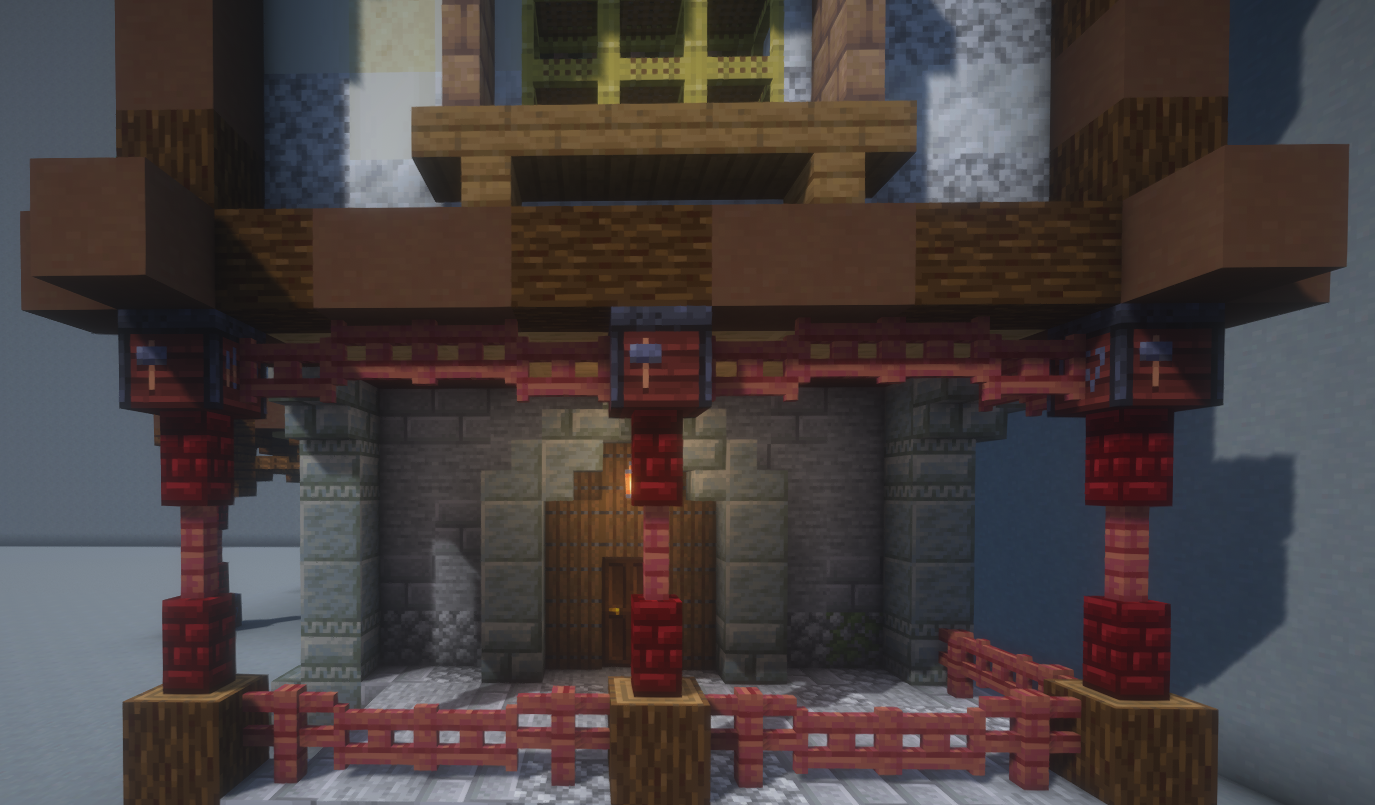
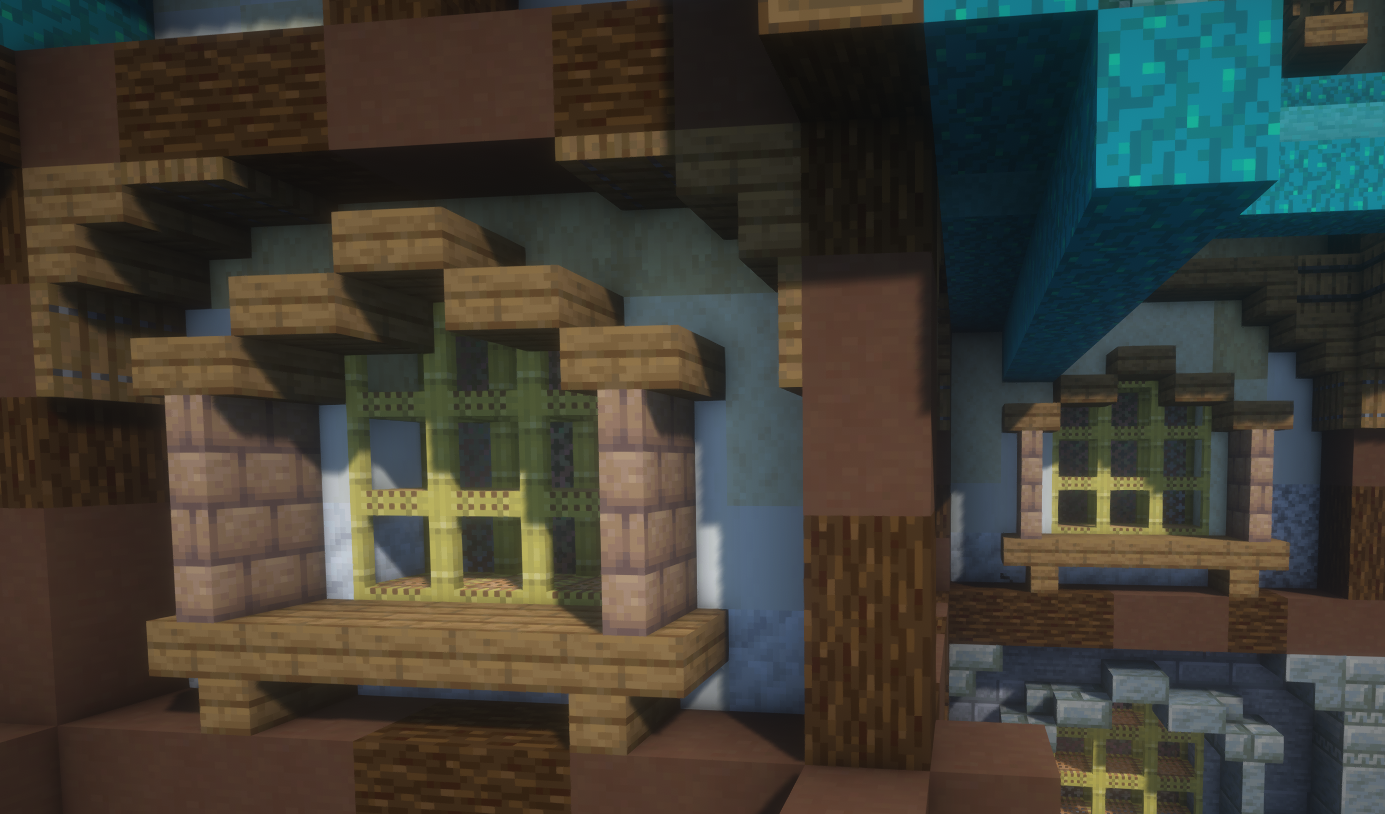
A working Debug Stick for Survival mode use. ✅ Java REALM Compatible
截图
介绍
Tweaker Stick
This Datapack implements the functionality of a Debug stick for Survival mode use. This will allow you to further expand your building capabilities allowing for more micro detailed builds.
✅ Java REALM Compatible
Crafting Recipe

- x1 Stick
- x1 Lapis Lazuli
Additional Features
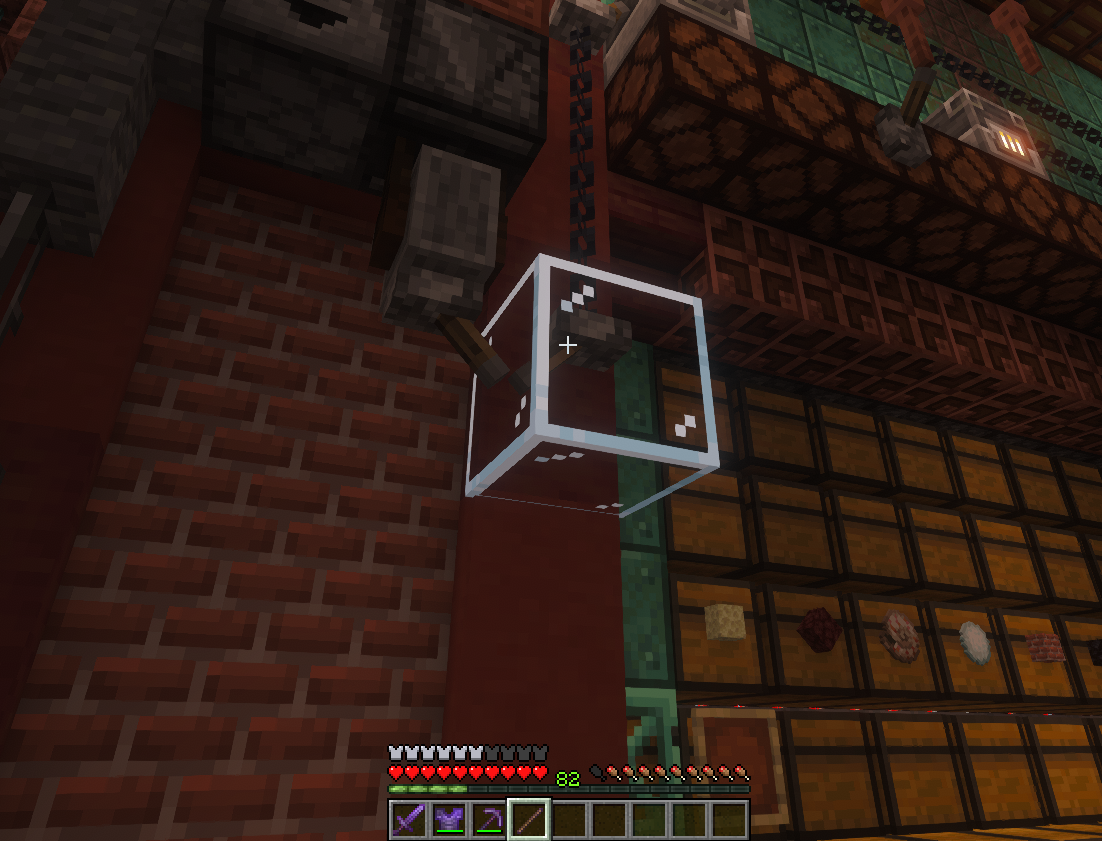
Selection View
Allow you to see which block is selected.
- Indications:
glassindicates for supported blocks.red_stained_glassindicates for Non Supported blocks or blocks that has no block state.- You can also toggle on or off this using this command:
/trigger selection_view

- Incompatibility found:
- Some Shaders doesn’t render Block Display Entity(Glass):
- Photon Shaders
Quick Guide Dialog UI:
- New Command
/trigger tweaker_stick_guide. - This only contains some basic information like Usage and Crafting Recipes.
- This is Currently Under testing for future updates.

Rigth Click/Interact/Use now plays hand swing animations for MC 26.1+ thanks to the new /swing command
Currently Supported Blocks
- Fences
- Walls
- Stairs
- Amethyst Cluster (including small, medium, large)
- Bamboo
- Big Dripleaf
- Blast Furnace
- Buttons (all types)
- Furnace
- Gates (all types)
- Glass Pane (all colors)
- Iron Bar
- Lantern
- Lever
- Pointed Dripstone
- Smoker
- Soul Lantern
- Scafolding
- Crafter
- Wall Torches (Torch, Soul Torch & Redstone torch)
- Sculk Catalyst
- Barrel
- Tripwire Hook
- Pumpkin & Melon Stem (it convert stem to attached_stem)
- Pumpkin & Melon Attached Stem
- All Copper Chain Variant
- All Copper Bars Variant
- All Copper Lantern Variant
- All Copper Lightning Rod Variant
- All Wooden Shelves
– Includes “Align_items_to_bottom”
- Signs
- Hanging Signs
- Bell
- End Rod
- Anvil
- Grindstone
- Deepslate
- Trapdoors:
– Copper Trapdoors
– Waxed Copper Trapdoors
– Wooden Trapdoors
– Iron Trapdoor
- Logs / Stripped Logs
- Woods / Stripped woods
- Beehive / Bee Nest
- Muddy Mangrove roots
- Piston / Sticky Piston
- Slabs
- Chiseled Bookshelf
- Hay_block
- Rail
- Powered Rail
- Activator rail
- Detector rail
- Glazed terracota
- Candle
- Observer
- Dropper
- Dispenser
- Polished Basalt
- Basalt
- Purpur Pillar
- Quartz Pillar
- Lectern
- Wild Flower
- Leaf Litter
- Pink Petals
- Froglights
- Ochre froglight
- Verdant Froglight
- Pearlescent Froglight
MORE NEW SUPPORTED BLOCK ADDED on Version 3.6 check Changelog for complete list
Feedback and Bug Reports:
You can send feedback and bug report through my discord server:
https://discord.gg/MeChQxGUQz
Big Thanks to Conure512’s Discord Server “Messing with Minecraft” for helping me answering some of my question.
Be Advice
For walls you might encounter this, i recomend to use Krista’s Better Walls to fix this issue.
https://modrinth.com/resourcepack/kristas-better-walls

To properly Uninstall the pack do:
/function ts_stick:uninstalland then you can now Delete the pack from your World datapack folder
常见问题
Tweaker Stick (Debug Stick) 支持哪些 Minecraft 版本?
Tweaker Stick (Debug Stick) 支持 Minecraft Java 版 1.21.5–26.3,共 12 个版本。下载时注意选择和你游戏版本一致的文件。
Tweaker Stick (Debug Stick) 怎么安装?
新建世界时在「数据包」里把下载的 .zip 拖进去;已有的存档,把文件放进存档目录下的 datapacks 文件夹,进游戏输入 /reload 即可生效。服务器同样放在世界目录的 datapacks 里。
yukira2018_ 的其他作品
查看全部 →
Happy Ghast Speedy Ride
Add craftable harness that boost Happy Ghast Fly speed when Equiped

Bonemealable Spore Blossom
Adding the ability to bonemeal plants that are not farmable or bonemealable like Spore Blossom. ✅ Java REALM Compatible
评论
登录后评论和评分