
fsrmine
FSR is AMD’s upscaling tech boosting FPS. Mods bring FSR to Minecraft, letting players get smoother visuals on more GPUs.
截图
介绍
FSRMine – Minecraft Upscaling Mod
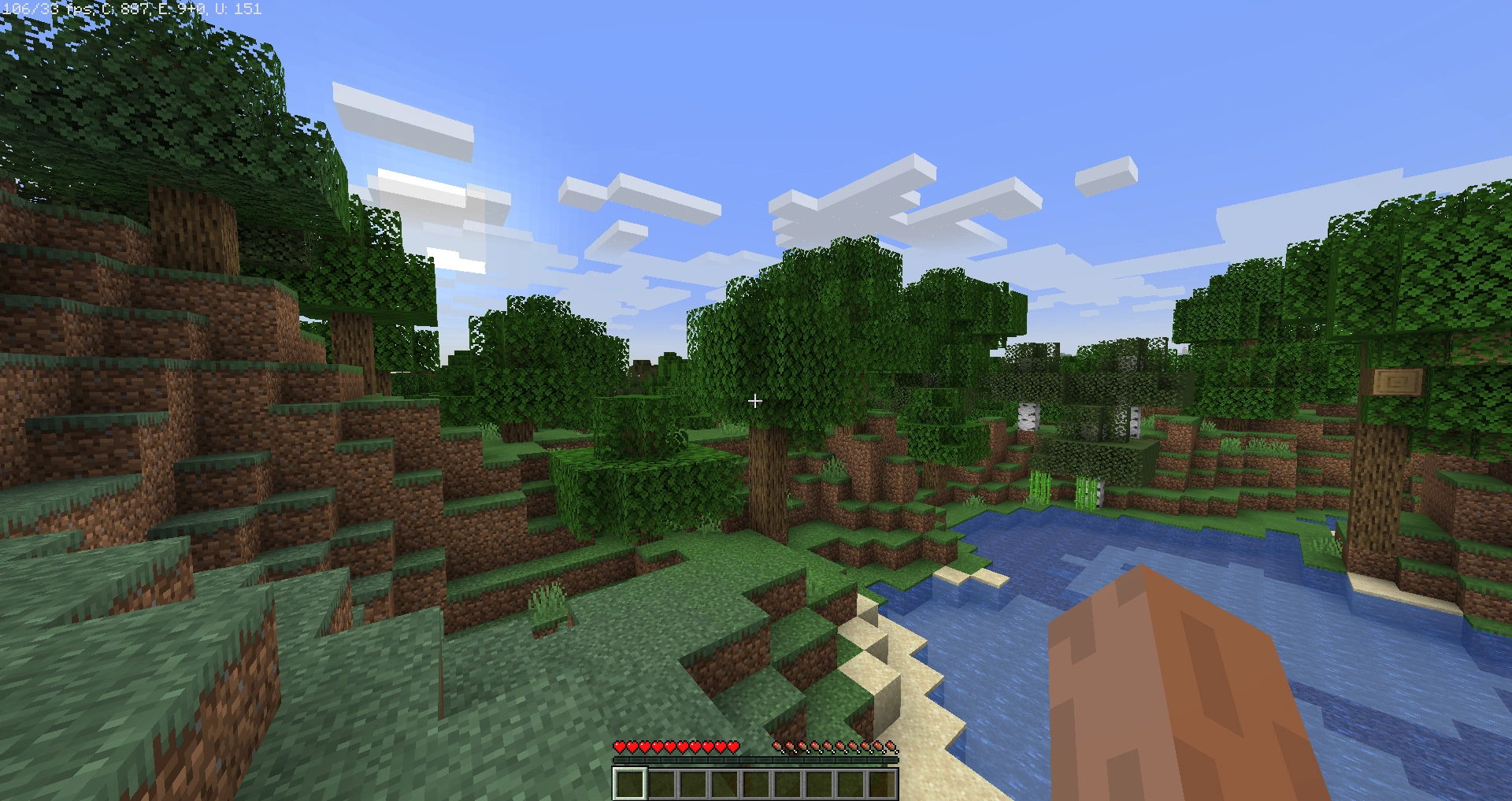
FSRMine is a specialized Minecraft mod designed solely to enhance visual quality through advanced upscaling technology. It does not add any new blocks, items, or gameplay mechanics. Instead, its focus is entirely on improving the clarity, sharpness, and detail of the existing game environment. By intelligently upscaling frames, FSRMine allows players to enjoy Minecraft worlds with higher visual fidelity without requiring high-end hardware.
The mod provides configurable options, letting players adjust the intensity of upscaling and the balance between image quality and performance. This ensures smooth gameplay while enhancing textures, colors, and overall visual appeal. FSRMine is compatible with multiple Minecraft versions and works seamlessly alongside shaders, making it a simple yet powerful way to modernize the game’s visuals.
With FSRMine, every landscape, structure, and scene in Minecraft appears sharper, more vibrant, and more immersive, while preserving the game’s original style. It is ideal for players who want to experience Minecraft in a clearer, more visually appealing way without altering the core gameplay.
FSRMine demonstrates that even a single-focused mod, purely dedicated to upscaling, can dramatically enhance the Minecraft experience, delivering improved graphics while keeping the gameplay exactly the same.
常见问题
fsrmine 支持哪些 Minecraft 版本?
fsrmine 支持 Minecraft Java 版 1.8–1.21.8,共 67 个版本,可用的加载器:OptiFine。下载时注意选择和你游戏版本一致的文件。
fsrmine 怎么安装?
光影需要先装 OptiFine。把下载的 .zip 文件(不用解压)放进游戏目录的 shaderpacks 文件夹,进游戏后在「选项 → 视频设置 → 光影包」里选中它。光影对显卡要求较高,卡顿可以调低光影设置或渲染距离。
bobbydeveloper 的其他作品
查看全部 →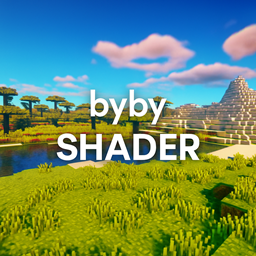
bybyshader
Lightweight shader adding vibrant colors, soft bloom, subtle chromatic aberration, and gentle film grain. Optimized for smooth performance while enhancing Minecraft’s beauty.
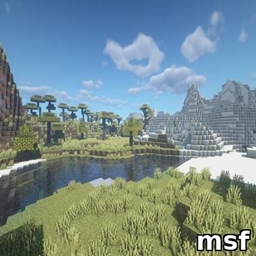
msf
Lightweight Minecraft shader creating a smooth blue iris glow with subtle pulsing, prettier and more performance-friendly than BSL.

beauderful
Lightweight Minecraft shader creating a smooth blue iris glow with subtle pulsing, prettier and more performance-friendly than BSL.

bedwars1v1
A fast-paced Bedwars 1v1 map using only a datapack: two islands, beds, generators, shop, and emerald center. Break the enemy bed to win—simple, smooth, and plugin-free.
评论
登录后评论和评分