
截图
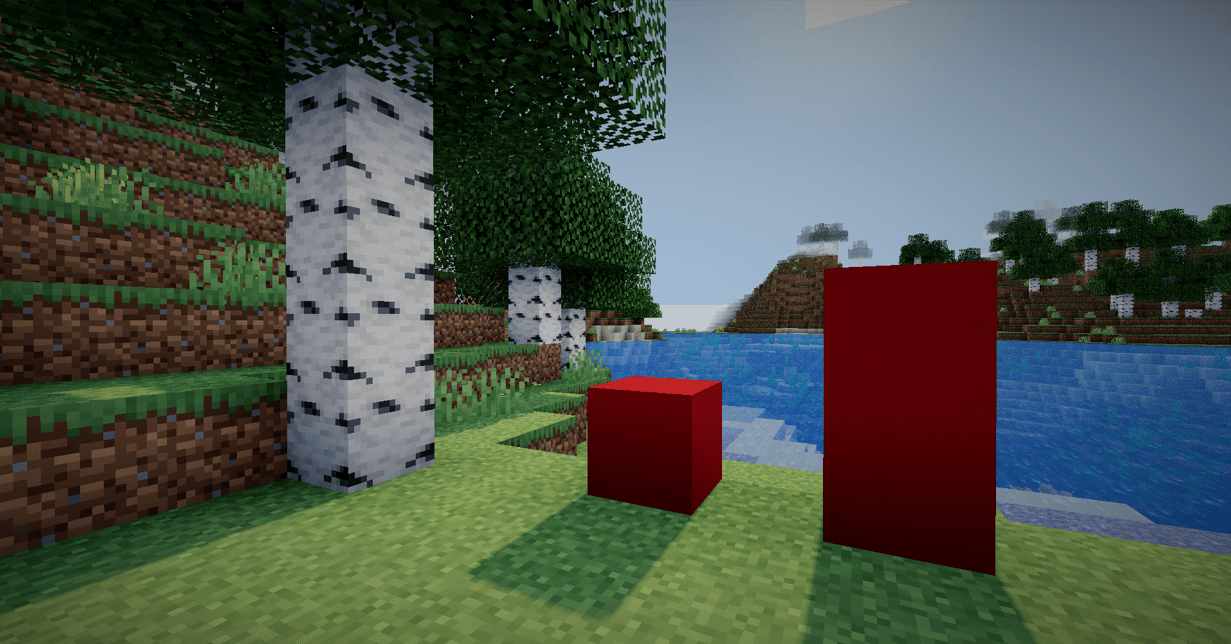
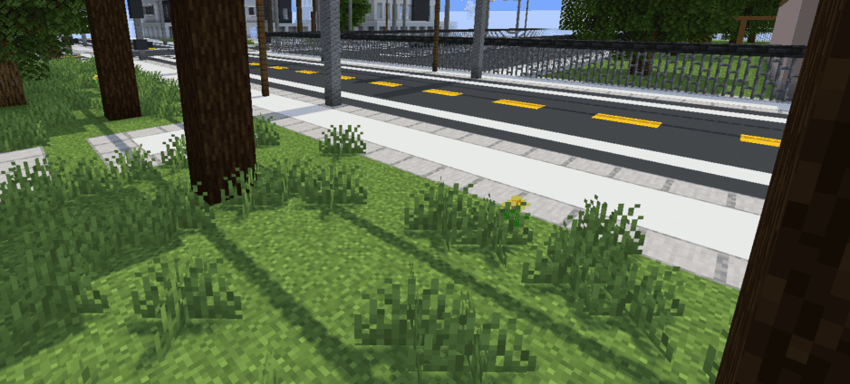
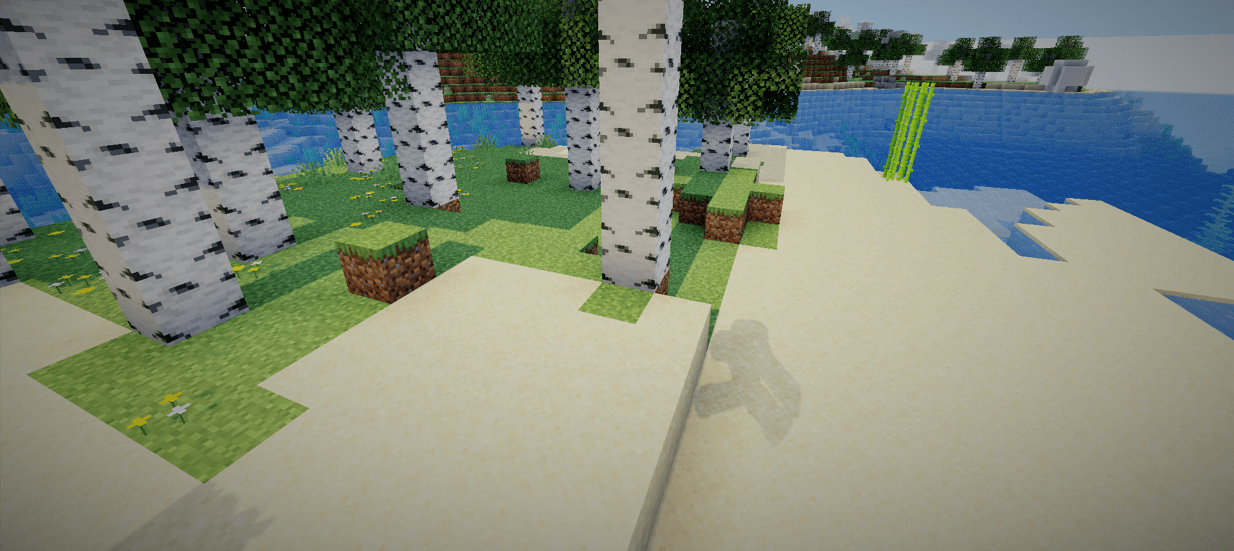
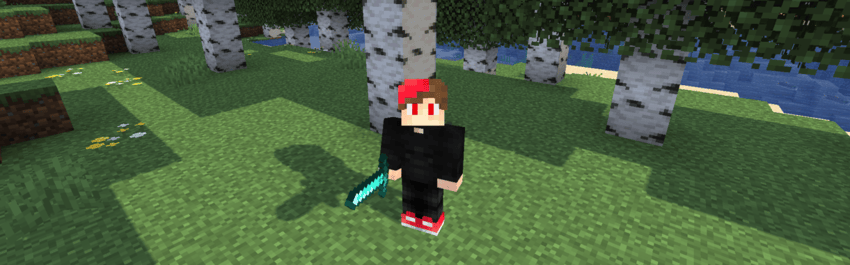
介绍

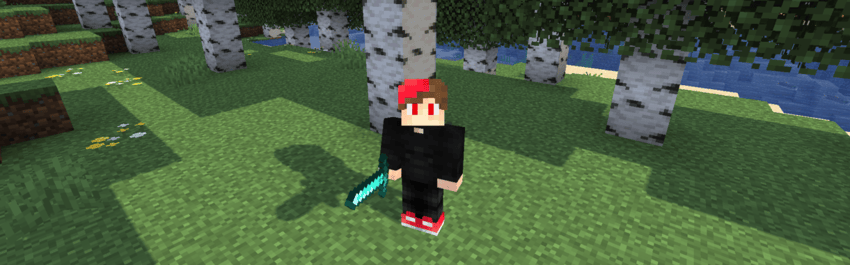
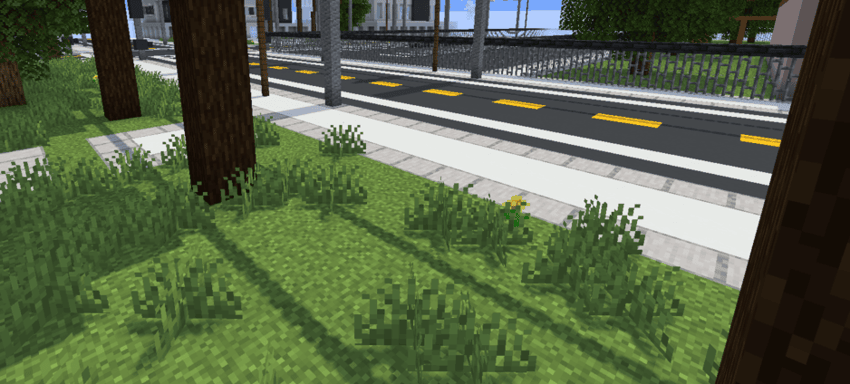
Aurora is a high-performance shader built with one clear purpose:
to deliver ultra-sharp, high-resolution shadows that enhance depth, clarity, and visual impact.
Overview
Aurora focuses exclusively on shadow quality.
No unnecessary effects. No visual clutter.
Just clean, crisp, and highly detailed shadow rendering.
By prioritizing precision and stability, Aurora enhances lighting definition while preserving performance balance.
🔦 Features
- 🖤 High-resolution shadow maps
- ✨ Sharp and defined shadow edges
- 🎯 Improved depth perception
- ⚡ Optimized for smooth performance
- 🧩 Minimalist design philosophy
🎨 Design Philosophy
Aurora is built around simplicity and focus.
Instead of stacking multiple post-processing effects, it refines a single visual pillar — shadows — and perfects it. The result is a cleaner, more immersive atmosphere with stronger light contrast and environmental depth.
🚀 Performance
Aurora is lightweight and efficient, designed to:
- Reduce visual noise
- Maintain stable frame rates
- Deliver consistent shadow clarity across scenes
🌠 Why Aurora?
Because shadows define form.
Because contrast creates depth.
Because clarity matters.
Aurora doesn’t try to change everything —
it perfects what matters most.
常见问题
Aurora 支持哪些 Minecraft 版本?
Aurora 支持 Minecraft Java 版 1.12–26.3,共 54 个版本,可用的加载器:Iris / OptiFine。下载时注意选择和你游戏版本一致的文件。
Aurora 怎么安装?
光影需要先装 Iris / OptiFine。把下载的 .zip 文件(不用解压)放进游戏目录的 shaderpacks 文件夹,进游戏后在「选项 → 视频设置 → 光影包」里选中它。光影对显卡要求较高,卡顿可以调低光影设置或渲染距离。
xsoras 的其他作品
查看全部 →
Vanilla Enhanced
一款轻量级光影,带来更真实的光照与更出色的视觉效果。
i hate shadows
Fullbright shader, banished every shadow.👋 You’re welcome.

Cartoony
A shader that makes 3D look like old-school cartoons on caffeine.

Blind
Simulates blindness with noise, pulse, and light distortion effects.
评论
登录后评论和评分