
Skyblock Dimension
Adds a skyblock dimension that features custom crafting and loot tables
截图
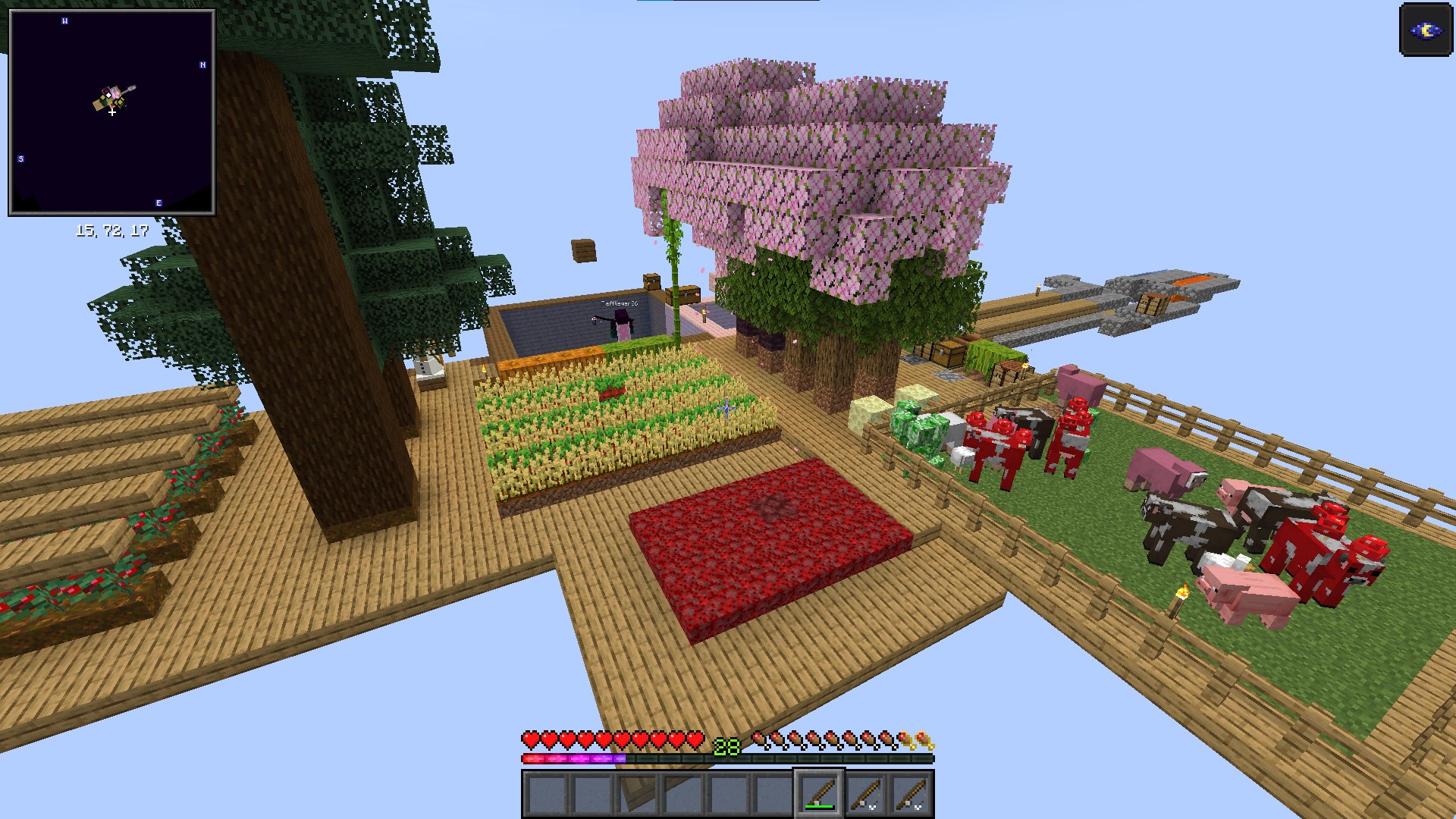

介绍
Elevate Your Minecraft World or Server with the new Skyblock Dimension!
Transform your gameplay with this innovative datapack that introduces a brand-new skyblock dimension to your server. With a single command — /trigger skyblock — you can seamlessly switch between your classic survival world and this exhilarating new realm.
Why Download This Datapack?
- New Dimension, New Adventures: Venture into a unique fourth dimension designed exclusively for skyblock gameplay.
- Enhanced Skyblock Experience: Enjoy custom crafting recipes and tailored loot tables that streamline gameplay, making every task a breeze.
- Seamless Integration: Easily toggle between vanilla survival and the skyblock dimension—all on the same server!
Features:
This datapack creates a fourth minecraft dimension which is the so-called skyblock dimension. It can be entered using „/trigger skyblock“. This allows you to add a skyblock gamemode to your already existing minecraft server/world, and players can easily switch between the vanilla survival world and the skyblock dimension and play entirely different gamemodes, all while being on the same server.
The skyblock experience itself is also slightly different from the vanilla skyblock experience, as I added several new crafting recipes and loot tables with the goal of making some time consuming tasks easier (like waiting for a wandering trader) and also making every item available in skyblock that would normally be available in vanilla survival.
Installation and Usage:
Install the datapack like you would install any other datapack, by dropping the zip file into the datapacks folder of your minecraft world. For servers, the path is ./world/datapacks/. You can find a detailed tutorial here. After that, you need to restart your world by closing and opening your world (singleplayer) or restarting the server (multiplayer).
To teleport from the overworld to the skyblock dimension and vice versa, use the /trigger skyblock command.
Supported game versions:
Due to huge changes to datapacks in version 1.20.5+, this datapack officially supports only the following versions:
- 1.20.1
- 1.20.4
- 1.21.4
Untested versions (Please report any errors that may occur here):
- 1.20 and 1.20.2 (use 1.20.1 version)
- 1.20.3 (use 1.20.4 version)
- 1.21.2 and 1.21.3 (use 1.21.4 version)
This is one of the first datapacks that I coded myself, so if you encounter any bugs or want to suggest new features/changes, let me know in the comments below or contact me.
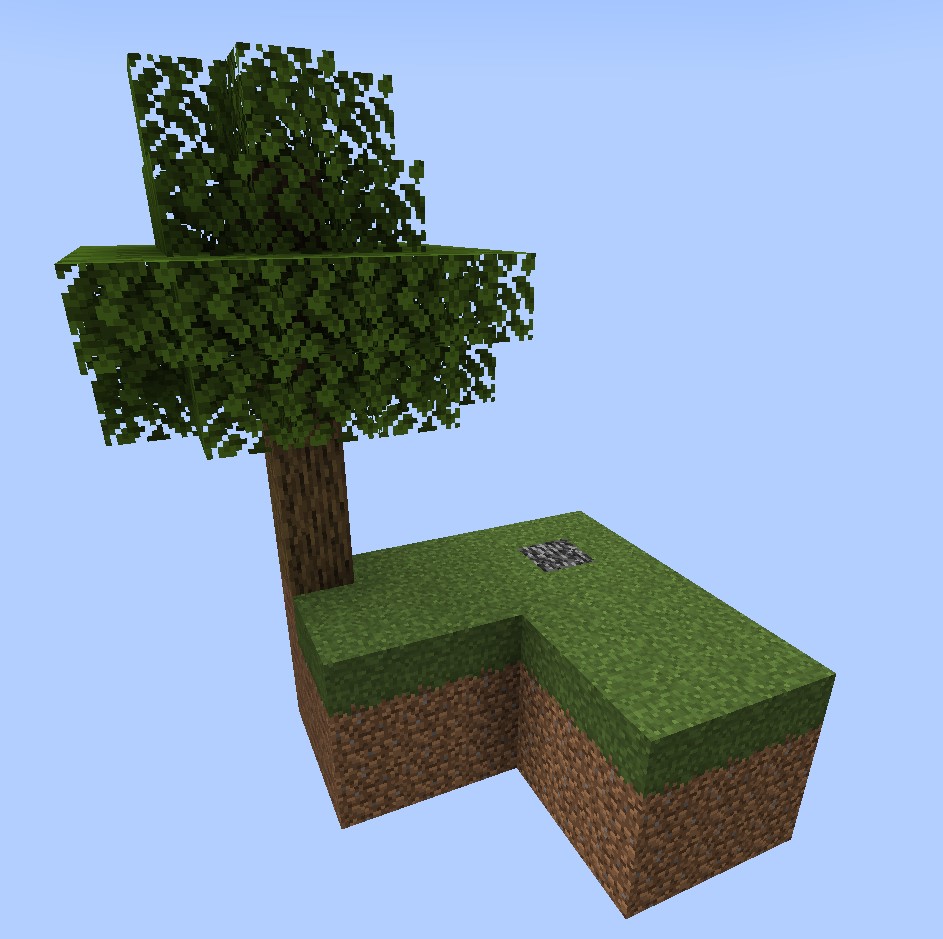
Image of the starter island
常见问题
Skyblock Dimension 支持哪些 Minecraft 版本?
Skyblock Dimension 支持 Minecraft Java 版 1.20–1.21.4,共 8 个版本。下载时注意选择和你游戏版本一致的文件。
Skyblock Dimension 怎么安装?
新建世界时在「数据包」里把下载的 .zip 拖进去;已有的存档,把文件放进存档目录下的 datapacks 文件夹,进游戏输入 /reload 即可生效。服务器同样放在世界目录的 datapacks 里。

评论
登录后评论和评分