
Basically Static Particle
a datapacking utility mod that adds more useful interactions between the server and the client
截图
介绍
⚠️ please keep in mind that the description is only maintained for the latest version
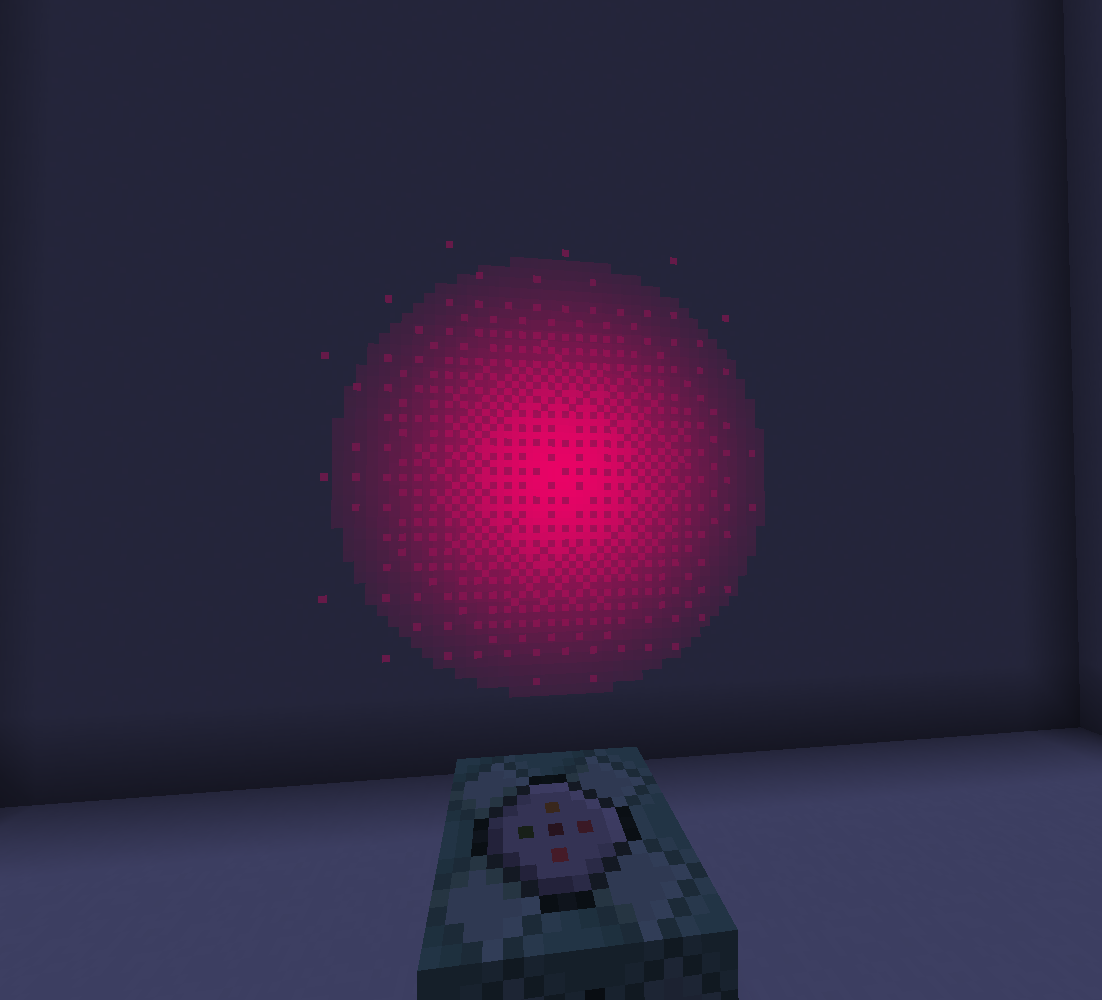
2 particle types are implemented
particles
static_particle
- configurable
color,alpha,size,lifetime,texture - is emissive (glow in the dark)
#
static_oriented
- configurable
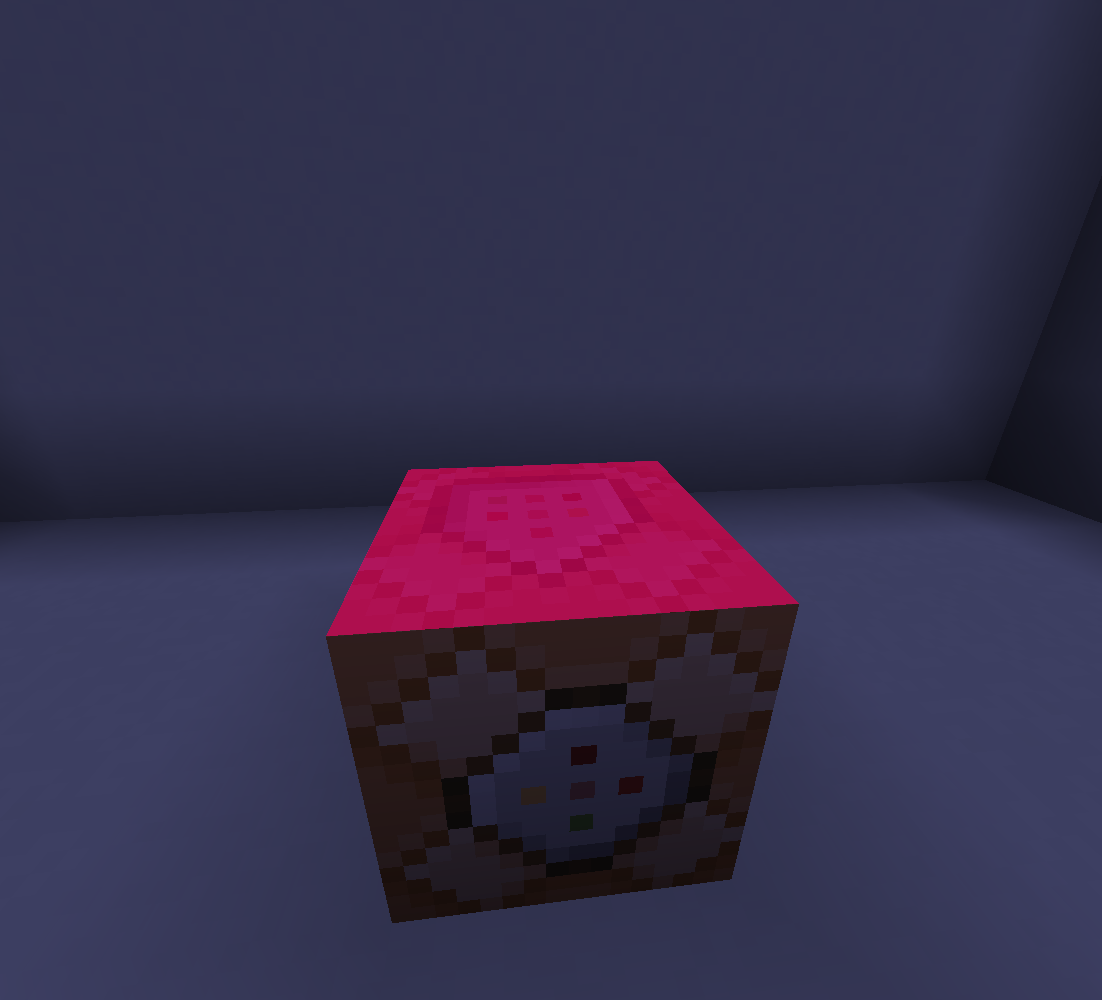
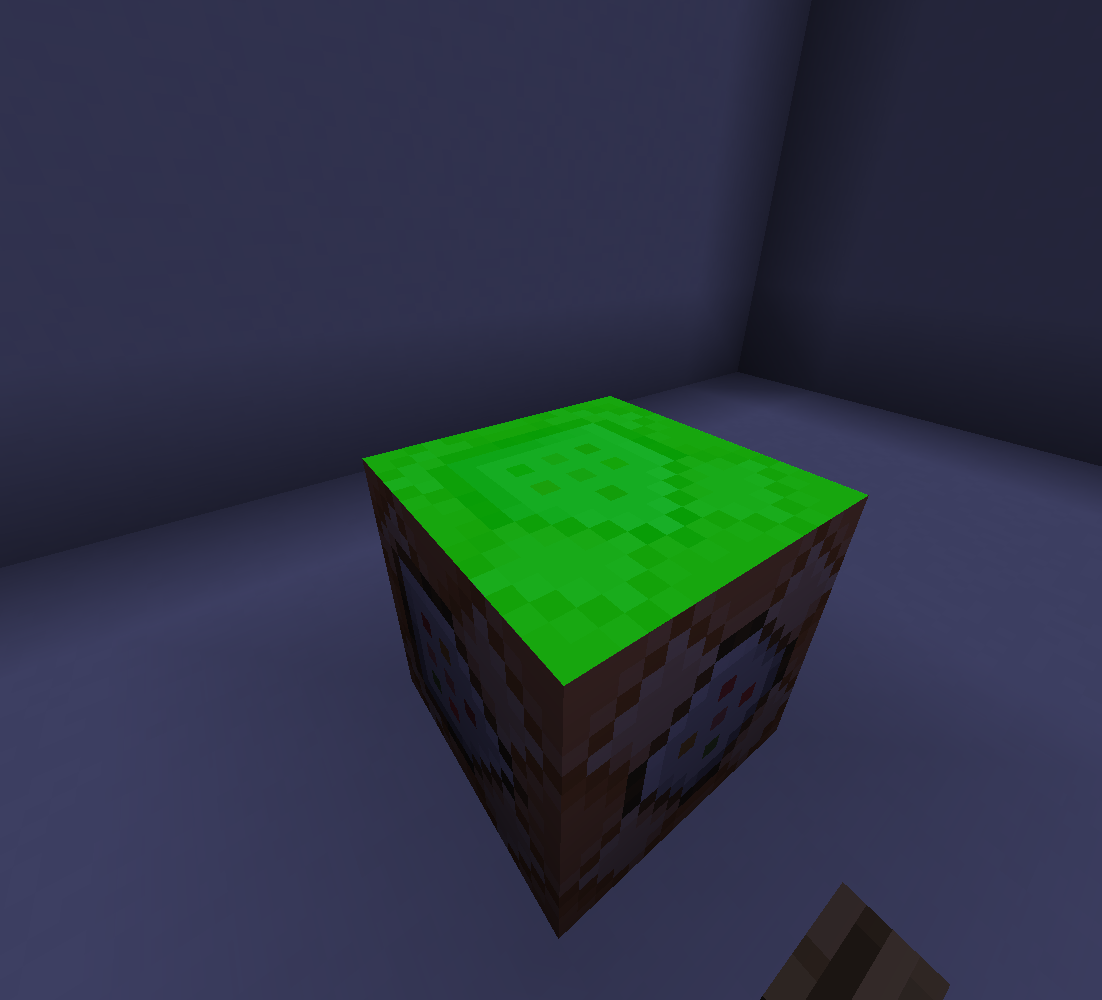
color,alpha,sizeX,sizeY,lifetime,rotation,post_rotation,cull,texture - is emissive (glow in the dark)
note
important thing to know is that all number arguments are actually string arguments, due to a limitation of minecrafts codebase, its so that the stuff listed below can work
⠀
- all number arguments(the particle parameters) support ranges (“x..y”=random from x to y), rotation arguments also support ~ which will use the command rotation context on the appropriate axis
- all number arguments except
lifetimesupport animation sequences (“x->y->z” = animate from x to y to z), any amount of keyframes is supported, you can also add more dashes to control the timing of the keyframes
- the rotation arguments support
billboardas a value, which will cause the particle to face the players camera on he specified axes
- also if youre wondering, post_rotation is just a second pass of rotation, technically redundant, just convenient
textures
currently 8 textures are implemented:
dot
dither
smooth
pixel
shockwave
spark
dither_beam
smooth_beam
there are 5 standalone commands
commands
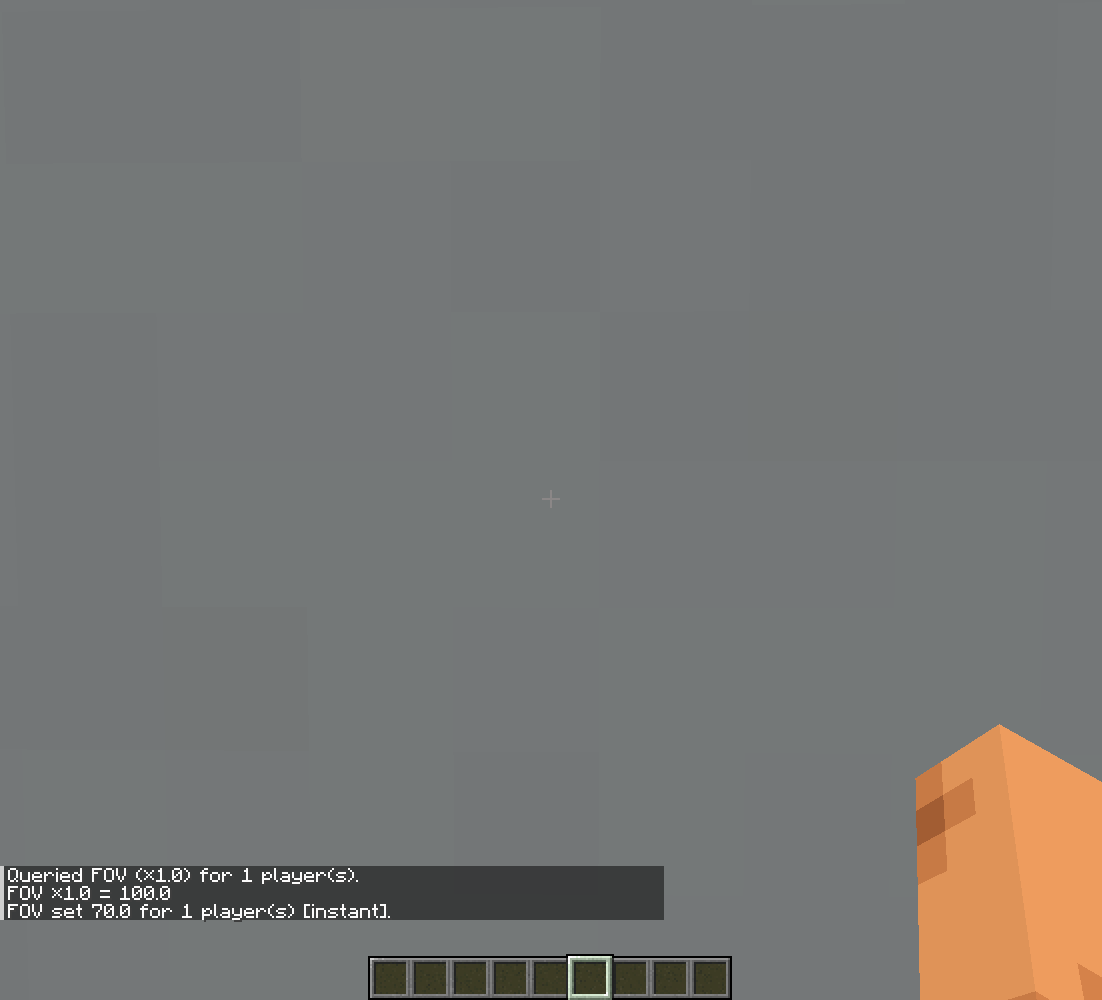
/fov [interpolation type] [interpolation duration]
- changes/gets the client FOV of the targets
#
/setperspective [camera distance]
- changes the client perspective
#
/rendertext [duration] [opacity] {options}
- displays text on the targets screens at the inputted position
- {options} is a compound accepting
offset:[x,y]extraColor:O/S#RGBA|none(S for shadow, O for outline, color also acceptsfollowx<bright mult><alpha mult>)hideWithHud/hudHidden:boolguiScaleIndependent/scaleIndependent:booloverlay:boolangle:intfade:{in:int,out:int}blend/blendMode:additive/add/glow | invert/inverted/exclusion/difference | multiply
#
/log [targets]
- sends the message under the logger name in the client’s/server’s console (not in chat)
#
/camerarot [duration]
- adds rotation offset to the client camera (linear interpolation)
note
(roll works perfectly, yaw and pitch technically do too, just a bit un-intuitive, in most cases its better to use actual entity rotation instead)
the mod adds 3 conditions for predicates
predicates
mouse* condition
{
  "condition": "staticparticle:player_action",
  "action": "attack"/"pick_item"/"use"/"scroll_up"/"scroll_down",
  "context": "in_game"/"in_menu"
}- true when the target of the predicate is holding the respective buttons in the respective context
#
key condition
- the mod adds 5 new keybinds that dont do anything, except for tell the server theyve been pressed by a client
{
  "condition": "staticparticle:special_key",
  "key": 0/1/2/3/4
}- true when the target of the predicate is holding the respective key
#
movement input condition
{
  "condition": "staticparticle:input",
  "action": "forward/back/left/right/jump/sprint/sneak"
}
the mod also adds a way for the server to send in values into resourcepack shaders
how to implement
add the datablock to a shader
layout(std140) uniform SP_Data {
    vec4 slots[64];
} uniformData;
you can now use
uniformData.slots[<index>]to get data from it, keep in mind, its a vec4
use
/execute store result uniform <players> <index> run -to send data into the shaders
values will be cached on the client until updated from the server, you can set a value once and itll stay for as long as the client is running, values are always passed in as integers since brigadier can only return integers anyway
常见问题
Basically Static Particle 支持哪些 Minecraft 版本?
Basically Static Particle 支持 Minecraft Java 版 1.21–26.3,共 11 个版本,可用的加载器:Fabric / Quilt。下载时注意选择和你游戏版本一致的文件。
Basically Static Particle 怎么安装?
先用 PCL2 或 HMCL 启动器安装对应版本的 Fabric / Quilt,再把下载的 .jar 文件放进游戏目录的 mods 文件夹,重新启动游戏即可。开启了版本隔离的,mods 文件夹在 versions/版本名 下面。运行环境:客户端和服务端都要装。
BasicallyFraud 的其他作品
查看全部 →
Basically More FOV
a mod that allows you to change your FOV on the go!

Basically Restart
Simple mod adding a /restart command to your server

Basically Util Commands
a serverside mod adding commands useful to mapmakers and others

Basically Graves
an entity based grave mod inspired by content SMP
评论
登录后评论和评分