
截图
介绍
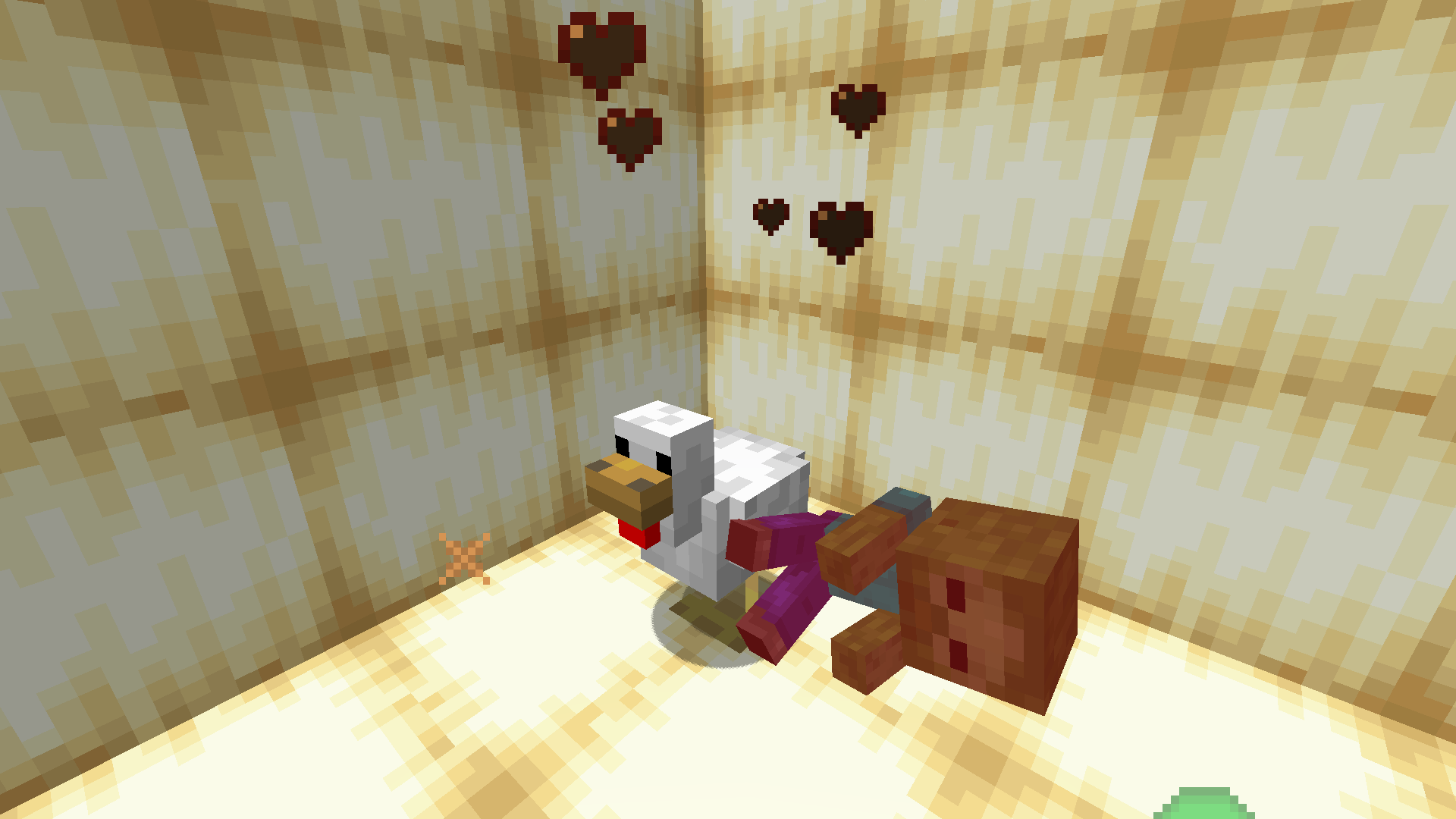
This simple data pack removes the drop of the “Lava Chicken” music disc specifically from Chicken Jockeys (baby zombies riding chickens).
What it does:
- Prevents Chicken Jockeys from dropping the “Lava Chicken” music disc upon death.
- All other drops from Chicken Jockeys remain unchanged.
Installation
For Data Pack:
- Download the
.zipfile. - If your world is already created:
- Go to your world save folder.
- Place the
.zipfile into thedatapacksfolder. - Launch your world. If cheats are not enabled, open your world to LAN and allow cheats.
- Type
/reloadin-game.
- If you are creating a new world:
- In the world creation menu, open the “Data Packs” tab and add the datapack there.
For Modloader:
- Download the
.jarfile. - Place it into your
modsfolder.
Uninstallation
For Datapack:
- To temporarily disable the datapack, use
/datapack disable <datapack_name>. To re-enable, use/datapack enable <datapack_name>. - To remove it completely, delete the datapack file from the
datapacksfolder.
For Modloader:
- Simply remove the
.jarfile from yourmodsfolder.
Support
⚠ Find a bug? Create an issue to help improve this datapack!
常见问题
Remove “Lava Chicken” Music Disc 支持哪些 Minecraft 版本?
Remove “Lava Chicken” Music Disc 支持 Minecraft Java 版 1.21.7–1.21.11,共 5 个版本,可用的加载器:Fabric / Forge / NeoForge / Quilt。下载时注意选择和你游戏版本一致的文件。
Remove “Lava Chicken” Music Disc 怎么安装?
先用 PCL2 或 HMCL 启动器安装对应版本的 Fabric / Forge / NeoForge / Quilt,再把下载的 .jar 文件放进游戏目录的 mods 文件夹,重新启动游戏即可。开启了版本隔离的,mods 文件夹在 versions/版本名 下面。运行环境:客户端 / 服务端。
HazestGod 的其他作品
查看全部 →
Remove “Creator” Music Discs
This simple datapack removes the drop of the "Creator" music disc from Ominous Vaults and the "Creator (Music Box)" disc from pots in Trial Chambers.

Remove “Tears” Music Disc
This simple data pack remove the drop of the "Tears" music disc from Ghasts when killed by their own reflected fireball.

Remove “Lava Chicken” Music Disc [Fabric/Forge/NeoForge/Quilt]
This simple mod removes the drop of the "Lava Chicken" music disc specifically from Chicken Jockeys (baby zombies riding chickens).

Remove “Lava Chicken” Music Disc
This simple datapack removes the drop of the "Lava Chicken" music disc specifically from Chicken Jockeys (baby zombies riding chickens).
评论
登录后评论和评分