
截图
介绍
Info
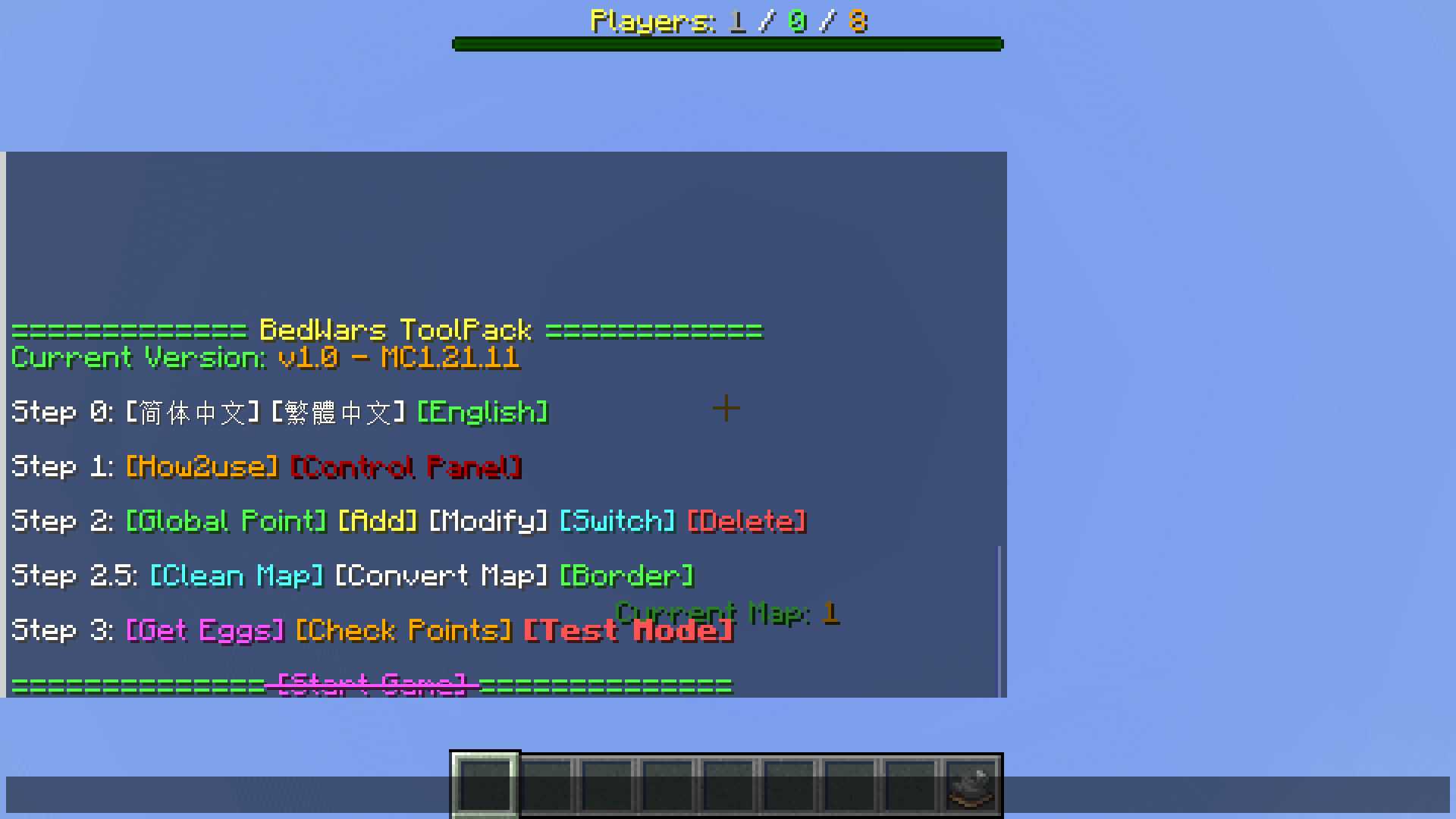
BedWars is a classic Minecraft game. Players aim to protect their beds and survive to the end. If their beds are destroyed, they cannot respawn.
This datapack delivers feature-rich BedWars gameplay. Server admins can start the game simply by providing maps and placing items as per in-game instructions.
How to Install
- Open the world’s
datapacksfolder, place this.zipinside. - For singleplayer: Enter the world now (re‑enter if already loaded).
For servers: Start the server now (restart if already running).
- Type
/reloador/function #loadto open the menu. - Note: This datapack only support the overworld dimension.
About Compatibility
- Definition: The update log is marked “compatible”, the current world save has installed and run an older version of the datapack, and a new version of the datapack is to be installed.
- Operation: Enter the game, reselect the language, then run:
/function jkbw:compatibility.
Feature List
- Support Simplified Chinese and English.
- Support max 8 teams & 64 players.
- Place items using spawn eggs.
- All non-durable items have a maximum stack size of 64.
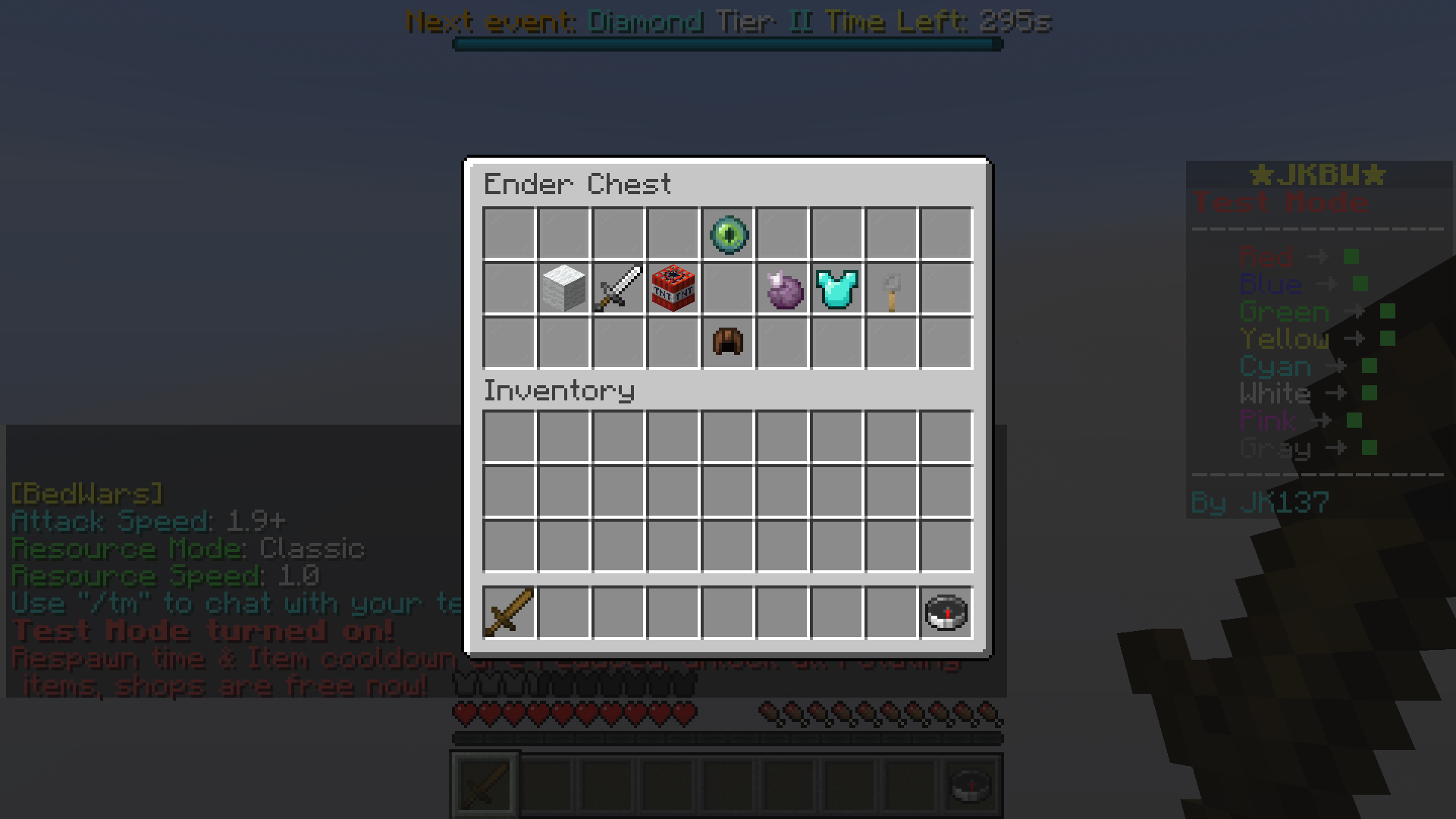
- There is a Test Mode, available for solo play and free shopping.
- Additional features are listed separately below.
Admin Board
Map Related
|Option|Description|Notes|
|-|-|-|
|Clean|Clean up the blocks from players.|Refer to the “How2use” in the datapack for blocks that will be cleaned.|
|Convert|Convert clean-blocks to others.|Recommended to click before running the map for the first time.|
|Rotate|Automatically rotates maps after each game ends.|Requires multi-maps first, configured in the “Control Panel”.|
“Control Panel”
|Option|Description|
|-|-|
|Container Chunk|You can adjust shop prices, enable Rotating Items & change max tier of Team Upgrades here.|
|Map Rotation|Input map list manually and enable the switch to activate.|
|Set Period|Settings of game phase timers.|
|Others|Controls whether corresponding items appear or display differently in the shop.|
Player Settings
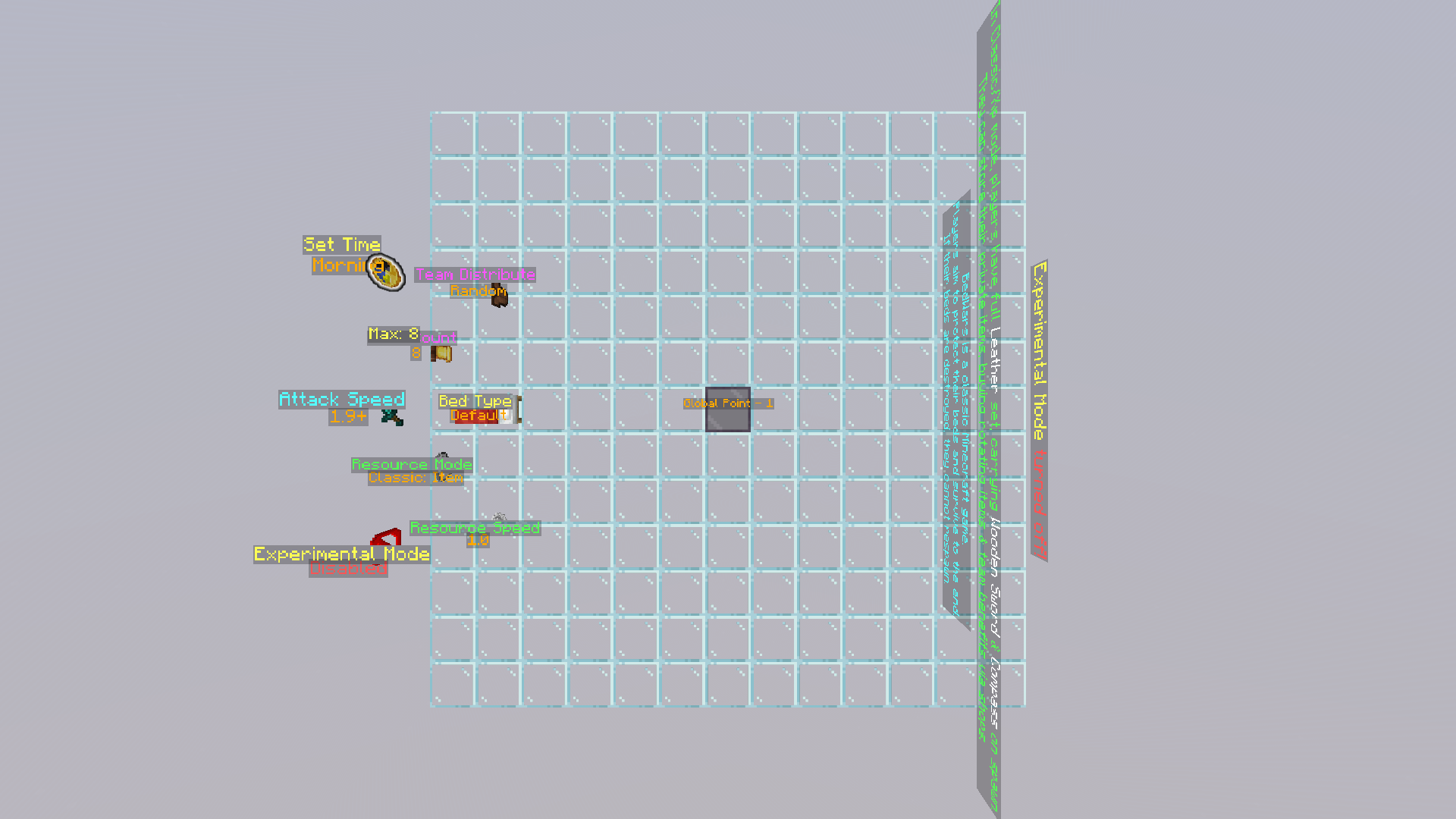
Around the Global Point, admins can block these settings by placing blocks.
|Settings|Optional Values|Notes|
|-|-|-|
|Bed Type|Default / Covered / Cake|Covered means some blocks cover the bed.|
|Resource Speed|0.5 ~ 2.0|The num means ratio, this setting is useless in URF.|
|Attack Speed|1.8- / 1.9+|The num is the version of Minecraft, corresponding to the attack mechanism.|
|Team Count|2 ~ 8|The max num cannot exceed the limit of the current map.|
|Team Distribute|Random / Manual|The Manual has no team size balance.|
|Set Time|Morning / Noon / Night / Midnight|You can select day or night, and day-night cycle.|
|Resource Mode|(See below)| \ |
|Experimental Mode|(See below)| \ |
Game Types
Resource Mode
|Type|Description|
|-|-|
|Classic / Xp|Players have full Leather set, carrying Wooden Sword & Compass on spawn. They can store their private items, buying rotating items & team benefits via shops.|
|URF (Ultra Rapid Fire)|Players carry nothing on spawn, only lose half levels after death. They can buy team chests but no team benefits via shops, all weapons & armor have durability. As the game progresses, players will gradually improve their Max Health, and will unlock Wither Bow in the final game stage.|
About shop buying, the classic uses items, while others use experience levels.
Experimental Mode
|Type|Description|
|-|-|
|Disabled| \ |
|Blitz|All Resource Points are at max level, Obsidian/Ender Chest cannot be bought, Ender Pearl has lower price, has auto-bridging.|
|No Jumps|Players cannot jump, but can step up 3 blocks.|
|Lilliput|Set players’ Scale to 1/2.|
|Beds of Fortune|Shops and Resource Points are banned. For every 5 seconds, players will get random shop loots freely (team updates not included).|
|Patpat|Set both players’ Entity & Block Interaction Range to 32.|
|Color Blind|All players have the same white name tags, armor, and blocks.|
|Armed|All bows are replaced with guns.|
|Zero Friction|All players have no friction.|
Websites
[GitHub] [MCMOD] [Modrinth] [CurseForge] [PMC]
常见问题
JK’s BedWars ToolPack 支持哪些 Minecraft 版本?
JK’s BedWars ToolPack 支持 Minecraft Java 版 1.20–26.2,共 14 个版本。下载时注意选择和你游戏版本一致的文件。
JK’s BedWars ToolPack 怎么安装?
新建世界时在「数据包」里把下载的 .zip 拖进去;已有的存档,把文件放进存档目录下的 datapacks 文件夹,进游戏输入 /reload 即可生效。服务器同样放在世界目录的 datapacks 里。
JesKi13567 的其他作品
查看全部 →
Modern Multitools
Multitools in Minecraft 1.20.5+!

Box Mover
Help you move your containers!

Time Trap
Mine, kill, dance with the time.

PinYin Language
Added Pin Yin language, may help you learn Chinese?
评论
登录后评论和评分