
DotGothic16 Font
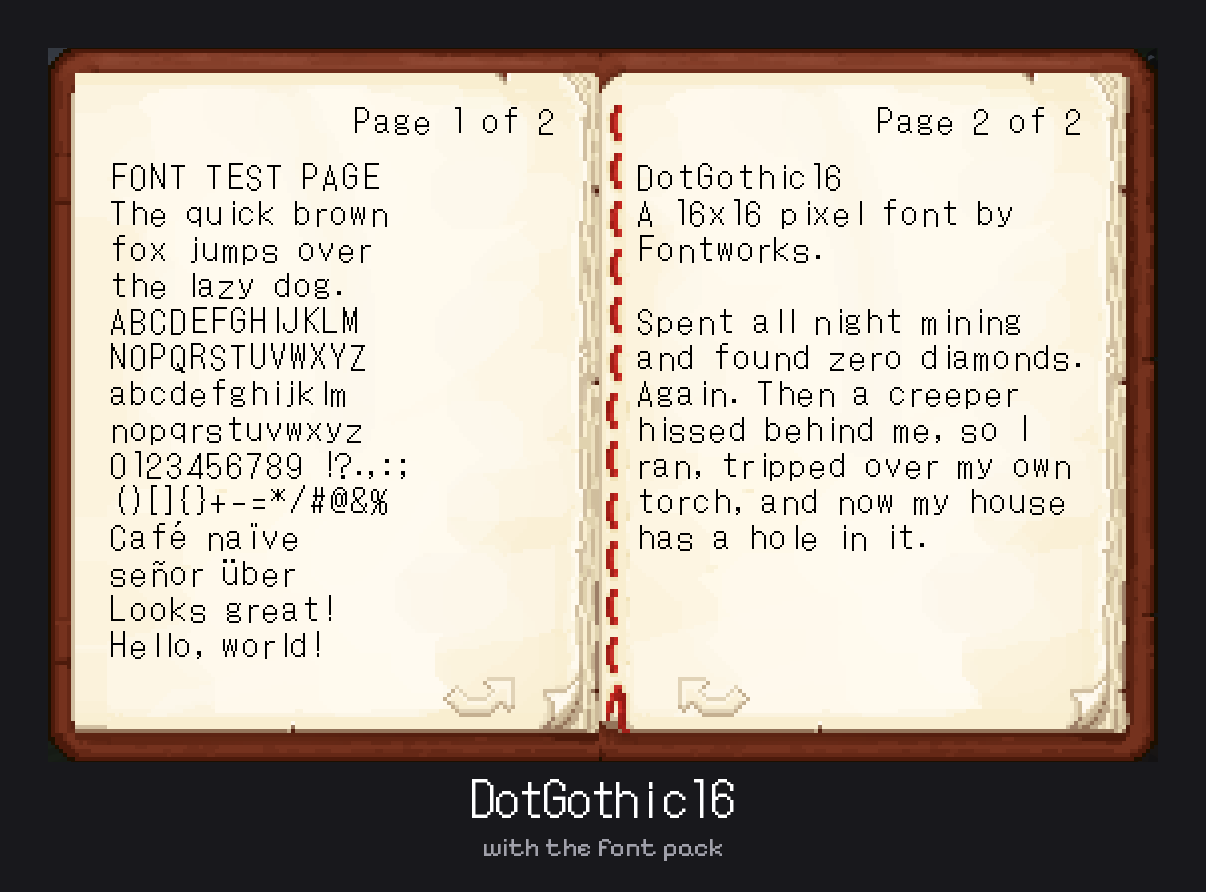
A clean retro pixel font with Latin, kana and kanji. Changes the text in chat, books, menus and item names.
截图


介绍
DotGothic16 Font Pack
This pack changes Minecraft’s text to DotGothic16, a thin, clean pixel font by Fontworks. It’s based on the 16×16 pixel text from old video games and phones, and it gives chat, books, menus and item names a classic retro look.
Supports Latin, Greek, Cyrillic, Japanese kana and kanji. Anything the font doesn’t have uses Minecraft’s default font.
How to use it
- Download the file that matches your Minecraft version
- Put it in your
resourcepacksfolder - Open Options > Resource Packs, turn it on, and move it to the top of the list
Works with Java Edition. It only changes the font, so you can use it with other resource packs.
Credits
Font: DotGothic16 by Fontworks, under the SIL Open Font License 1.1.
Pack: TheGamingMahi
常见问题
DotGothic16 Font 支持哪些 Minecraft 版本?
DotGothic16 Font 支持 Minecraft Java 版 1.21–26.3,共 17 个版本。下载时注意选择和你游戏版本一致的文件。
DotGothic16 Font 怎么安装?
把下载的 .zip 文件(不用解压)放进游戏目录的 resourcepacks 文件夹,进游戏后在「选项 → 资源包」里把它移到右边启用。
TheGamingMahi 的其他作品
查看全部 →
Borderless Glass (No OptiFine Needed) Bedrock Support!
无边框玻璃——一款移除所有玻璃方块边框的资源包。

Mahi’s Connected Grass (No OptiFine Needed) Bedrock Support!
Mahi's Connected Grass - Enhance the visual appeal of grass with connected textures for a more immersive experience.
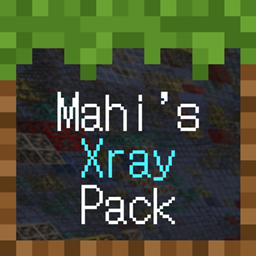
Mahi’s Xray Pack
Makes terrain blocks show as outlines only so you can see ores and valuables through solid ground. Works without any mods.

Borderless Glass
Borderless Glass - A Resource Pack that eliminates the border from all types of glass blocks.
评论
登录后评论和评分