
Wolf’s Stopwatch
A simple mod that provides an in-game stopwatch overlay.
截图

介绍
Wolf’s Stopwatch
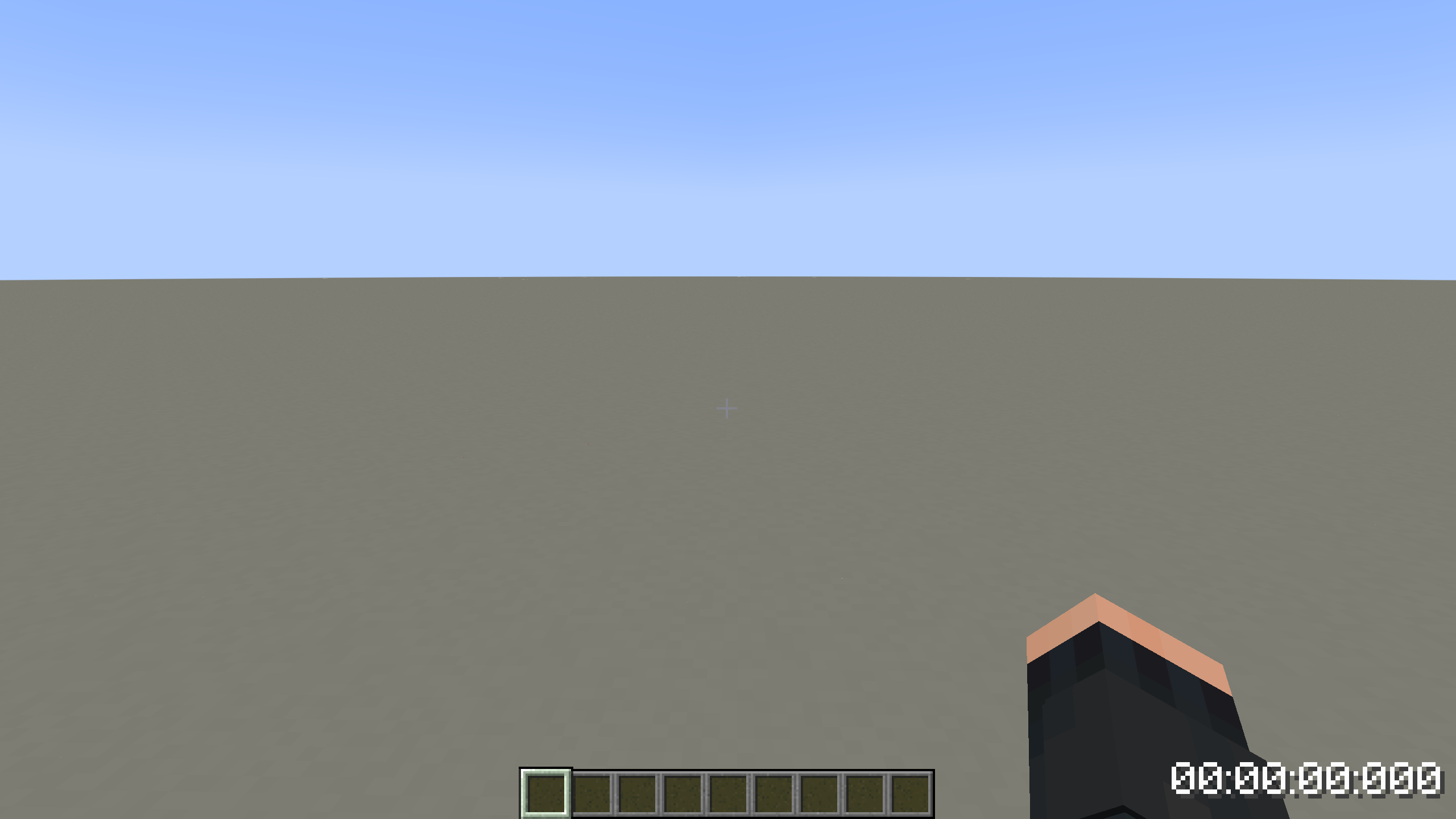
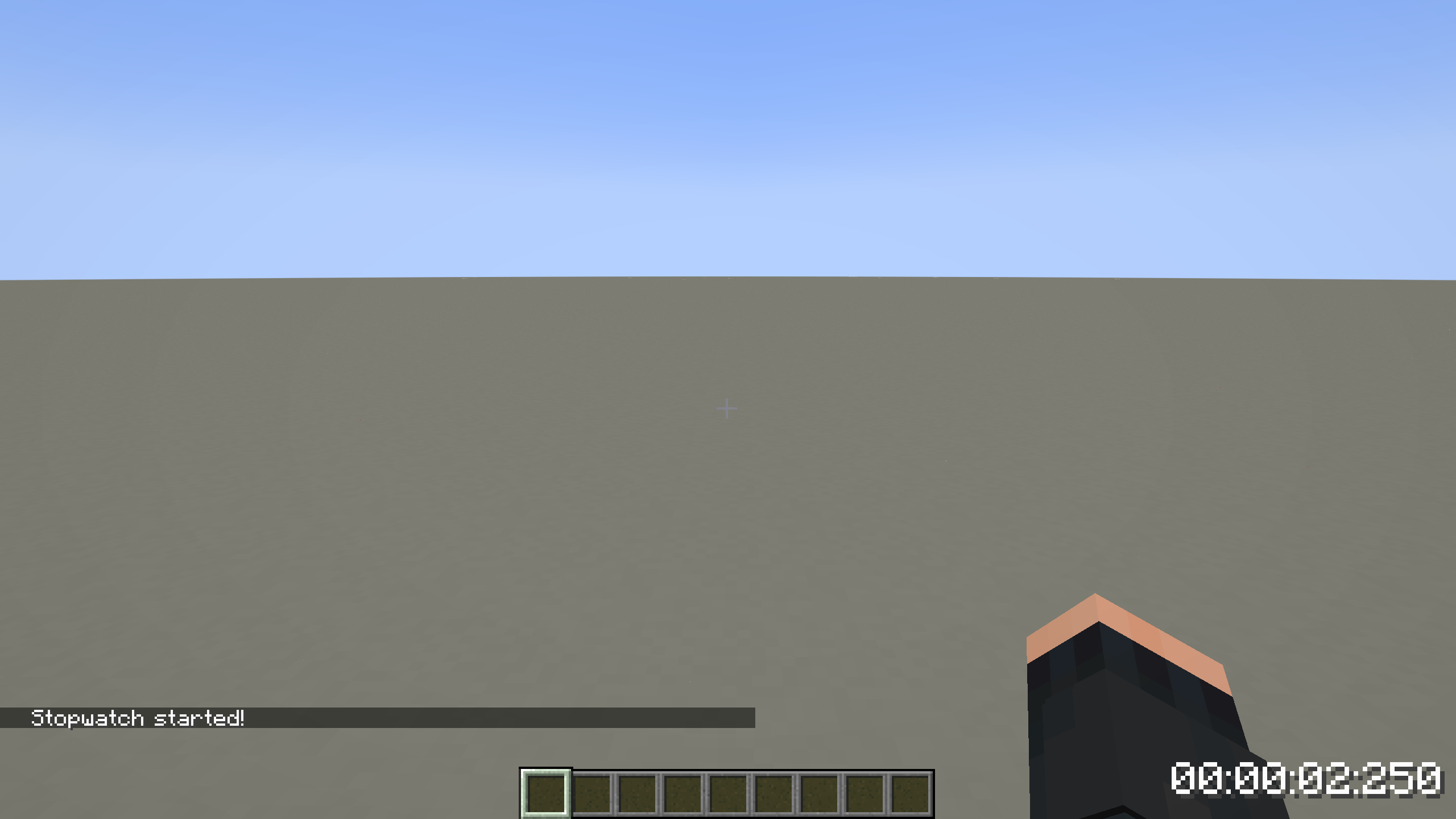
A simple mod that adds an on-screen stopwatch into Minecraft!
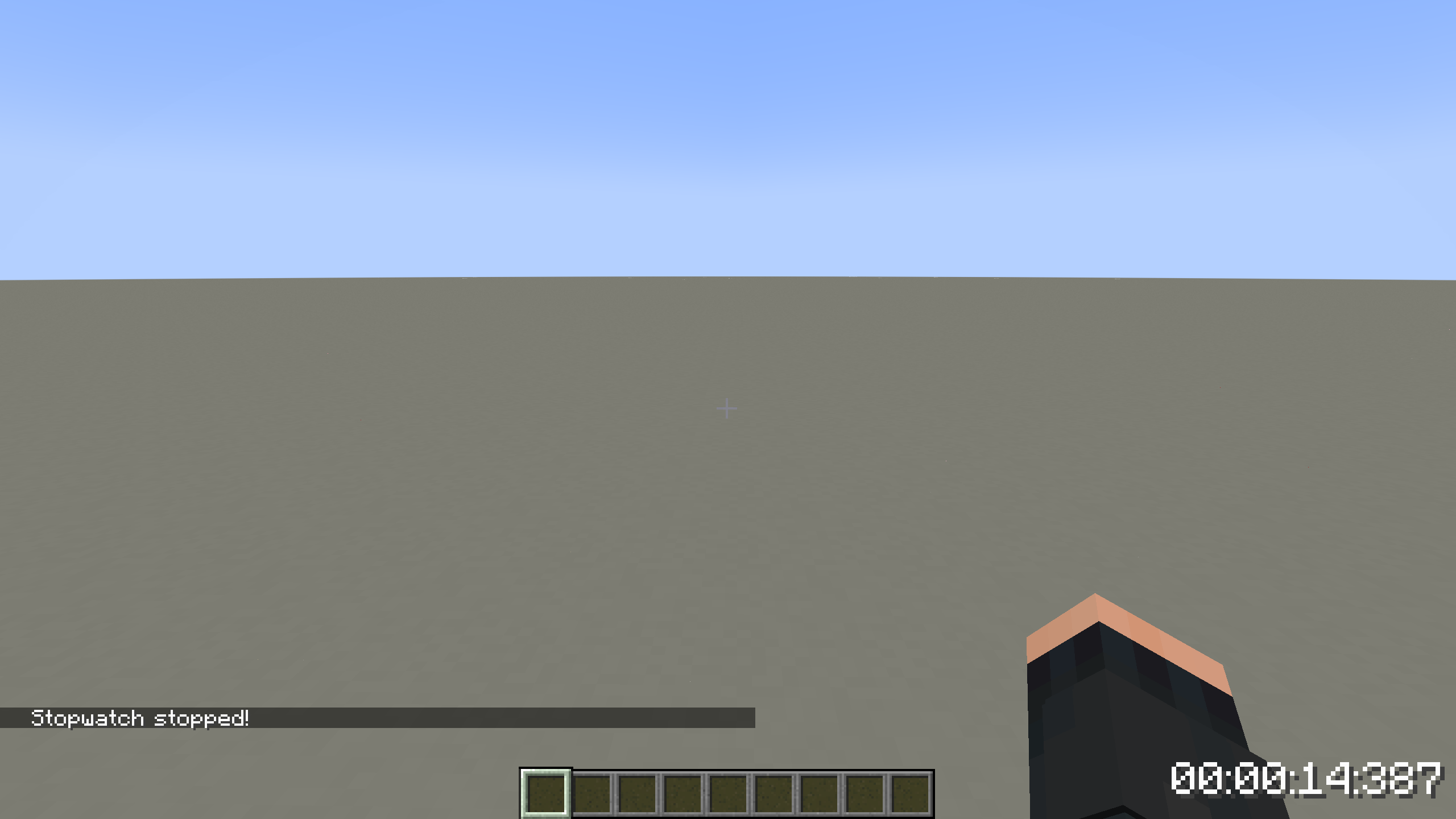
To start or stop the stopwatch, use the [Start/Stop] keybind, which can be configured in the controls menu. By default, this will be set to [R].
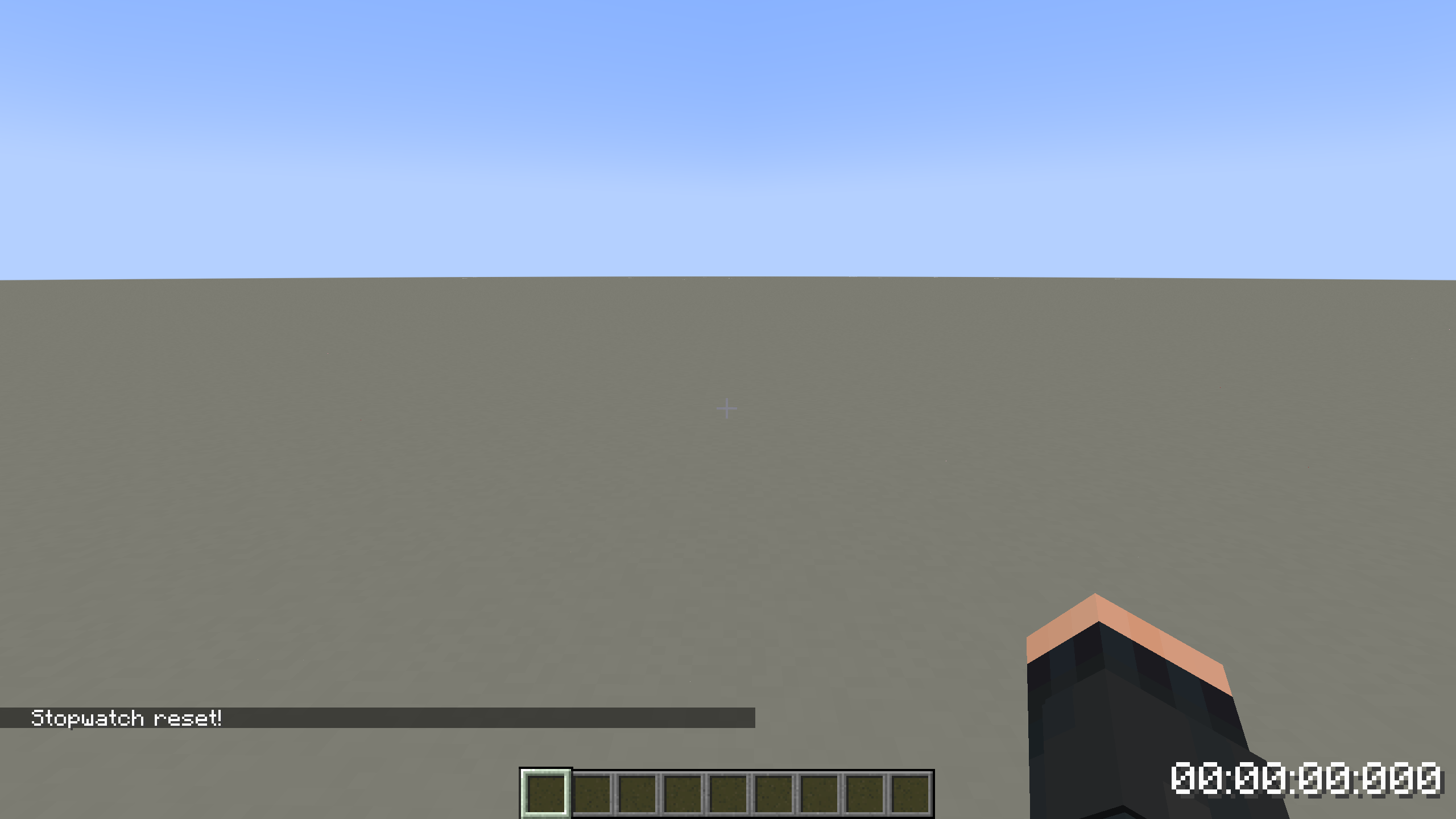
To reset the stopwatch, use the [Reset] keybind, which can be configured in the controls menu. By default, this will be set to [G].
Pressing [Reset] with no time on the stopwatch will toggle the overlay, disabling it. If it is already disabled, the [Reset] key will enable it once more.
Screenshot of the stopwatch in-game!
Notes:
- The stopwatch position is currently hard-coded, but will be configurable in a later update.
- Activating the stopwatch while the overlay is disabled will cause it to start immediately as soon as the overlay is reenabled.
- The stopwatch is only present in-world, and is not accessible or usable through menus.
- The stopwatch will not pause when the game is paused.
- Stopwatch values are not saved on leaving a world.
Possible uses for the stopwatch include:
- Speedrunning.
- Hide and seek.
- Farm efficiency tracking.
- And more!
常见问题
Wolf’s Stopwatch 支持哪些 Minecraft 版本?
Wolf’s Stopwatch 支持 Minecraft Java 版 1.20.4–1.21.4,共 4 个版本,可用的加载器:Fabric / Quilt。下载时注意选择和你游戏版本一致的文件。
Wolf’s Stopwatch 怎么安装?
先用 PCL2 或 HMCL 启动器安装对应版本的 Fabric / Quilt,再把下载的 .jar 文件放进游戏目录的 mods 文件夹,重新启动游戏即可。开启了版本隔离的,mods 文件夹在 versions/版本名 下面。运行环境:仅客户端。
TempestVixen 的其他作品
查看全部 →
CIT Resewn Spyglass Fix
A simple add-on for CIT Resewn that enables custom spyglass models to display when held.
Wolf’s Stopwatch
A simple mod that provides an in-game stopwatch overlay.

Scholar SMP
A modpack for the players of Scholar SMP that focuses on combining the powers of magic and science...
评论
登录后评论和评分