
Day and Death Counter
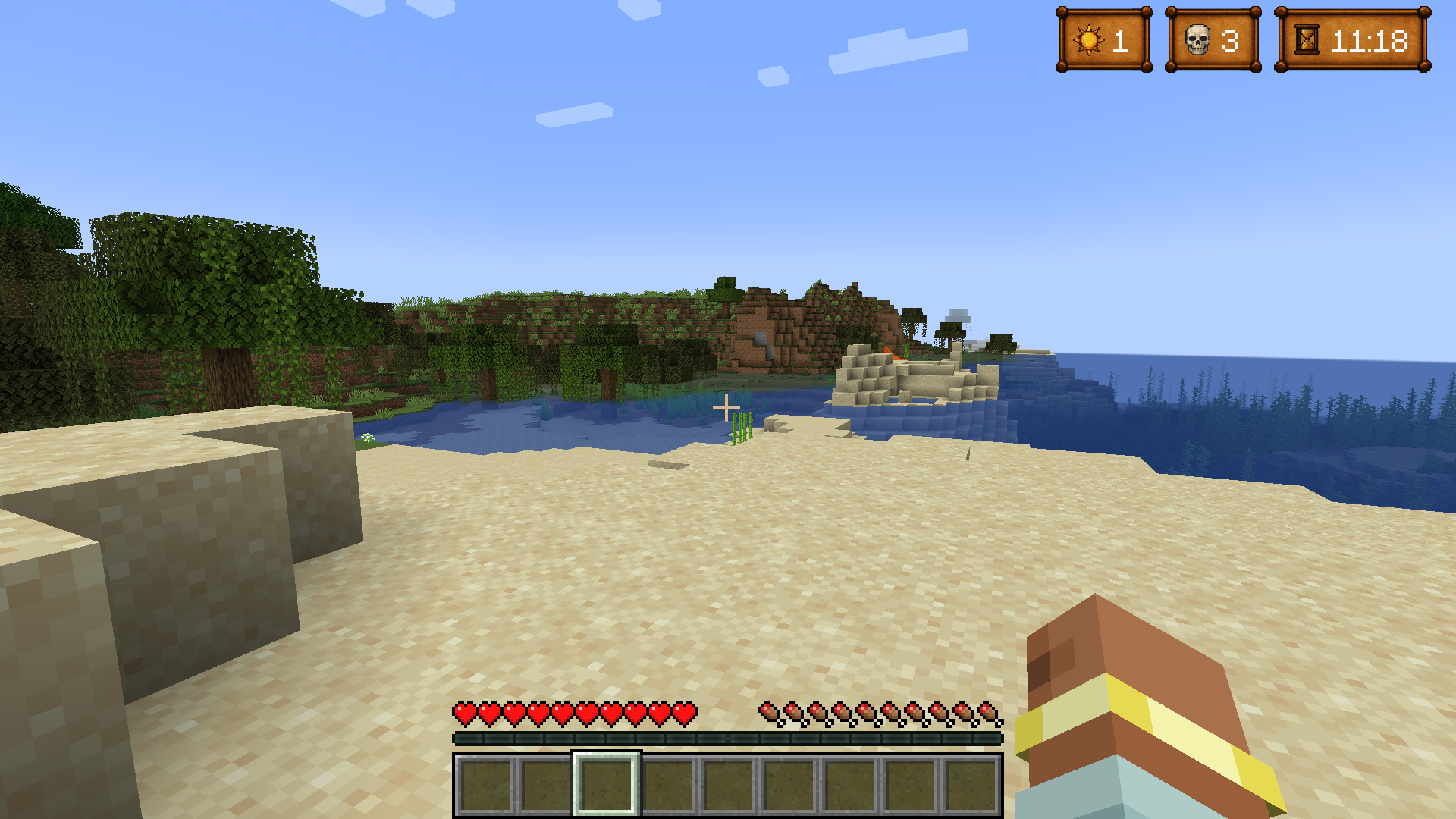
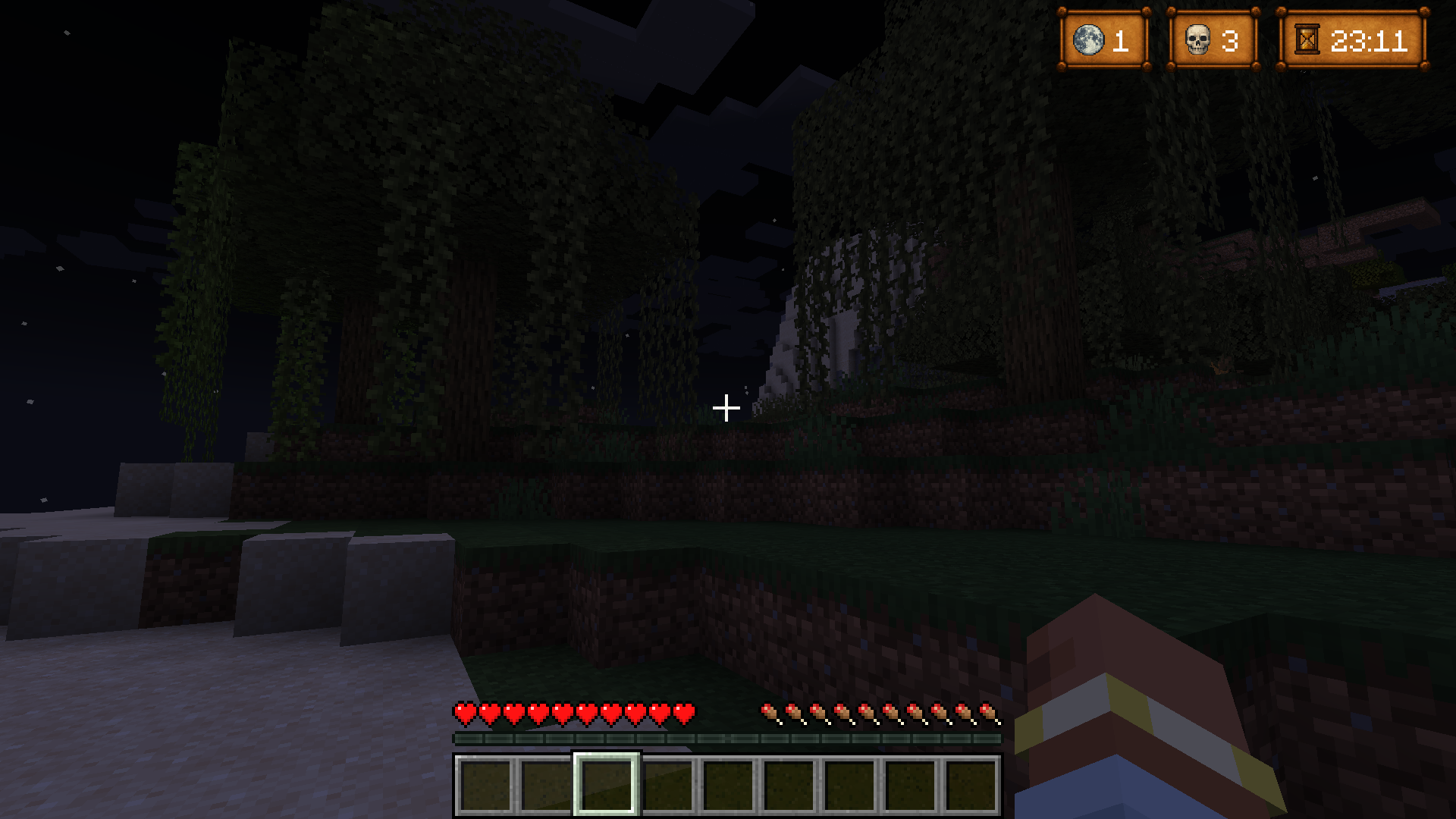
This mod displays an in-game overlay that tracks days, deaths, and in-game time.
截图
介绍
Counter Mod

This mod displays an in-game overlay that tracks days, deaths, and in-game time. It was designed primarily for Minecraft content creators who want to avoid manually editing these counters into their videos — especially for “100 Days” or Hardcore challenges.
I originally created this mod to save myself time editing my own gameplay videos, but quickly realized it could also help players who want better time awareness in solo adventures, long-term survival, or multiplayer series.
🛠️ Features
- Death Count: The mod automatically tracks your deaths and now includes automatic and manual sync options to ensure your death count is always correct.
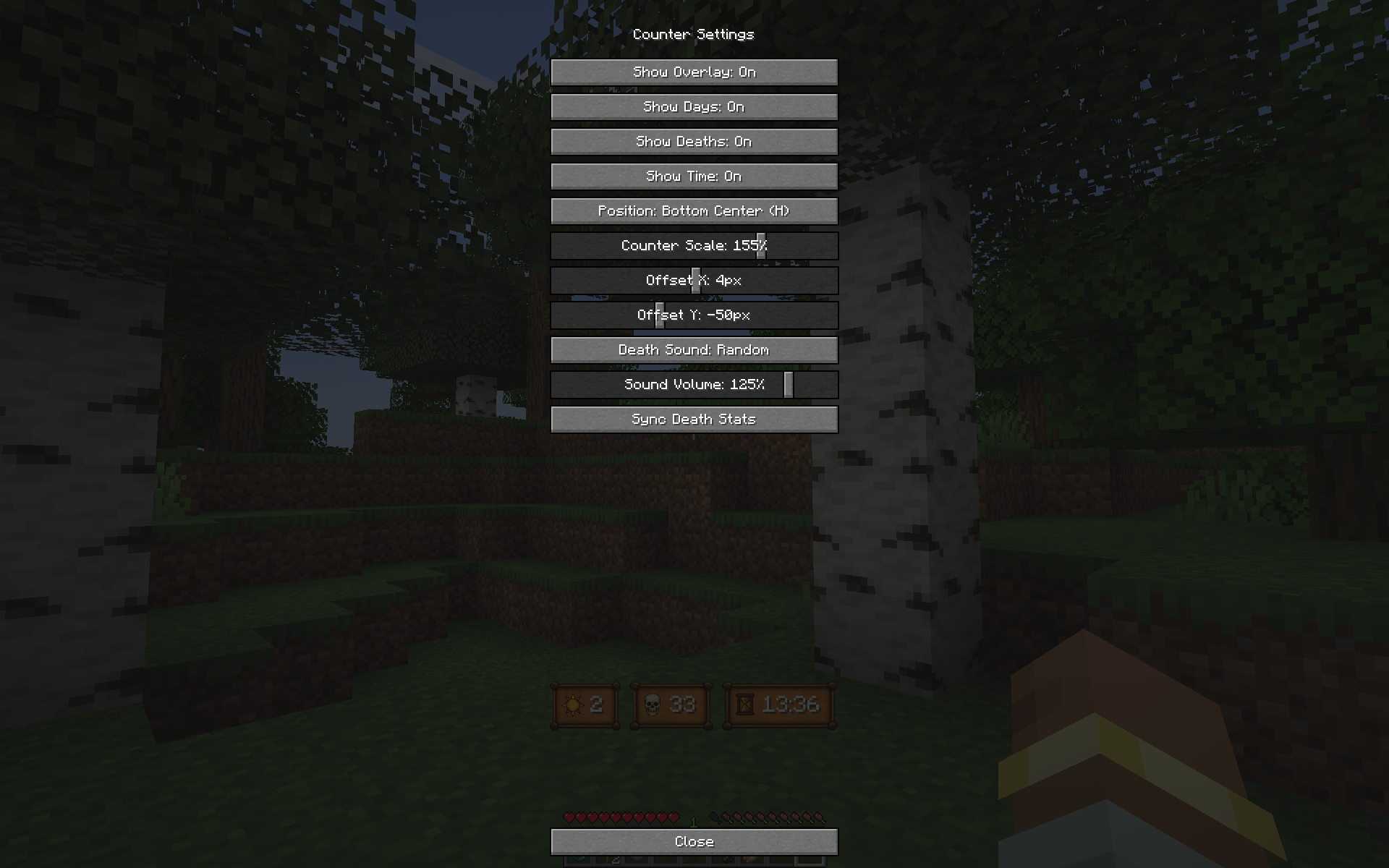
- Flexible Placement: Choose from twelve total overlay positions to perfectly integrate the counter into your screen layout.
- Customization: Fine-tune the counter’s look using the Scale Slider to adjust its size, and use the Offset Slider for the Bottom-Center position to move it vertically, ensuring it doesn’t conflict with other modpack UIs.
- Visuals & Sound: Includes one clean overlay style, basic icons, and random death sounds.
Whether you’re a content creator or a player who likes visual feedback, this mod brings a simple and stylish way to track your journey.
🎁 A more complete and customizable version — featuring multiple overlay styles and icon themes — is currently available exclusively on my Patreon while the mod is still in development. Supporting the project helps me continue adding more styles and features.
🌟 This enhanced version will eventually be released for free in the future, once development is further along.
👉 Support the mod on Patreon
常见问题
Day and Death Counter 支持哪些 Minecraft 版本?
Day and Death Counter 支持 Minecraft Java 版 1.20.1,可用的加载器:Forge。下载时注意选择和你游戏版本一致的文件。
Day and Death Counter 怎么安装?
先用 PCL2 或 HMCL 启动器安装对应版本的 Forge,再把下载的 .jar 文件放进游戏目录的 mods 文件夹,重新启动游戏即可。开启了版本隔离的,mods 文件夹在 versions/版本名 下面。运行环境:客户端和服务端都要装。
Slaaard 的其他作品
查看全部 →
Soulrend – Spanish Translation
将 Soulrend 整合包中的 276 多个模组和资源翻译成西班牙语

Web Walker
Adds a new enchantment that allows players to move faster through cobwebs.

The Casket of Reveries – Spanish Translation
Translates over 124 Mods and Resources to Spanish from the Modpack NightfallCraft - The Casket of Reveries

Prominence II – Spanish Translation
Translates over 310 Mods and Resources to Spanish from the Modpack Prominence II Hasturian Era
评论
登录后评论和评分