
Chestmonster
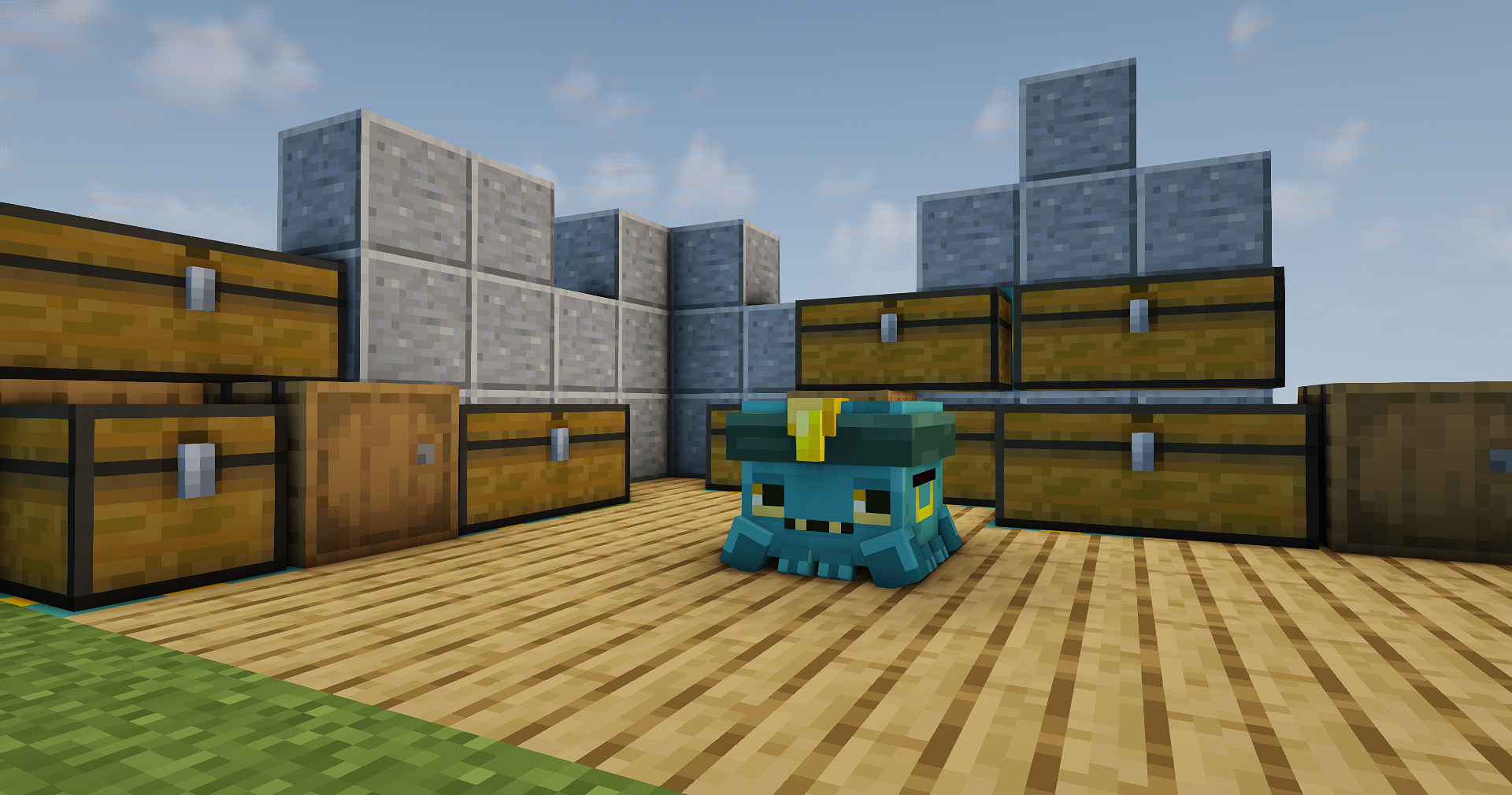
Storage solution with a grid and hands. View your storage inside of the grid and deposit easily!
截图
介绍

Tired of digging through endless chests?
Chestmonster is a storage helper mod that makes early-game chest organisation much easier, without turning your base into a full storage network.
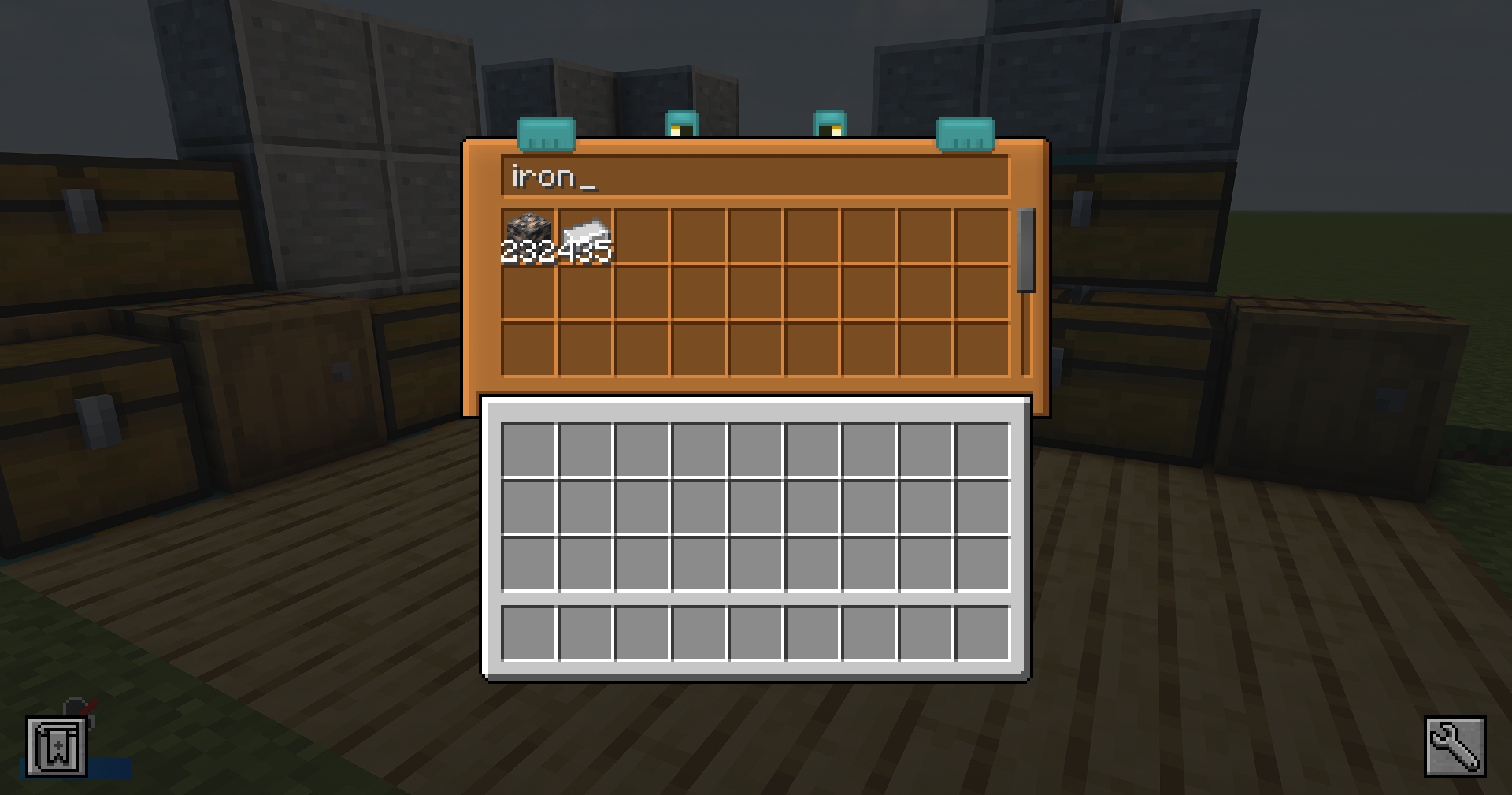
Link your nearby containers, open the Chestmonster, and instantly search through your messy chest setup from one simple interface.

Chestmonster gives each player their own searchable storage hub.
Instead of opening chest after chest looking for that one missing item, you can use the Chestmonster to browse, search, and pull items from linked containers nearby.
It is designed for early-game storage control: simple, useful, and intentionally not overpowered.

Chestmonster
The main block used to access your linked storage.
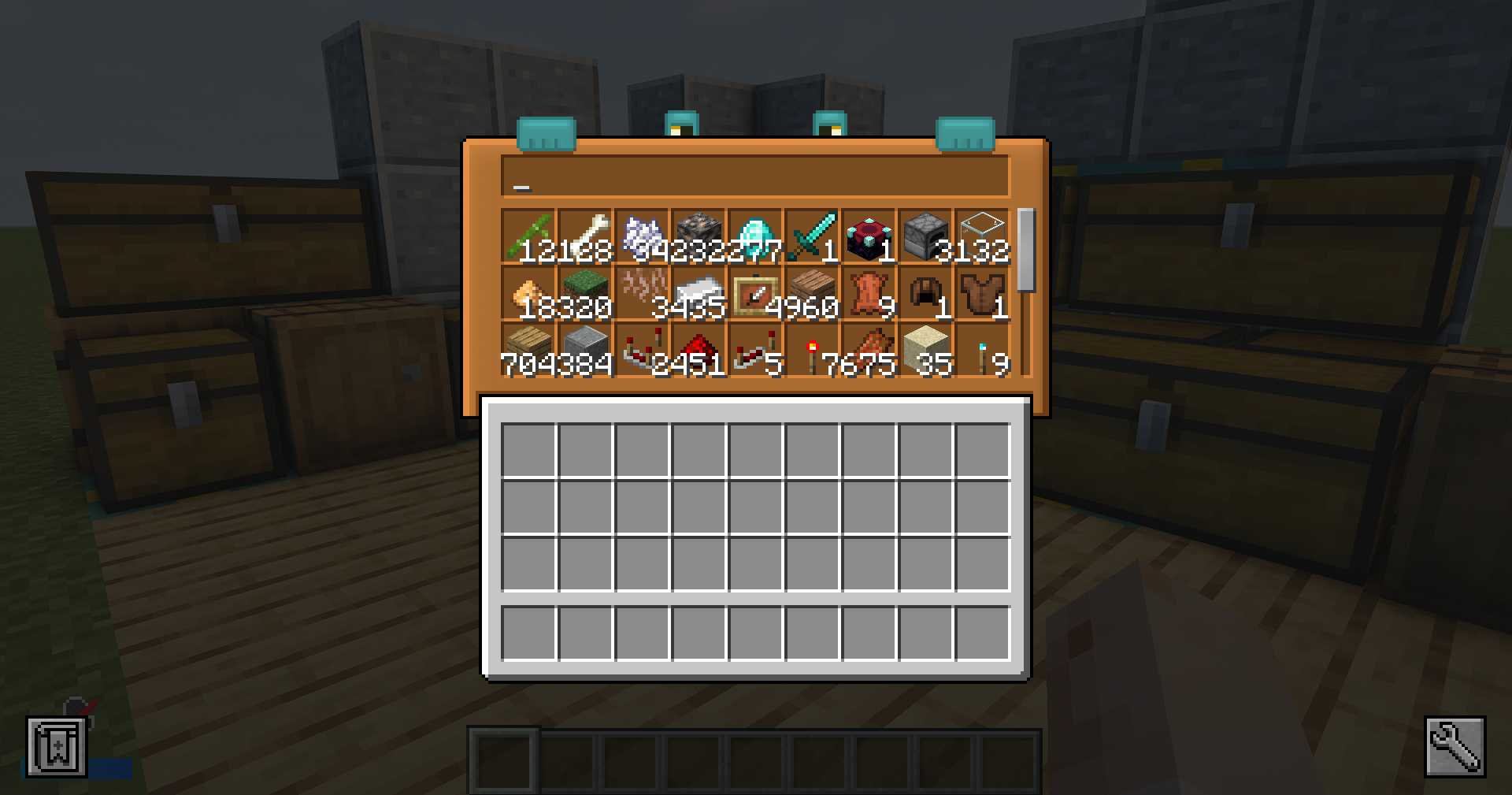
Open it to view a searchable 9×3 storage grid showing items from nearby linked containers.
Chestmonster Hand
Place this next to containers to link them to a nearby Chestmonster.
Once linked, those containers can be searched and accessed through the Chestmonster interface.

- Searchable 9×3 storage view
- Scroll through linked storage contents
- Click an item to take one item onto your cursor
- Shift-click an item to take up to one stack onto your cursor
- Optional item storing back into linked storage
- Optional vanilla-inventory deloot button
- Deposit matching items into nearby containers
- One Chestmonster per player
- Lightweight by design

Chestmonster uses a JSON config file and can be reloaded in-game with:
/chestmonster reloadDefault Config:
{
  "gridstoreitems": false,
  "searchradius": 12,
  "enableDeloot": true,
  "delootDimensions": [
    "minecraft:overworld",
    "minecraft:the_nether",
    "minecraft:the_end"
  ]
}
| Key |Description |
| —————- |————————————————————————————– |
| gridstoreitems |Enables or disables storing items back into linked storage from the Chestmonster grid. |
| searchradius |Controls how far the Chestmonster searches for linked containers. |
| enableDeloot |Enables or disables the vanilla-inventory deloot button. |
| delootDimensions |Defines which dimensions the deloot feature can be used in. |
常见问题
Chestmonster 支持哪些 Minecraft 版本?
Chestmonster 支持 Minecraft Java 版 1.18.2–26.1.2,共 4 个版本,可用的加载器:Forge / NeoForge。下载时注意选择和你游戏版本一致的文件。
Chestmonster 怎么安装?
先用 PCL2 或 HMCL 启动器安装对应版本的 Forge / NeoForge,再把下载的 .jar 文件放进游戏目录的 mods 文件夹,重新启动游戏即可。开启了版本隔离的,mods 文件夹在 versions/版本名 下面。运行环境:客户端和服务端都要装。
Scalda 的其他作品
查看全部 →
Vault Hunters Third Edition
Minecraft 中的动作 RPG!升级、学习天赋与技能、建造基地、搭建农场、收集 25 件神器并击败最终 Boss!

Auxiliary Blocks
为你的世界添加建筑方块及其多种变体!

Shulker+
收纳潜影盒时遇到麻烦?想更好地自定义它们,让它们更醒目?交给我们吧。

Vault Hunters Official Modpack (Second Edition)
Minecraft 中的动作 RPG!升级、学习天赋与技能、建造基地和农场,收集 25 件神器并击败最终 Boss!
评论
登录后评论和评分