Vanilla Camera Shake
A purely vanilla method of applying a screen shake effect to players.
截图
介绍
Vanilla Camera Shake
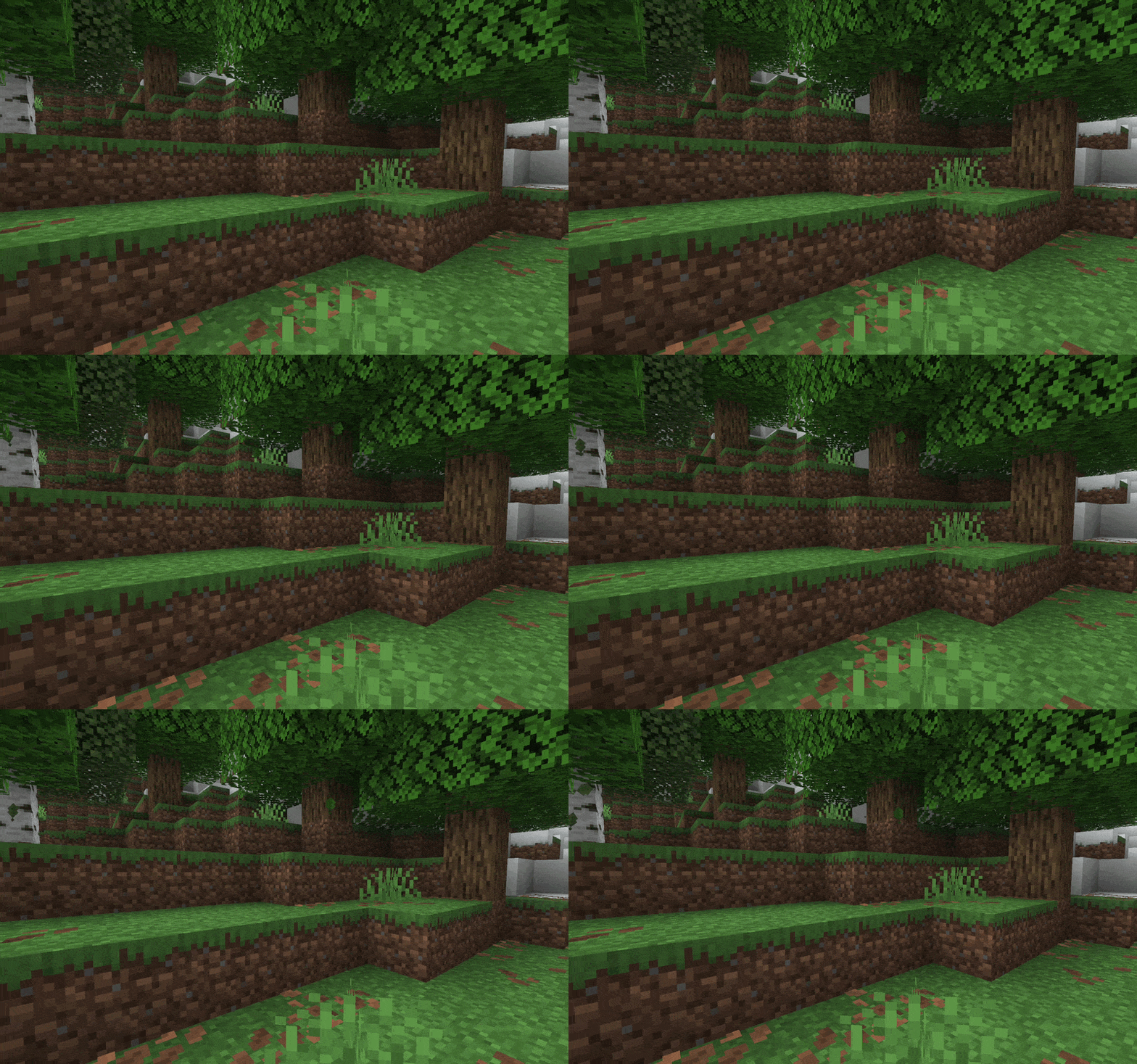
Thanks to modern Minecraft features (26.3+), we can now create a fully vanilla screen shake effect that can freely be applied and removed to/from players. No mods needed!
Quickstart
To apply the effect to a player (with the resource pack loaded), use this command:
/posteffect add <players> camerashake:moderate
Then, to remove the effect, use this command:
/posteffect remove <players> camerashake:moderate
Alternatively, to quickly remove all post effects, use this command:
/posteffect clear <players>
_(replace with a player selector, such as @a for all players)_
Variations
This pack contains a bunch of shake effects with differing intensity, so here’s a list of them:
- Light – not very noticeable, good for long-term effects –
camerashake:light - Moderate – the default, strikes a good balance –
camerashake:moderate - Strong – makes the game borderline unplayable, but very good for short bursts –
camerashake:strong
Notes
Unlike older methods, you do NOT need to have the _Fabulous!_ graphics setting, Optifine, Sodium, Iris or similar additions for this method to work. It’s just pure vanilla, delicious!
japicraft 的其他作品
查看全部 →
SkinSpice
Spice up your skin with more customization!

IoTcraft
Connecting the virtual world with the physical.

Smooth Terrain Loading
Loads terrain in a smooth way.

Floweil
A toolkit for connecting the virtual world with the physical.
评论
登录后评论和评分