
截图
介绍
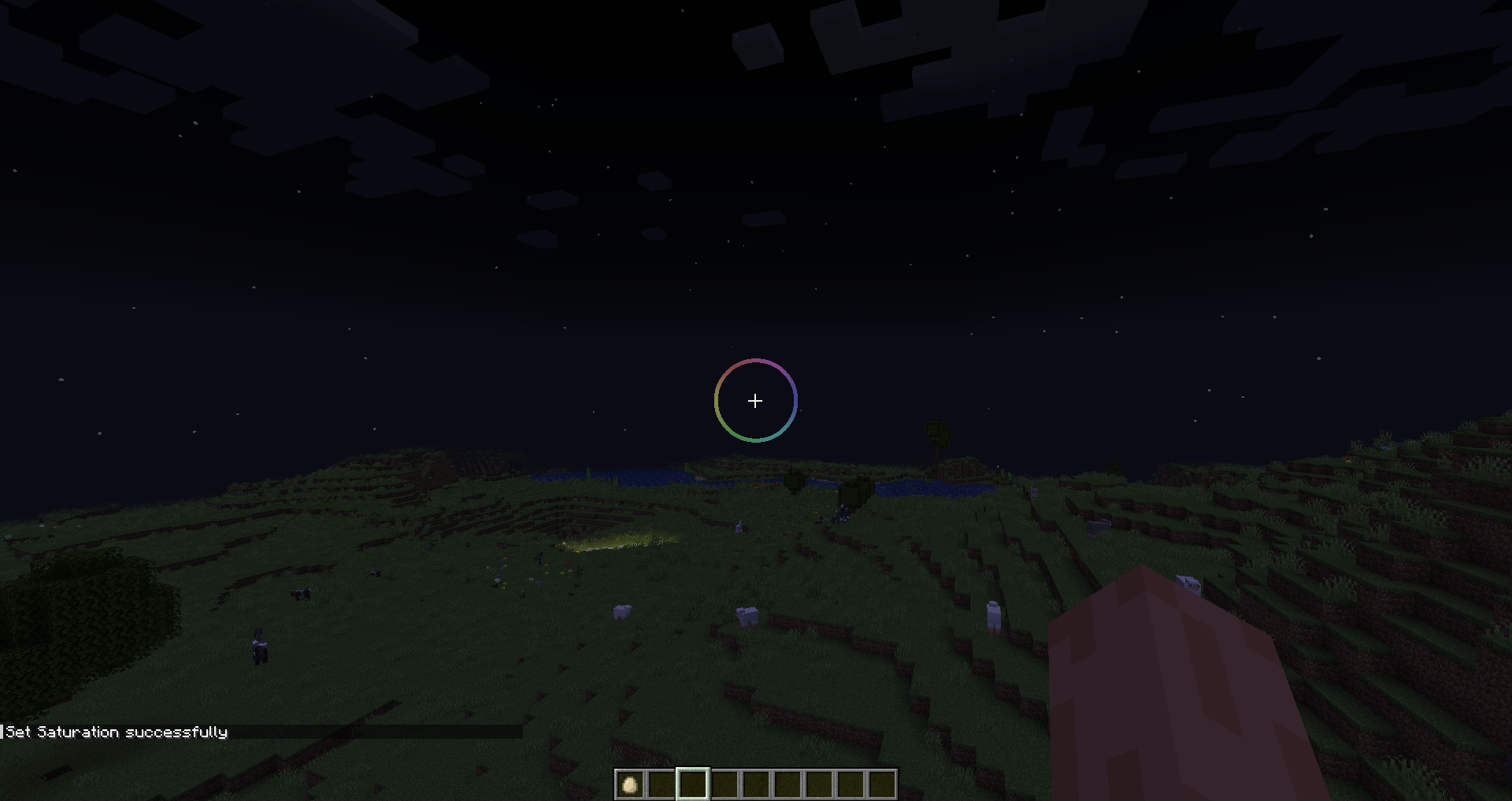
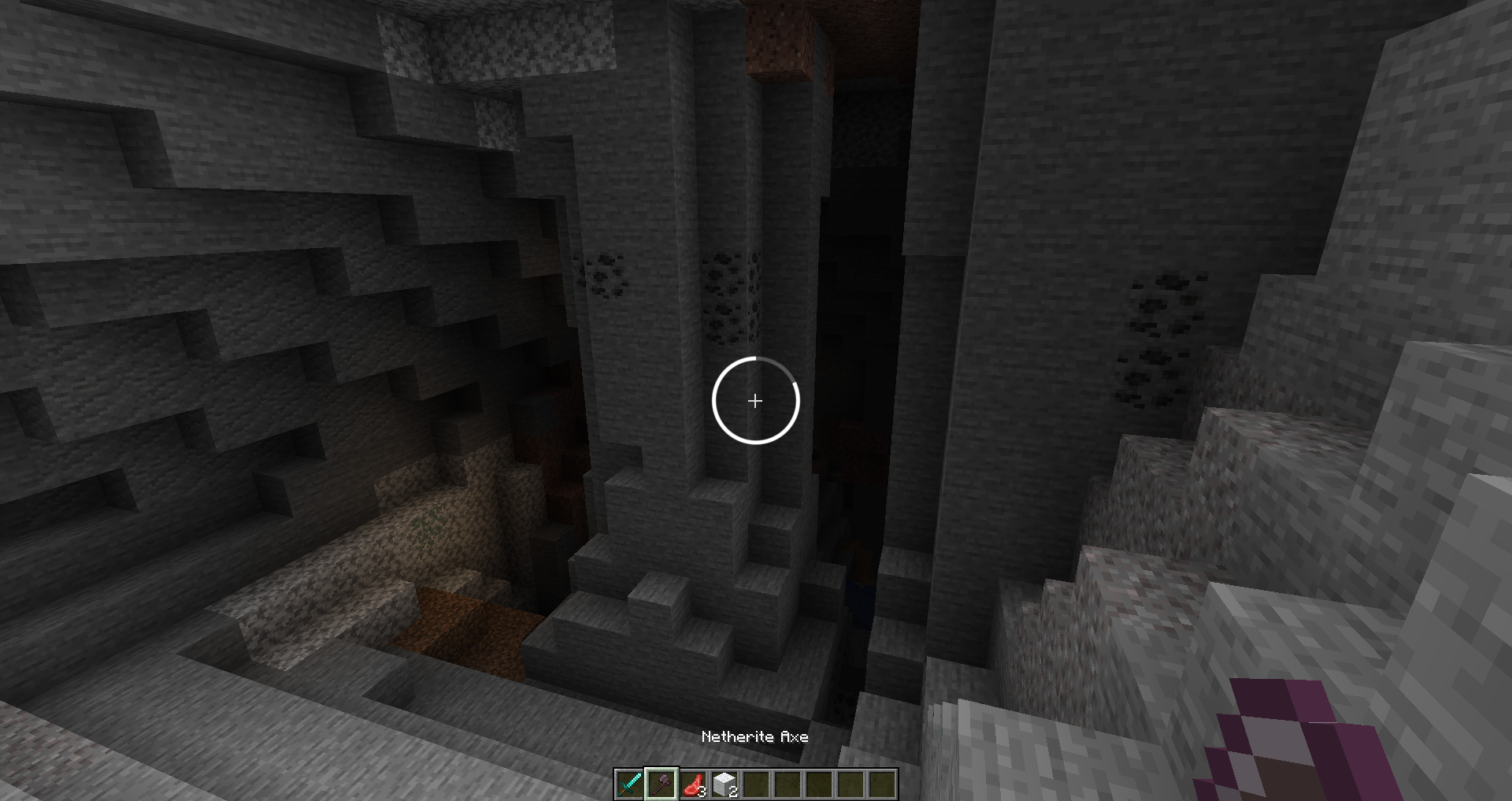
Cube’s Crosshairs
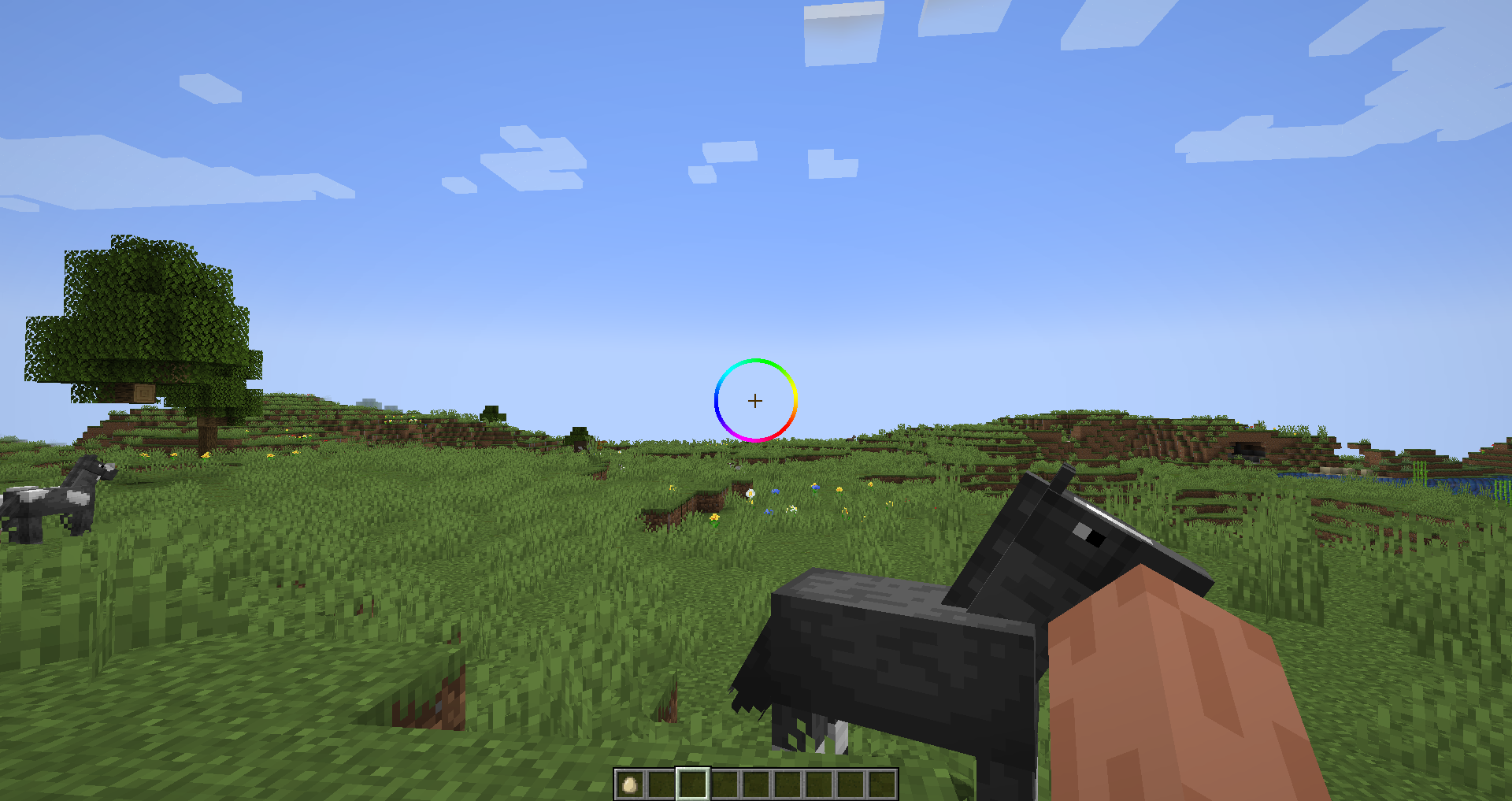
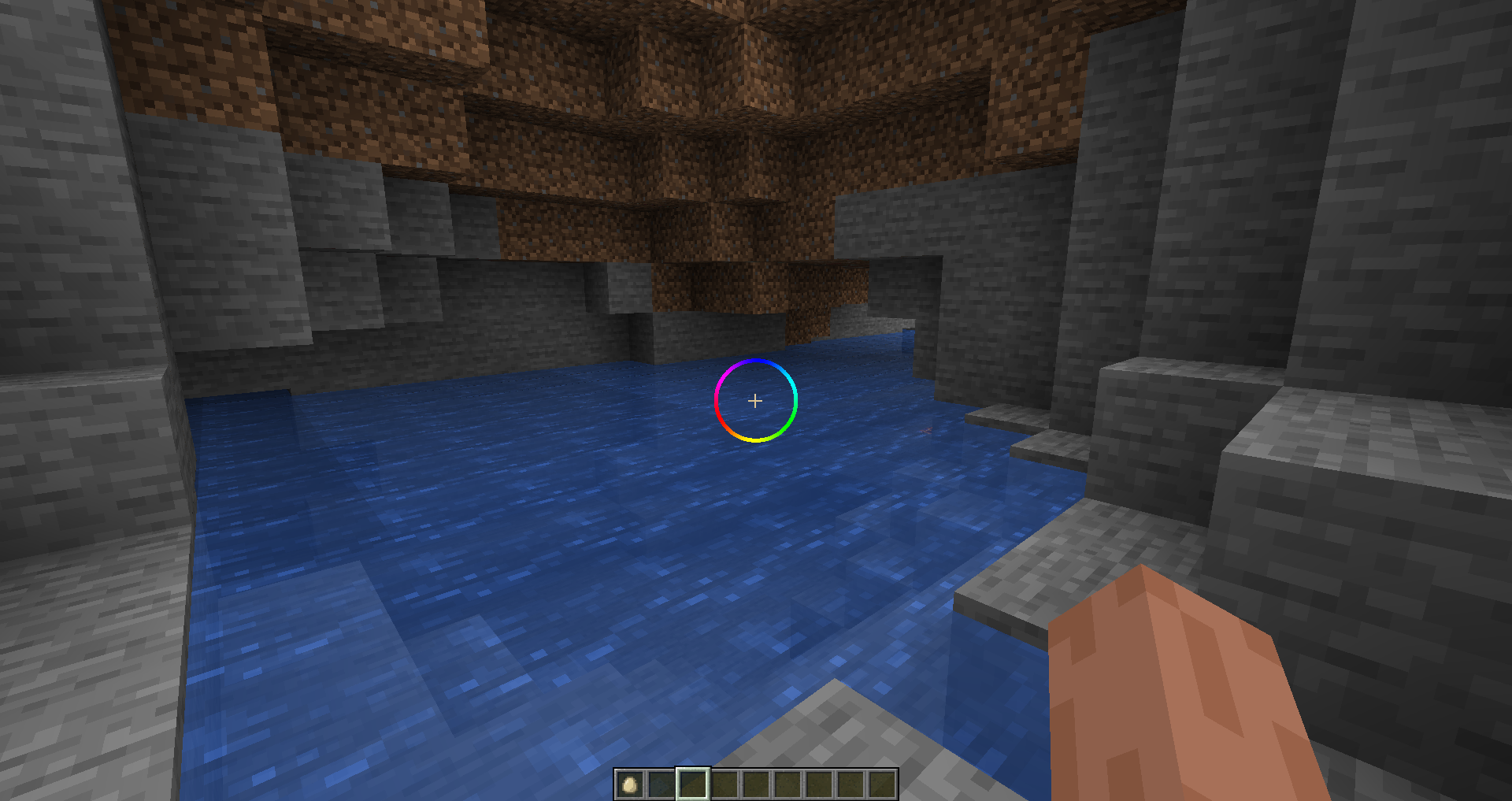
Customizable Crosshair Mod for Minecraft
supports 1.20-1.20.6 and 1.21
Current Features
- Crosshair has customizable options via command line (see Options section below)
- Crosshair indicated attack cooldown
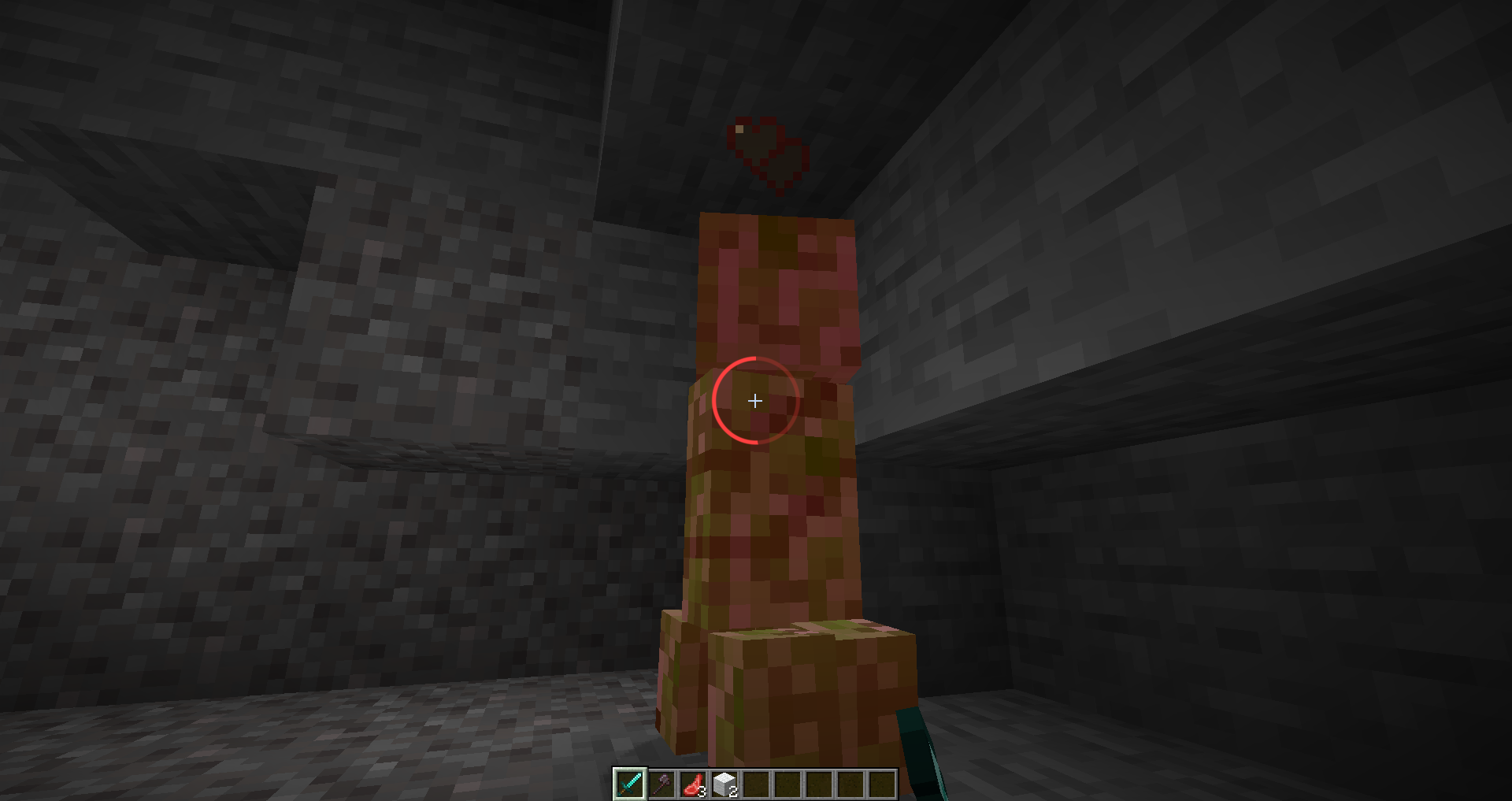
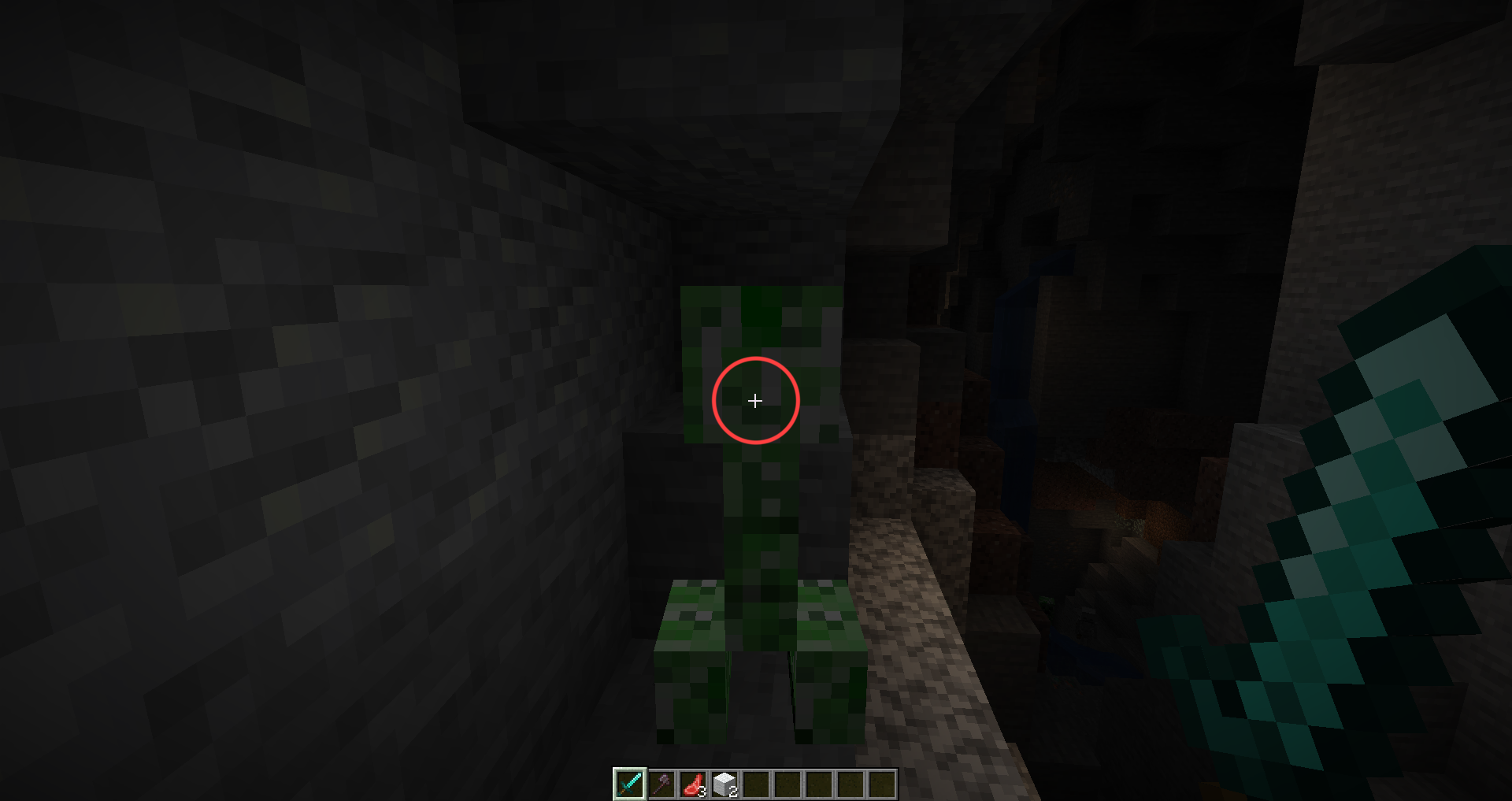
- Crosshair changes to a red color when targeting an entity
Planned Features
- Crosshair indicates block breaking progress
- More customizable options
- Configuration will save
Options
| Name | Command | Description |
|——————-|————————–|——————————————————————————————————|
| Velocity Modifier | cube:set_vel_mod | How quick the crosshair recenters. Higher = Faster |
| Delta Scale | cube:set_delta_scale | How much the crosshair moves. Negative means it follows, Positive means it leads, Zero = No movement |
| Spin Speed | cube:set_spin_speed | Spin speed of crosshair |
| Cooldown Offset | cube:set_cooldown_offset | Where the cooldown bar starts. 0 = Left, 0.5 = Top, etc |
| Radius | cube:set_radius | Crosshair radius relative to screen size. Default is .05 |
| Thickness | cube:set_thickness | Crosshair thickness relative to screen size. Default is 0.005 |
| Hue | cube:set_hue | Crosshair hue. |
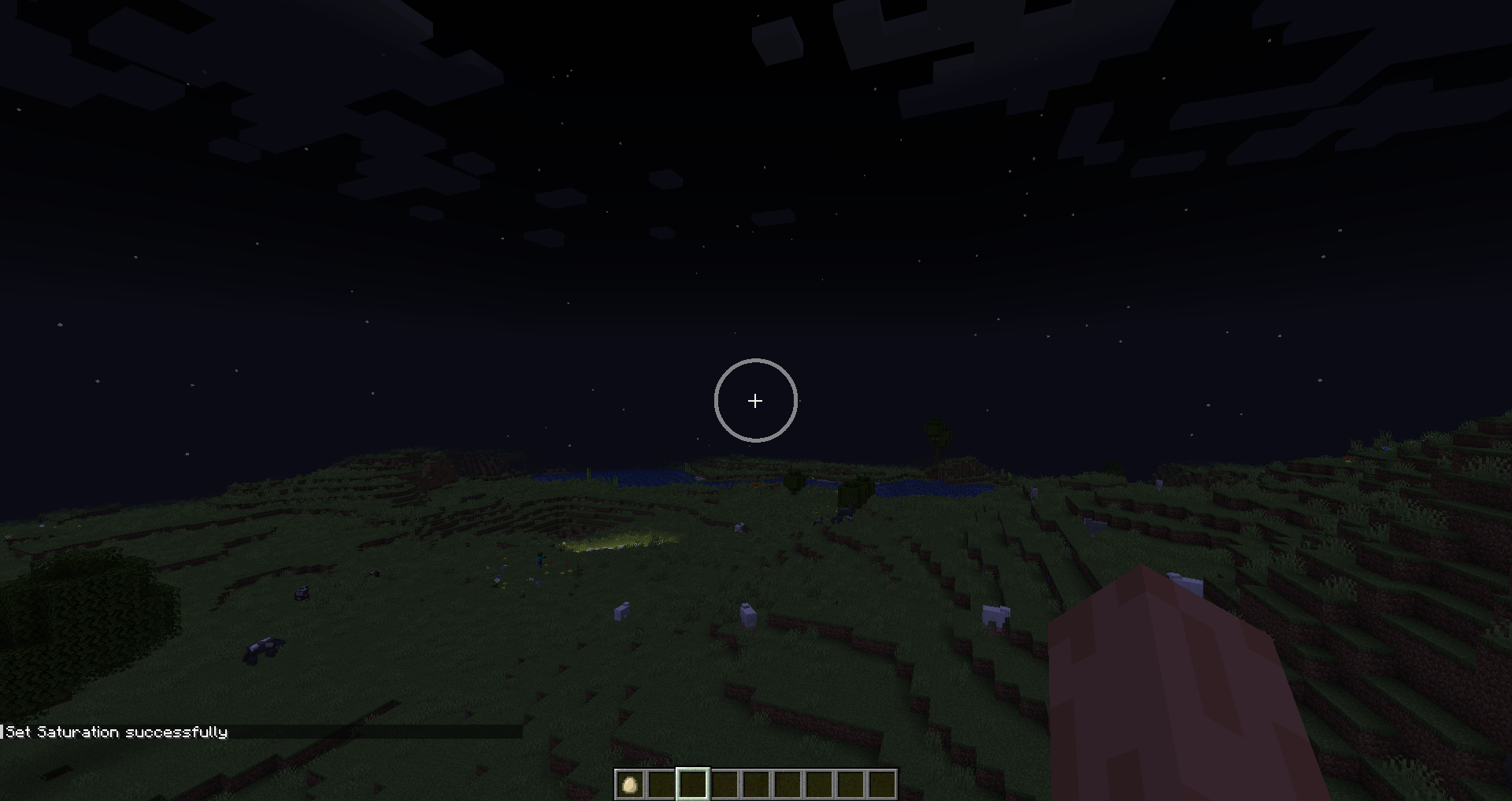
| Saturation | cube:set_saturation | Crosshair saturation. 0.0 = White |
| Brightness | cube:set_brightness | Crosshair brightness. 0.0 = Black |
| Alpha | cube:set_alpha | Crosshair alpha value. 0.0 = Transparent, 1.0 = Opaque |
| Feather | cube:set_feather | How much to blend the edge of the crosshair. Default is 0.001 |
| Disabled Alpha | cube:set_disabled_alpha | Alpha value for disabled portion of crosshair (only visible with progress bar) |
常见问题
Cube’s Crosshairs 支持哪些 Minecraft 版本?
Cube’s Crosshairs 支持 Minecraft Java 版 1.20–1.21,共 8 个版本,可用的加载器:Fabric。下载时注意选择和你游戏版本一致的文件。
Cube’s Crosshairs 怎么安装?
先用 PCL2 或 HMCL 启动器安装对应版本的 Fabric,再把下载的 .jar 文件放进游戏目录的 mods 文件夹,重新启动游戏即可。开启了版本隔离的,mods 文件夹在 versions/版本名 下面。运行环境:仅客户端。
评论
登录后评论和评分