
截图


介绍
Update now
Look under the page.
Content of the Package
The lblpack resets most Minecraft textures and adds useful features: night vision mode, clear GUI, bigger wither skull head, reduced fire and shield effects. With this resource pack, you can see clearly underwater and in powdered snow, view enchantments on your armor (inventory only), and identify what enchantments your sword, mace, or pickaxe have. More tool support will be added later.
Night Version
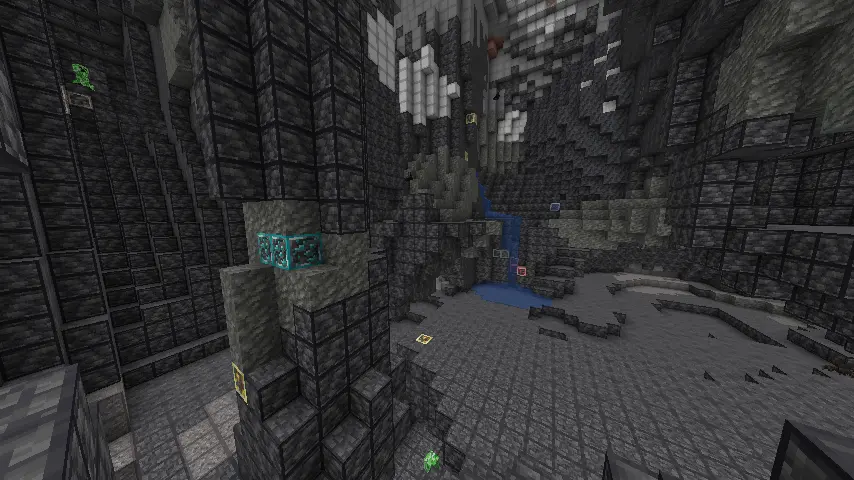
Full bright mining and highlighted ores.
GUI
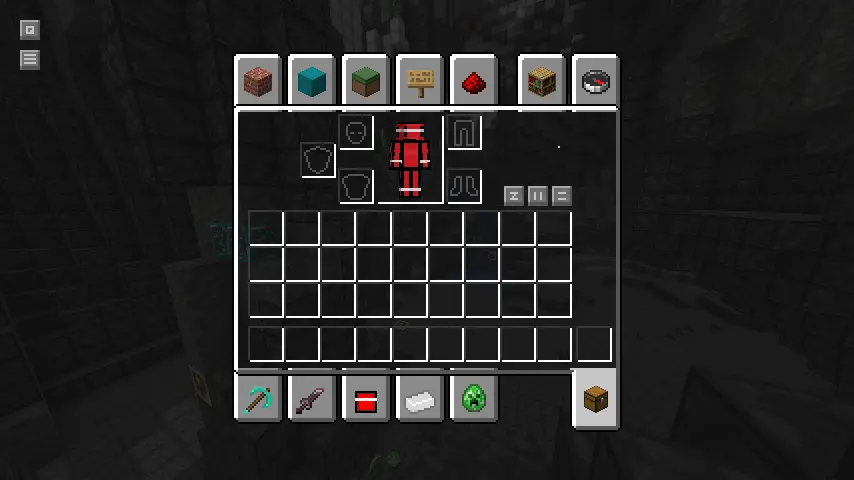
Clean GUI with light borders.
Bigger Wither Skull Head
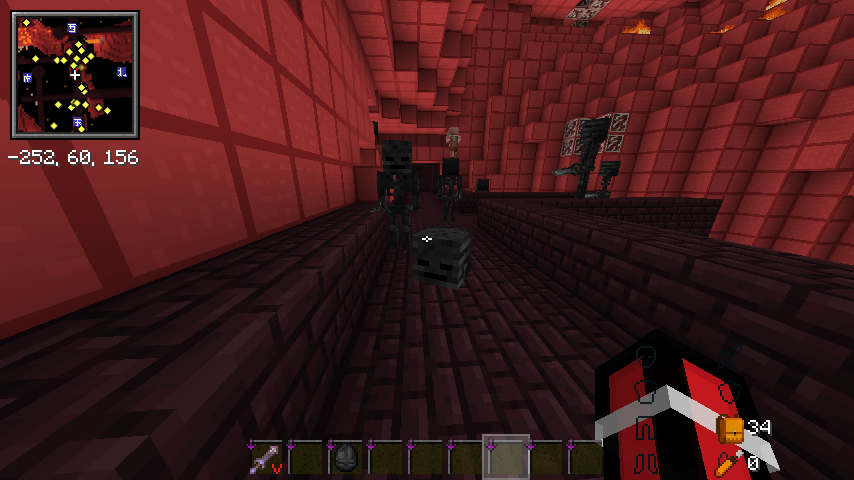
Easier to spot wither skull head.
Reduced Fire & Shield
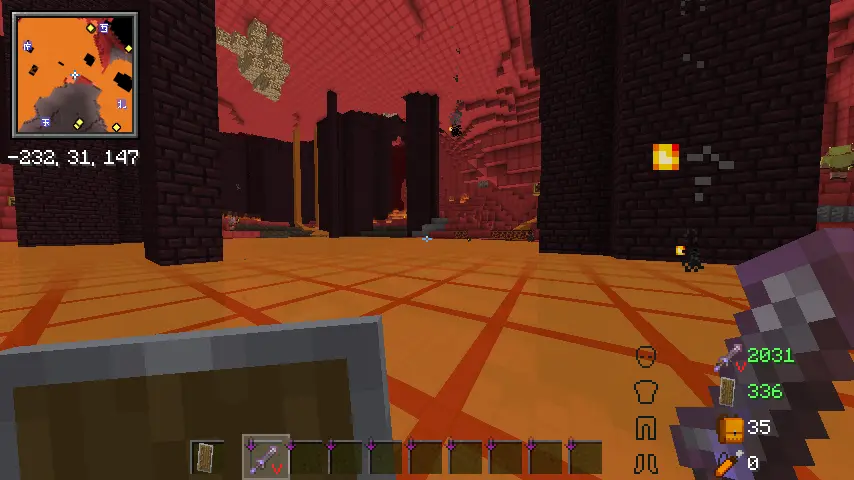
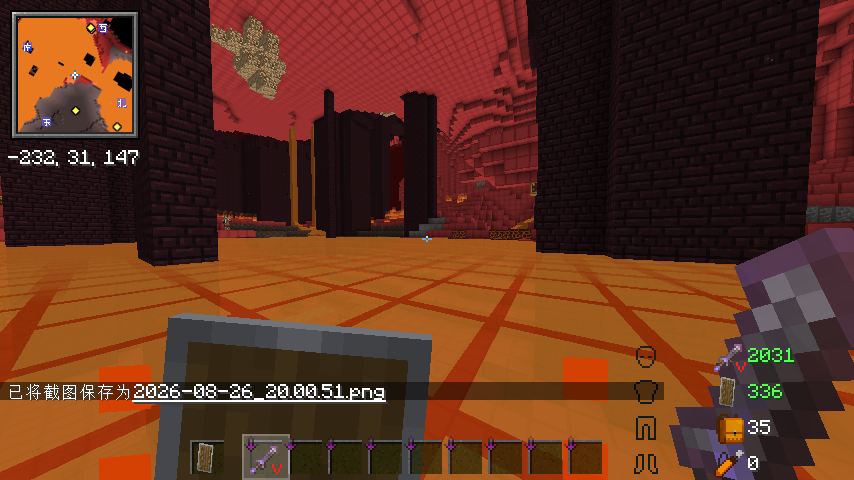
Underwater & in Powerd Snow Version
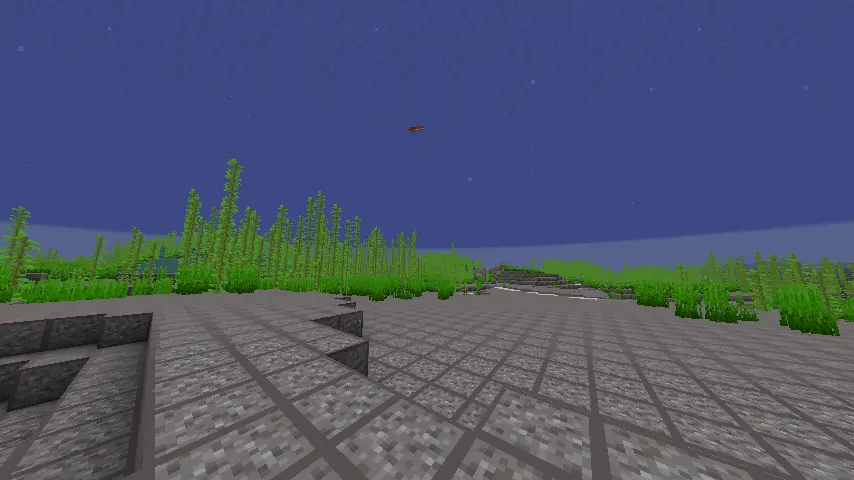
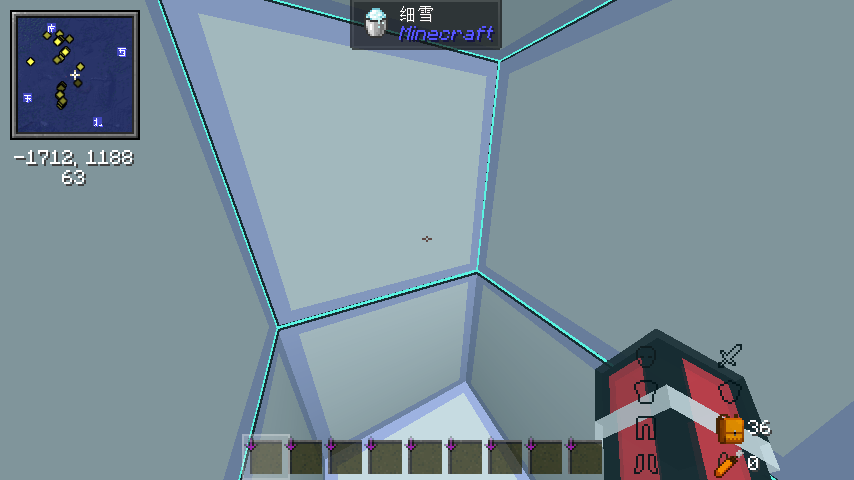
Better Enchantments Visaulizing
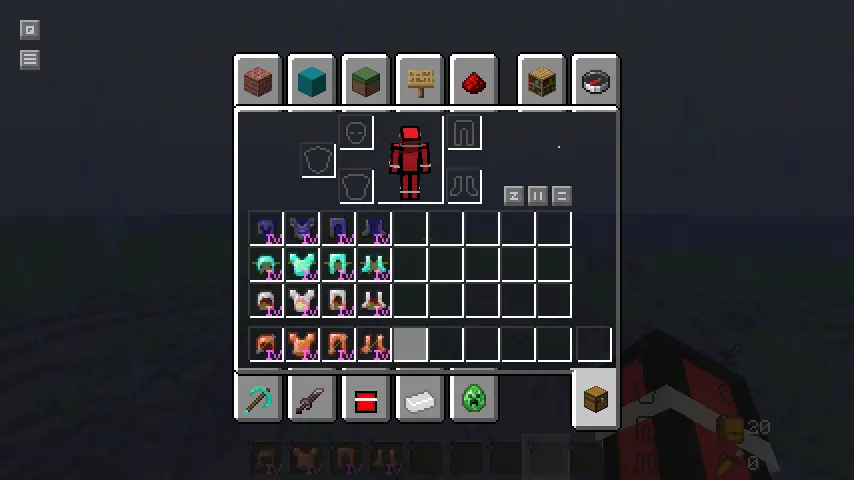
Armor
Netherite Gear:protection,
Diamond Gear:blast_protection,
Iron Gear:fire_protection,
Copper Gear:projectile_protection.
Sword
Netherite Sword:sharpness,
Diamond Sword:smite.
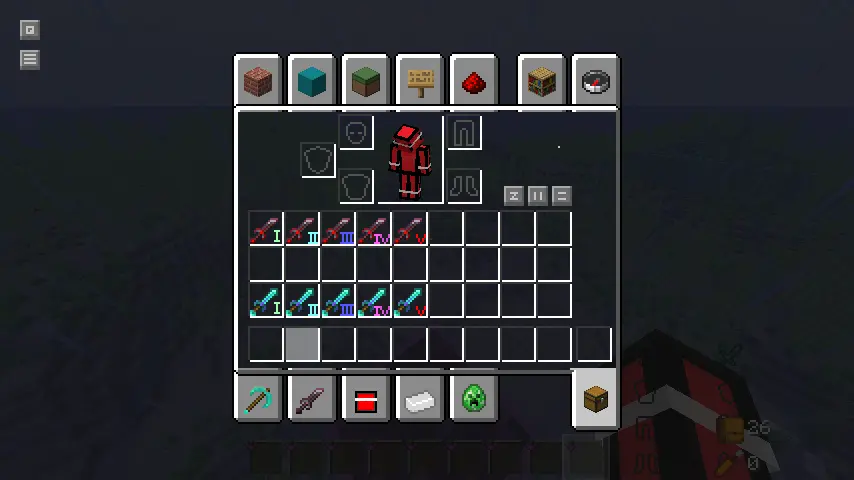
Pickaxe
Red:silk_touch;
Blue:fortune.
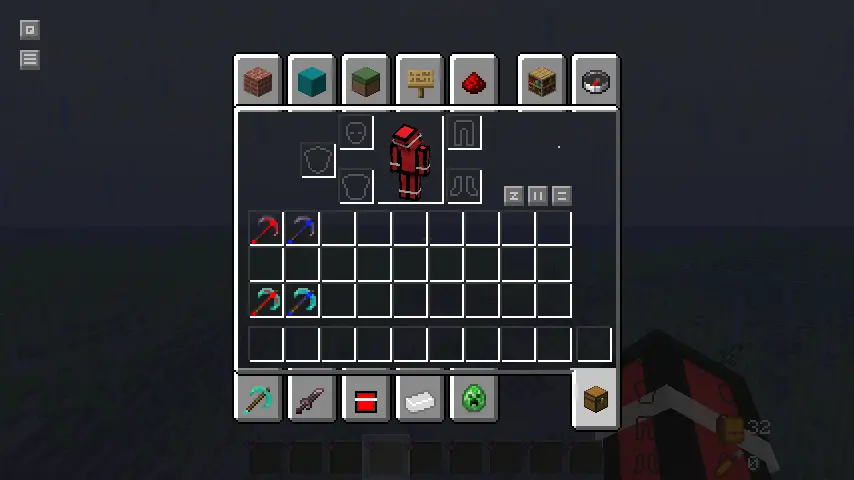
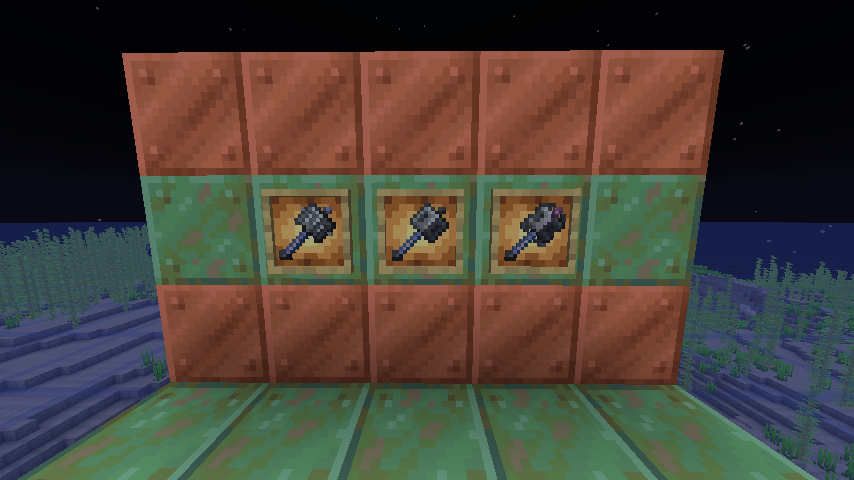
Mace
Left:enchantment of breach;
Middle:no enchantment;
Right:enchantment of density;
###
So,these features are very useful for us,survive players or combat players.
1.3 Update !
Since lblpack_publish_1.3,it has small totem of undying,better enchantments icon in GUI,and it finally support axes,swords and pickaxes to preview the enchantments.Now,it really support Minecraft 1.21.5 ~ 26.2.
Enchanted Icon

and no enchanted icon in hand.

常见问题
lblpack 支持哪些 Minecraft 版本?
lblpack 支持 Minecraft Java 版 1.21.5–26.2,共 11 个版本。下载时注意选择和你游戏版本一致的文件。
lblpack 怎么安装?
把下载的 .zip 文件(不用解压)放进游戏目录的 resourcepacks 文件夹,进游戏后在「选项 → 资源包」里把它移到右边启用。
评论
登录后评论和评分