
截图
介绍
中文介绍正在准备中,下面暂时显示原文。
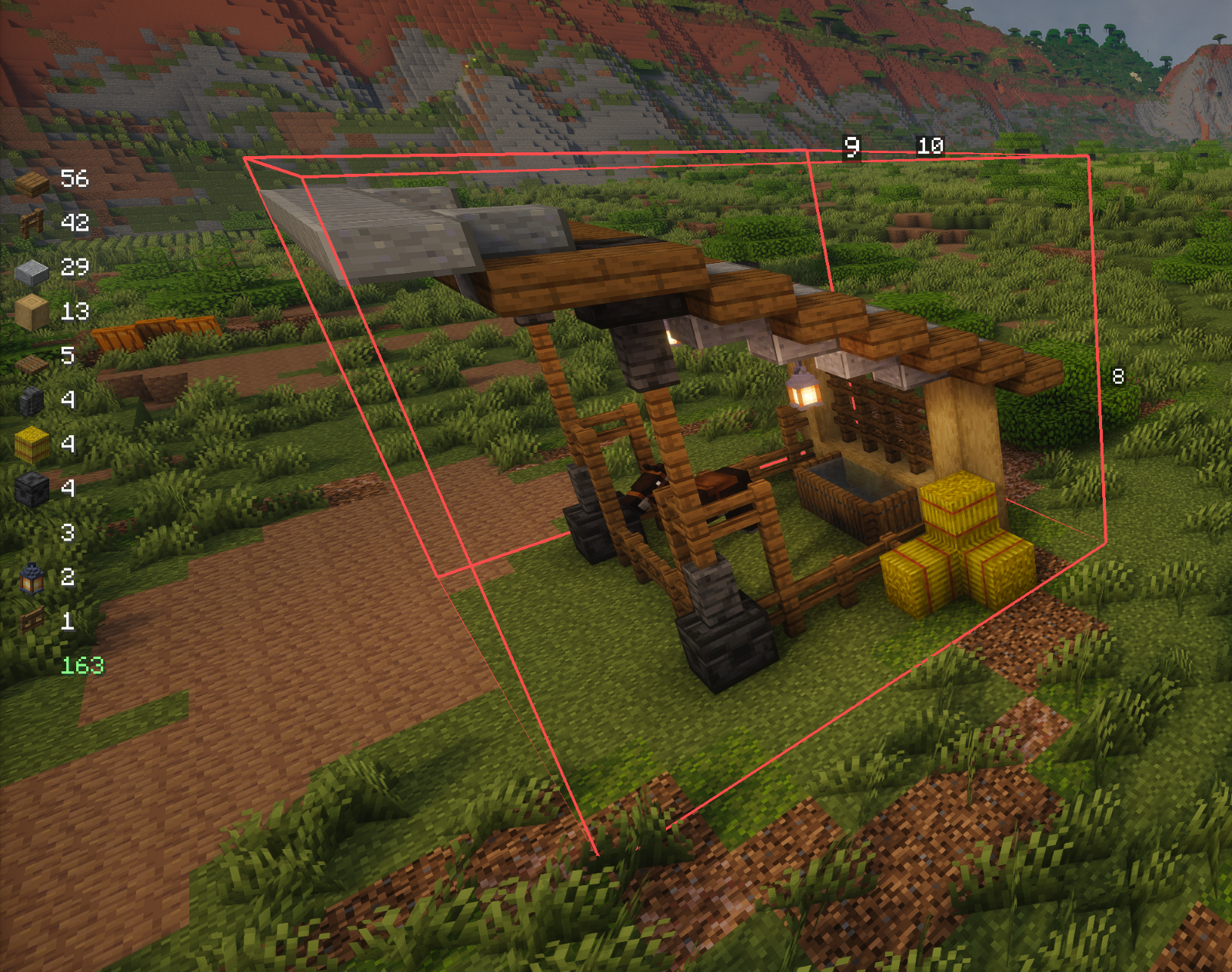
Architect’s Measuring Tape is a client-side Minecraft mod for measuring, counting, and visualizing block selections.
Features
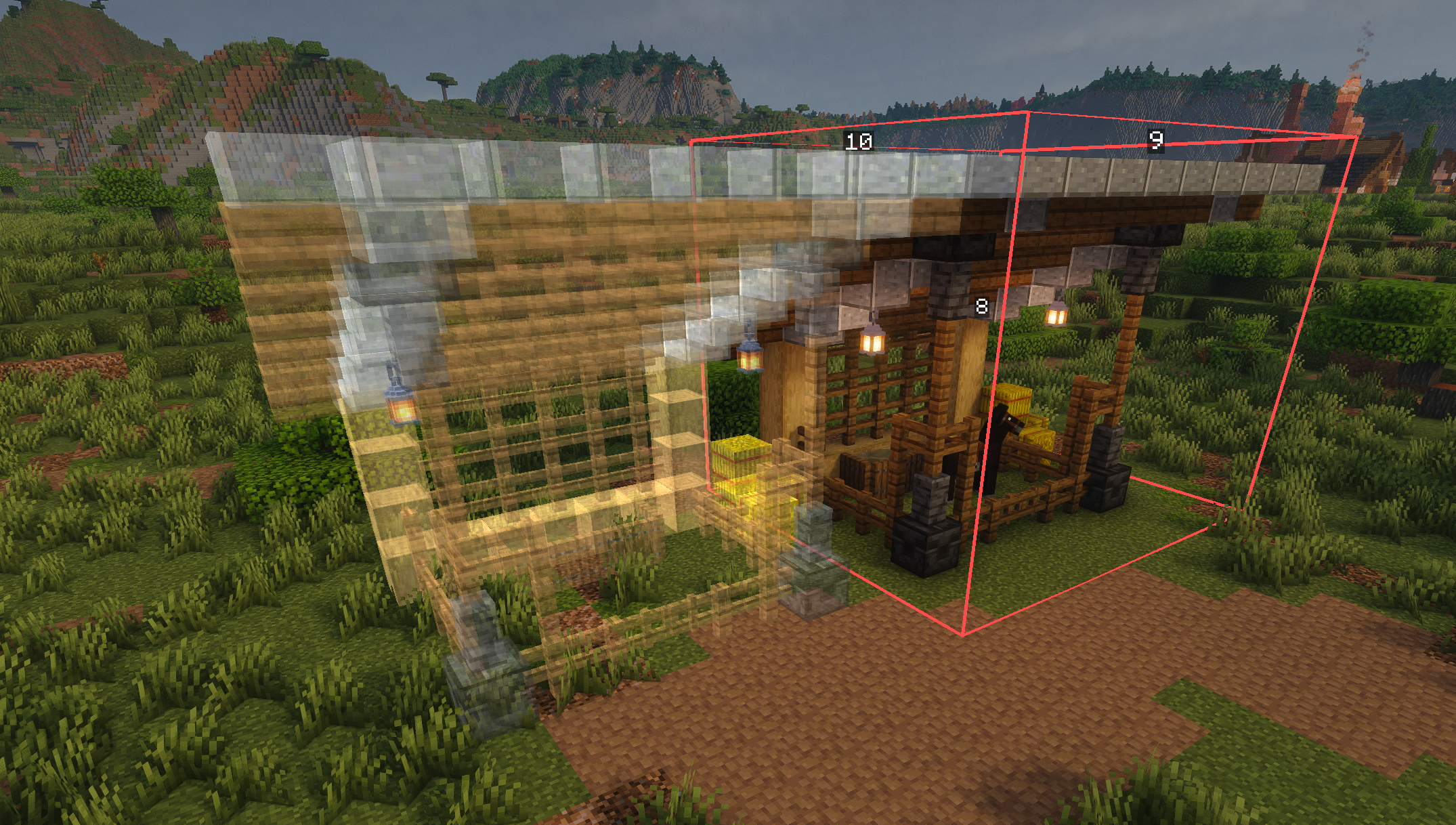
- Block Selection: Select multiple blocks to create measurement regions
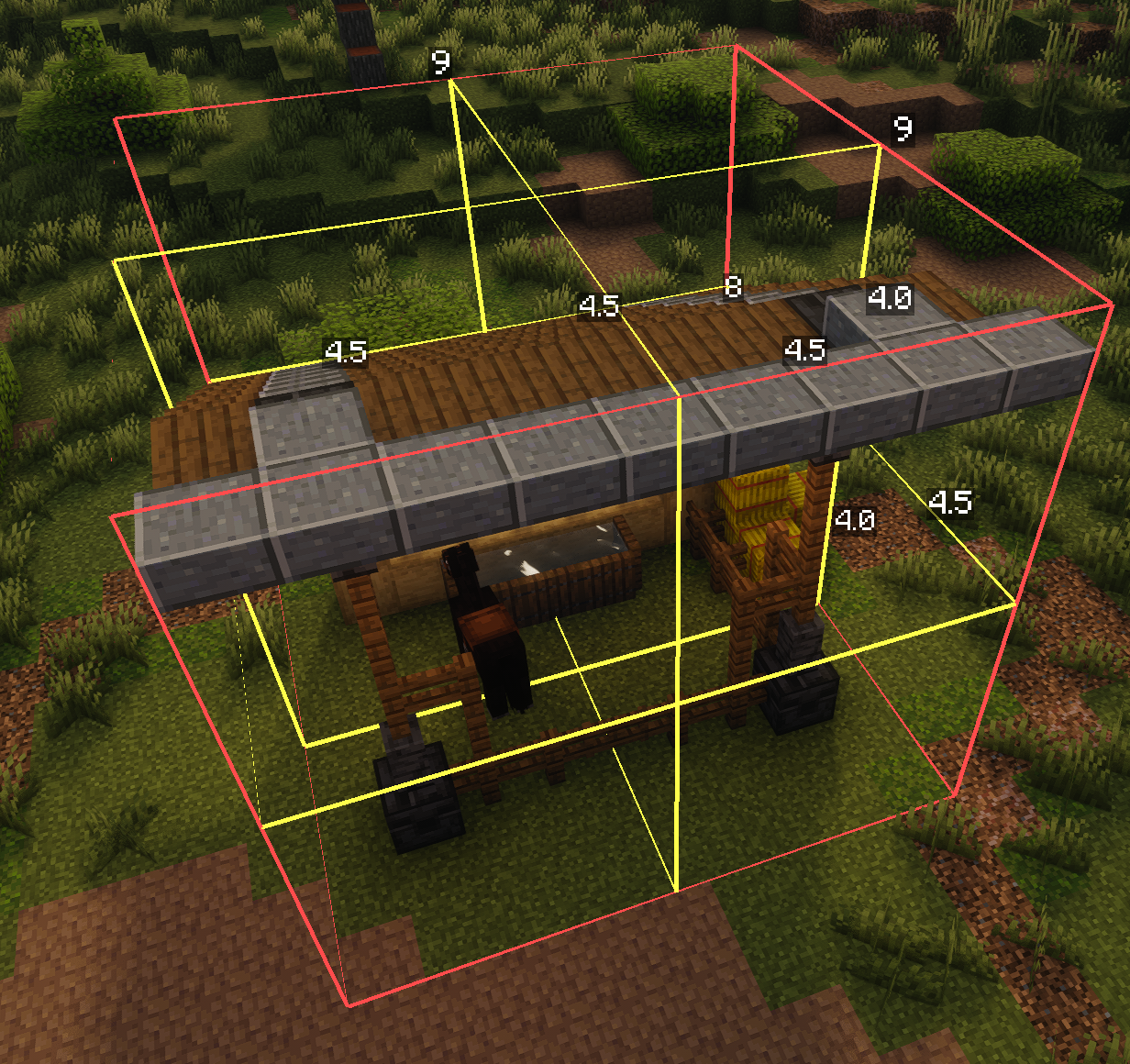
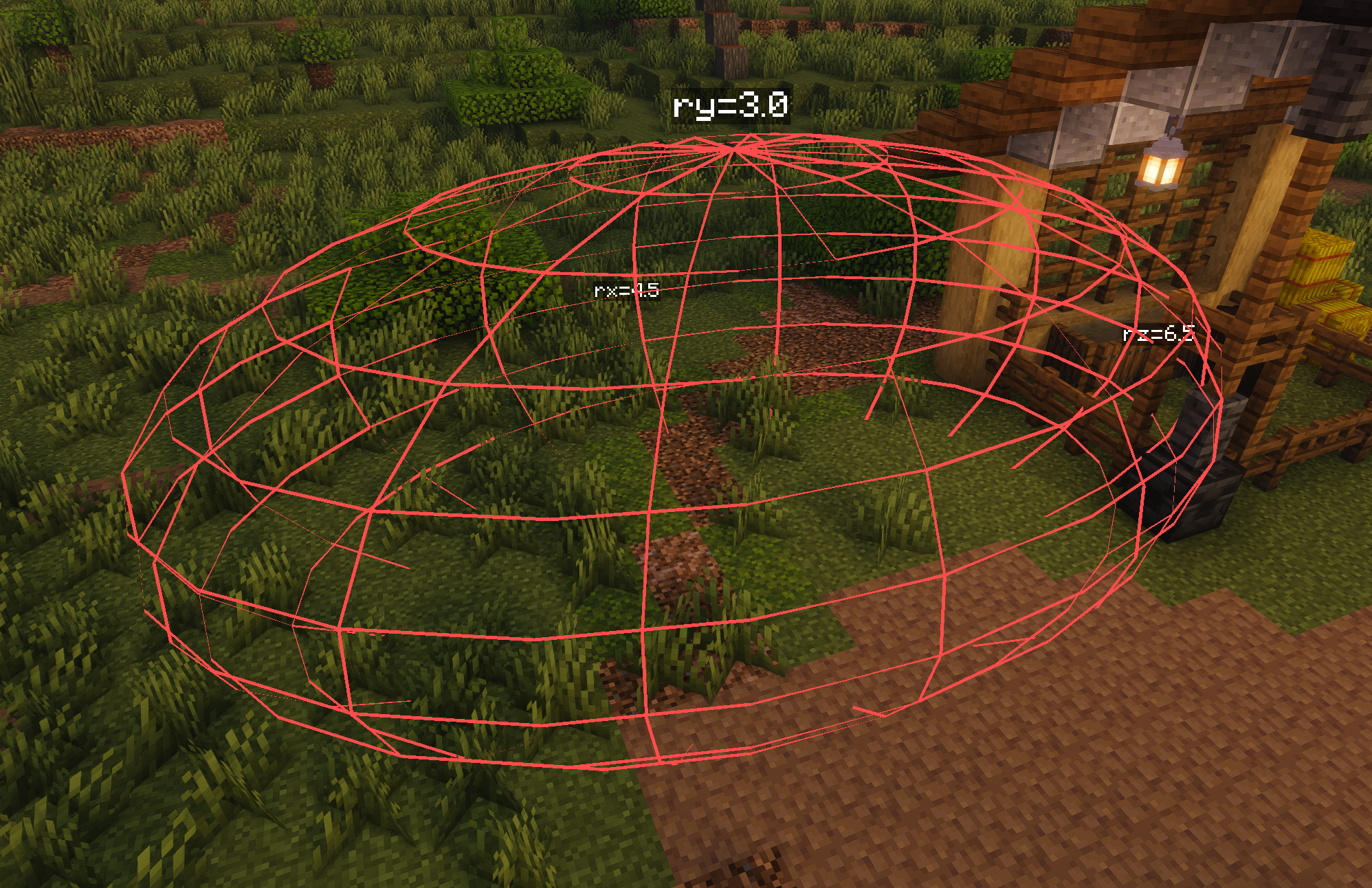
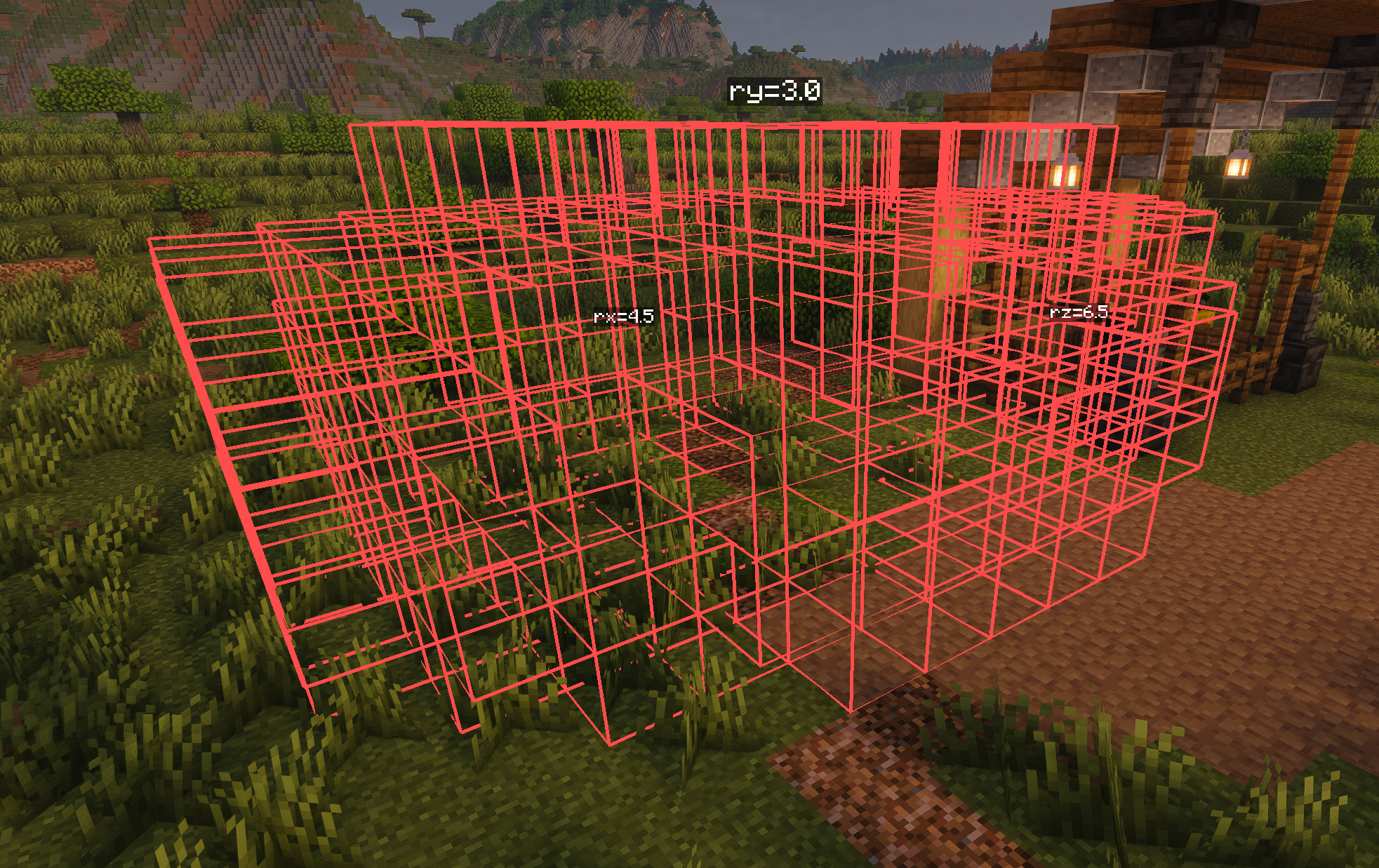
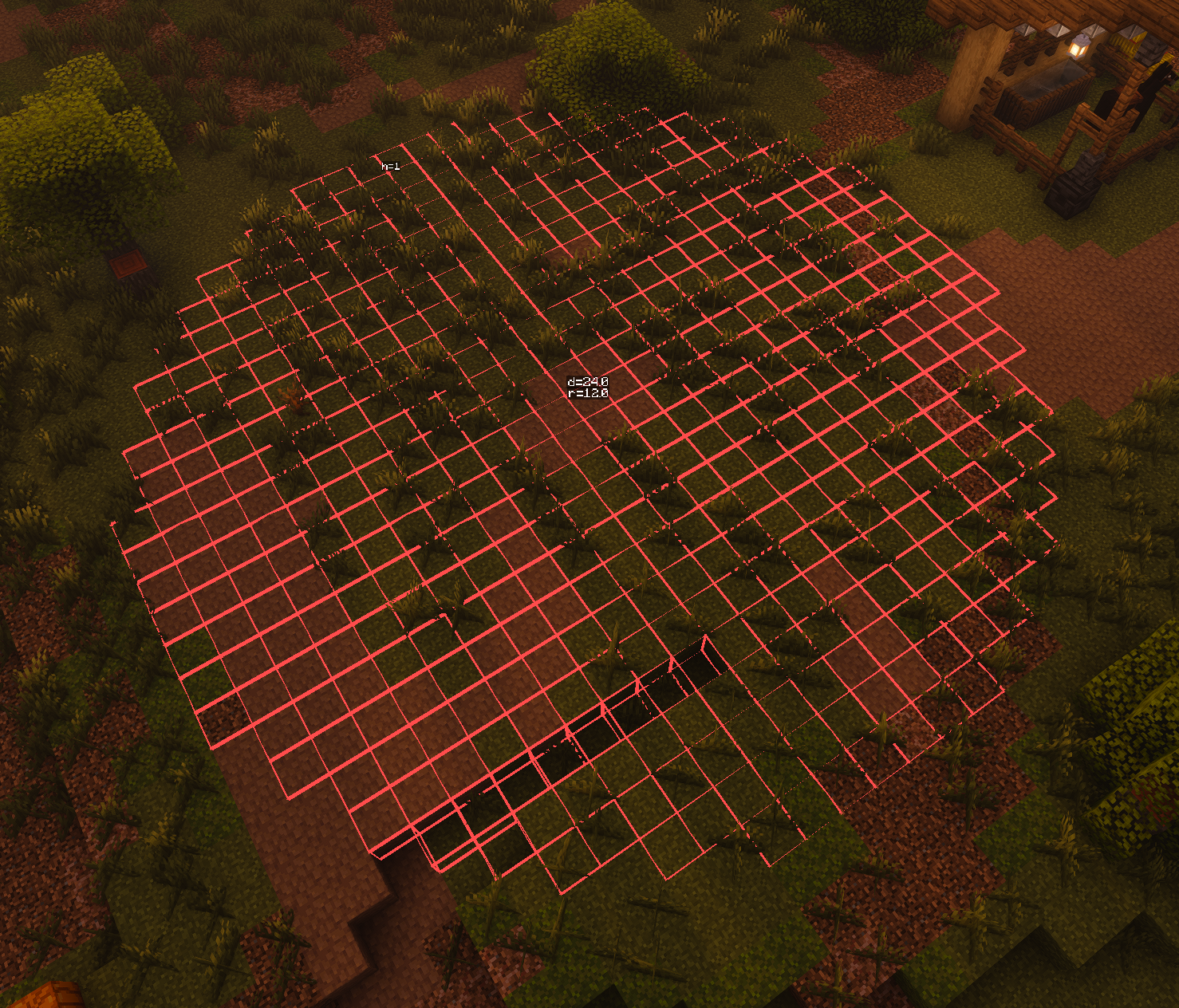
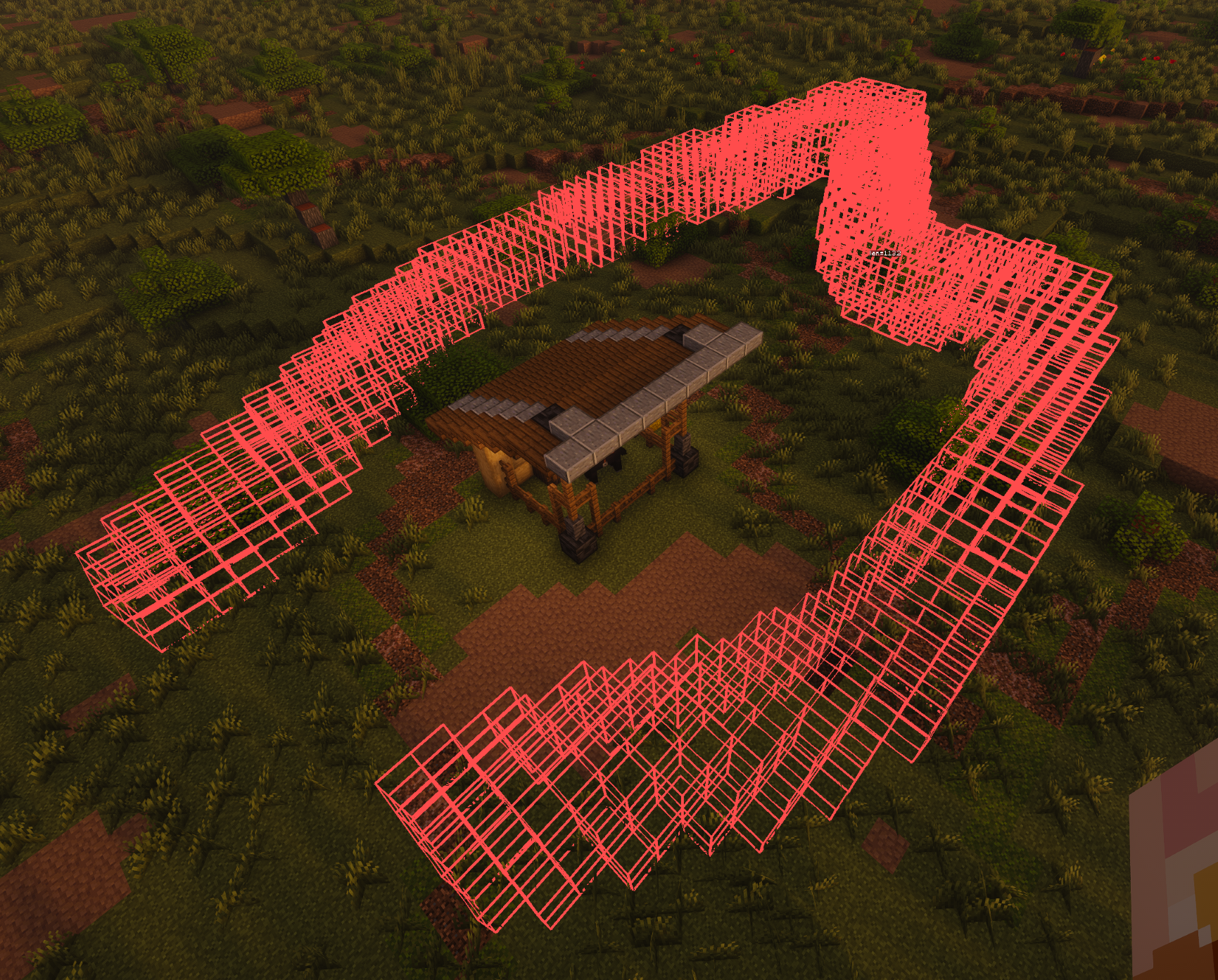
- Shape Modes: Rectangle, Cylinder, and Ellipsoid, line, spline wireframe displays
- Distance Labels: Shows measurements on each edge
- Subdivisions: Divide regions into equal parts with visual guides
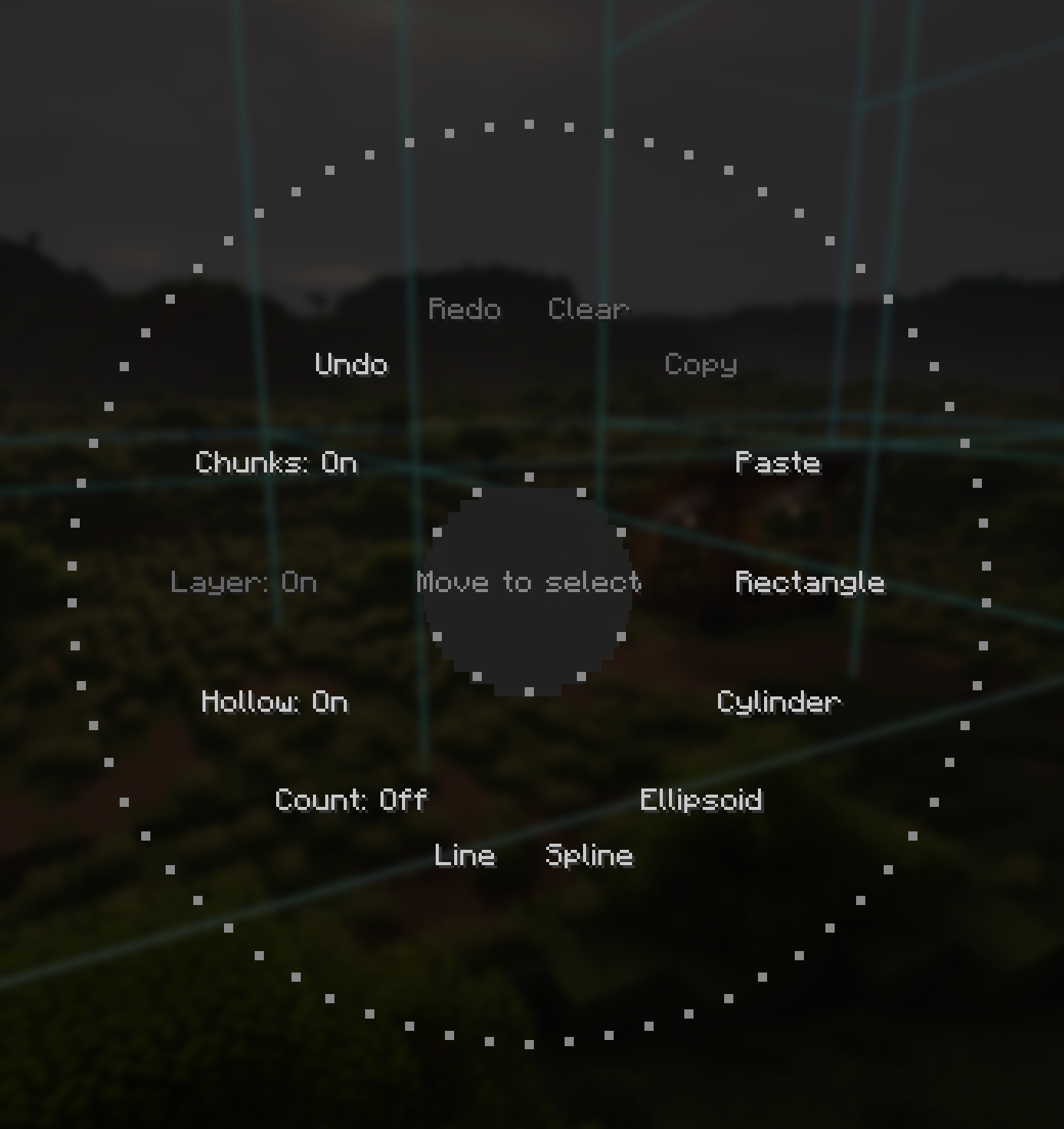
- Radial Menu: Hold the measure key to access options wheel
Controls
Hotkeys are configurable in the in-game menu.
- G (tap): Select the block you’re looking at
- G (hold): Open radial options menu
- Arrow keys: Adjust layer/rotate
- Scroll Wheel: While holding G and hovering over the selected shape, use the scroll wheel to adjust radius/subdivisions (line, spline, cylinder)/(rectangle).
Shape Modes
- Rectangle: Bounding box around all selected blocks
- Cylinder: First block = center, furthest block = radius
- Ellipsoid: 3D ellipsoid using selection bounds
- Line: Straight line through all selected points
- Spline: Spline through all selected points
常见问题
Architects Measuring Tape 支持哪些 Minecraft 版本?
Architects Measuring Tape 支持 Minecraft Java 版 1.21.1–1.21.11,共 3 个版本,可用的加载器:Fabric / NeoForge。下载时注意选择和你游戏版本一致的文件。
Architects Measuring Tape 怎么安装?
先用 PCL2 或 HMCL 启动器安装对应版本的 Fabric / NeoForge,再把下载的 .jar 文件放进游戏目录的 mods 文件夹,重新启动游戏即可。开启了版本隔离的,mods 文件夹在 versions/版本名 下面。运行环境:仅客户端。
评论
登录后评论和评分