
截图



介绍
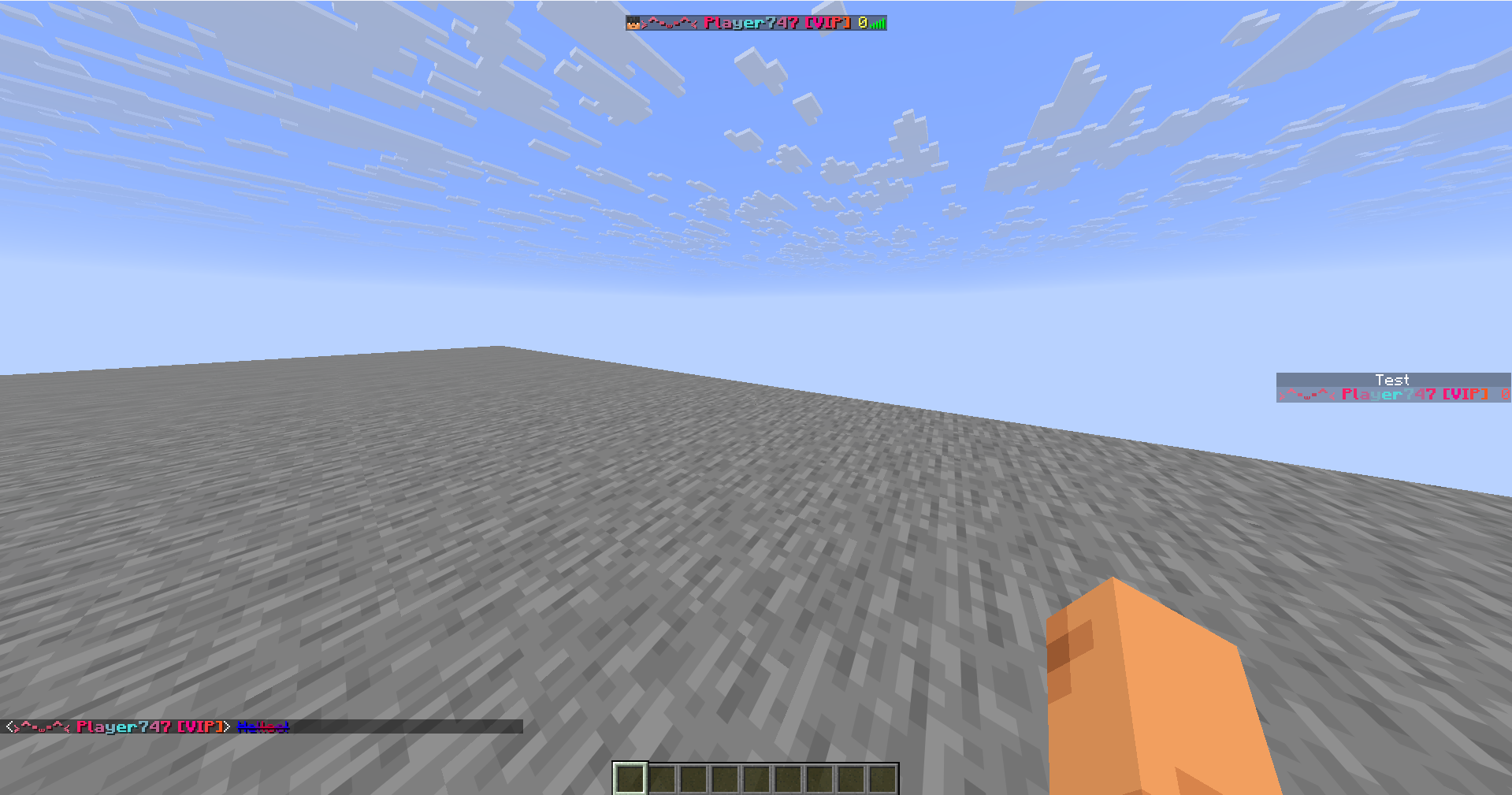
Chroma Names
Add animated effects to your chat!
Features
- Animated color effects
- Formatting
- Supports Minecraft default colors and custom HEX colors
- Server support
- GUI
- Prefixes and suffixes
Default key to open the GUI is C
Commands
| Command | Description |
|———|————-|
| /chateffect <effect> <color1> <color2> <speed> | Apply animated effects to the chat text |
| /nameeffect <effect> <color1> <color2> <speed> | Apply animated effects to the player’s name |
| /synceffect <effect> <color1> <color2> <speed> | Apply animated effects to the chat text and player’s name at the same time|
| /chatformat add <formats> | Apply formatting to the chat text|
| /nameformat add <formats> | Apply formatting to the player’s name |
| syncformat add <formats> | Apply formatting to the chat text and player’s name at the same time |
| /prefix add <prefix> <effect> <color1> <color2> <mode> <speed> | Adds a prefix to the players chat, scoreboard and tab list |
| /suffix add <suffix> <effect> <color1> <color2> <mode> <speed> | Adds a suffix to the players chat, scoreboard and tab list |
| /prefixformat add <formats> | Apply formatting to the prefix|
| /suffixformat add <formats> | Apply formatting to the suffix|
| /chateffect clear | Remove all effects on the chat text |
| /nameeffect clear | Remove all effects on the player’s name |
| /synceffect clear | Remove all effects on the chat text and player’s name |
| /chatformat clear | Remove all formatting on the chat text |
| /nameformat clear | Remove all formatting on the player’s name |
| /syncformat clear | Remove all formatting on the chat text and player’s name |
| /prefix | Removes prefix |
| /suffix | Removes suffix |
| /prefixformat clear | Removes prefix formatting |
| /suffixformat clear | Removes suffix formatting|
❤️ Support & Feedback
常见问题
Chroma Names 支持哪些 Minecraft 版本?
Chroma Names 支持 Minecraft Java 版 1.21.1–26.3,共 9 个版本,可用的加载器:Fabric。下载时注意选择和你游戏版本一致的文件。
Chroma Names 怎么安装?
先用 PCL2 或 HMCL 启动器安装对应版本的 Fabric,再把下载的 .jar 文件放进游戏目录的 mods 文件夹,重新启动游戏即可。开启了版本隔离的,mods 文件夹在 versions/版本名 下面。运行环境:客户端 / 服务端。

评论
登录后评论和评分