
Player Locator Settings
A datapack that gives players control over their locator waypoint
截图


介绍
Lets players change their player locator settings in the pause menu! This uses the new dialog system.
THIS IS A DATAPACK, SO IT IS SERVER SIDE!
This adds a button the pause menu called “Player Locator”, as shown in the following screenshot:
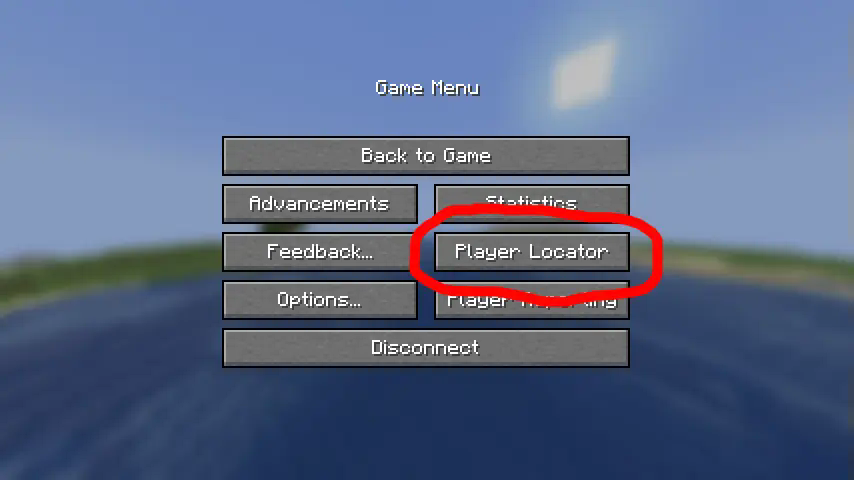
This menu allows for customization of your personal waypoint transmission range, style, and color!
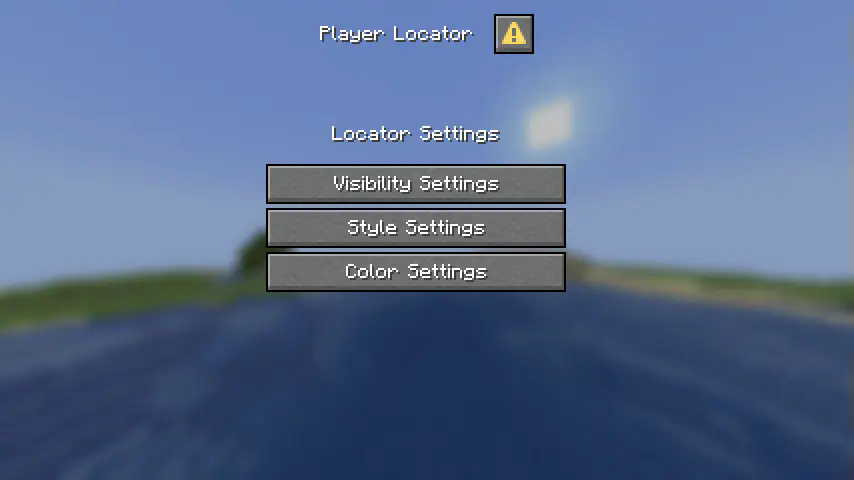
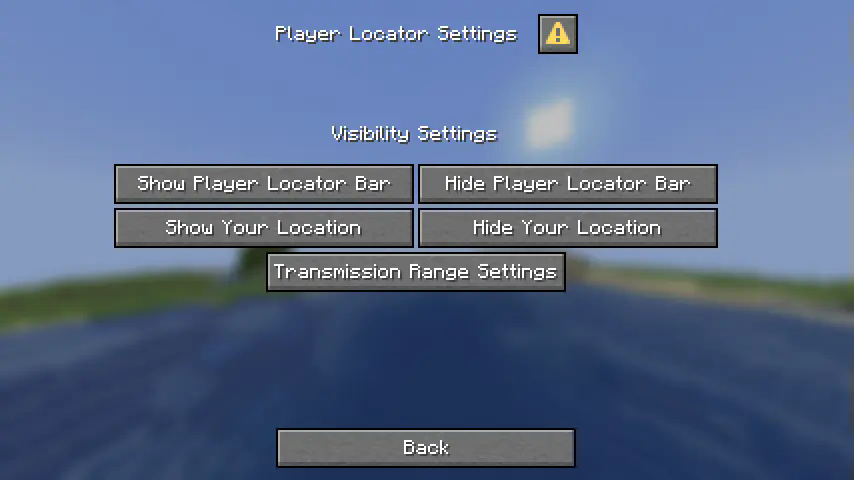
Here are the visibility settings:
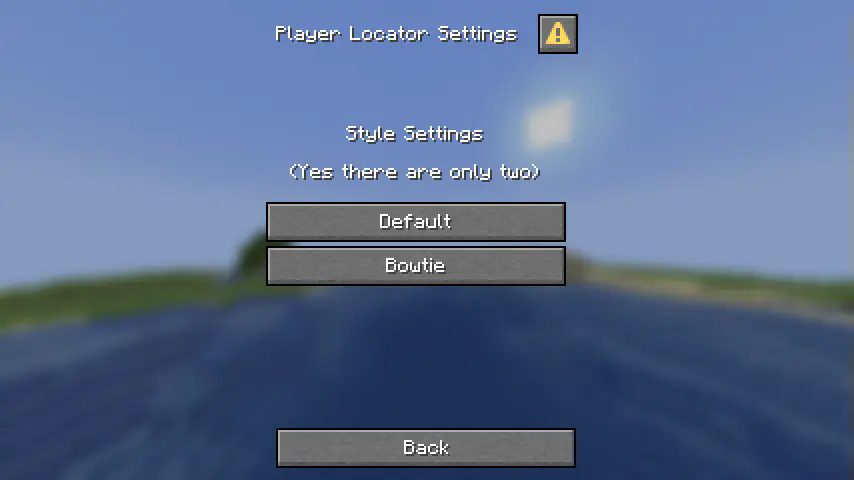
Here are the style settings (there are only two default styles)
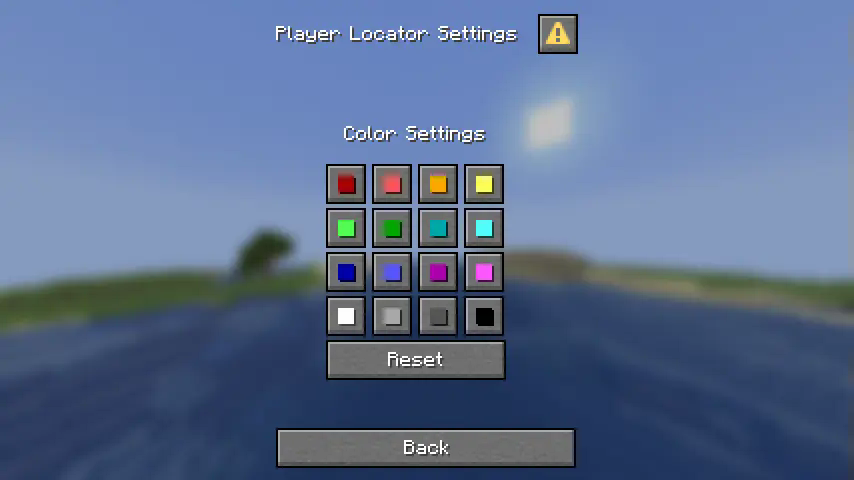
Here are the color settings:
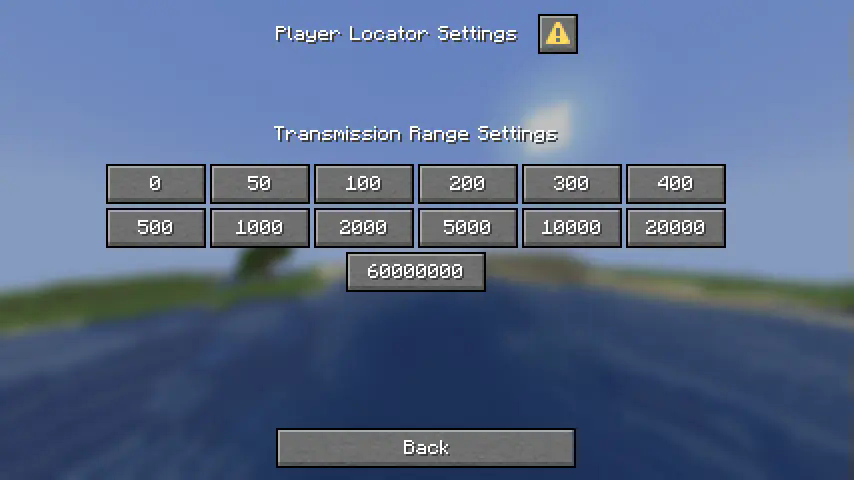
Here are the waypoint range settings:
常见问题
Player Locator Settings 支持哪些 Minecraft 版本?
Player Locator Settings 支持 Minecraft Java 版 1.21.6–1.21.10,共 5 个版本,可用的加载器:Fabric / Forge / NeoForge / Quilt。下载时注意选择和你游戏版本一致的文件。
Player Locator Settings 怎么安装?
先用 PCL2 或 HMCL 启动器安装对应版本的 Fabric / Forge / NeoForge / Quilt,再把下载的 .jar 文件放进游戏目录的 mods 文件夹,重新启动游戏即可。开启了版本隔离的,mods 文件夹在 versions/版本名 下面。运行环境:客户端 / 服务端。
dbrighthd 的其他作品
查看全部 →
Elytra Contrails Mod
通过模组添加精准的鞘翅飞行轨迹!

Enchantment Outline
为附魔工具添加了紫色轮廓

Elytra Contrails Resource Pack
为鞘翅添加翼尖尾迹

Creatures+
借助 OptiFine 的随机实体功能,为游戏新增 50 多种生物!
评论
登录后评论和评分