截图
介绍
Ambient HUD – a rework of Minecraft’s default interface.
If you’re willing to trade some familiar information for a cleaner, more immersive experience- this mod is for you.
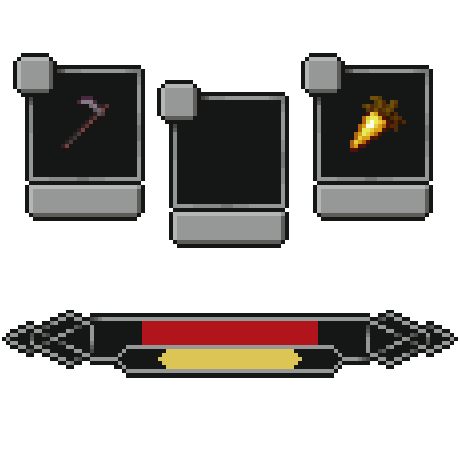
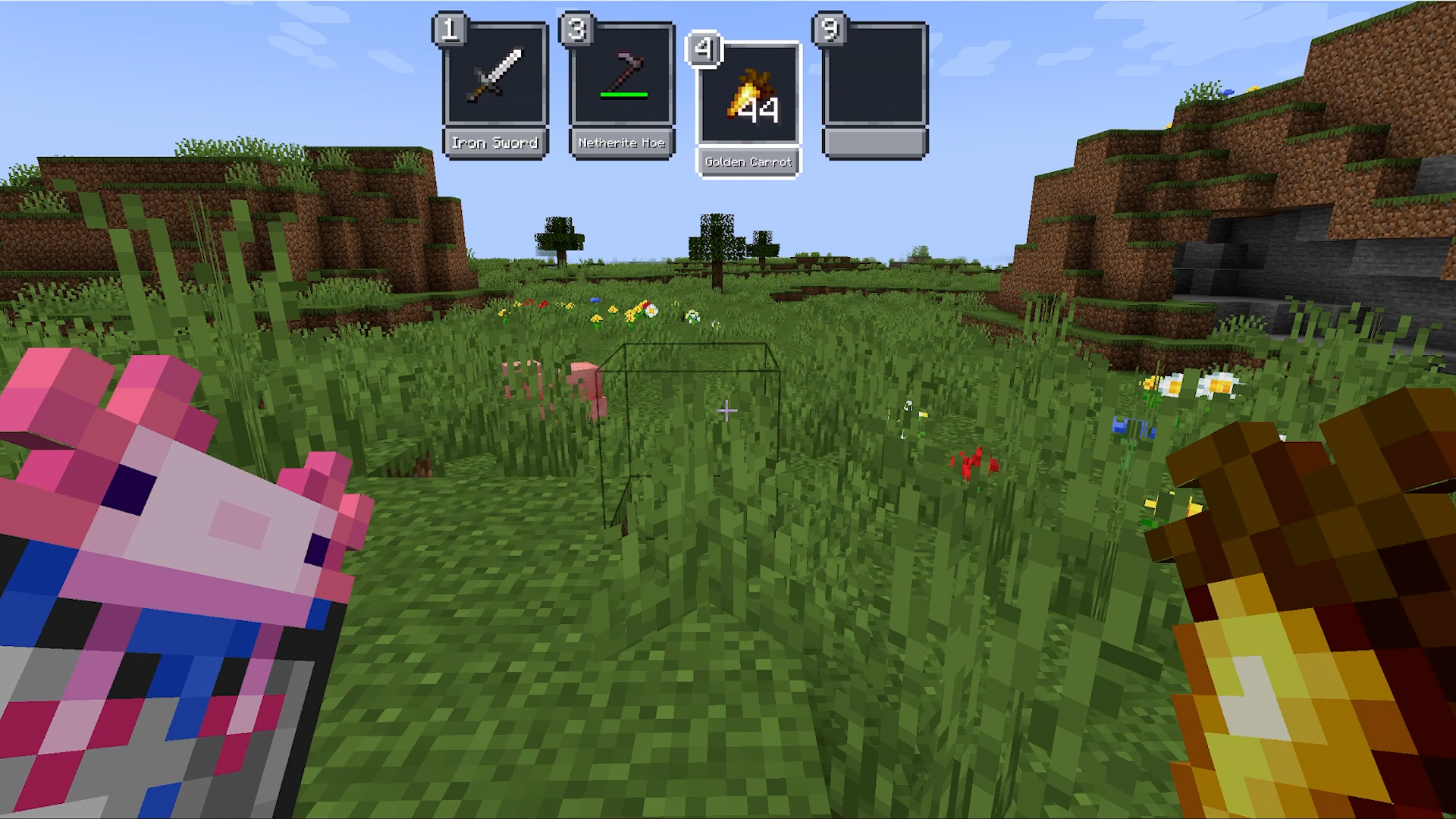
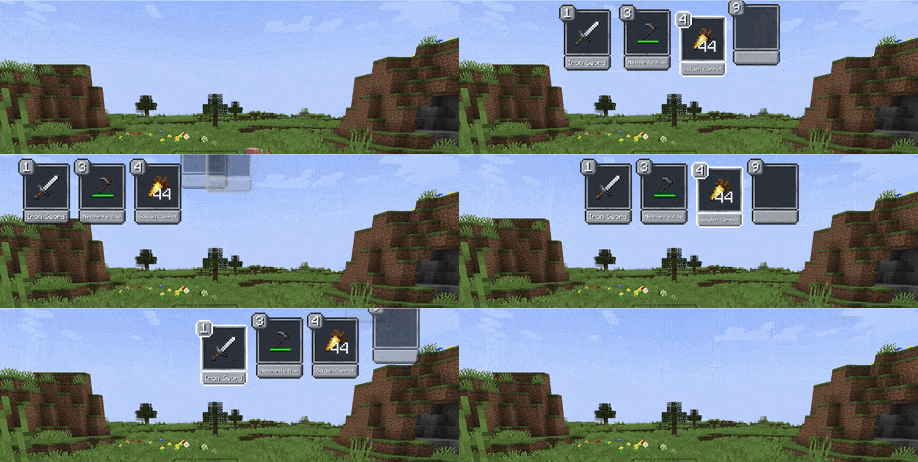
New Hotbar Appears only when you interact with it: scrolling or pressing a hotkey. Can be positioned on the left, right, or top of the screen. By default hides all slots except one empty slot for easier scrolling – any slot is still reachable with its hotkey.
Offhand
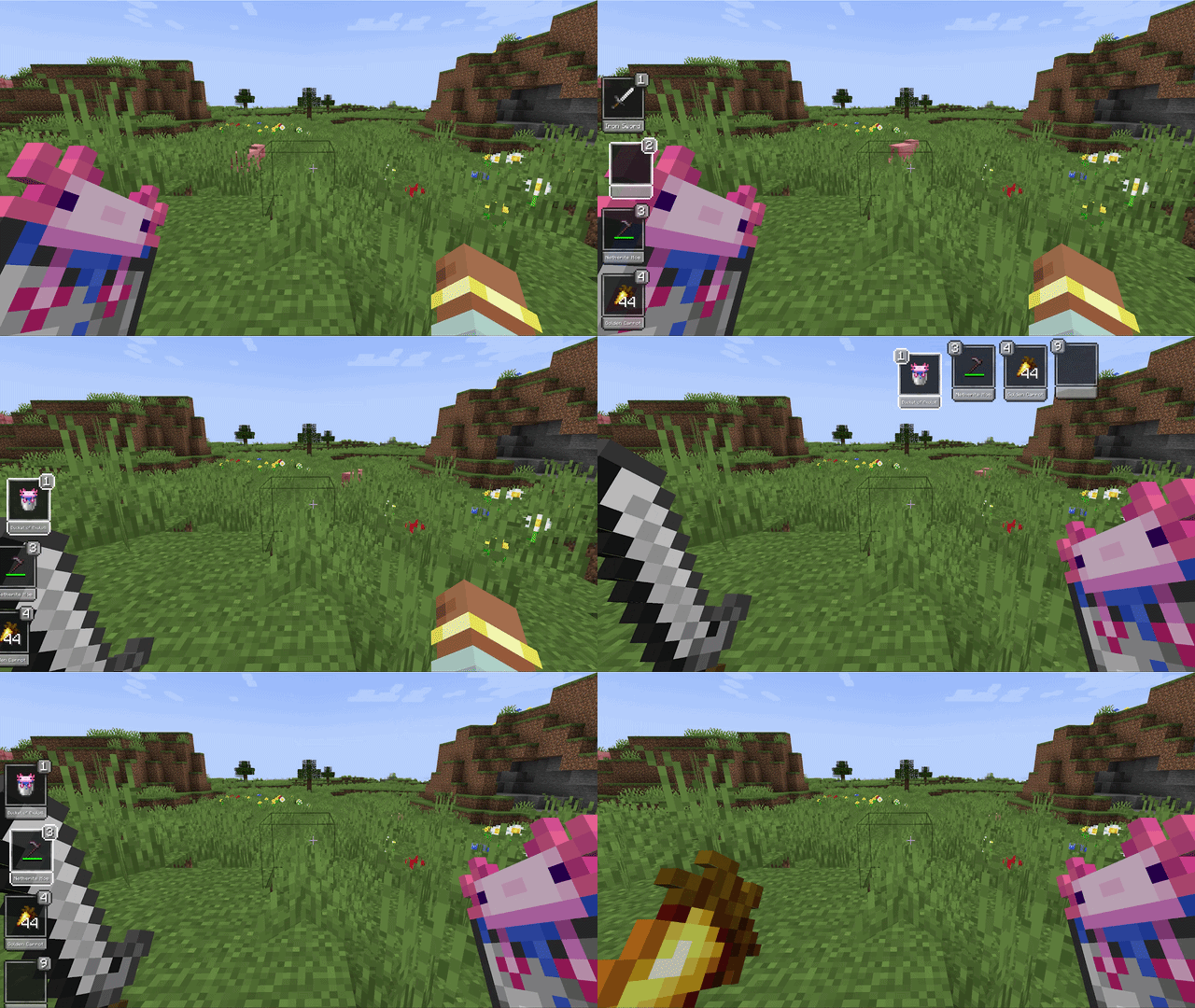
Holding the offhand key brings up the hotbar and lets you move any item directly into the offhand slot – no extra scrolling needed.
Pickup Notifications
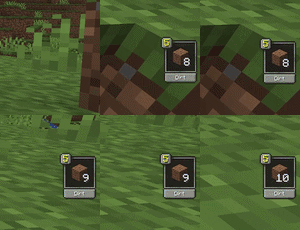
When you pick up an item, the slot it landed in gets highlighted – or a notification appears if it went into your inventory.
Core Indicators
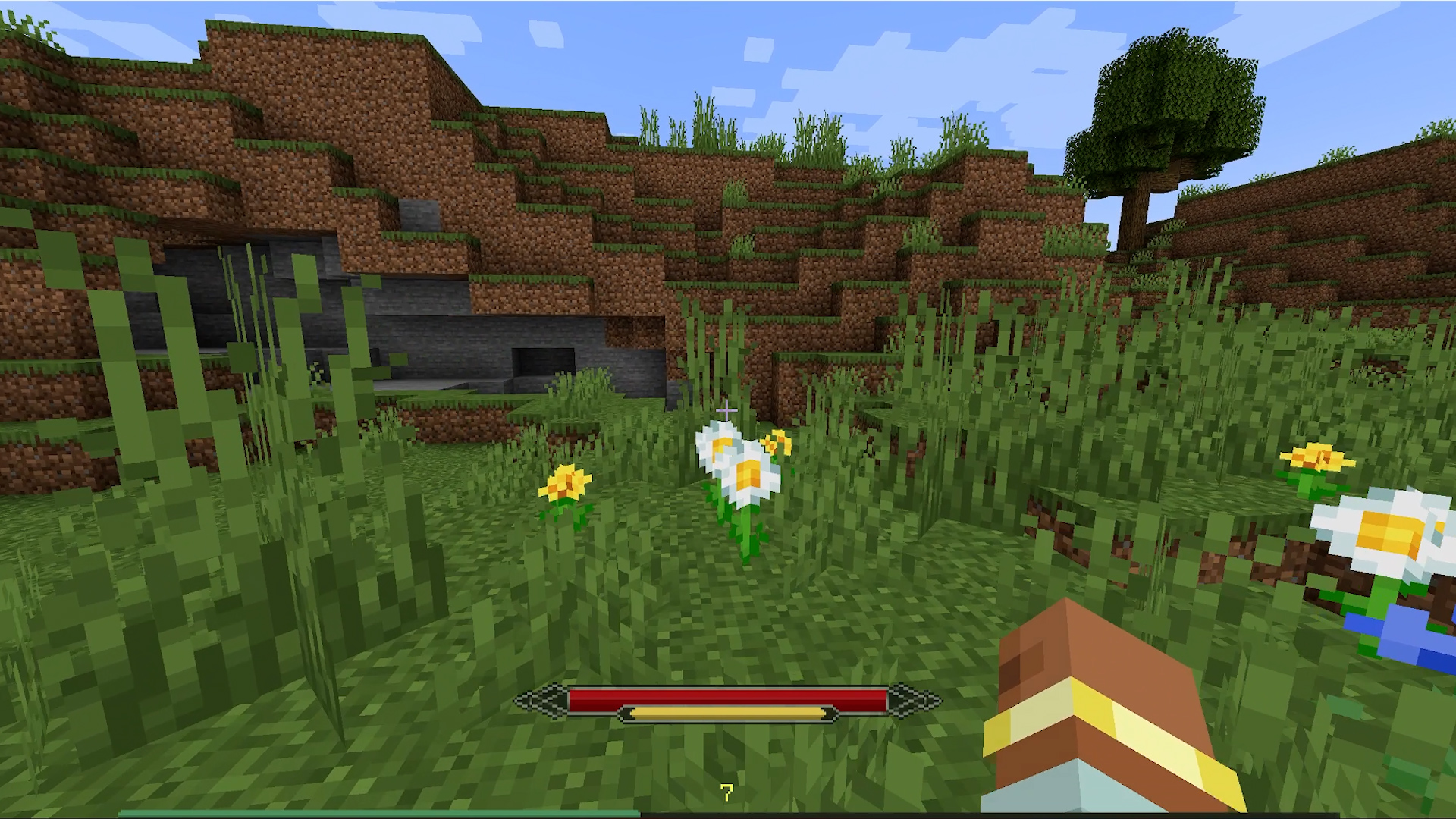
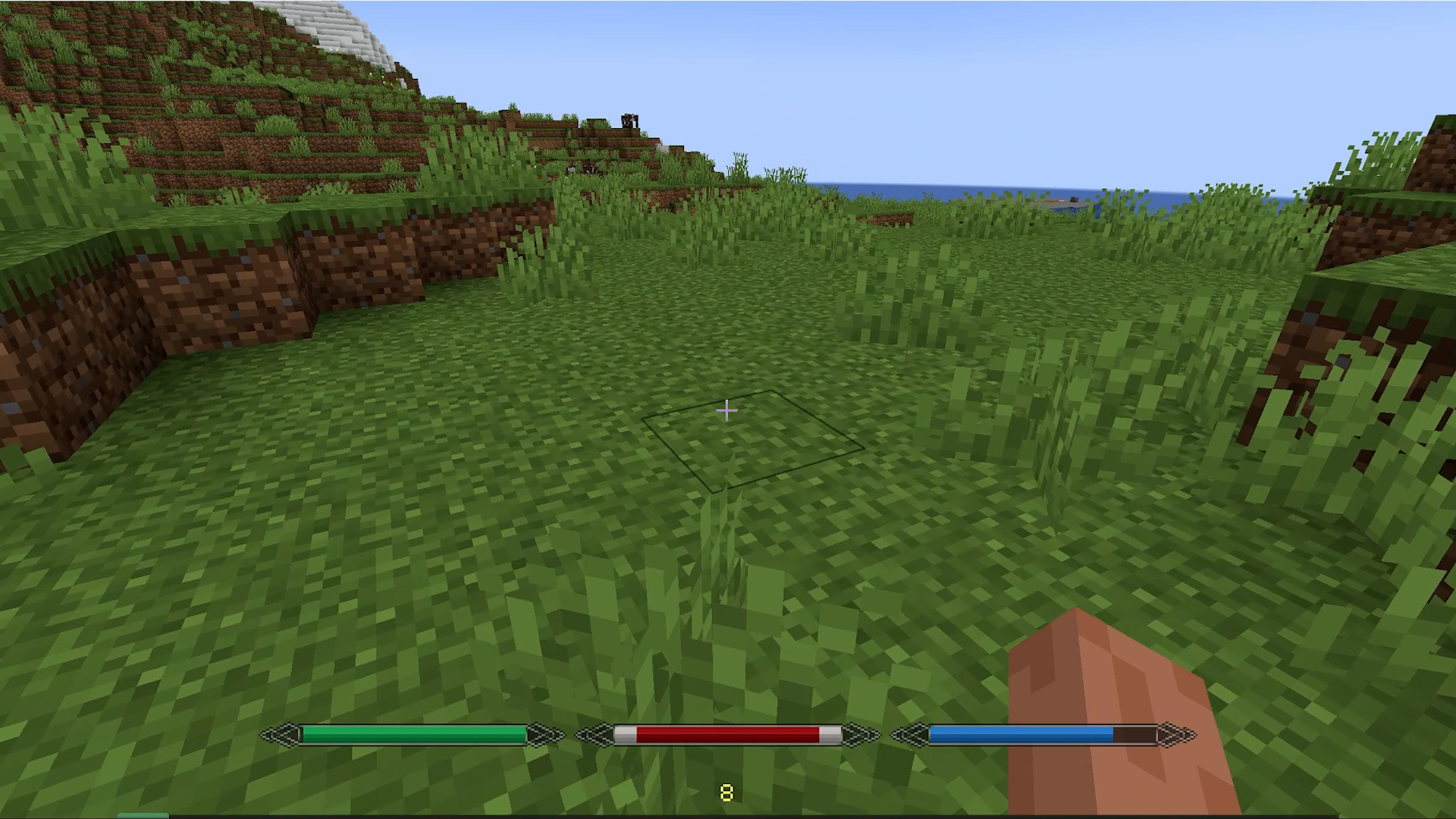
Health, hunger, and air only show when they’re not full. The XP bar is always visible by default.
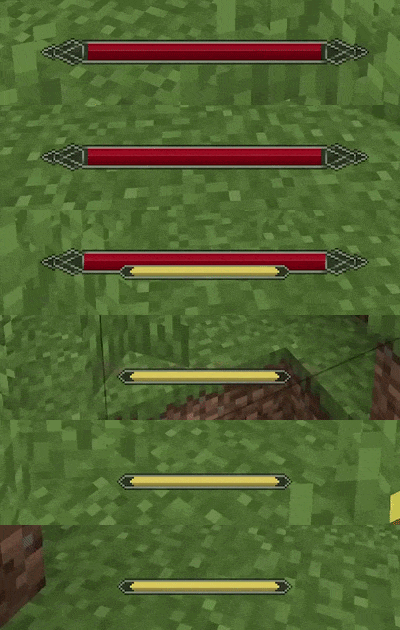
Boss Bar Optionally suppresses pickup notifications during boss fights. Picks up the color of the vanilla boss bar.
Optional Indicators
Mana and stamina work only when a compatible mod is installed and are detected automatically. The source mod can also be set manually if needed.

Integrations
- Irons Spells & Spellbooks – mana (disable the original mana bar in its config)
- Ars Nouveau – mana (the original bar can be pushed offscreen)
- Epic Fight – stamina (original stamina bar is hidden automatically)
- Parcool – stamina (original stamina bar is~~~~ hidden automatically
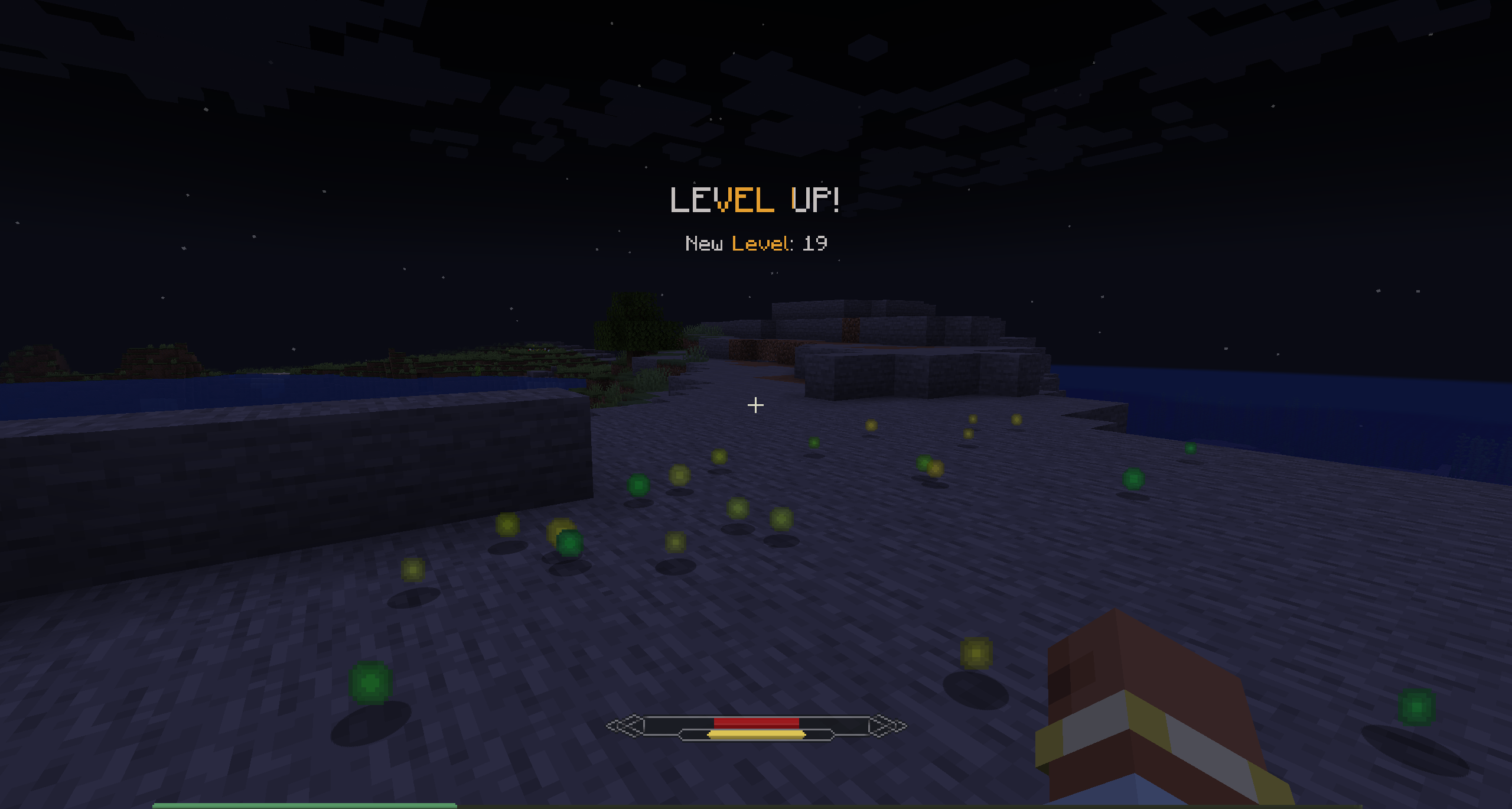
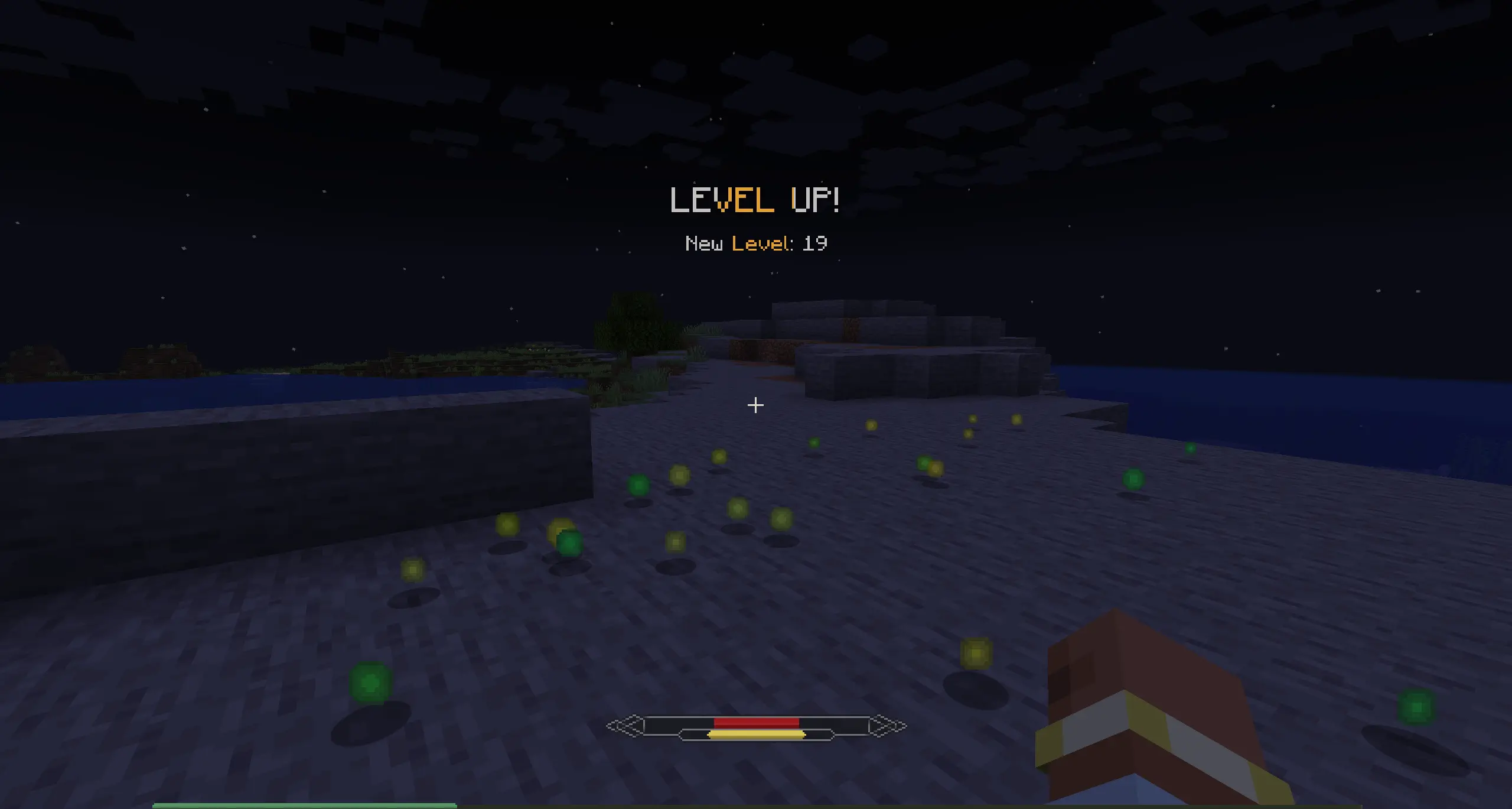
level up notification
The level is hidden by default, and when you level up, you’ll see a toast like in RPG games.
Configuration
All elements of Ambient HUD can be disabled to restore their vanilla counterparts.
常见问题
Ambient HUD 支持哪些 Minecraft 版本?
Ambient HUD 支持 Minecraft Java 版 1.20.1–1.21.1,共 2 个版本,可用的加载器:Forge / NeoForge。下载时注意选择和你游戏版本一致的文件。
Ambient HUD 怎么安装?
先用 PCL2 或 HMCL 启动器安装对应版本的 Forge / NeoForge,再把下载的 .jar 文件放进游戏目录的 mods 文件夹,重新启动游戏即可。开启了版本隔离的,mods 文件夹在 versions/版本名 下面。运行环境:客户端和服务端都要装。
ktkps 的其他作品
查看全部 →
Glyphborn
action RPG loot system - randomized gear stats, deep build diversity, and smooth character progression. Highly compatible with other mods.

Glyphborn
action RPG loot system - randomized gear stats, deep build diversity, and smooth character progression. Highly compatible with other mods.
评论
登录后评论和评分