
截图


介绍
Have you ever wanted to use the Locator bar to locate your base, your farm, or even just a cool spot where you want to come back later ?
With Banner&Lodestone you don’t need to screen or write down your coordinates anymore, this is a lightweight, survival friendly way to locate spots where you’ve already been in your minecraft world !
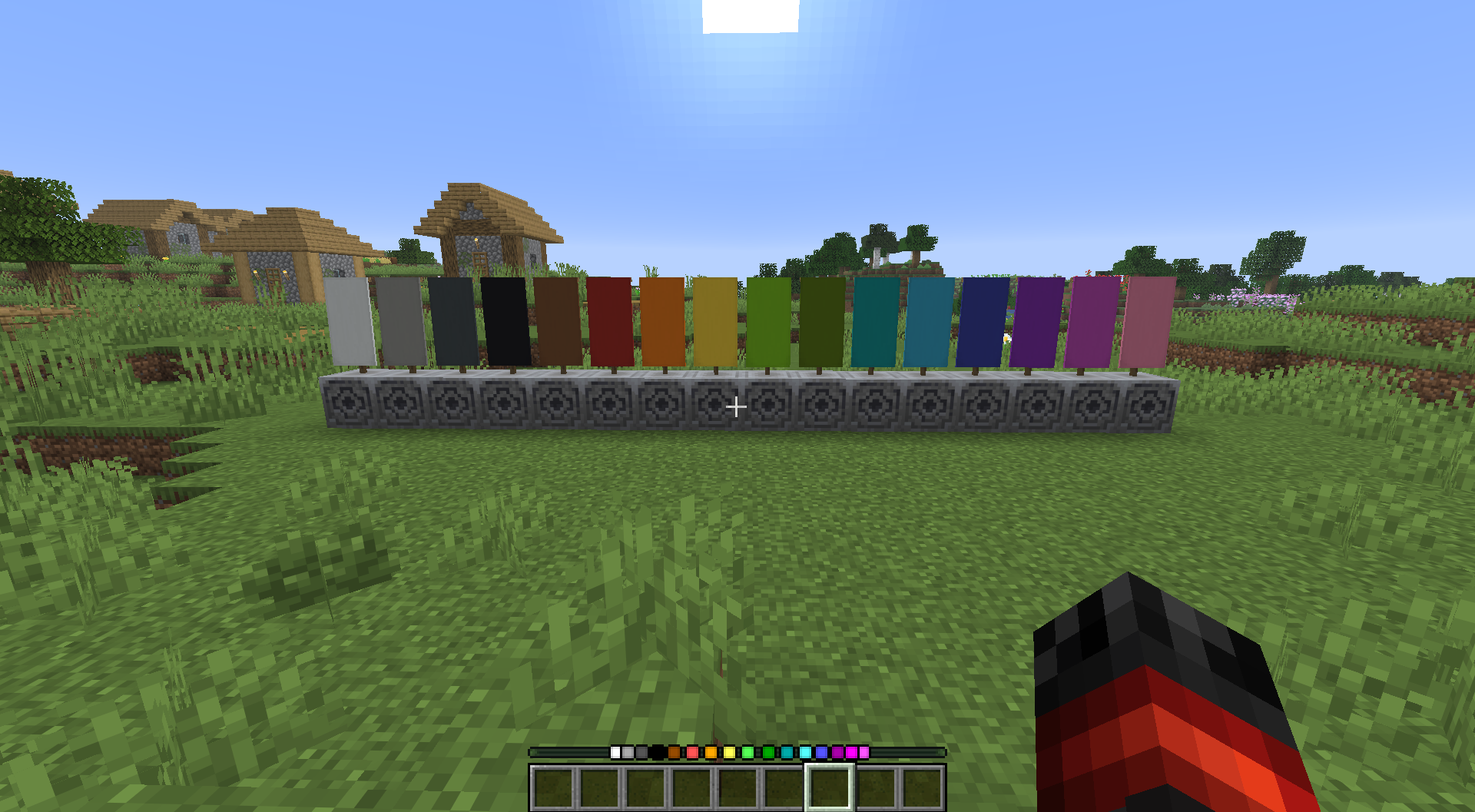
Simply place a banner on top of a lodestone and a dot matching the color of the banner will appear on your locator bar !
And if you wish to remove a dot, you just need to break the banner, it’s as simple as that !
If you have any issue/question, contact me on discord! (@nugrevan) : https://discord.gg/SxarRKTw8k, any feedback will be greatly appreciated, thanks !
常见问题
Banner&Lodestone Locator Bar 支持哪些 Minecraft 版本?
Banner&Lodestone Locator Bar 支持 Minecraft Java 版 1.21.6–26.3,共 11 个版本,可用的加载器:Fabric / Forge / NeoForge / Quilt。下载时注意选择和你游戏版本一致的文件。
Banner&Lodestone Locator Bar 怎么安装?
先用 PCL2 或 HMCL 启动器安装对应版本的 Fabric / Forge / NeoForge / Quilt,再把下载的 .jar 文件放进游戏目录的 mods 文件夹,重新启动游戏即可。开启了版本隔离的,mods 文件夹在 versions/版本名 下面。运行环境:客户端 / 服务端。
nugrevan 的其他作品
查看全部 →
unlimited villager trades
让村民的交易次数不再耗尽,不用再等他们补货!

Sword Armor Trims
让所有剑都能使用任意锻造模板和材料进行装饰,为你的剑解锁超过 1300 种外观!

Unlimited Villager Trades
让村民的交易永不耗尽,无需再等待他们补货!

Elytra Armor Trims
让鞘翅也能像盔甲一样添加纹饰,可从 198 种纹饰中选择!
评论
登录后评论和评分